
Day before yesterday, I shared that I’d managed to snag the short URL featuring the tcea14 hashtag. If you aren’t familiar with URL shorteners, they essentially take a long, unmanageable and difficult to share web address (e.g. Google Sites or GoogleDocs web address) and make it short enough to print on a business card handout.

I’m using the Training2 Template from Google Sites
Here are 3 URL shortening services (free, of course) that you could use to shorten long web addresses, as I did with My TCEA 2014 Google Sites web site:
1) TinyURL.com
This is one of my top two favorite URL shorteners. It’s free, easy to use and most of the time, works great.

Example: http://tinyurl.com/tcea14
By the way, here are some ways to “decode” or unshorten TinyURLs:
- http://kiserai.net/turl.pl
- http://www.trueurl.net/
- http://lifehacker.com/5196454/tinyurl-decoder-displays-the-real-addresses-behind-shrunken-urls
And this excellent tip via TheJoshMeister.com:
Add “preview.” before the “tinyurl.com” portion of the URL to see where the link will take you, e.g. you can change http://tinyurl.com/cz23u4 into http://preview.tinyurl.com/cz23u4Better yet, you can force TinyURL to always take you to the preview link whenever you click on a tinyurl.com shortcut. If you go to http://tinyurl.com/preview.php you can set a cookie for the site that will enable this feature.
2) Bit.ly
Although I have suspicions that the “ly” stands for Libya or something, this URL shortener lets you create a free account then track hits (or number of visits) to a web site.
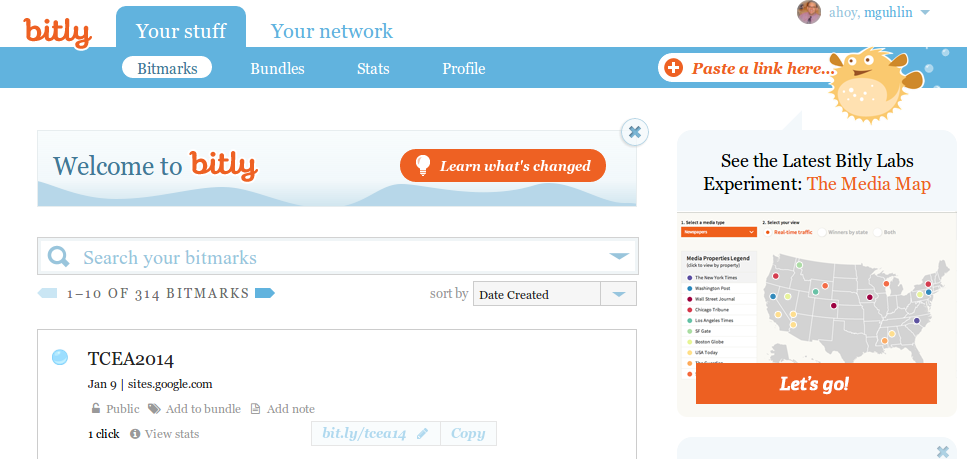
Example: http://bit.ly/tcea14
Some ways to decode Bit.ly URLs:
And, another tip from TheJoshMeister.com article cited above:
Just add a plus (”+”) after a bit.ly URL to see where the link will take you, and also to get statistics for that shortened URL
3) V.gd
This incredibly short URL shortener allows you to also create a custom web address for your web site.
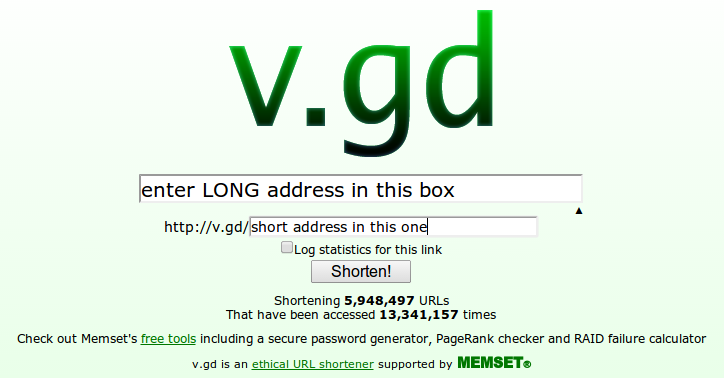
Now, I know some of you are grumbling, “Miguel, you’ve used up all the tcea14 words!” but the truth is I haven’t for V.gd.
Hmm…
BTW, other URL expanders mentioned here will work with V.gd links. Just add a dash ”-” without quotes to the end of a v.gd link to see it:
http://v.gd/mgblog-
See you at TCEA14!