
As I asked earlier, how does one go about embedding Flipboard ezines into a Google Sites page? Surely someone knew how to do this and I just needed to find that person! So, I tapped into the genius network of Google Certified Teachers and Jay Atwood (@jayatwood) responded:
I have embedded my Apps Script Flipboard mag on my Getting Sand Everywhere site. I used the iFrame gadget with the magazine URL: https://flipboard.com/section/google-apps-scripts-b5gLDK. It works a treat.
Jay
GTAMTV 2012
With that information from Jay, I was able to accomplish the embedding of the magazine in a Google Site…it looks like this when embedded on a Google Sites page:
Here are the steps I followed…
Step 1 - Edit your Google Sites page and click where you would like the embedded Flipboard ezine to go.
Step 2 - Go to INSERT -> More gadgets then do a search on iframe:
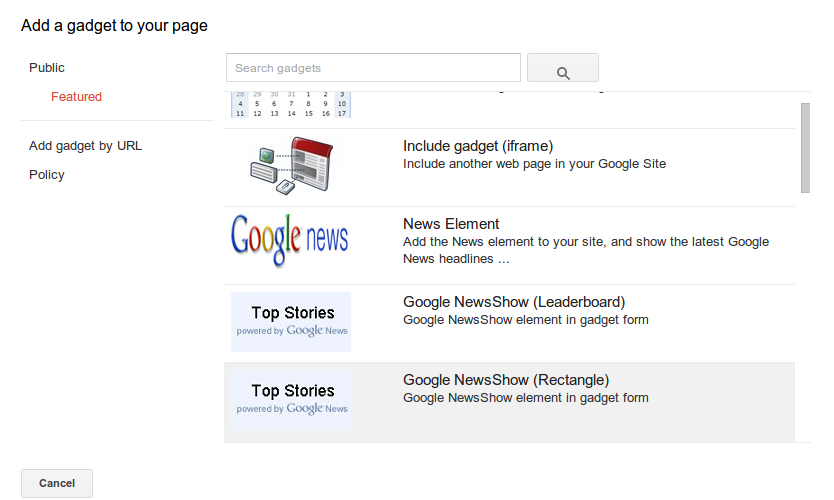
Step 3 - Choose the Include gadget (iframe) gadget
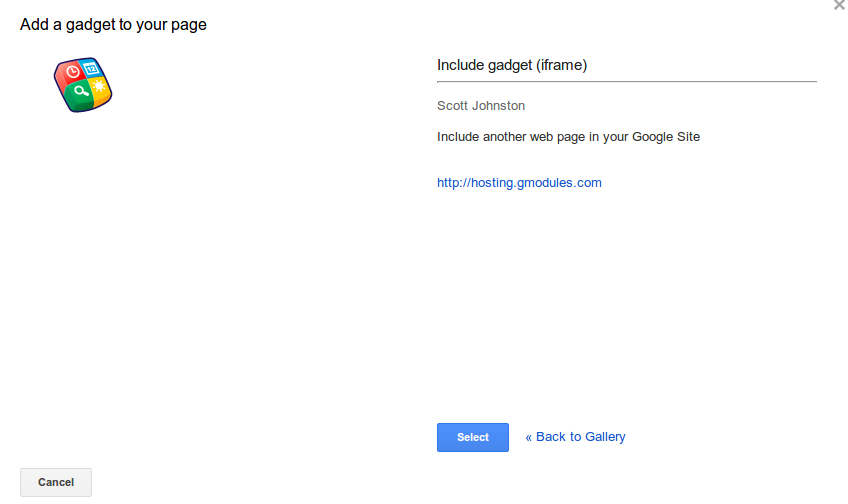
Step 4 - Paste in the address of your Flipboard magazine. In my case, it was https://flipboard.com/section/ectobuzz-bJdViE
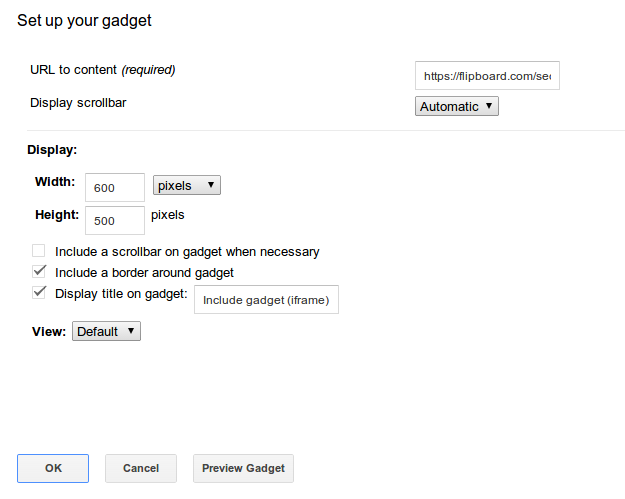
You can, of course, customize the options to match what you would like them to be. For example, I will probably uncheck the “Display title on gadget” so that it doesn’t appear.
That’s pretty much it! After that, the gadget is embedded on your Google Sites web site!