After playing around with Virtual Box today, including successfully copying a Windows Vbox container file (if that’s the appropriate term) to an external USB drive that was setup on one computer running LinuxMint to another computer running UbuntuLinux 9.10 and running it, I have to admit I’m impressed! Portability was one of the two final requirements (the other is making sure it runs on a Macbook with 2gigs of RAM) I had for switching to Virtual Box from VMWare Fusion for personal use.
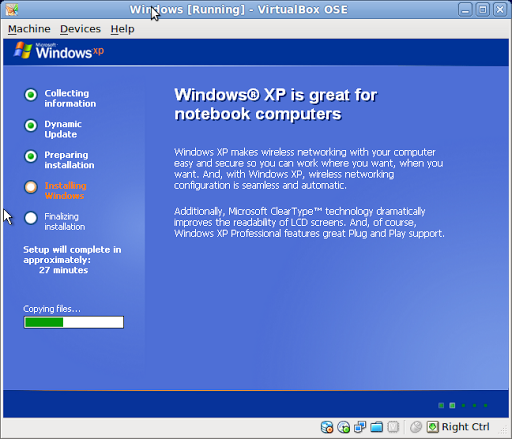
Some screenshots of the Windows Vbox I setup on a Dell Latitude 2100:
Setup of Windows…
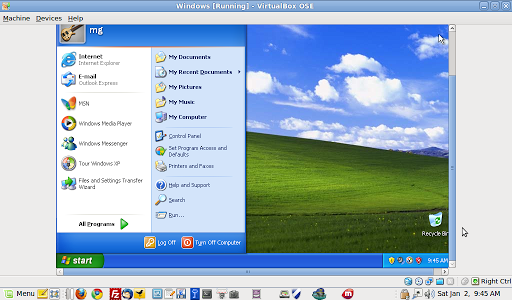
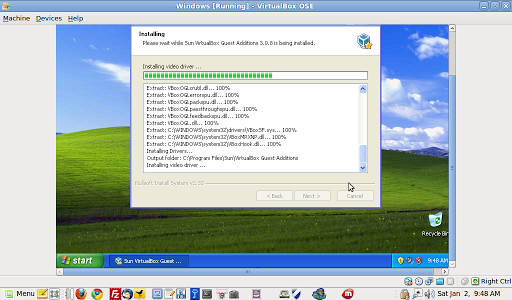
Installing the Vbox Guest that allows you to create shared folders as networked drives…
Saving Windows as VirtualBox “saves the state” of the drive….

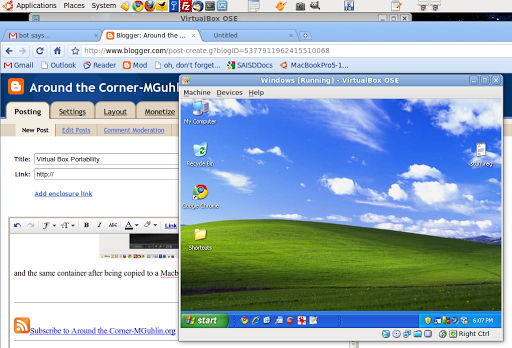
and the same container after being copied to a Macbook Pro running UbuntuLinux:
Next test will be to see how it works with VirtualBox running on Mac Snow Leopard and how portable the Windows image will be.
To get this Windows image ready to go, I used Ninite web site for “easy software installations.”
 Subscribe to Around the Corner-MGuhlin.org
Everything posted on Miguel Guhlin’s blogs/wikis are his personal opinion and do not necessarily represent the views of his employer(s) or its clients. Read Full Disclosure
Discover more from Another Think Coming
Subscribe to get the latest posts sent to your email.
 Another Think Coming