
Thanks to an email on the Google Certified Teachers list–wow, there are lots of folks there who moving and learning and sharing!–I became aware of Q2, a way of creating your own barcodes that can be printed and then scanned by your favorite mobile device–an iPhone or Android phone.
I sent this email to a colleague of a session I’m presenting with this Saturday:
How about adding a barcode to the handout so that people can scan information directly in their phone using a barcode app?
For example, here is the link to our session:
and the corresponding bar code that you can put on a handout–so people can scan the URL link–is attached to this email:
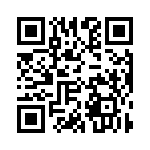
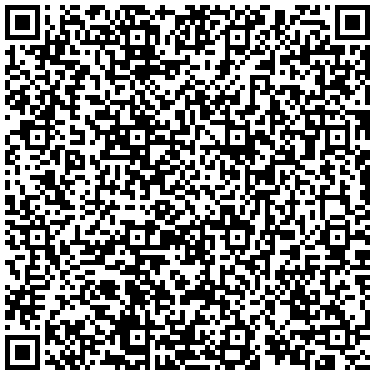
We can also create other bar codes with even more information:
Digitize This-Digitizing the Writing Workshop
Facilitated by Diana Benner and Miguel Guhlin
Emails: diana.benner@gmail.com / mguhlin@gmail.com
Web Site: http://bit.ly/digitizethis
Other Web Sites:
It looks like this:
Not sure what software to use? Here’s what I use:
Android OS
- Barcode Scanner – This free Android app worked like a charm. From a review web site:
Scan barcodes on CDs, books, and other products, then look up prices and reviews, or search for a word in a book and find where it occurs. You can also scan QR Codes containing URLs, contact info, calendar events, and more. Features: contact sharing, improved QR Code decoding, and added Chinese translation. - There are tons more out there in the Android Market.
iPhone
- Lynkee – This is a free QR code scanner for iPhone.
UPDATE: Read the follow-up blog entry on this for classroom applications.
 Subscribe to Around the Corner-MGuhlin.org
Everything posted on Miguel Guhlin’s blogs/wikis are his personal opinion and do not necessarily represent the views of his employer(s) or its clients. Read Full Disclosure
Discover more from Another Think Coming
Subscribe to get the latest posts sent to your email.
 Another Think Coming
I use http://www.BeQRious.com to create QR codes and the QR Reader app on my iPhone to read the codes.
I use http://www.BeQRious.com to create QR codes and the QR Reader app on my iPhone to read the codes.
I use lynkee on Android too, it s a great reader too
I use lynkee on Android too, it s a great reader too