 |
| Image Source: http://www.vagabondish.com/wp-content/uploads/flip-video-mino-hd-camera.jpg |
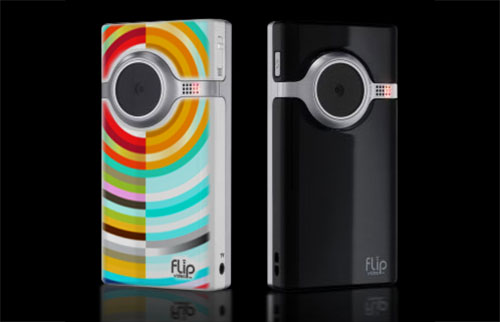
Did you buy a FLIP video camera but now don’t know what to do with the output? Wes Fryer (SpeedofCreativity.org) shares the following Flip video camera story:
This video was recorded with a Flip UltraHD camcorder. The 12 minute clip was 412 MB. I did not edit or compress it before uploading to YouTube. It took a LONG time (over an hour I think) to transcode to Flash format on YouTube.
While there are many tools available online to work with video, I would like to suggest you take advantage of the following:
- Windows Computers
- Format Factory – This is a great free program you can install on your computer and get going right away to convert from MP4 to FLV for placement on the Web.
- MPEG Streamclip – Another great program to use.
- Video Codecs you should install:
- Macintosh Computers
- MPEG Streamclip
- Video Codecs you should install:
What else would you recommend?

 pingthis();
  Bookmark this on Delicious
 Subscribe to Around the Corner-MGuhlin.org
Everything posted on Miguel Guhlin’s blogs/wikis are his personal opinion and do not necessarily represent the views of his employer(s) or its clients. Read Full Disclosure
Discover more from Another Think Coming
Subscribe to get the latest posts sent to your email.
 Another Think Coming