 |
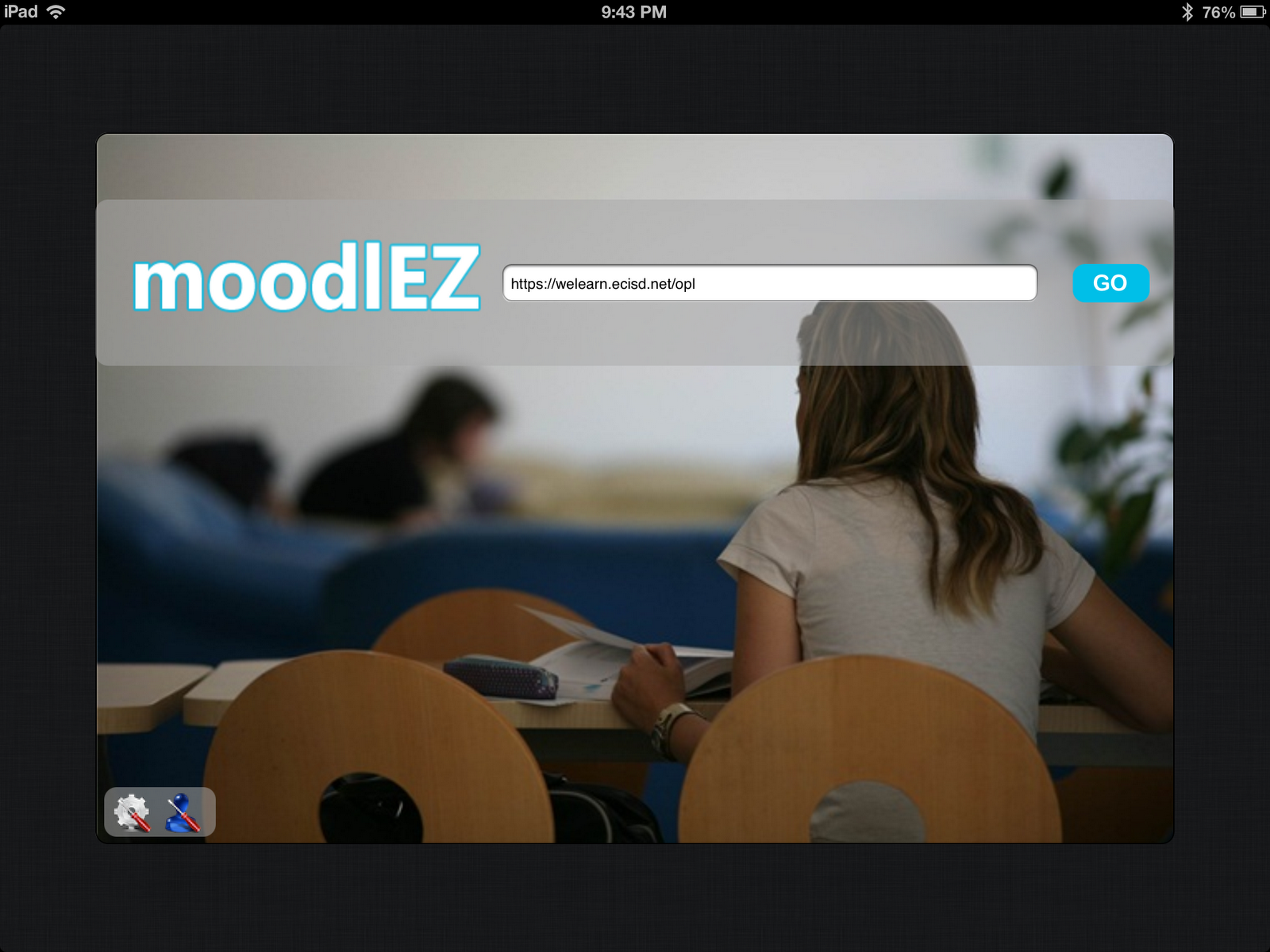
| moodlEZ iPad app ($2.99) for Moodle Teachers/Admins |
Earlier today, I found myself exploring the differences between a variety of tools for use with the iPad. The question had come up, What’s an easy way of providing a single repository for student work created on an iPad?
The reason it came up is that traditional LMSs/CMSs are vying for the privilege, competing with newer startups in the field (e.g. Edmodo, Schoology). To try and simplify the offerings and as well as capture my own thinking, here’s some of what I shared with others. Your feedback, suggestions for improvement are welcome!
- Joseph Thibault’s Moodle Mobile page via Jeff Kitterman
- UnOfficial Moodle App via Mary “MoodleFairy” Cooch
- Joseph Thibault shared the following: “I know that for ipad the one thing that people most often say they cannot do with just the browser is upload files to Moodle. That is solved by MoodlEZ (app by Ali Ozgur) which is available in the itunes store. Otherwise the browser should suffice, most sites render pretty nicely. “
By the time these responses came in, I’d already downloaded 3 apps for Moodle on my iPad, one of which was free (and didn’t work) and two that worked wonderfully well!
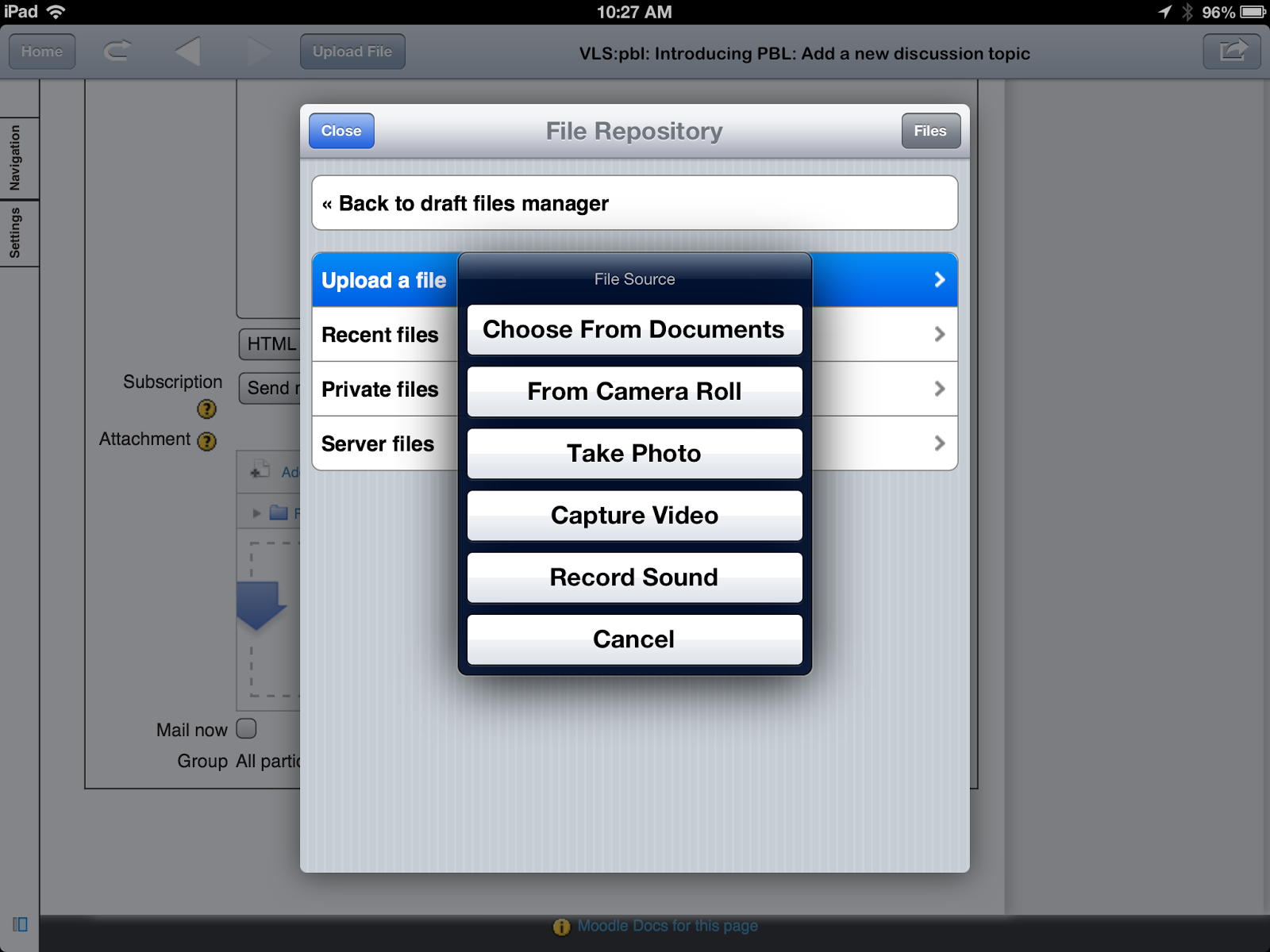
- moodlEZ ($2.99) – This makes it very easy to interact with Moodle 2.x sites. More importantly, it allows teachers to upload content from their Camera Roll…enabling uploads of video and images. From their iTunes app page: moodlEZ renders your Moodle site as is and provides you a button on the toolbar when you hit a page which includes file uploads. moodlEZ provides full support for Moodle 2.x modules and all roles (teacher, student and administrator). moodlEZ supports ONLY STUDENT usage scenarios for assignment, forum and glossary modules on Moodle 1.9.x
- MoodleTouch+ ($2.99) – This is really focused on a student experience or interface for Moodle and requires the use of MyCourses setup for Moodle. It’s a nice colorful interface and grabs your attention. Check out these videos.
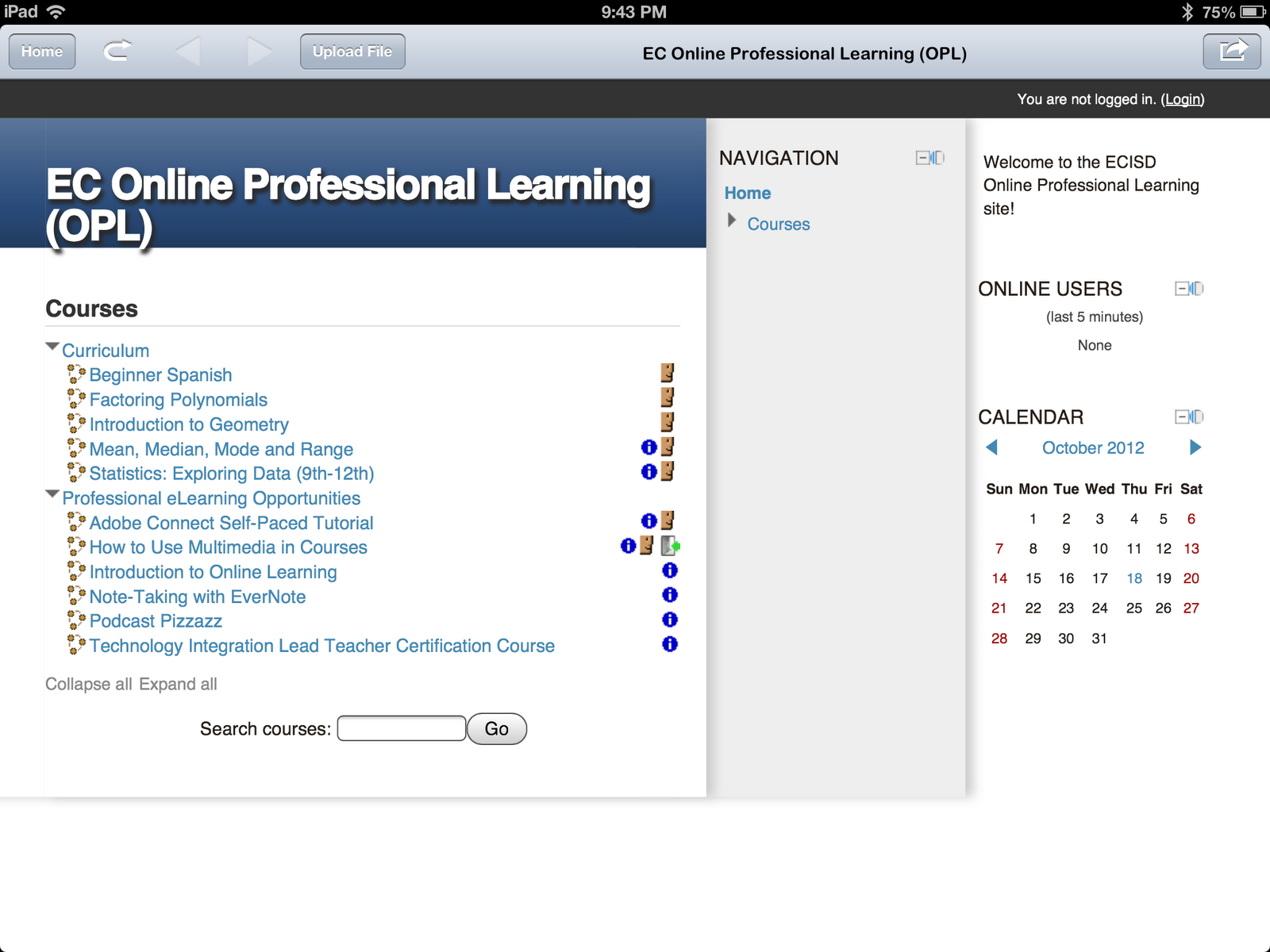 |
| A list of courses in Moodle 2.x (latest version) and featuring courses from MoodleShare.org |
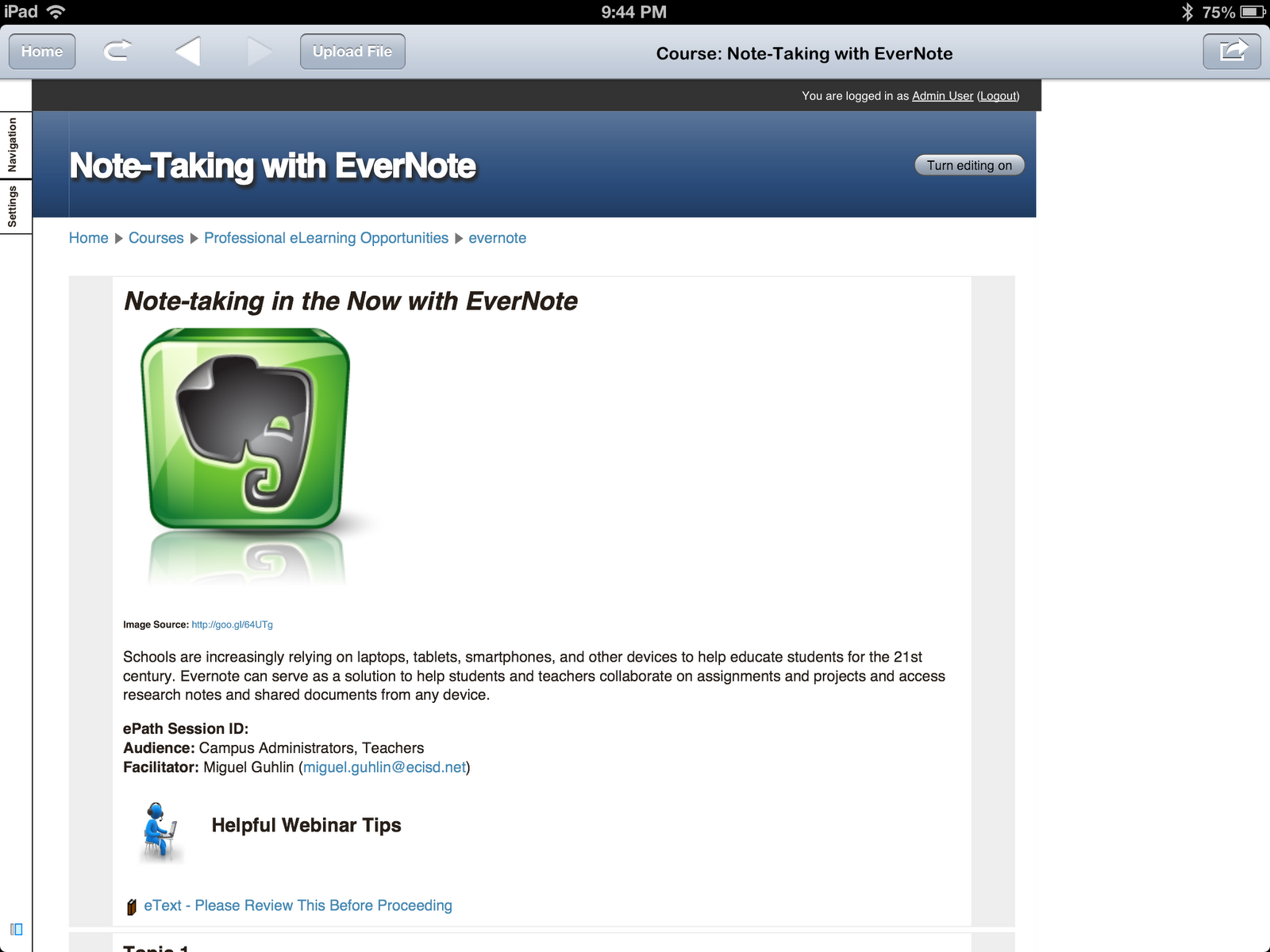 |
| One of my courses. |
In the meantime, check out this interesting video of Moodle development over time….
Enter your email address:
Delivered by FeedBurner


Discover more from Another Think Coming
Subscribe to get the latest posts sent to your email.
 Another Think Coming
But if you depend on flash for instruction, well, you are going to be spending time with swiffy or looking for another solution.
I agree with you on working apps. On iPad with safari can do almost everything in Moodle except uploading from the iPad which is great but to be able to upload to assignments for me is key. The free Moodle official app does not offers limited facilitates that are usable for our learners and some that would not be suitable.Am investigating Moodle NZ to see further how can be used. For me it works great just need to bottom out how to get documents such as word ones to be uploaded. I have done this but not sure how I did it. Have you looked at this aspect yet?
Moodle on iPad works out good, at first it has some issues like browser to upload files to moodle was not possible, but this later on was solved by MoodleEZ. iPad while accessing through Moodle now makes the job much easier than ever.
But if you depend on flash for instruction, well, you are going to be spending time with swiffy or looking for another solution.
I agree with you on working apps. On iPad with safari can do almost everything in Moodle except uploading from the iPad which is great but to be able to upload to assignments for me is key. The free Moodle official app does not offers limited facilitates that are usable for our learners and some that would not be suitable.Am investigating Moodle NZ to see further how can be used. For me it works great just need to bottom out how to get documents such as word ones to be uploaded. I have done this but not sure how I did it. Have you looked at this aspect yet?
Moodle on iPad works out good, at first it has some issues like browser to upload files to moodle was not possible, but this later on was solved by MoodleEZ. iPad while accessing through Moodle now makes the job much easier than ever.