
Wow, what a surprise to read about Crunchbang (#!) Linux‘s demise recently. Special thanks to the developer of #! and all his hard work! I had just installed it (again) a few weeks ago and customized it on an old machine; #! ran smoothly without issue and I was considering loading it on a friend’s media center PC since it was so trouble-free. At least, until I read the following:
CrunchBang, a lightweight Debian based distribution, will come to and end after a post to the CrunchBang forum by the project’s main developer, Philip Newborough. In the post he explains that he doesn’t believe CrunchBang has “any value” with distros like Lubuntu in existence now, which wasn’t the case when the project started. via Paul Hill at LinuxVeda
After skimming the #! forums, I decided to give Debian another try…enough with all the imitators! 😉
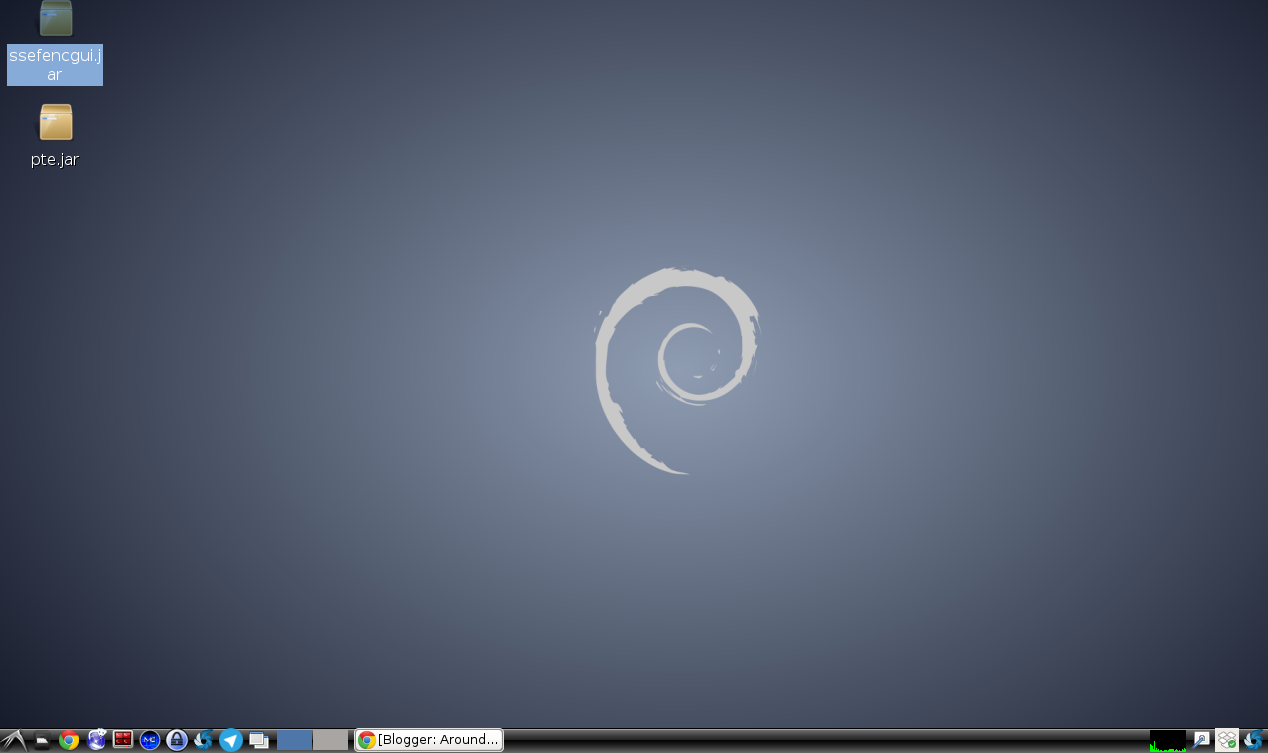
Surprisingly, my most recent effort at loading Debian resulted in a great running machine! Debian LXDE version is what I’m using and I have to admit at how easy everything was, how stable. Everything just works! I simply had add some of my favorite apps. Given how easy installing Linux is these days, especially the Debian flavors, although Manjaro is still running flawlessly on an old machine somewhere, you have to work hard to find something that just doesn’t work.
Update: Didn’t take long…I’ve already switched to Peppermint Five.
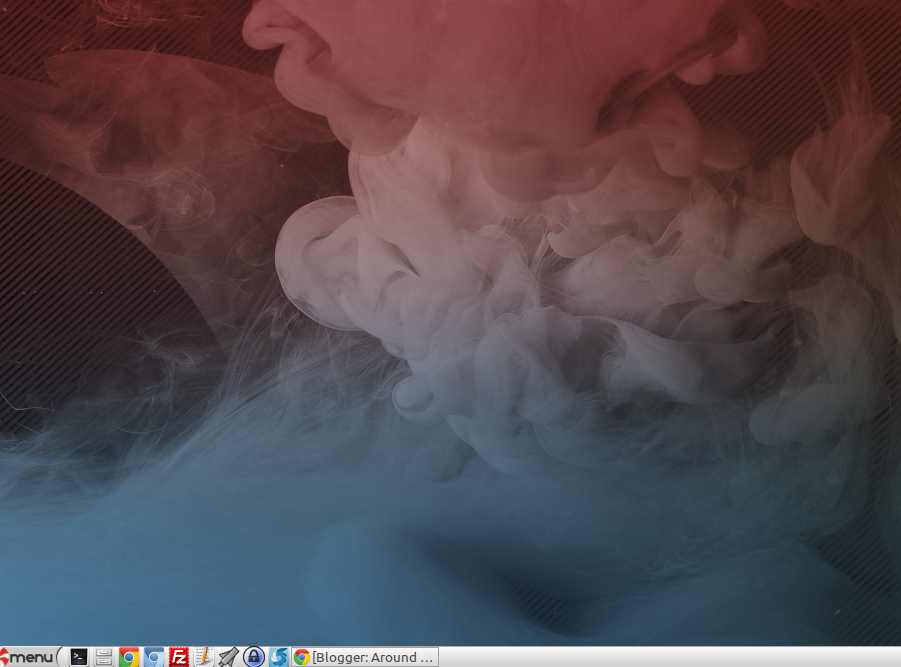 |
| Peppermint Five Desktop |
In the meantime, here is how to install apps:
sudo apt-get install [name of app]
Example
sudo apt-get install keepass2
Apps:
- Privacy & Security
- keepass2 – a password keeper for you.
- secure-delete – enables you to securely delete/wipe data in folders/files
- bleachbit – an easy way to periodically clear out confidential data off your hard drive, which I sometimes need to do for work, as well as home.
- cryptsetup and gnome-disk-utility – This is needed if you want to encrypt external USB drives, as I describe in this blog post.
- Other Utilities
- terminator – a terminal emulator that lets you split the screen so you can see multiple CLI windows at a time.
- mc – Midnight Commander file manager, oldy but goody
- filezilla – File Transfer Protocol (FTP) program
- shutter – a great screen capture/annotation tool that reminds me of Skitch before it was messed up.
- unetbootin – a great help in setting up live USBs
Right-click on time/date in the bottom right-hand corner, then adjust the CLOCK FORMAT to change: %a %d-%b-%Y %I:%M %p

This will give you a day – day-month-year – time AM/PM type format.
Make Donations via PayPal below:

var _gaq = _gaq || []; _gaq.push([‘_setAccount’, ‘UA-3445626-5’]); _gaq.push([‘_setDomainName’, ‘mguhlin.org’]); _gaq.push([‘_trackPageview’]); (function() { var ga = document.createElement(‘script’); ga.type = ‘text/javascript’; ga.async = true; ga.src = (‘https:’ == document.location.protocol ? ‘https://ssl’ : ‘http://www’) + ‘.google-analytics.com/ga.js’; var s = document.getElementsByTagName(‘script’)[0]; s.parentNode.insertBefore(ga, s); })();
Discover more from Another Think Coming
Subscribe to get the latest posts sent to your email.
 Another Think Coming