“What?!? You have how many notes?” asked a casual user of Evernote.
“Yeah, I have almost 10K of notes in Evernote. But I’ve been looking for something easier, simpler to manage.”
“Isn’t that a little unwieldy?”
“Yes, but I haven’t found a better solution…GoogleKeep didn’t grab me, Evernote is too fancy, text files in Dropbox to simple, but something new may be coming….”
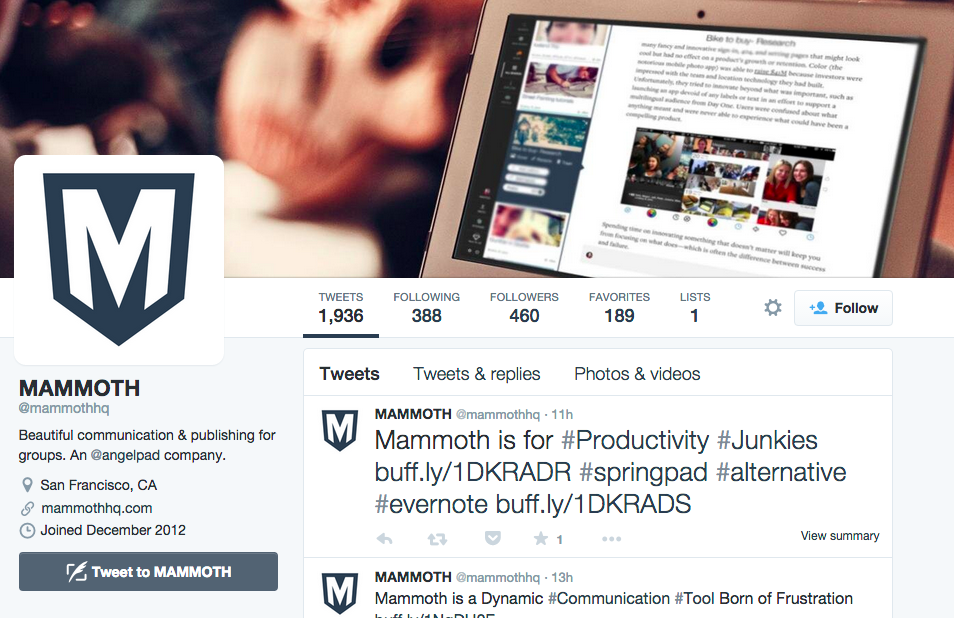 |
| Catch MammothHQ on Twitter Works on iOS and Android |
That conversation snippet sums up my unending search for an easy to use solution. A few years ago, I began archiving everything in Evernote…great web sites, articles for stories, encrypted confidential information that I wouldn’t trust to Google (after all, they did shut my blog down with no reason given…although they restored it, I was a bit gun-shy).
 |
| What the MammothHQ Board looks like with content emailed in! |
MammothHQ.com serves as an alternative to Evernote and other note-taking apps that you may want to consider. A few facts so far:
- MammothHQ works and looks beautiful on Chrome browser add-on and iOS/Android devices
- MammothHQ provides 5GB of storage out of the starting gate for FREE accounts
- MammothHQ uses “boards” to organize information. New information gets added to the bottom of a board.
- Easy to add comments with a “Twitter-like” comment box at the bottom of each Board.
- Easy to invite people to collaborate on a Board (lots of applications). Much more elegantly instituted than Evernote’s WorkChat (yuck).
- You can email content into MammothHQ (love this features, especially when updating an existing board…the note appears at the bottom of Board in a grey shaded box that looks cool and suggests a conversation)
- Start a new board by emailing “new@post.mammothhq.com” where the subject line becomes the name of the board
- Update existing board with email to “boardname-######@post.mammothhq.com” where ###### indicates your userID (that’s what it looks like to me).
- You can drag and drop content (any type of file) onto a Board and it will appear at the bottom of the Board. Think of it as an email message with attachments hanging onto the bottom.
- IFTTT.com API or connection to enable content sharing more easily into MammothHQ
- 2-factor authentication to protect privacy of documents
- AES-256 encryption needed, along with ability to encrypt contents of a Board at will. Maybe consider PGP Encryption, Minilock and/or Text Encryption support. Mailvelope technology would be helpful to incorporate here.
- Evernote migration or file import tool.
- Ability to group Boards into “Boards and sub-boards” to facilitate organization.
- Text listing of Boards rather than just pictures (although pictures gives it a Pinterest look without all the annoyance!).
- Educator price point ($25 a year and I’m in!)
- Create a MammothHQ Board for each of your class’ and post email updates with pictures.
- Collect critical documents by attaching them to a Board (always encrypt confidential files prior to uploading to the cloud)
- Create and share classroom lectures/meeting notes in a Board, one Board per event.
- Use IFTTT.com to send email social media updates to a MammothHQ Board setup for that purpose.
- Use your imagination!
Discover more from Another Think Coming
Subscribe to get the latest posts sent to your email.
 Another Think Coming