Problem: I work at a school where YouTube is blocked. Anyone know how to embed a non-YouTube video (or HTML) in Slides?
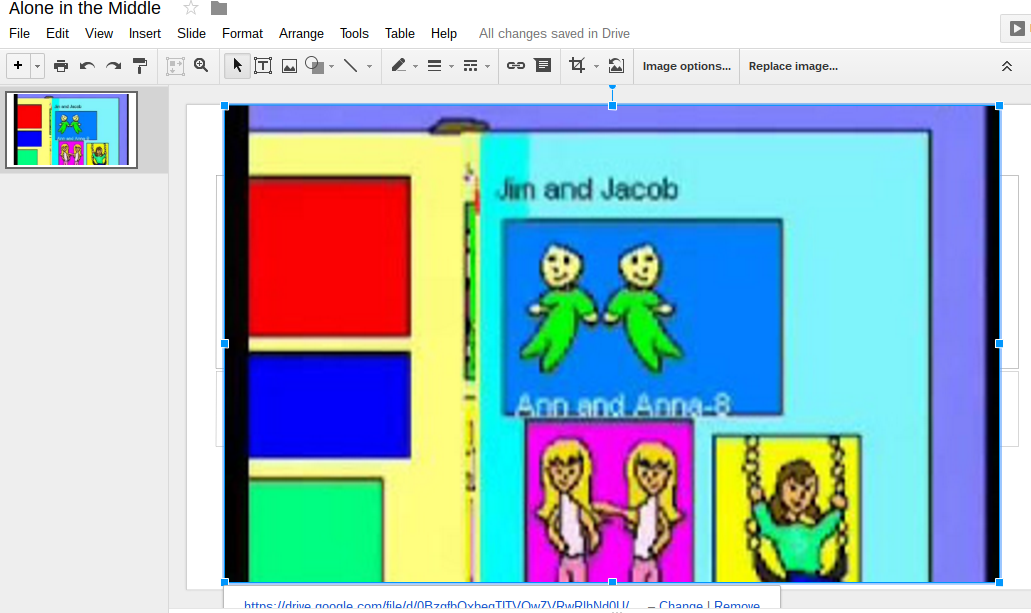
Alternative Solution:
I don’t know of any way to embed a non-Youtube video in Slides.
Here’s an alternative approach:
- Take a picture of the video hosted in Google Drive (which shouldn’t be blocked since it’s GoogleApps and you have unlimited storage), then paste the image on the slide
- Link the image to the view screen, then you can
- Click on it during the presentation. Be aware of the note to get it to autoplay.
(Note: The boldface is what I added to the link to make it autoplay)
Video Link embedded in Slides:
https://docs.google.com/presentation/d/1PuOuHXuMoU_NCIN8a593Zc1__qeqWXu2uppro02qC0s/edit?usp=sharing
If someone knows a better way, I hope they will share it!
🙂
Everything posted on Miguel Guhlin’s blogs/wikis are his personal opinion and do not necessarily represent the views of his employer(s) or its clients. Read Full Disclosure
Discover more from Another Think Coming
Subscribe to get the latest posts sent to your email.
 Another Think Coming
Good post. I be taught one thing more challenging on different blogs everyday. It can all the time be stimulating to learn content from other writers and follow a little bit one thing from their store. I’d prefer to use some with the content on my weblog whether or not you don’t mind. Natually I’ll give you a link in your web blog. Thanks for sharing.