Earlier this evening, during dinner in fact, friend and colleague Dana Bickley asked via Twitter:

At first, I thought, “Wow, why can’t you do this with IFTTT.com?” But then Dana clarified….this is a chat that took place in the past. I’ve often used IFTTT.com in combination with OneNote, Evernote, or GoogleSheets to capture tweets as they happened (I set it up ahead of a twitter chat).
What was interesting was how to capture tweets from a past twitter chat? One approach that I stumbled upon–after running into various services that wanted to charge me for the service –was Twitter Archiving Google Sheets (TAGS), which is completely free and runs as a GoogleSheets add-on. Watch this video tutorial.
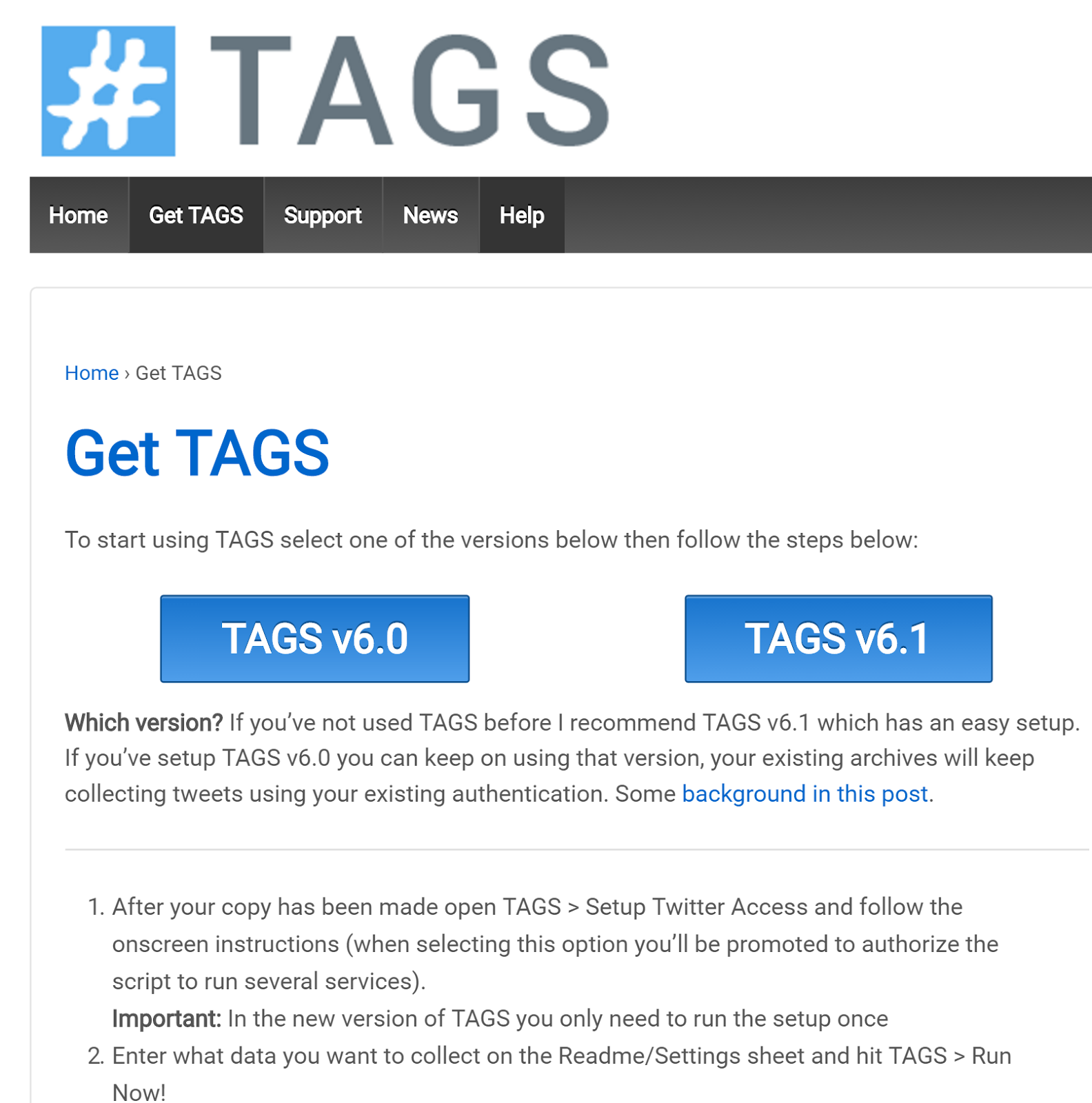
As you might guess, I took advantage of the easy version (TAGS v6.1). And, to be honest, it was pretty easy. You can watch a video about TAGS:
Here are the steps I followed:
- Clicked on Get TAGS v6.1 – This will open up a copy of a GoogleSheet and add the TAGS scripts. In a moment, you’ll see it:

- Be sure to SETUP TWITTER ACCESS, add your hashtag search term (use the dropdown to select something different).
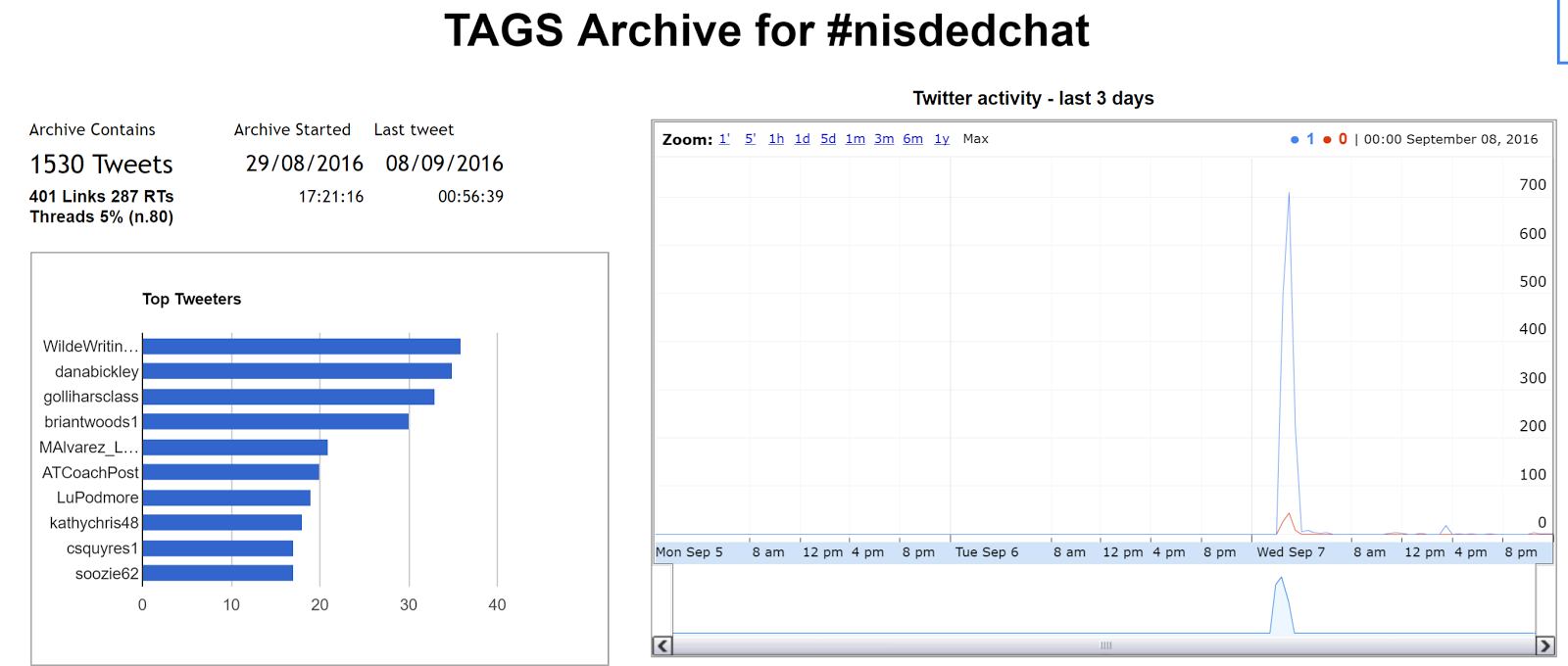
- Be sure to RUN NOW! and then add summary and dashboard…you’ll get awesome data like:


 |
| You can see the published GoogleSheet online here. |

Discover more from Another Think Coming
Subscribe to get the latest posts sent to your email.
 Another Think Coming