-
Start Minecraft: Education Edition by clicking on the magnifying glass or the search bar in the bottom left corner of Windows 10 installation and type in “Minecraft” to pull up the appropriate Minecraft: Education Edition. Looks like this:
-
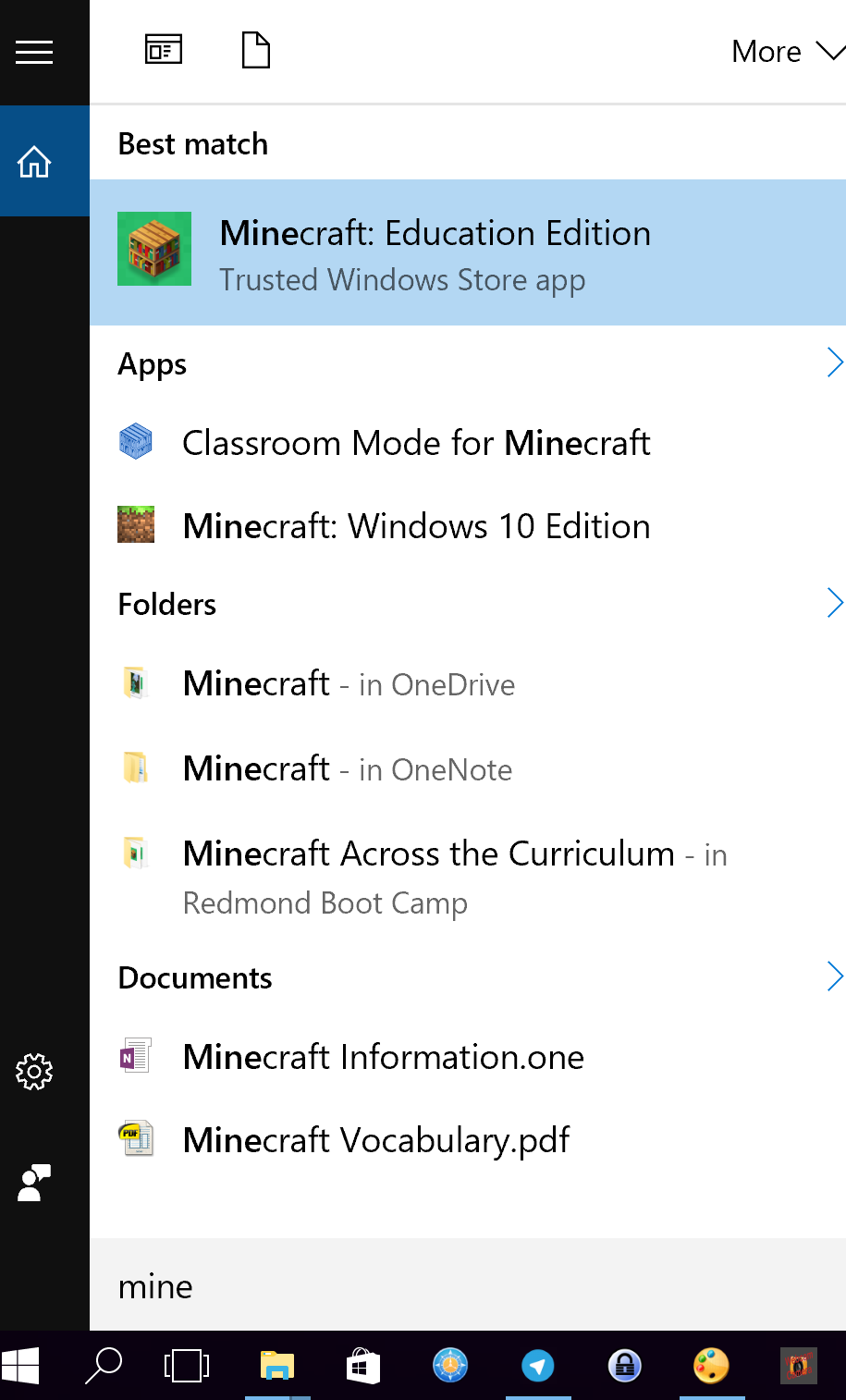
2 – Select the following from whatever appears:

3 – Login into Minecraft: Education Edition with your Office 365 account
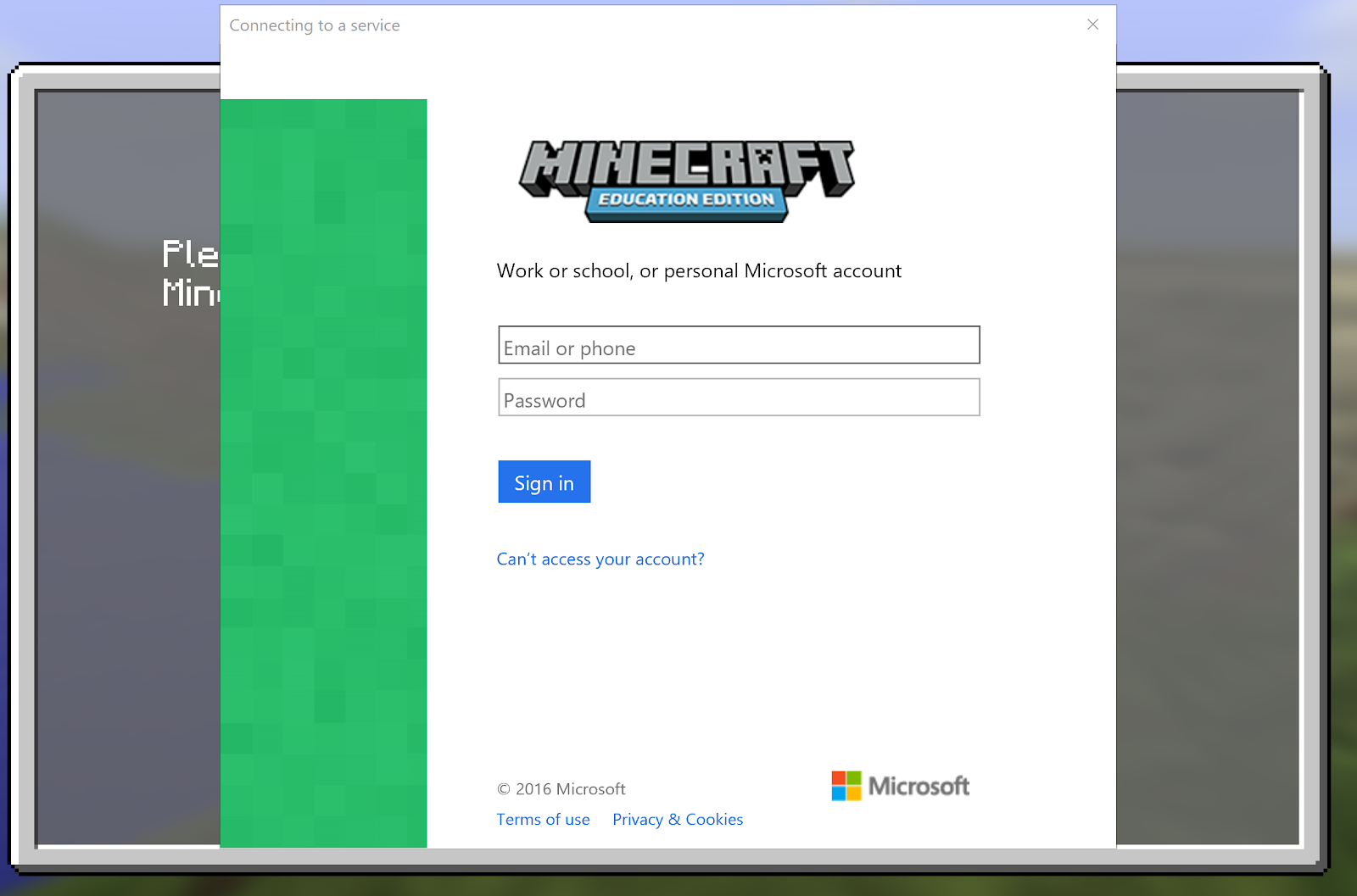
If you are prompted with this screen:
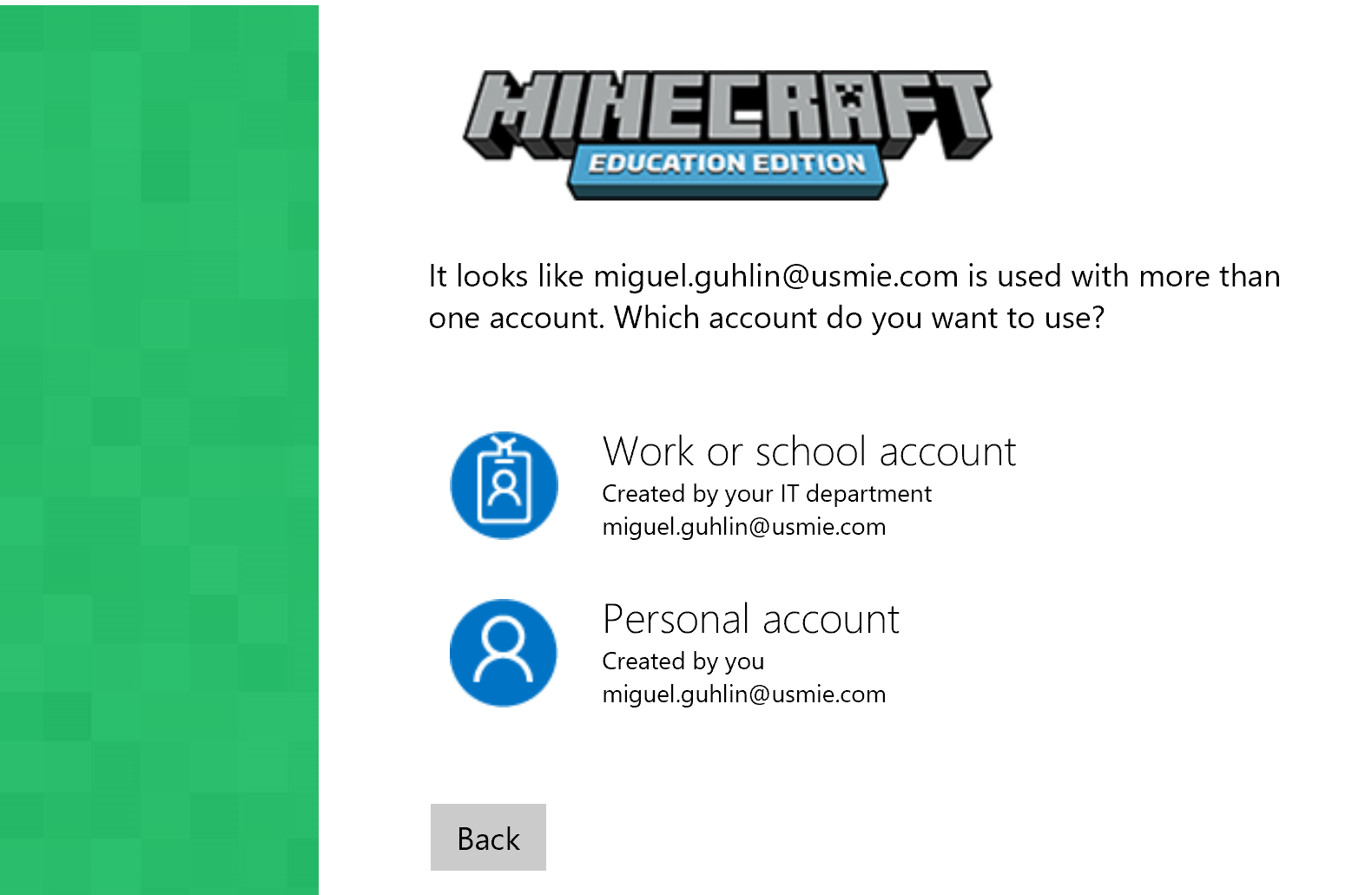
Be sure to select “Work or school account”
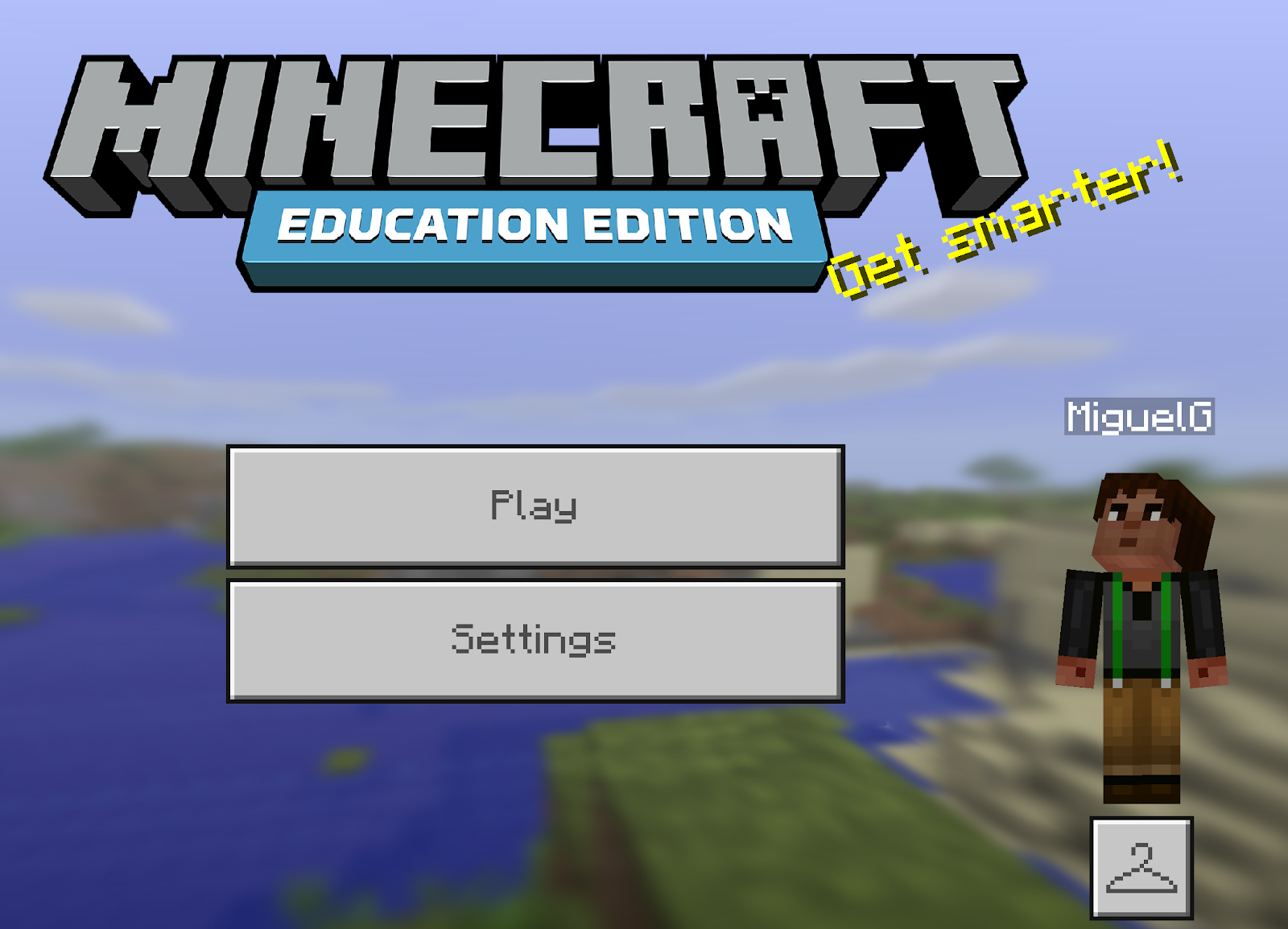
Once logged in, you will see this screen:
Everything posted on Miguel Guhlin’s blogs/wikis are his personal opinion and do not necessarily represent the views of his employer(s) or its clients. Read Full Disclosure
Discover more from Another Think Coming
Subscribe to get the latest posts sent to your email.
 Another Think Coming