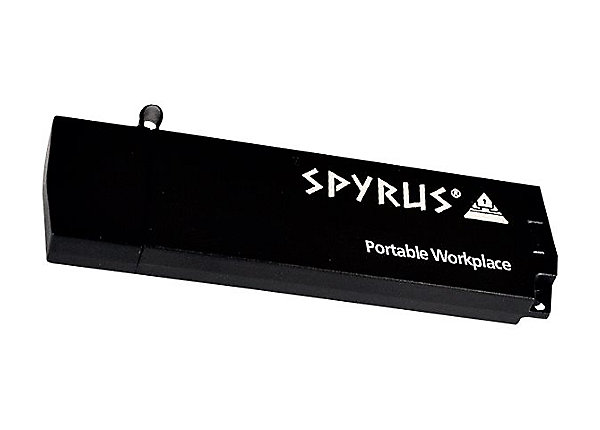
A short time ago, I posted Part 1 of my review of SPYRUS Windows To Go live drive, which essentially gives you a computer on a USB stick with a LOT more “oomph.” I’m actually writing Part 2 of this blog entry on my Surfacebook, and it’s humming along without any issues.
 |
| Find out more at Spyrusnews |
Here are a few takeaways:
Takeaway #1 – Consistent Across Win10 Devices
When I began the adventure with Spyrus, I started on a Lenovo W540 Thinkpad. I did a lot of configuration before saving my settings and shutting down the machine. I expected there to be a few issues when I hooked up the Spyrus Windows To Go drive to my Surfacebook, but, believe it or not, there wasn’t a one! The start up process worked flawlessly. All I had to do was click on SHIFT at Shut Down time, select USB Storage as my startup/boot, and Spyrus loaded without any problems.
As I type this, Windows 10 on Spyrus live drive is pulling down all the drivers for my connected devices, everything from my Apple USB ethernet Adapter (hey, I already had one laying around, why buy a Microsoft only one?) to connected monitors, Surface keyboard, mice, etc.
Takeaway #2 – Installing Apps…Easy
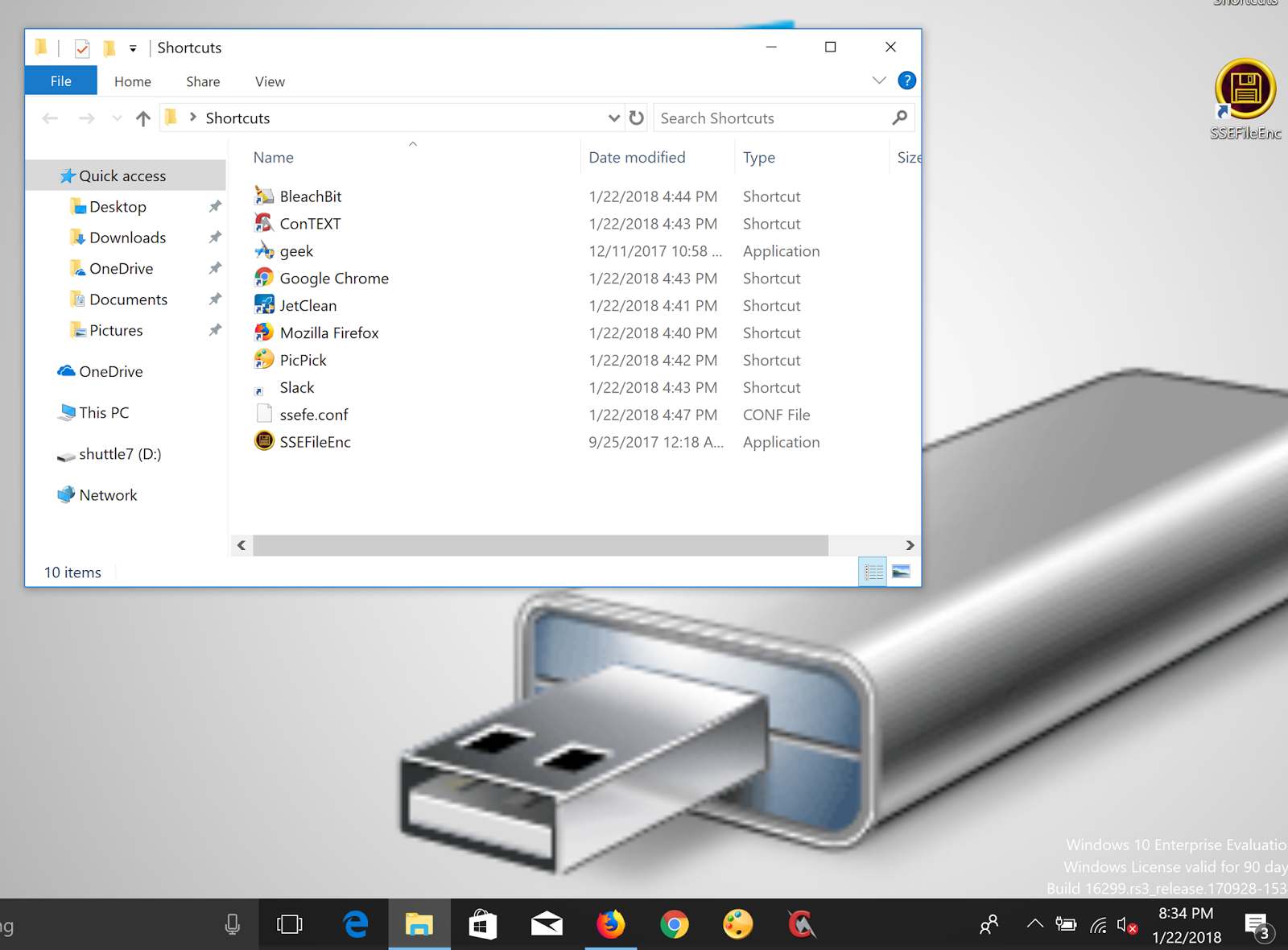
You might think that installing programs on a portable drive would result in a performance hit, but that was NOT the case! I was able to quickly copy my installer files onto the live Drive from my own Windows 10 machine, then once booted up, install the programs. The process was quick.
Takeaway #3 – Storage Capacity
You may not have noticed on the images I shared in Part 1 of the actual Spyrus I received, but the capacity is 32GB. Surprisingly, I wondered if this would be enough. Of course, it is. Even after loading more programs on the device, there seems plenty of room left over for files and more. I can just imagine that if I’m using cloud storage (e.g. OneDrive, Google Drive, Dropbox) I will be able to easily access content and save more online. Right now, I have about 5.92 gigs of space available. I’m sure I could lighten the load but 5gigs can go a long ways without cloud storage enabled.

Overall Takeaway
You know, this is pretty nice. I’m wondering what would be the easiest way to get a registered Windows 10 Pro loaded on the Spyrus Windows To Go live drive. This makes jumping from device to device so much easier!
Discover more from Another Think Coming
Subscribe to get the latest posts sent to your email.
 Another Think Coming