Eureka! At long last, you can now migrate classic Google Sites to the “new” Google Sites. Isn’t that amazing news?
Note that this is only for personal Gmail-based Google Sites. This won’t work on the Google Suites for Education just yet. And, there are some pages that just won’t be transferable (e.g.
The folks at Steegle have a great tutorial and step by step. It would be a shame to re-create one since they did such a good job. Go check it out!
Trying It Out
For my first effort, I decided to go big with my old Classic Sites ePortfolio site. It has TONS of content.
 |
| https://sites.google.com/site/mguhlin/ |
Unfortunately, since I use Announcements feature (heck, most of my classic Sites do), I won’t be able to take advantage of the migration tool right away.
But, wait I do have ONE Example!
Fortunately, I did find one out of my many (tears streaming down my face) classic Sites that I can migrate:
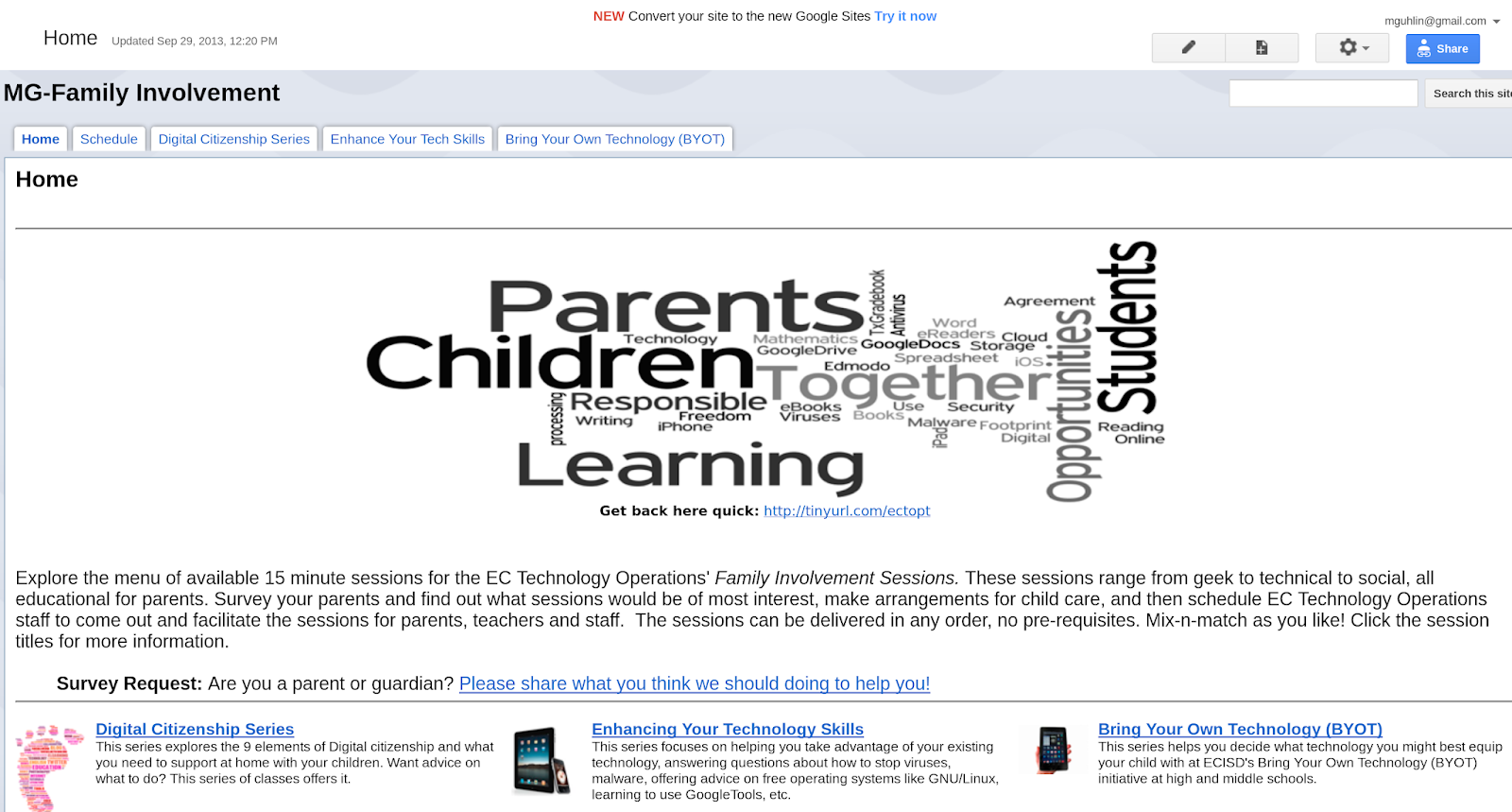
After clicking the “Try It Now” link at the top of the page, I was transferred to this screen:
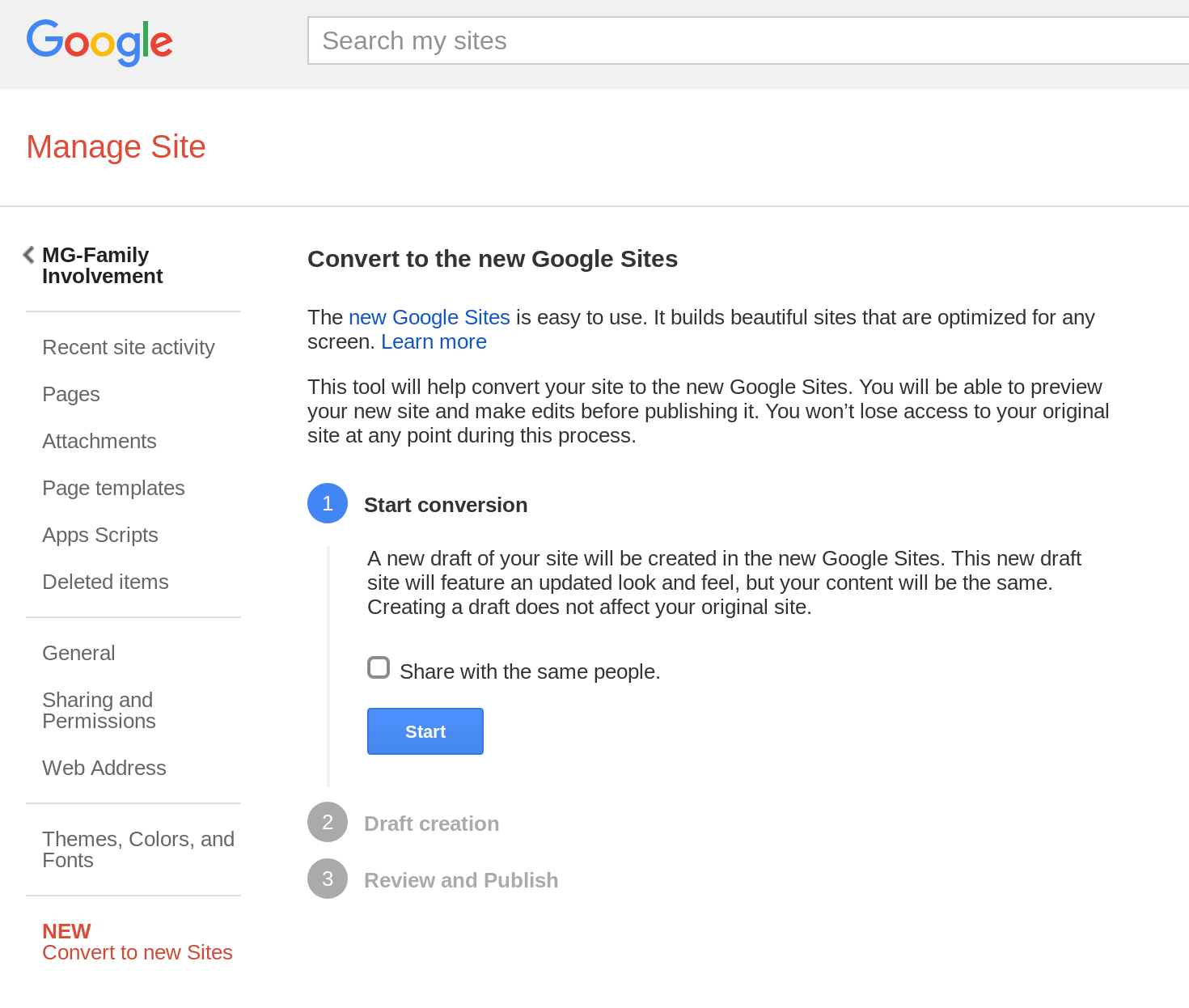
Which then showed me….
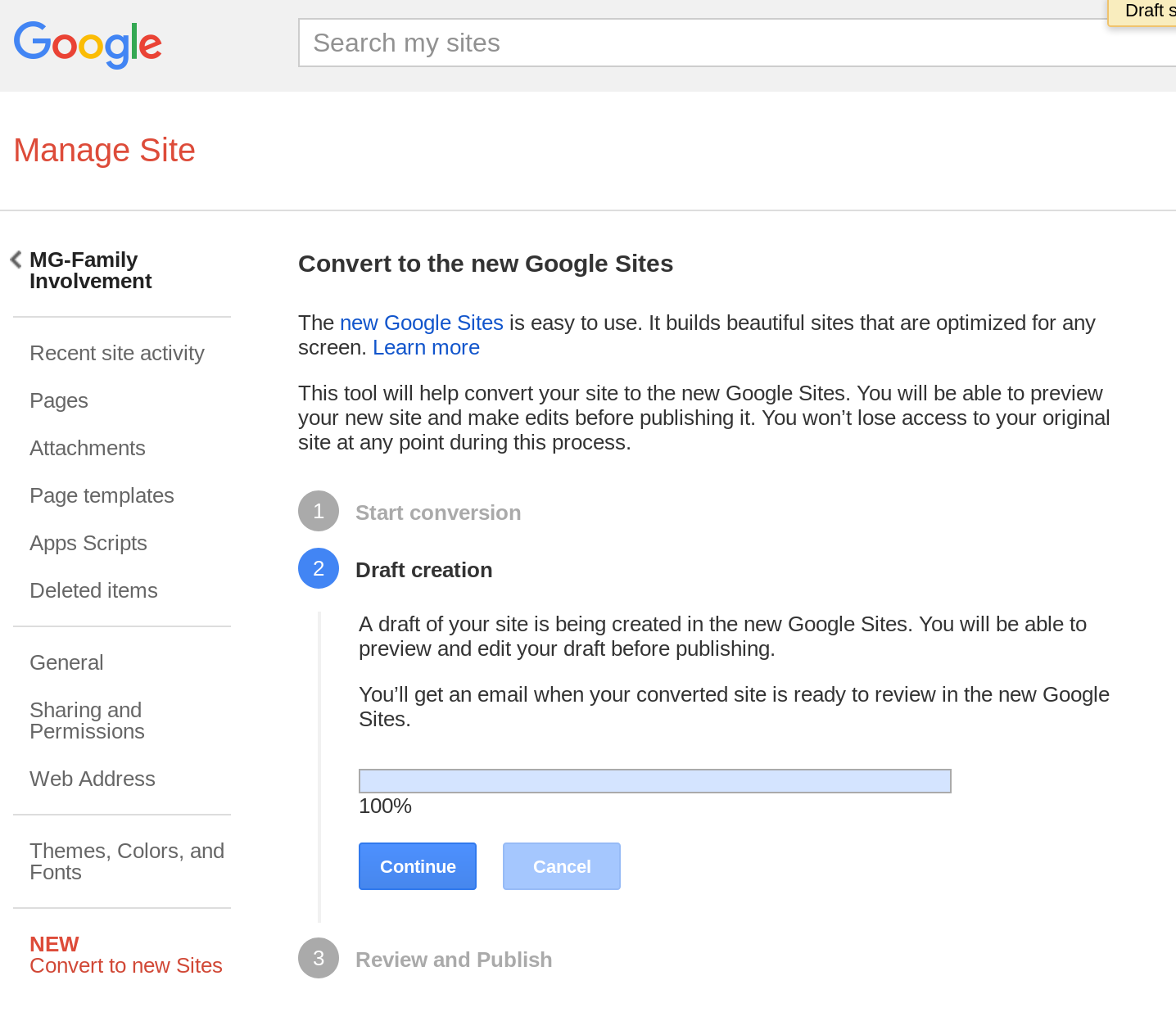
And then after hitting CONTINUE:
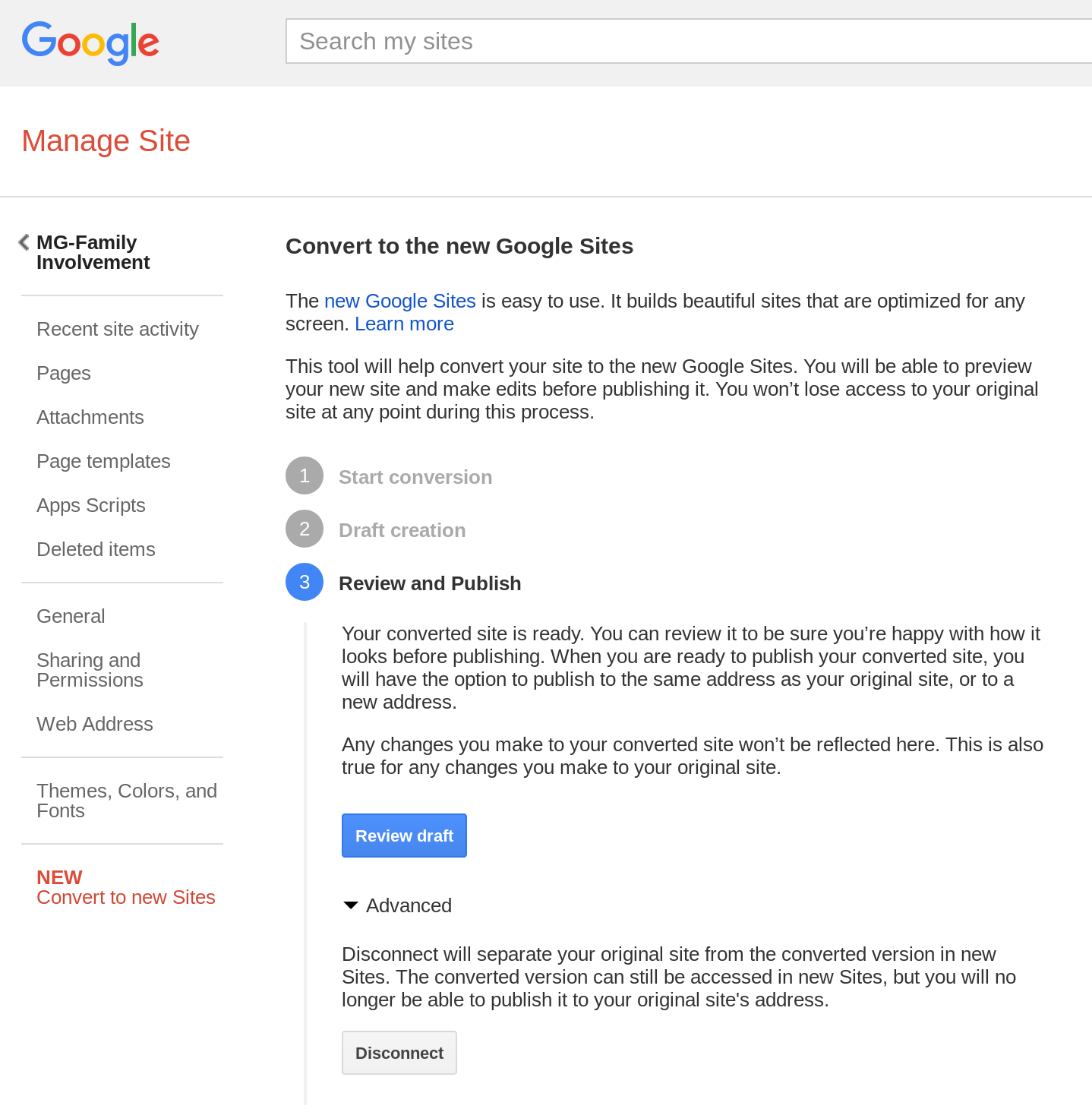
and results in this…
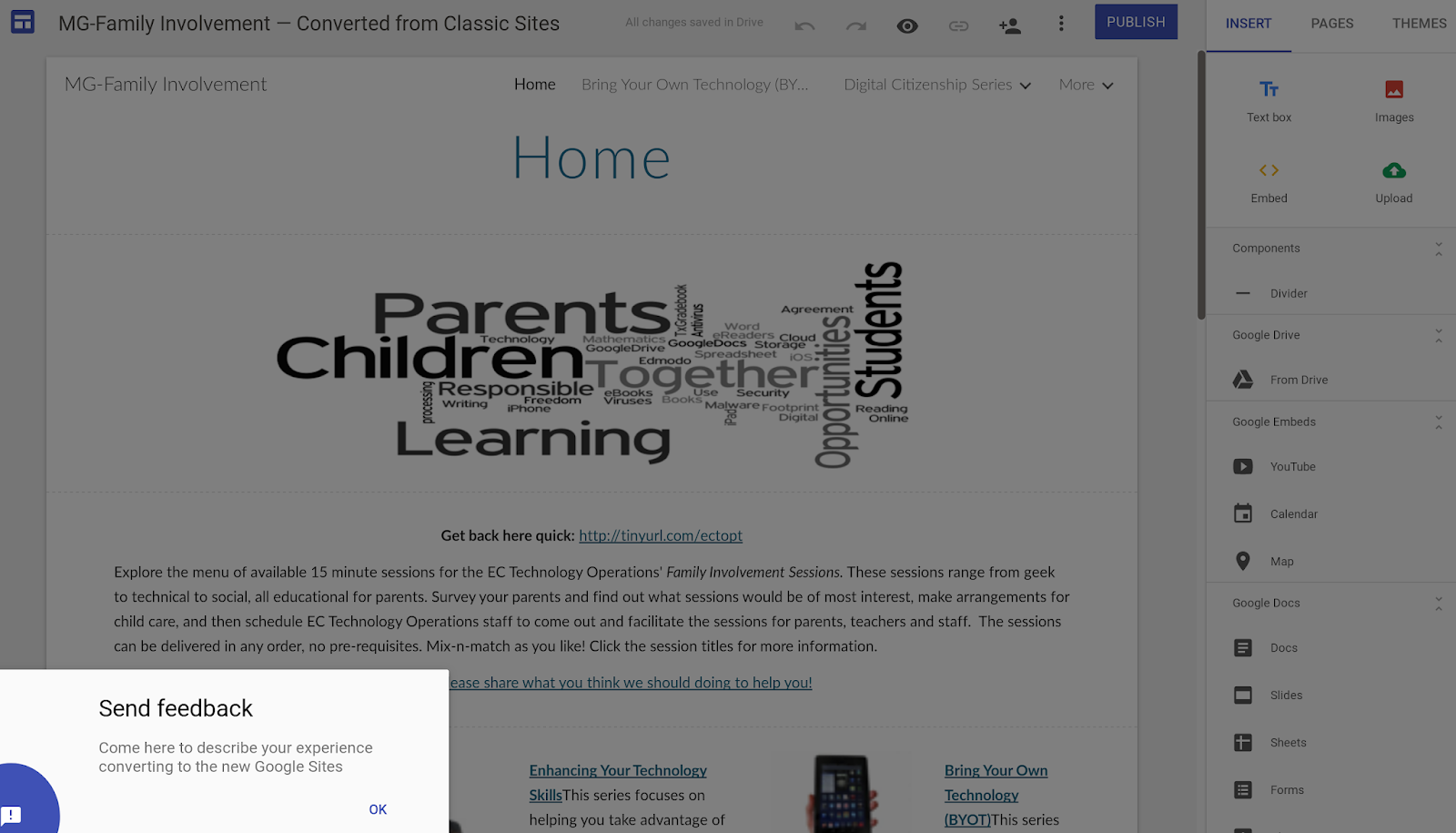
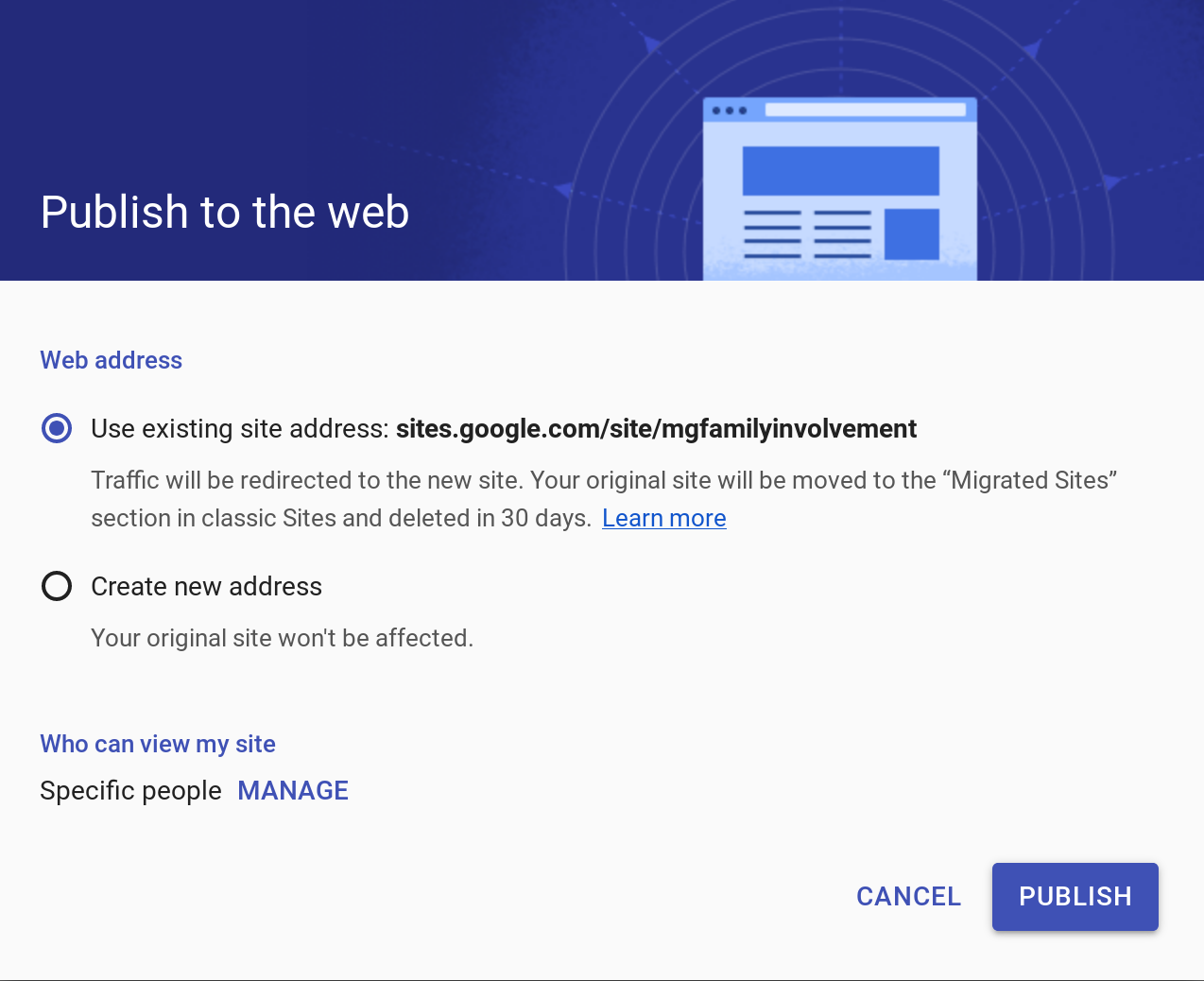
As you can see, I can re-publish the NEW Sites to the old address where the classic version was. Since this is a portfolio item for me, I went ahead and published it.
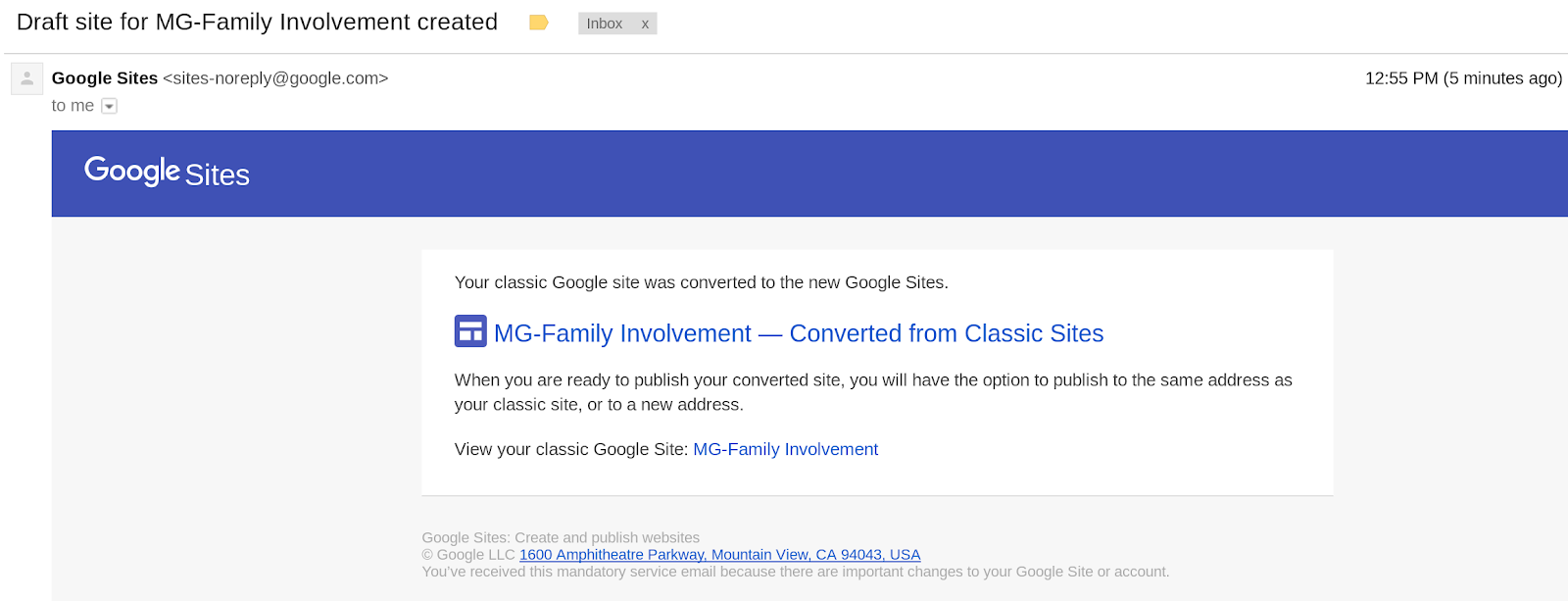
Google is kind enough to send you an email letting you know what’s happening….
You can find the converted site online at https://sites.google.com/site/mgfamilyinvolvement/home
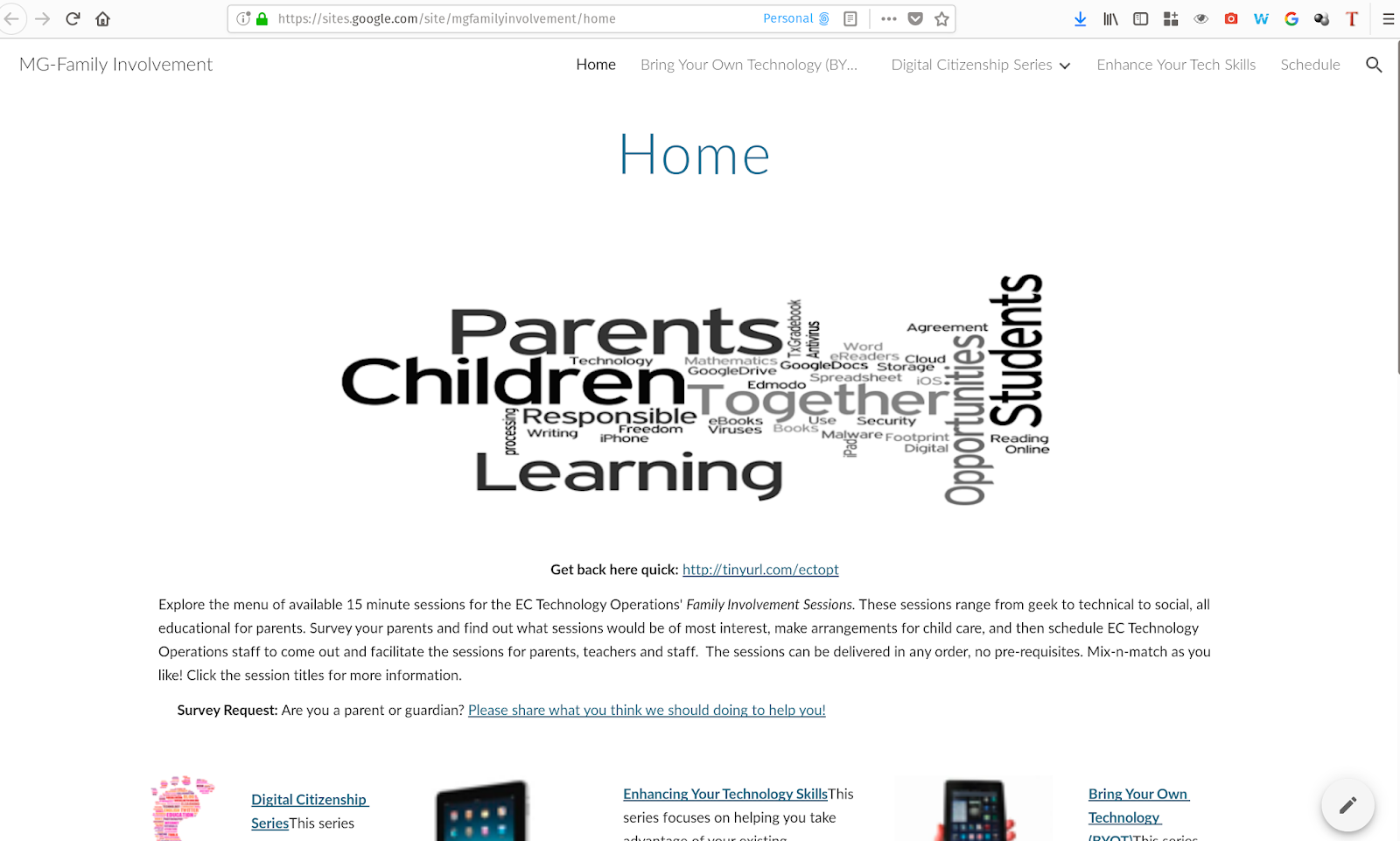
Worked great!
Discover more from Another Think Coming
Subscribe to get the latest posts sent to your email.
 Another Think Coming