I absolutely love using Joplin Notes on my iPhone, Windows, and Zorin Core Linux devices. Alas, it won’t work on a Chromebook, but that’s OK for me. I decided to spring for the Joplin Notes cloud account, and it works flawlessly. Since I need a cross-platform note-taking and archival tool (where do you think I store all my long prompts for Gen AI chatbots, not to mention blog entry backups, critical to-do lists, etc.?), I rely on Joplin, a brand new free, open source note-taking tool I just found out about. It’s not exactly free for me since I pay for the annual account, but it’s free for anyone to get started with.
Features
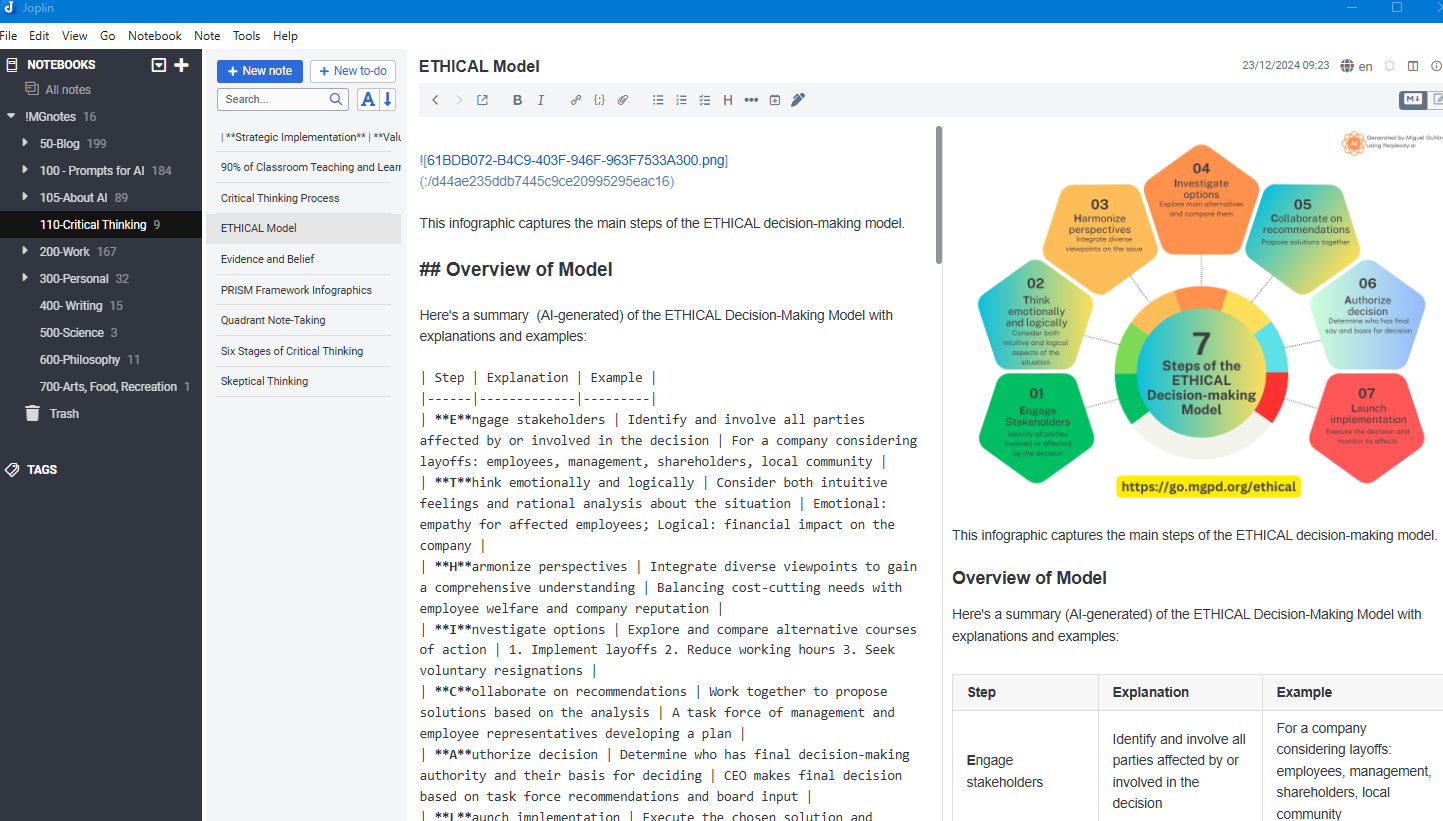
Joplin boasts a wealth of features. While I go into more details about the ones that I like in this blog entry, check out the list here:
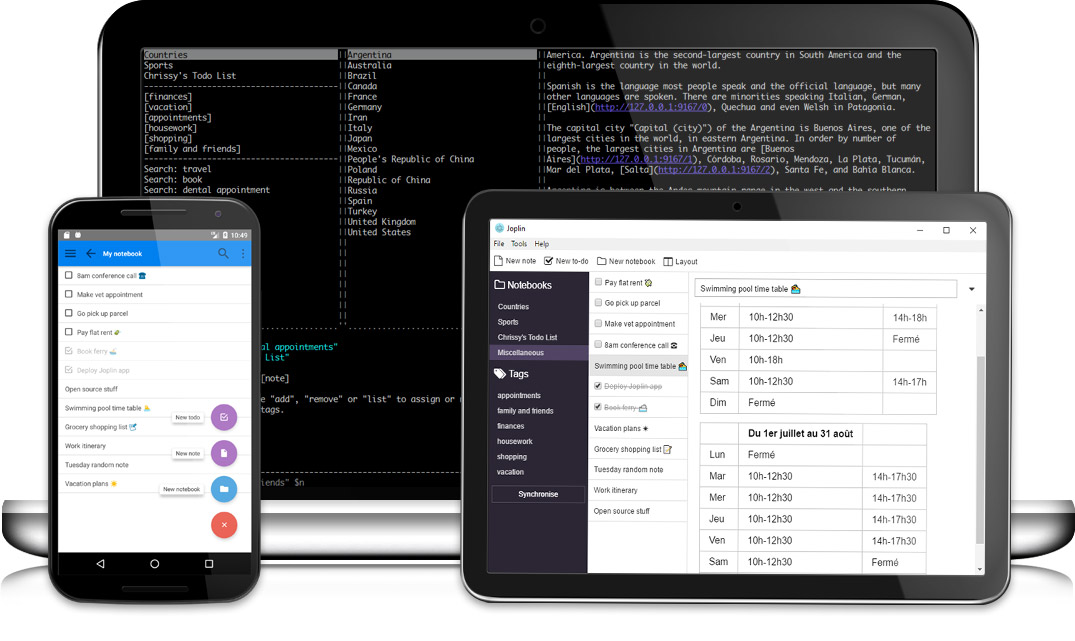
- Desktop, mobile and terminal applications.
- End To End Encryption (E2EE)
- Synchronisation with various services, including NextCloud, WebDAV and OneDrive. Dropbox is planned.
- Import Enex files (Evernote export format) and Markdown files.
- Export JEX files (Joplin Export format) and raw files.
- Support notes, to-dos, tags and notebooks.
- Sort notes by multiple criteria – title, updated time, etc.
- Support for alarms (notifications) in mobile and desktop applications.
- Offline first, so the entire data is always available on the device even without an internet connection.
- Markdown notes, which are rendered with images and formatting in the desktop and mobile applications. Support for extra features such as math notation and checkboxes.
- File attachment support – images are displayed, and other files are linked and can be opened in the relevant application.
- Search functionality.
- Geo-location support.
- Supports multiple languages
As you can see, the highlighted items are my top favorite features. While I would have liked the ability to store notes on Google Drive, I love the fact you can use OneDrive. And, with Dropbox integration planned, WOW! WebDAV support is also available for Box.com, DriveHQ, HiDrive from Strato, OwnCloud, Seafile, Stack, and Zimbra. That’s an amazing list of WebDAV support!
The best integration for cloud storage is Joplin’s own offering, though. Super fast, never fails.
Exploring Joplin
One of the main reasons I like Joplin is that it allows me to take advantage of markdown, which I’ve explored previously here. Joplin works like a standard markdown editor, giving you a split view of content:
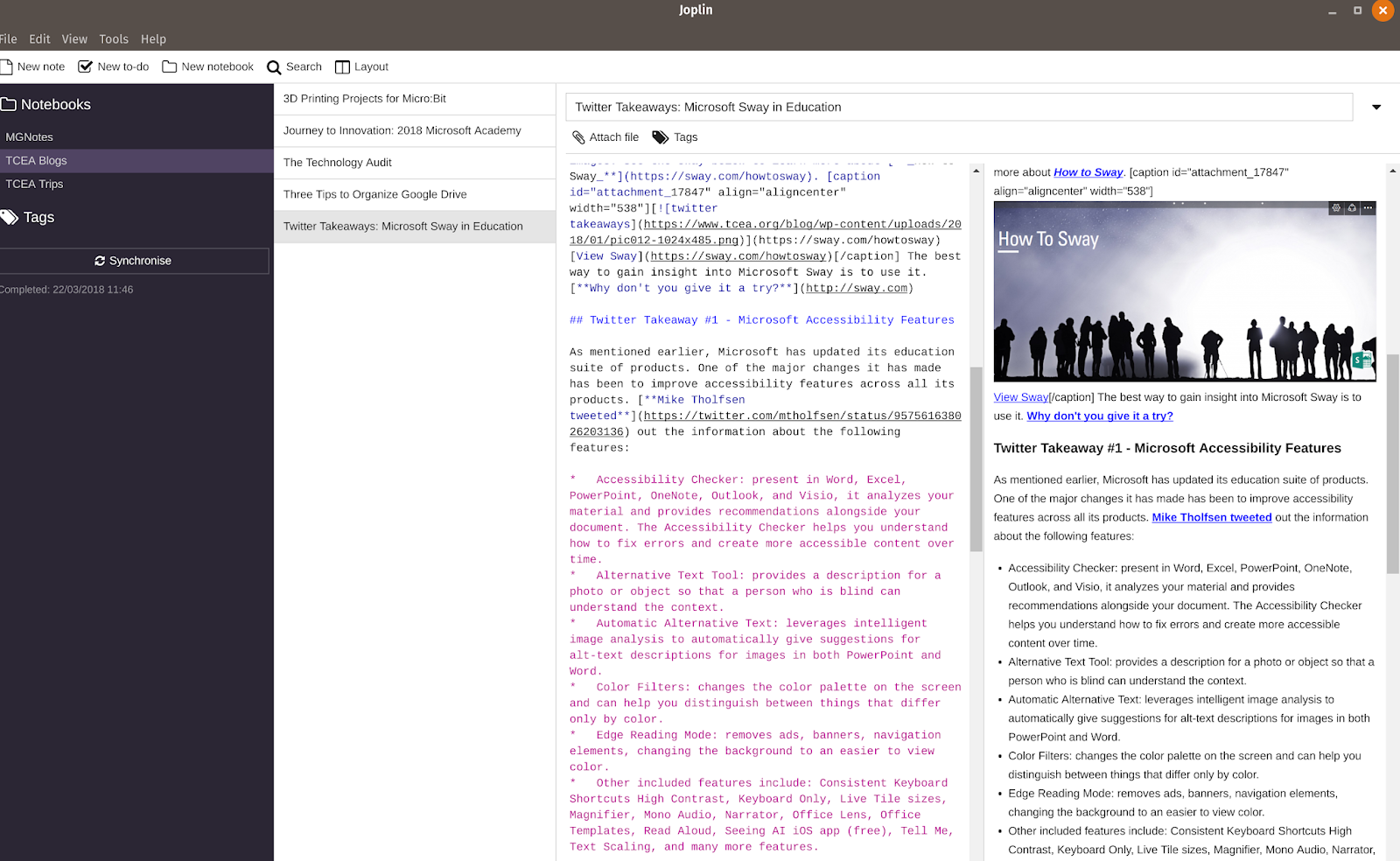
What’s cool about this split view, of course, is that you can see the markdown in one column, the actual product in the other. If you use HTML for your blog entry, you can convert it to markdown, and vice versa using online tools.
That’s pretty amazing. I can take a WordPress blog entry, then copy-n-paste the HTML code into the HTML to Markdown Converter, and then paste the resulting markdown into Joplin. This allows me to create an archive of the WordPress blog entry with a much cleaner source code than copying-n-pasting into another note-taking tool that tries to render the HTML on its own.
While it’s not the easiest way to backup my work, it offers another alternative I prefer to what I have been doing.
Cross Platform and Mobile
A pleasant surprise with Joplin is that it’s cross-platform (Windows, Mac, Linux), AND works great on iOS and Android. Since my work day and personal efforts are scattered across multiple devices (Windows 10, GNU/Linux, Android and iOS), it’s great to be able to have such a simple text/markdown editor I can use.
I’ve actually installed it on three Windows 10 machines, one Elementary OS (GNU/Linux), and Pop OS (GNU/Linux). More recently, I run it on Zorin Core Linux (which I highly recommend).
On the GNU/Linux machines, installation was easy using App Image, which I didn’t know about before. A little more about AppImage:
Distribute your desktop Linux application in the AppImage format and win users running all common Linux distributions. Package once and run everywhere. Reach users on all major desktop distributions.
Learn More about AppImage
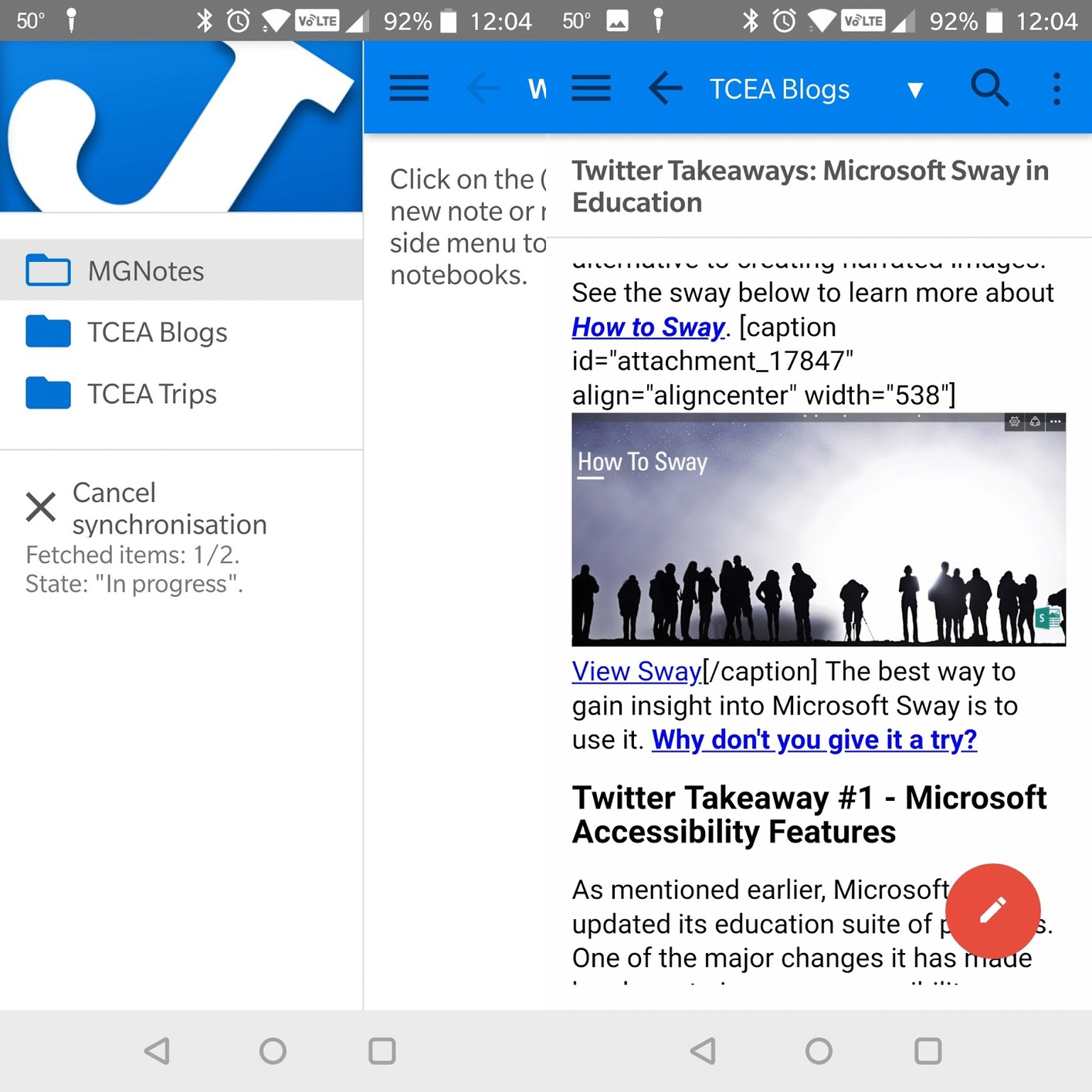
As you can see from the animated GIF, multiple notebooks appear as “folders” (e.g. MGNotes, TCEA Blogs) and the content of a note appears formatted. Tap on the white pencil inside the red dot bottom right, you get an editable, markdown version of the note.
End to End Encryption
Encrypting and protecting my content is important, especially when dealing with personal/home information. I was pleased to see that Joplin allows you to enable end to end encryption. All files are stored at rest in encrypted format then decrypted on your client device.
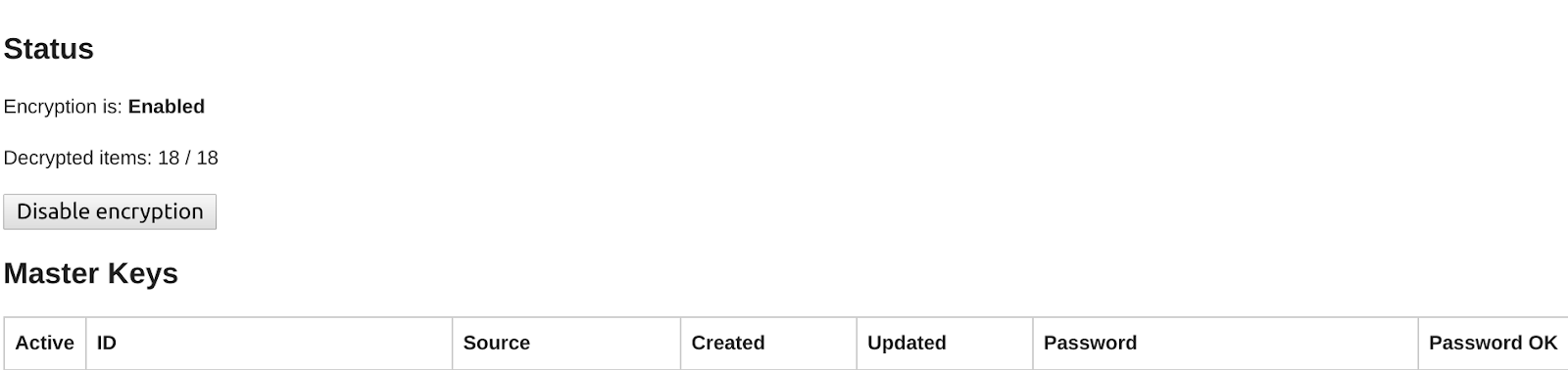
You enter a password and that encrypts all the notes you have. Here’s what it looks like stored in OneDrive:

And, if you open a file, you can see that your content appears in the encryption_cipher text area….
id: [removed]
parent_id: [removed]
created_time:
updated_time: 2018-03-22T15:21:59.517Z
is_conflict:
latitude:
longitude:
altitude:
author:
source_url:
is_todo:
todo_due:
todo_completed:
source:
source_application:
application_data:
order:
user_created_time:
user_updated_time:
encryption_cipher_text: JED0100002201ec5dc104434445ebb635a556b4885f7f00063a{“iv”:”zsfsiHbbGV8rVCOUf6zGGg==”,”v”:1,”iter”:1000,”ks”:128,”ts”:64,”mode”:”ocb2″,”adata”:””,”cipher”:”aes”,”salt”:”6rE2DeGfZz8=”,”ct”:”ExPD50G08qZikk9kpWKaFYuAp3joGnaSlit9NqT18jfT/1bLwqOJ9vqDUew2K+cH/8kkjacG3rYmlFnMHsXqMD3xIxeHUt1Ek4TW/AoDGStr5LNg/iR8YHloNxJmb8qifEO6XPHjURZRbRLtGv0OuqoMmguTq+3NR7dO2e2HJaiItx5jhyGLtlJIKL8gZkxzpnKtfEZXM07qiDC9pmyHowSvVInsEUXiZoLf3hXWi2Nvz+olMZ4hS4YwIMWZPl5S9qjn5VUJ984mcU1NQ58KGlfD9dbEVfiR941FaGaVd4vTad/E1VWCjKLUIx55Qw1yalKbATGtqD4cW9aZOw2t3FL0dYISEzP160CpFsinka6C+CLkLRG33JVqt3U+SyUt7QrXlr80mCuSCw==”}
encryption_applied: 1
type_: 1
File Attachment Support
This particular feature has been a bit of a pain. In a traditional note-taking tool like Evernote and OneNote, addition of file attachments tends to “slow” things down a bit. Notebooks tend to get overloaded and synchronization may stall or be overwhelmed. Not so in Joplin. While I don’t have tons of content stored in Joplin yet, given that each note is a file, I’d be curious to see what happens if an attachment takes forever to sync. Will that slow down serial synching for the whole notebook or will Joplin sync files in parallel?
In the meantime, here’s what it looks like with a picture from 1989 that I am careful to keep track of and backed up:
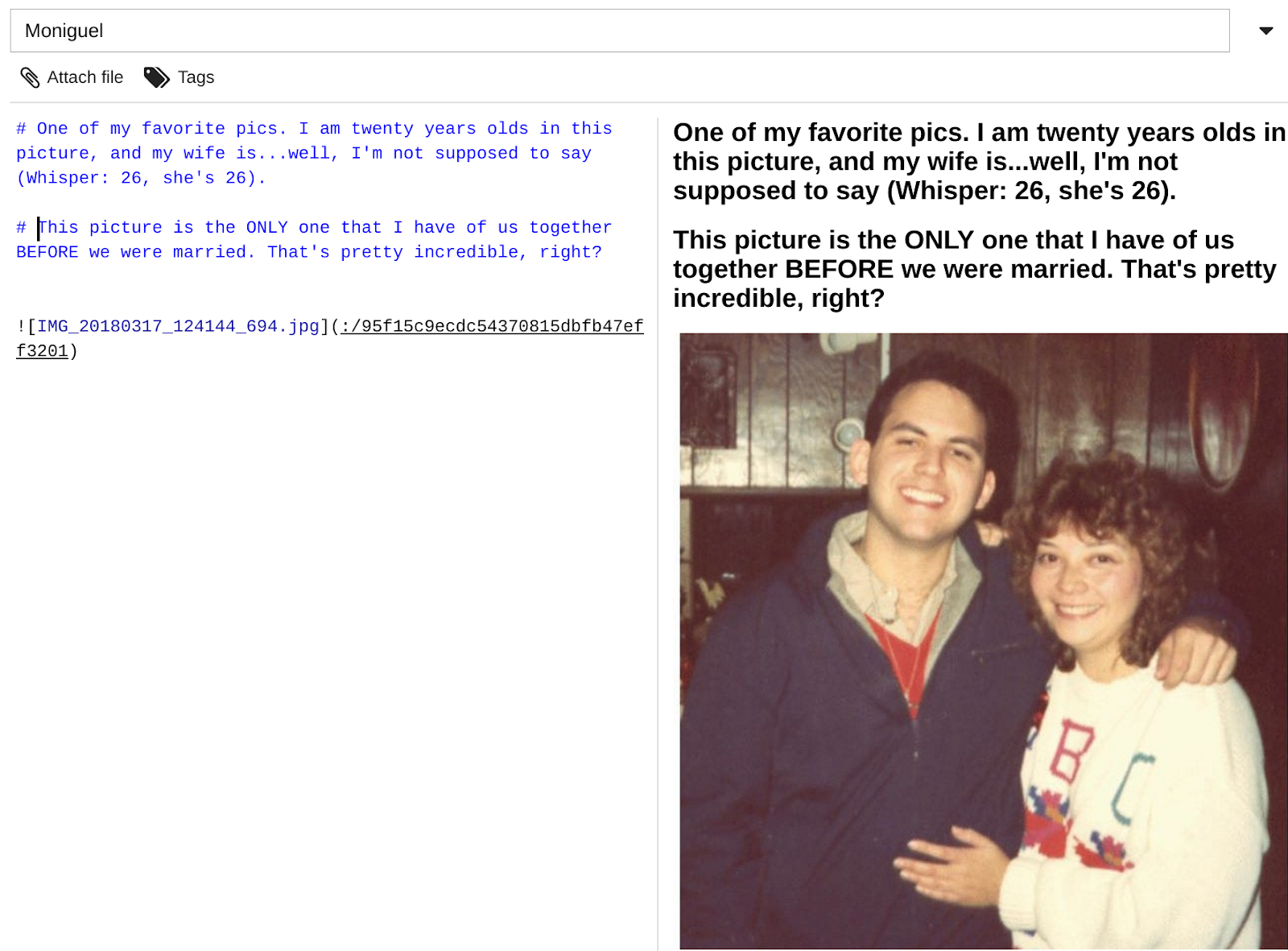
You can see that the file attachment has its own unique filename/id code.
While there are many other features to be explore, please allow me to encourage you to check out Joplin. It has a wealth of features. Of course, I would be remiss in failing to point out what features are missing.
For now, I’ve dropped them into this Google Sheet.
Discover more from Another Think Coming
Subscribe to get the latest posts sent to your email.
 Another Think Coming