Need to migrate your email from Gmail to a secure, encrypted email provider? It’s gotten so easy. Come along as I share my journey with ProtonMail, who announced their Import Assistant tool.
 |
| Image Source |
Background
For many years, I saved my email to Gmail. After all, who can beat free? Google continues to innovate, make big changes, and all I’m looking for is a reliable email provider. Over the years, email has become something you have to safeguard and protect, as well as access from anywhere. I can’t afford setting up my own mail server (ugh, who want’s that headache) and keeping it safe.


A few years ago, after Snowden’s preferred email provider, Lavabit, shut down, I was left looking for a secure, encrypted email provider. I looked at a few, and ended up with Protonmail. Over the years, I’ve used PM to send encrypted emails and attachments to my tax accountant, universities and other places. In short, it allows me to send secure documents to others and keep those as safe as possible under the circumstances.
 |
| Image Source |
Dealing with the Email Deluge
One challenge I’ve struggled with is how to move my “old” secure emails from Gmail into ProtonMail. There are so many of them. Many of the emails are email subscriptions (my goodness, UNSUBSCRIBE is a daily chore). I once tried the automated unsubscribe tools out there, but found myself unsubscribed from my Google Certified Trainer list, not to mention a few others I didn’t want to lose access to. Yikes!
For places I’m doing business, I’m still in transition to moving them from my insecure Gmail account to ProtonMail’s relative security with encrypted emails in transit and at rest. It can be a bit of a pain to click “FORWARD” on emails as they come in so that they end up elsewhere. I could have set up Thunderbird as an IMAP transfer station, shuttling emails from Gmail to ProtonMail, but I never got around to it.

I already use Thunderbird to shuffle emails from a G Suite EDU account to my personal account…I’ve done it for years so that if I had to pick up and leave, I could do so with all my documentation. As I near the end of my career, I’ve conducted a few old email purges or archived them into a third account. As you might guess, I have thousands of emails I don’t want to casually discard or lose.
The question remains, how do I move a subset of critical emails from Gmail into ProtonMail?
ProtonMail Import & Export Assistant to the Rescue
As a ProtonMail Plus user, I was able to get early access to the Import/Export tool. You can download it and install it on your computer:
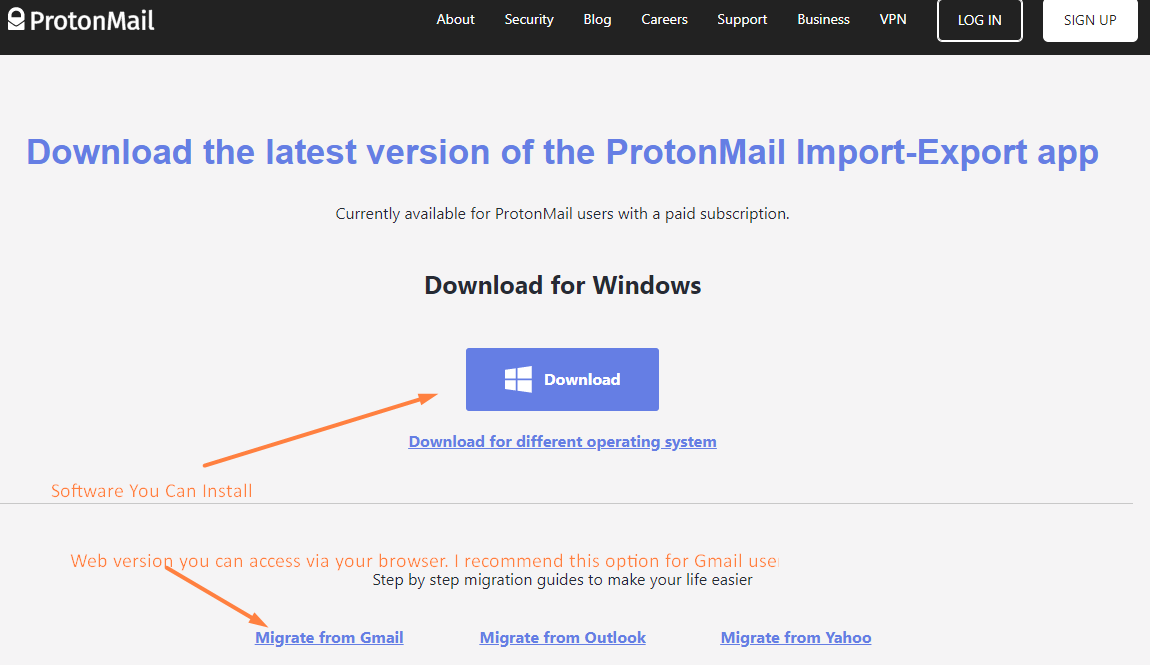
As easy as the ProtonMail Import-Export program is to use, it’s not obvious for folks who have little experience with IMAP/POP3 types of email account management:
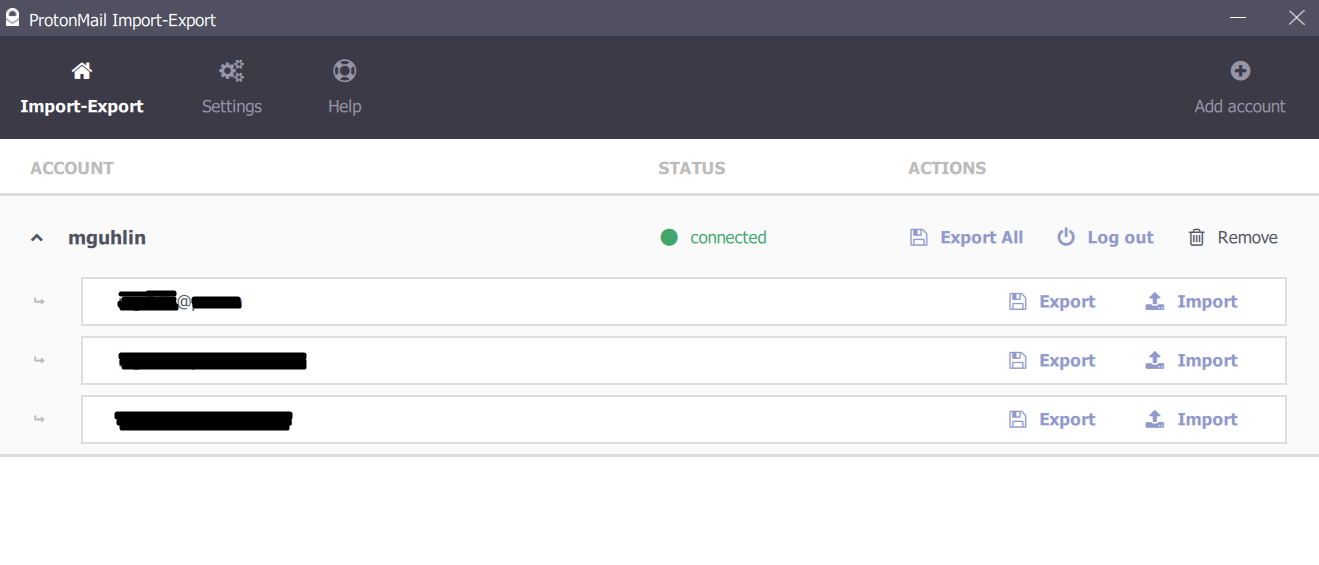
There are extensive help guides. In spite of that, I found that the Import Assistant for Gmail (web-based) was the way to go. In fact, I stumbled on it and was done importing my email quickly.
Here’s what the web version of The Import Assistant looks like:
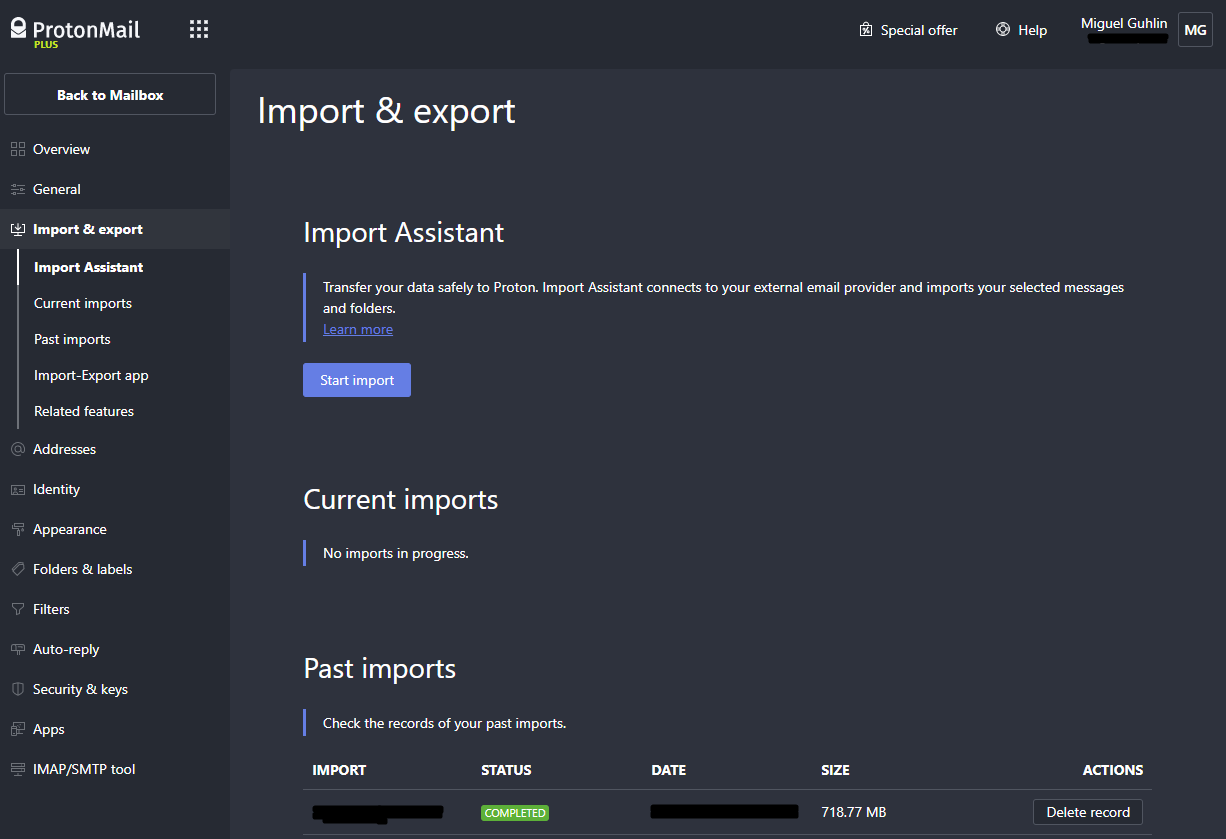
Although further down the screen, you can choose to import your contacts as well as your calendar. Importing contacts was a real life-saver for me, allowing me to really make the transition from Gmail to ProtonMail (PM).
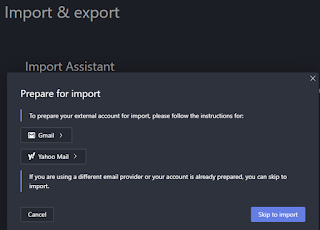
When you start your import of email from Gmail, you will see a screen like this one…the instructions offered prepare you if you have multi-factor authentication. For Gmail, you may need to generate an “app password” you can provide ProtonMail Import Assistant.
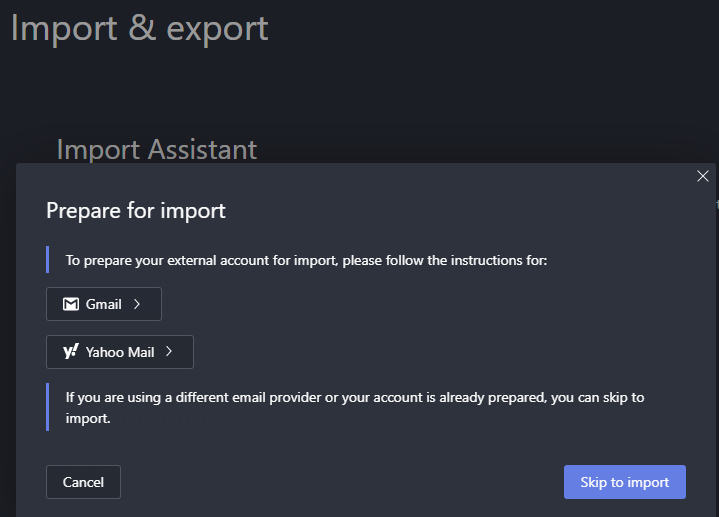
Once you get going, ProtonMail will import messages into Gmail. I’d walk you through the rest of the process, but it really is pretty easy. I definitely recommend transitioning your critical with sensitive information (e.g. medical, health, financial, personal, family) into ProtonMail for safekeeping. You can get finely-grained control over what to import. See this guide.
Everything posted on Miguel Guhlin’s blogs/wikis are his personal opinion and do not necessarily represent the views of his employer(s) or its clients. Read Full Disclosure
Discover more from Another Think Coming
Subscribe to get the latest posts sent to your email.
 Another Think Coming