Google’s recent announcements about Google Photos reminded me that it’s important to have an exit policy. Google’s dominance over my email, photo storage, and file storage reminded me, “Er, maybe you have all your eggs in one basket?”
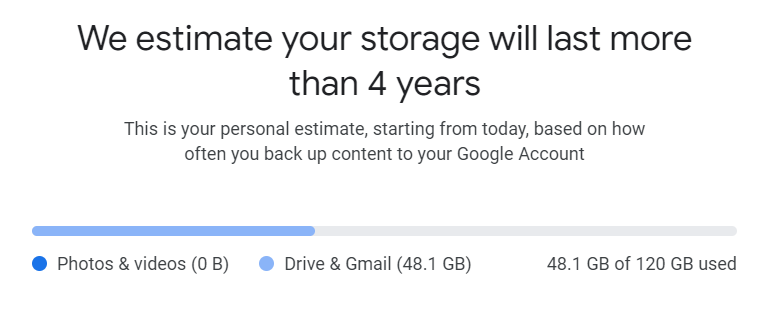
Did you miss the announcement?
- Starting June 1, 2021, new photos and videos uploaded in High quality will begin counting towards your 15GB of Google Account storage.
- Starting June 1, 2021, any new photos and videos you upload will count toward the free 15 GB of storage that comes with every Google Account or the additional storage you’ve purchased as a Google One member.
- Your Google Account storage is shared across Drive, Gmail and Photos.
So, to prioritize my use of Google Drive, I imagine I can clean out my Google Photos to make space.
RETHINKING GOOGLE PHOTOS
To that end, I’ve migrated my critical, medical, purchasing and bill paying emails away from Google Mail to a service I pay for. The next big move is Google Photos. I have countless images stored there, and I blame it all on phone app backups. Every political meme, cartoon, etc. that was on my phone is stored online. I wish there was an easy way to nuke all of those, but Google’s Archive feature captures essential images as often as it does the other’s. Still, it does a nice job.
EXPORTING THEM – GOOGLE TAKEOUT
I managed to download all my Google Photos (for fun, I relied on tgz compression rather than zip so I could keep my tgz extraction skills up). It took 28 tgz files of 4 gigs each. That’s quite a bit! Then, I made some general categories and sorted the photos into folders manually. You would think that might be difficult, but Free Commander was a joy to use.
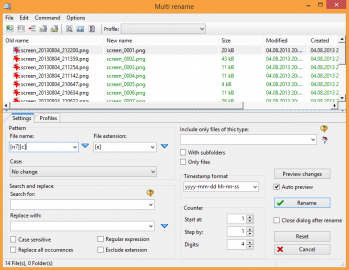
Image Source: https://freecommander.com/en/screenshots/
It’s a replacement Explorer (file and folder management) you can use. One of the cool things about Free Commander is that you can rename files in bulk. What a lifesaver!
FreeCommander is an easy-to-use alternative to the standard windows file manager. The program helps you with daily work in Windows. Here you can find all the necessary functions to manage your data stock. You can take FreeCommander anywhere – just copy the installation directory on a CD or USB-Stick – and you can evenwork with this program on a foreign computer.
Give it a shot.
AMAZON PHOTOS
If you’re wondering, did Amazon Photos get the job done? The answer is YES. It works quite well, and I love that it’s not a part of the Google ecosystem. That means, I can share my username/pwd with key family members and they can easily add the photo app to their devices so we have one giant virtual space to drop photos. Is that dangerous? Well, I don’t recommend giving your username and password to your cousin, but wife and/or the person in charge of stuff when you’re an old hoot, that makes sense to me. Problems were so rare that I couldn’t resist snapping this screenshot when something went wrong for two milliseconds:
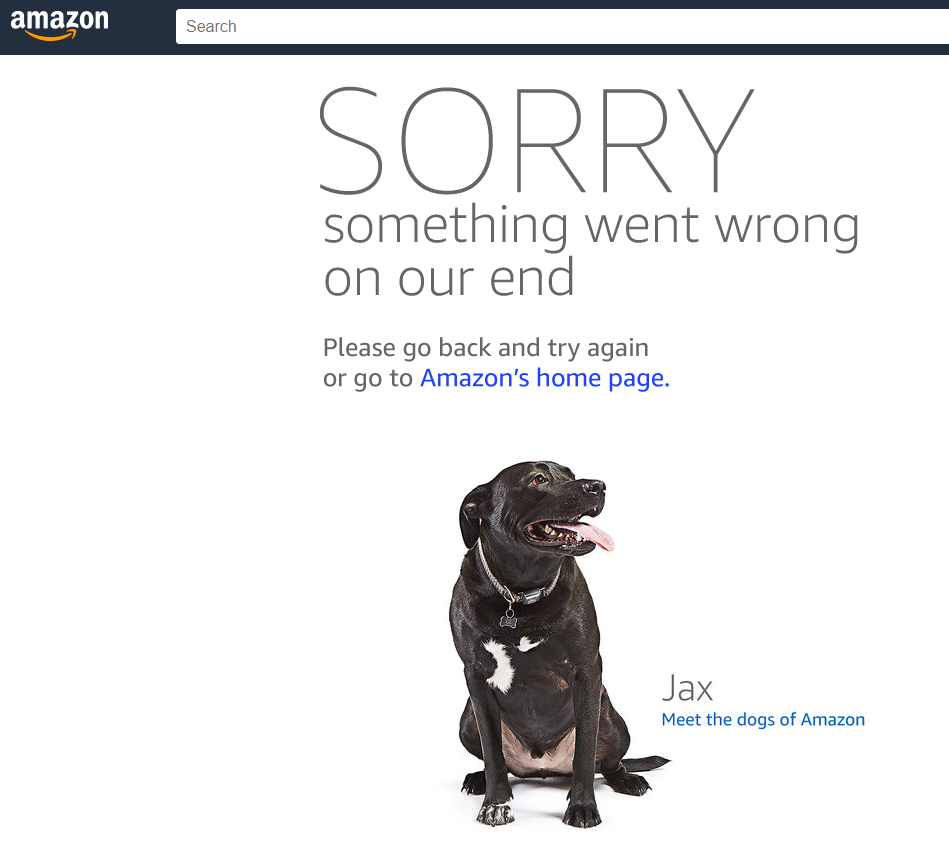
Of course, that happened because I was uploading pictures using Amazon Photos desktop app while create albums online in the web browser. Nothing went wrong, really, except for a momentary issue and no photos were harmed.
AMAZON PRIME & PHOTOS
Since I pay for Amazon Prime, pretty much an essential service due to the pandemic, I decided to move my photo collection (family photos, essential images) into Amazon Photos. It’s worked quite well, better than I expected. I promptly shifted several gigs of photos into Amazon Photos without trouble. This is what the desktop app looks like:
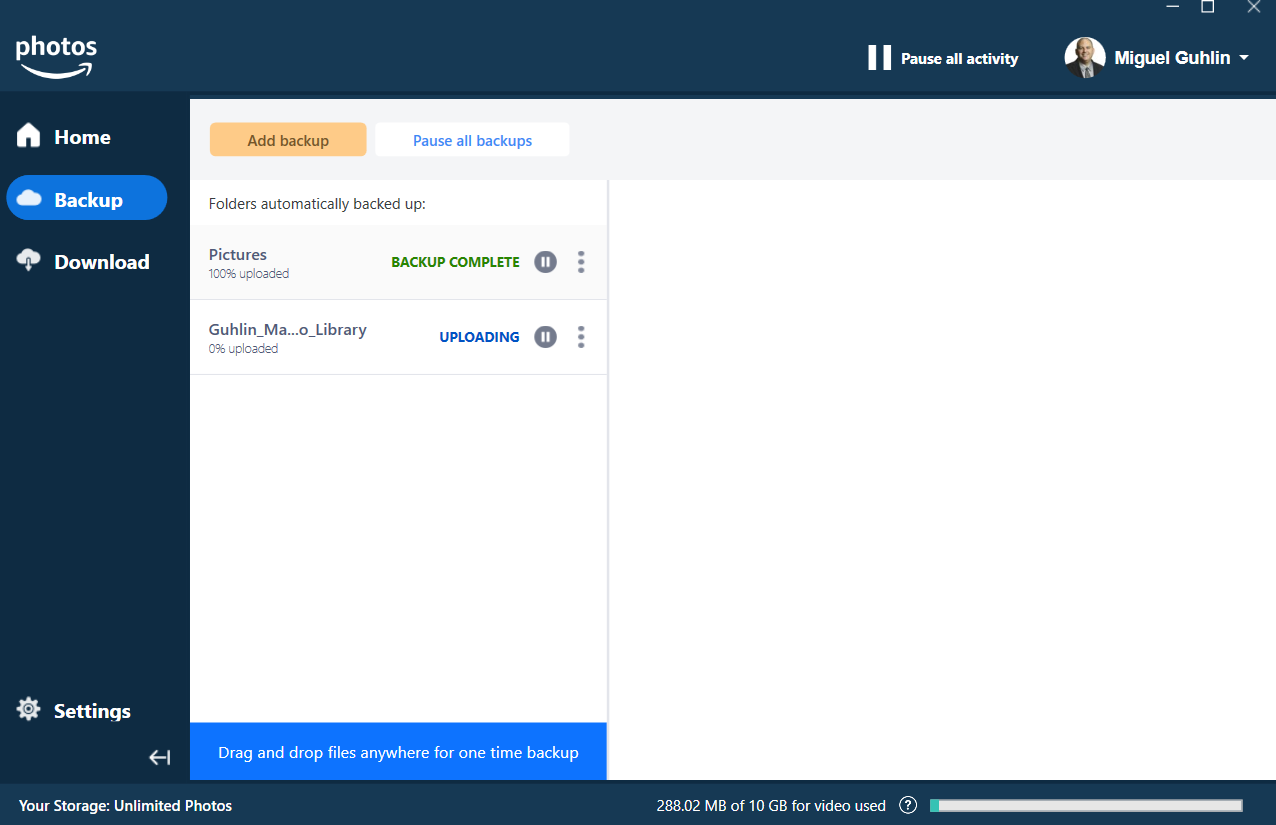
One funny thing that happened, though. I promptly filled up the 10gigs of video storage. While Prime gives me unlimited storage for photos/images, the same is not true of video. You can see the pricing below.
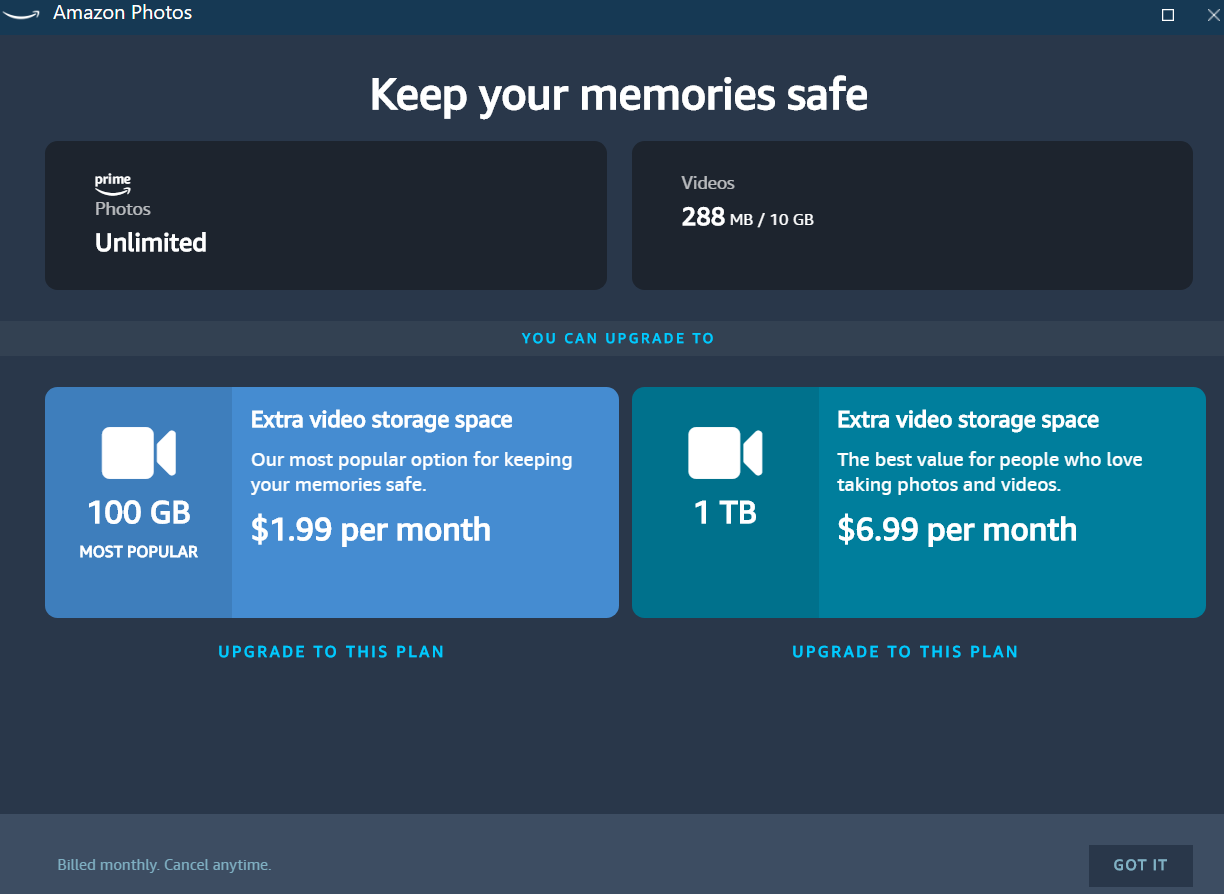
If you’re wondering, did I abandon Google Photos? Not quite. I probably won’t say goodbye for a few more years yet. But I do like Amazon Photos as my backup alternative to Google. Now, I can keep the essentials on Amazon Photos, and use Google Photos. My exit strategy is easy. In a few years, Gmail will remain my “junk email” catcher, and Drive and Photos will be empty. I can then revert to the free account features. Maybe put that money into a external USB drive I can ship to family with all the photos or something.
What are you doing in light of Google Photos’ announcement?
Everything posted on Miguel Guhlin’s blogs/wikis are his personal opinion and do not necessarily represent the views of his employer(s) or its clients. Read Full Disclosure
Discover more from Another Think Coming
Subscribe to get the latest posts sent to your email.
 Another Think Coming