A new image format, which I’d read a little about but hadn’t explored much, was so much fun to experiment with. The WEBP image format, great for websites and content management system, shrinks image size down to almost nothing. For example, it dropped a PNG image of 223K to 12K. Wow, isn’t that incredible?
WebP is a modern image format that provides superior lossless and lossy compression for images on the web. Using WebP, webmasters and web developers can create smaller, richer images that make the web faster.
WebP lossless images are 26% smaller in size compared to PNGs. WebP lossy images are 25-34% smaller than comparable JPEG images at equivalent SSIM quality index.Lossless WebP supports transparency (also known as alpha channel) at a cost of just 22% additional bytes. For cases when lossy RGB compression is acceptable, lossy WebP also supports transparency, typically providing 3× smaller file sizes compared to PNG. (Source)

Since I’m running on UbuntuLinux now, I thought I’d give it a shot. This blog entry, How to Convert Images to WEBP Format in Linux, provided some great suggestions. I followed the instructions in that blog entry, and that gave me a list of tools I could use at the command line:
- anim_diff – tool to display the difference between animation images.
- anim_dump – tool to dump the difference between animation images.
- cwebp – webp encoder tool.
- dwebp – webp decoder tool.
- gif2webp – tool for converting GIF images to webp.
- img2webp – tools for converting a sequence of images into an animated webp file.
- vwebp – webp file viewer.
- webpinfo – used to view info about a webp image file.
- webpmux – webp muxing tool.
I’ve used cwebp, but now looking at this list above, I realize I could have used img2webp to convert multiple images at once. The size savings are significant.
Here’s what a command looks like:
cwebp -q 60 original_filename.png -o convertedimage_filename.webp
Now, for fun, here’s a screenshot of a list of files showing the difference in size for “jigsaw” image files…this image below is the PNG version, at 177K in PNG format:
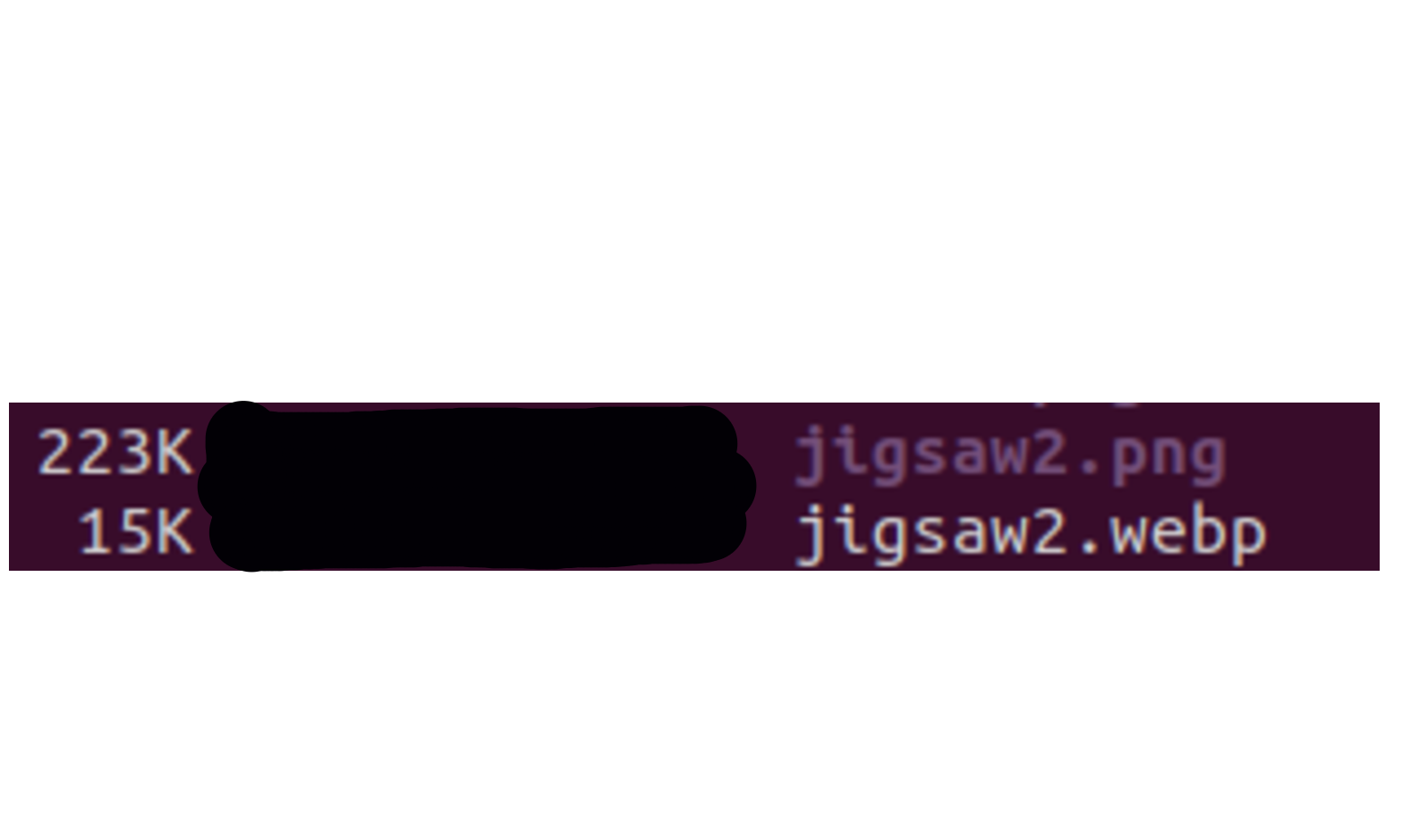
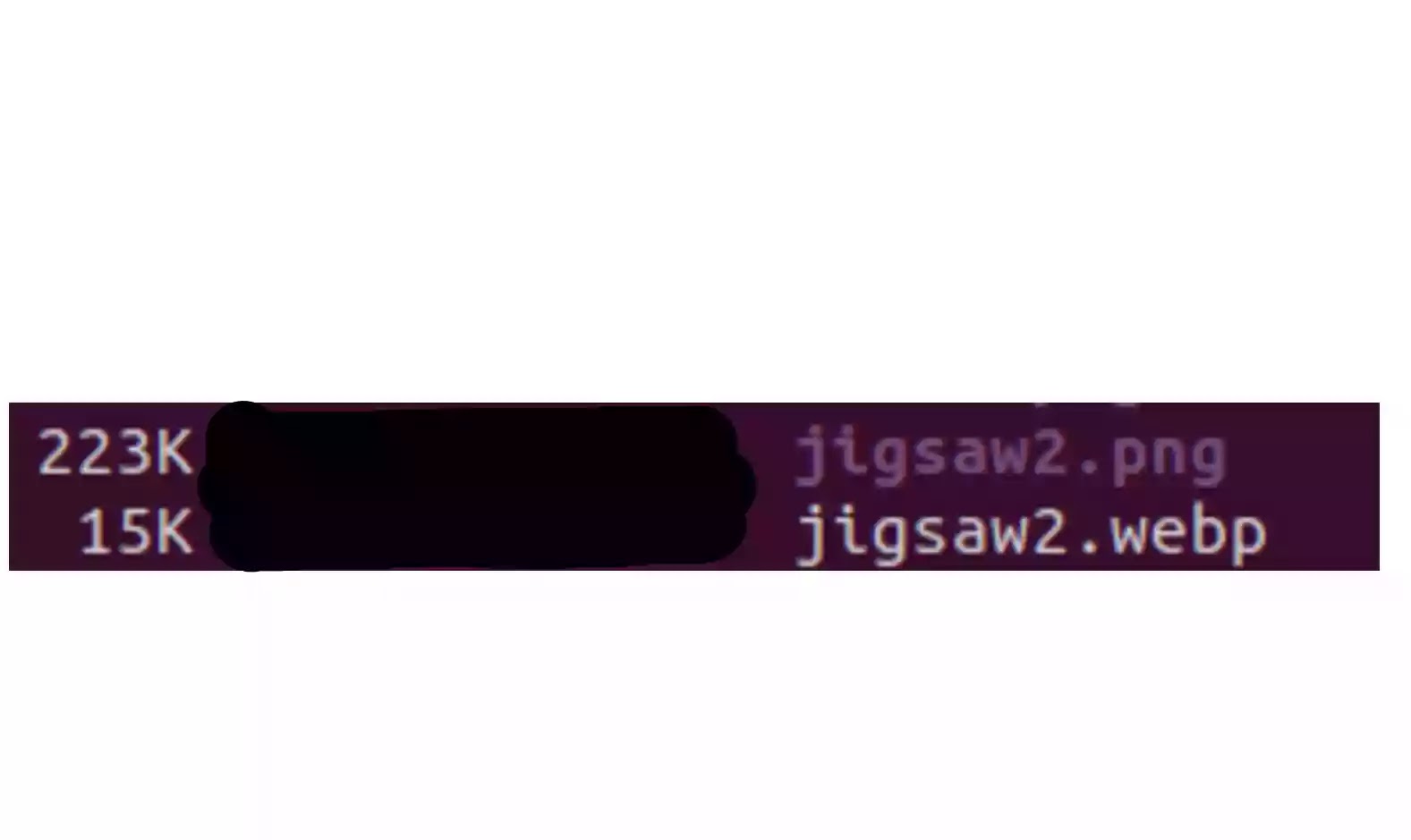
As you can see, the image file sizes are dramatically different at 60% quality. But here’s the same screenshot shown at 30% quality in webp format…this image below is 6K in WEBP format:
What I don’t understand is why WEBP hasn’t gotten more popular and support in Google Workspace and other spaces. Smaller images, same quality, it appears obvious. I’m sure I must be missing something.
Everything posted on Miguel Guhlin’s blogs/wikis are his personal opinion and do not necessarily represent the views of his employer(s) or its clients. Read Full Disclosure
Discover more from Another Think Coming
Subscribe to get the latest posts sent to your email.
 Another Think Coming