Windows 10 has been such an improvement over previous Windows operating systems, I had even greater hopes for Windows 11. After all, the more it looks like GNU/Linux, doesn’t get in the way of what I want to accomplish, the better, right? Even so, I had Pop OS! GNU/Linux distro ready to go just in case. It works great on my Alienware M15, and hey, I have an old Dell that was running Windows 8 that serves as my forever linux engine.
Imagine my disappointment when this message popped up after I ran Microsoft’s PC Health app, only to discover, “Nope, sorry, your new machine won’t get the job done:”

That was a bit of a shocker, I must admit. A PC less than one year old can’t run the new Windows 11? Something had to be goofy with the PC Health app. But alas, the problem wasn’t with PC Health but with my configuration of my Alienware m15.
WhyNotWin11 app
When I ran this amazing free open source app, I found out why my machine failed the test:

As you can see from the screenshot above, it’s all about that darned trusted computing chip, er, TPM chip. I had disabled it when I first got the machine while trying to load Linux and never turned it back on.
BIOS Check
When I checked my BIOS, I found it turned off. But I was unable to enable it at first.
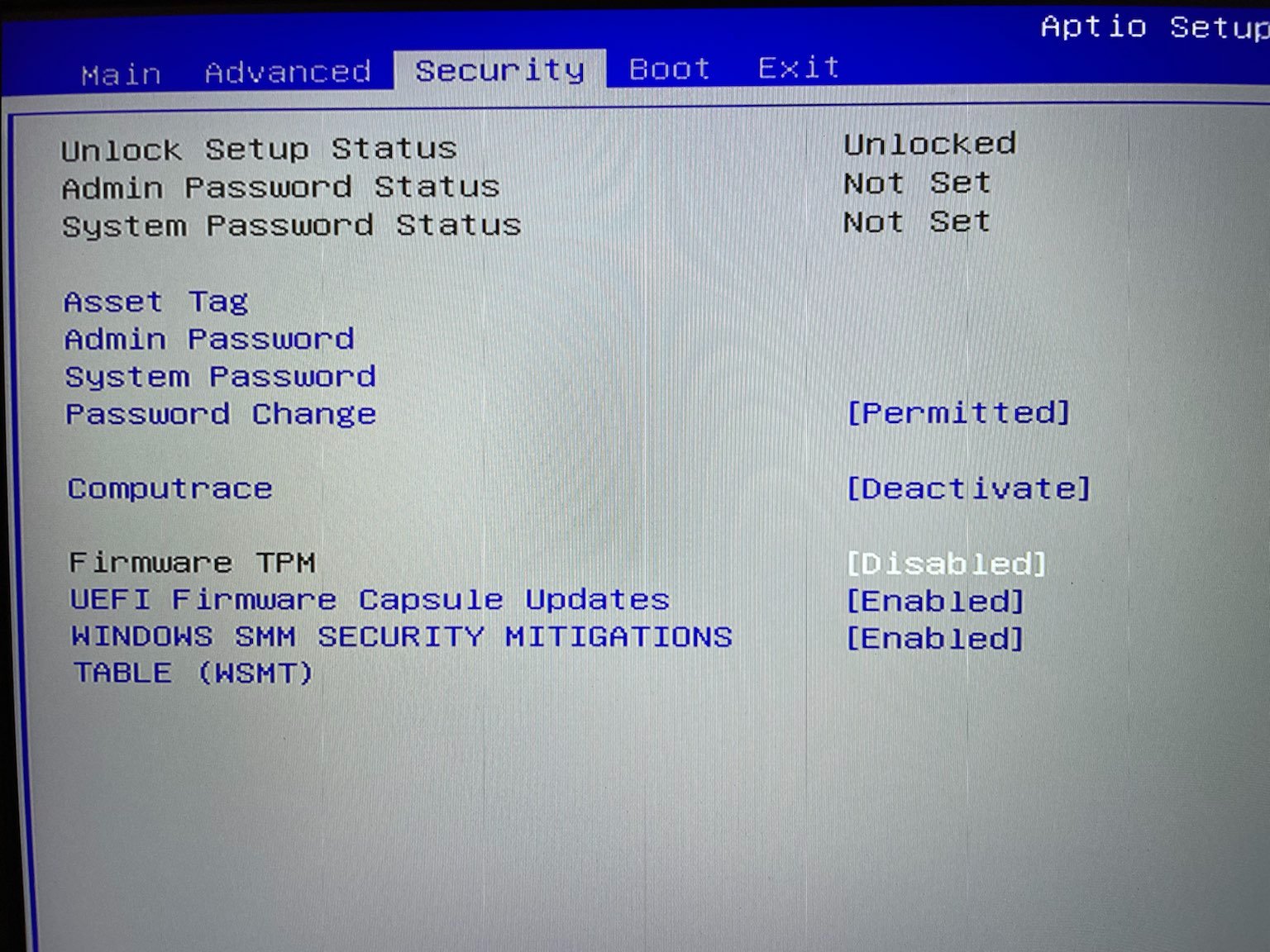
This meant I had to jump over to the BOOT screen in my F2 boot setting and make some adjustments:
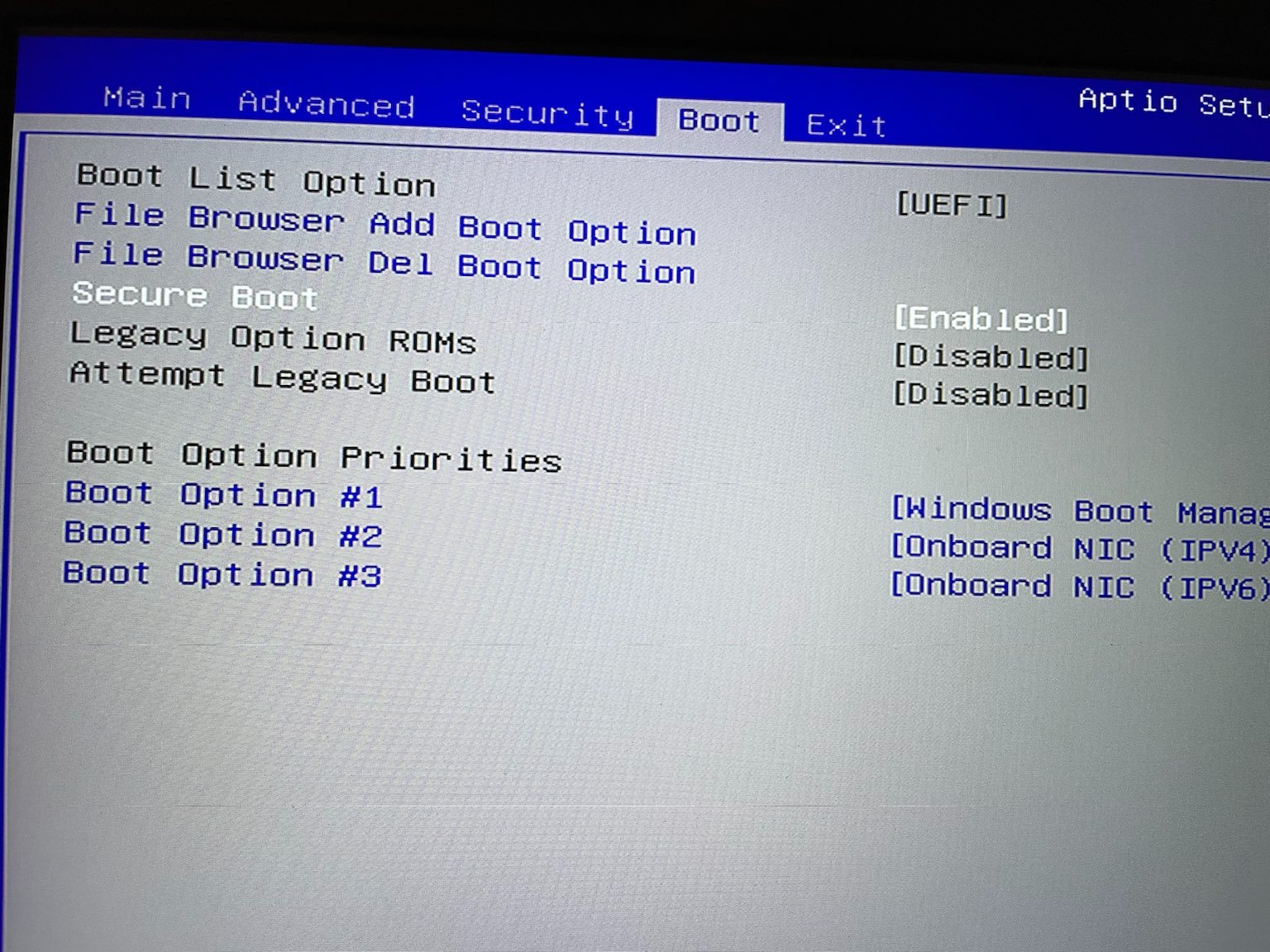
I had to disable Legacy Option and Attempt Legacy Boot to ensure Secure Boot was enabled. Then, I had to flip back to enable TPM:
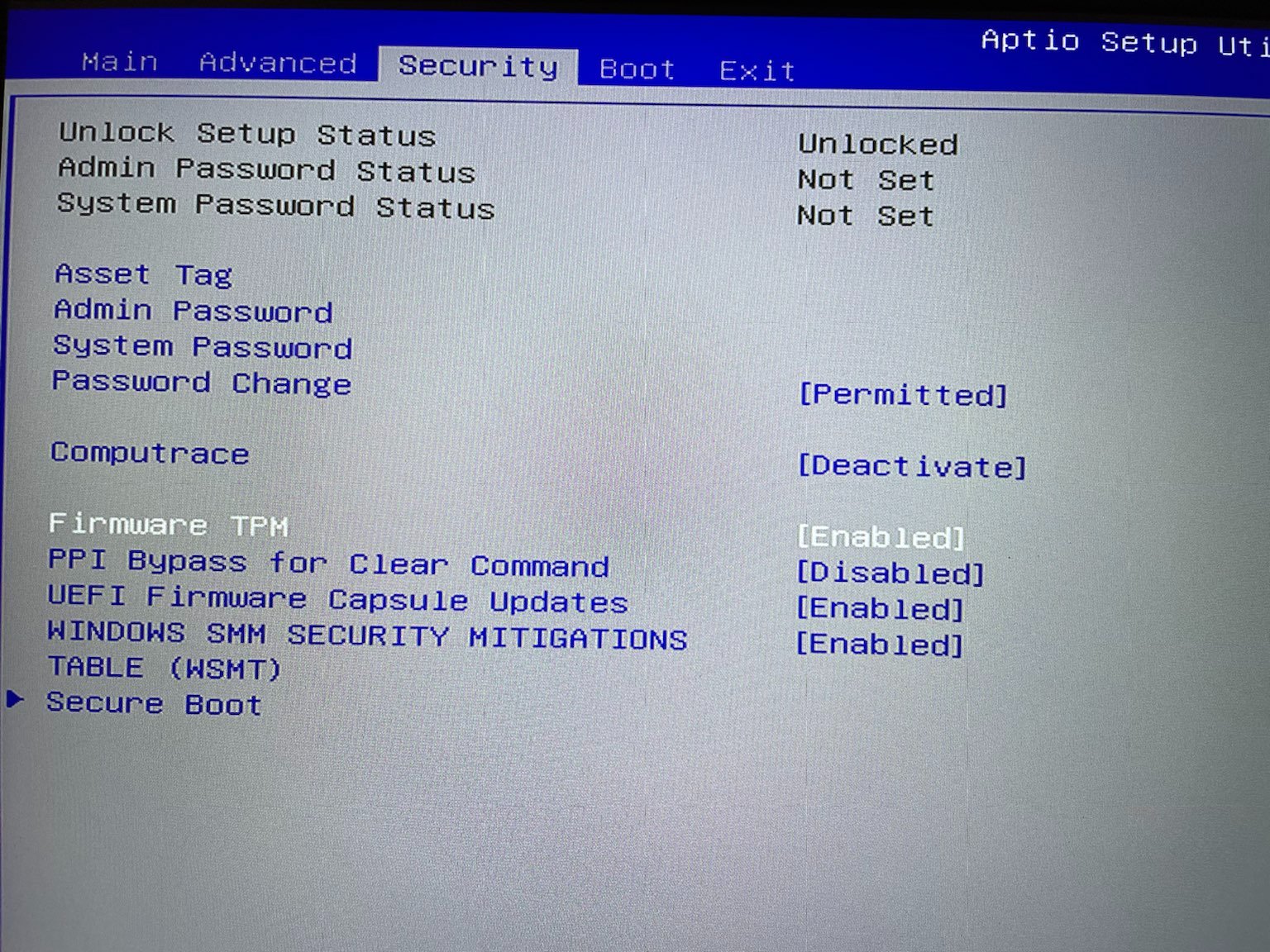
Yay, the firmware TPM is enabled. I should be able to run PC Health Check app and see if Windows 11 will work on my less than a year old machine.
First, let me check it on WhyNotWin11 app:
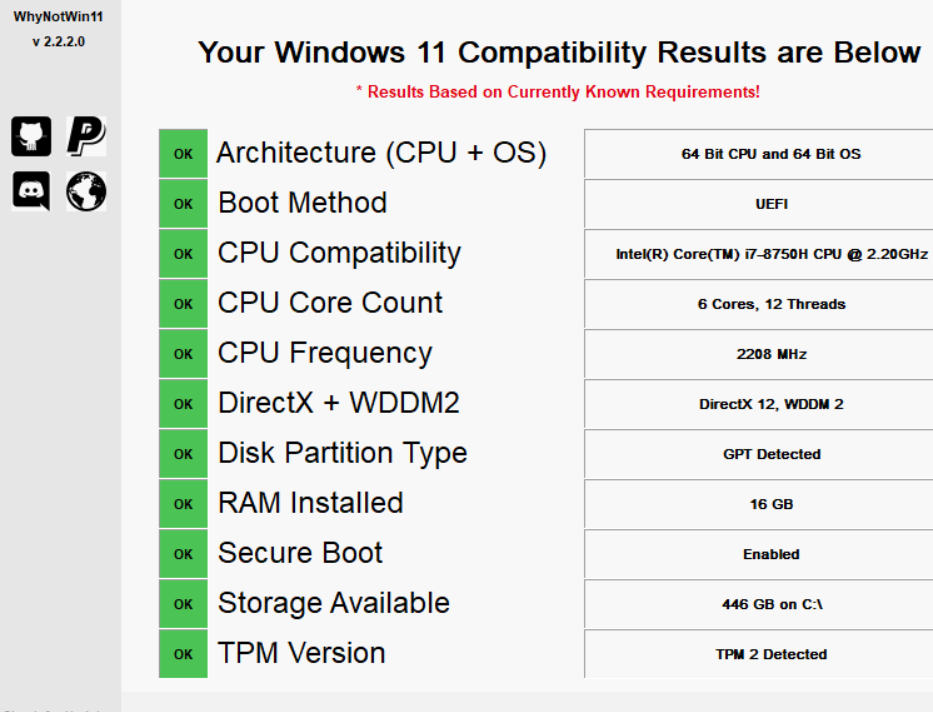
That is encouraging! I should be OK to run Windows 11. So here goes…
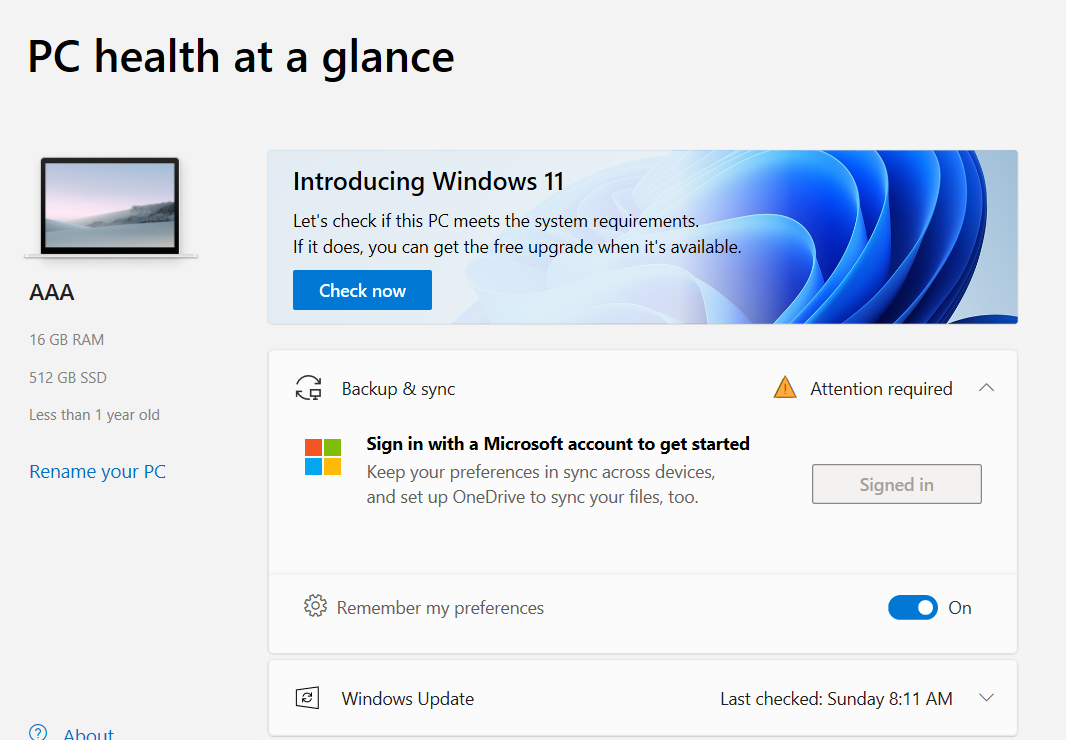
Oh, the suspense…
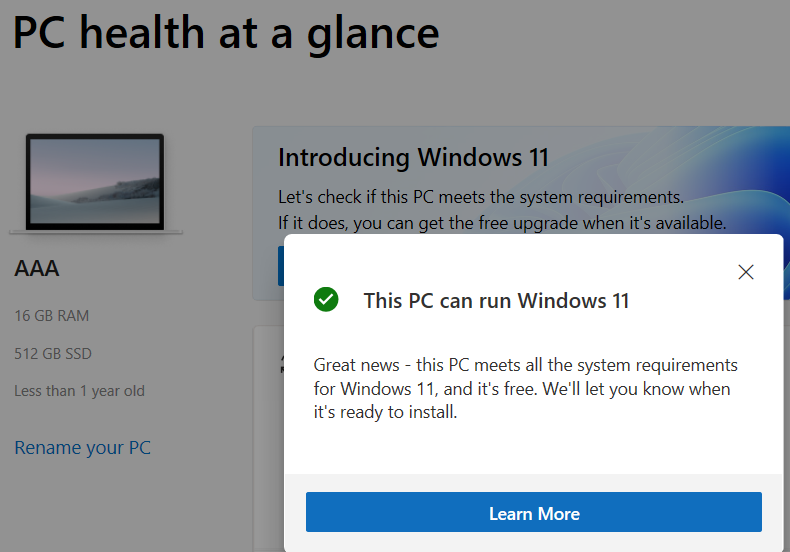
Yay! I can now run Window 11, but I am going to bet that I’ll have to unload all that TPM security, re-enable Legacy boot, if I want to run GNU/Linux off USB. Well, that can wait until later when I get a new System76 laptop that ONLY runs Linux (taking donations now…sigh) or decide Windows is too much for my machine. But that won’t be this year.
Want to learn more about this? Read Bleeping Computer’s article on the subject. I did and it helped me become the expert I am this minute! 😉
Everything posted on Miguel Guhlin’s blogs/wikis are his personal opinion and do not necessarily represent the views of his employer(s) or its clients. Read Full Disclosure
Discover more from Another Think Coming
Subscribe to get the latest posts sent to your email.
 Another Think Coming