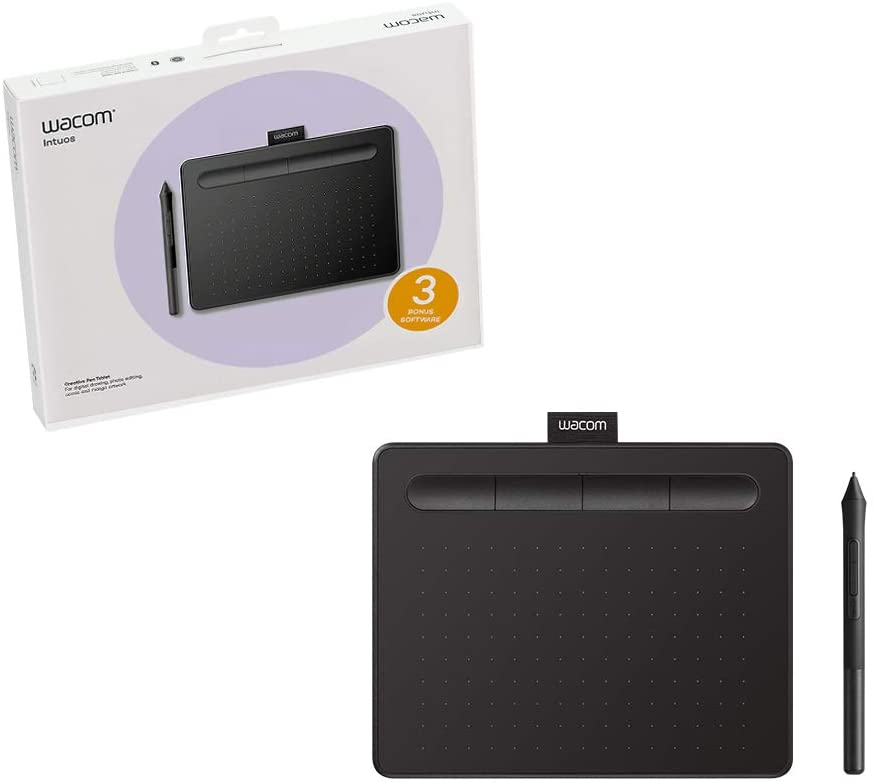
Wish you had an easy way to interact with your device? Then you may be missing the Wacom Intuos pen tablet.
Revisiting Questions
In Part 1 of my review of the Wacom Intuos pen tablet, I asked the following questions:
- Would this device work on Windows 10, Mac, and Chromebook?
- Could I use this pen tablet with popular education apps, such as Google Jamboard and Microsoft OneNote?
- Would the pen that interacts with the tablet require batteries, and would it be more precise that past pen+tablet combos I had experienced in the past?
- What evidence-based strategies can we connect to the use of Wacom Intuos tablet in the K-16 classroom?
- How well would Wacom Intuos Pen Tablet work with popular apps in schools, like Adobe Photoshop, Adobe Illustrator, and THE Graphics Image Manipulation Program (GIMP)?
Let’s take a look at the answers to some of these questions.

A Cross Platform Device
The Wacom Intuos pen tablet is a phenomenal tablet. I was impressed at how precise my writing on it was, and thrilled at how easily it connected to my Windows 10 computer and Chromebook. Even though I was using an end of life Acer C740 Chromebook, a brand often found in K-12 schools, the pen tablet was immediately usable.
Works Great with…
Google Jamboard
If you work with Google’s whiteboard creation, Jamboard, you will delight in the ease of use for writing on the white canvas. Wacom Intuos pen tablet made it easy to interact with the Jamboard toolbar, and draw on the screen. I’d show you some of my creations, but alas, I failed art in kindergarten. Instead, I encourage you to wait to see
Microsoft OneNote

Although I don’t use Microsoft OneNote as much as I once did, having thrown OneNote over for Joplin’s note-taking tool and, occasionally Google Keep, I do keep it on my machine. As you might imagine, the Wacom Intuos pen tablet works well with OneNote.
You can see an example of my drawing expertise to the right. I used the amazing pens available in OneNote and the Wacom Tablet Pen to get this awesome (haha) result.
What’s Up Next
In Part 3: Evidence-Based Strategies and Wacom Intuos, I’ll explore my thoughts and responses to this question:
- What evidence-based strategies can we connect to the use of Wacom Intuos tablet in the K-16 classroom?
In Part 4, Adobe wizard Farrah Nobles will share a comprehensive review of the Wacom Intuit tablet and how it…
- How well would Wacom Intuos Pen Tablet work with popular apps in schools, like Adobe Photoshop, Adobe Illustrator, and free software (Clip Studio) that comes with the tablet?
These follow ups will be released over the next few days. Be sure to check back for more on the Wacom Intuos Pen Tablet.
Everything posted on Miguel Guhlin’s blogs/wikis are his personal opinion and do not necessarily represent the views of his employer(s) or its clients. Read Full Disclosure
Discover more from Another Think Coming
Subscribe to get the latest posts sent to your email.
 Another Think Coming