One of my favorite features on Mac? The ability to force delete a reluctant file. You may remember the option. You try to empty the trash on a Mac, but you get an error. What can you do? You force empty trash by holding down the option key. But how do you do this on Windows?
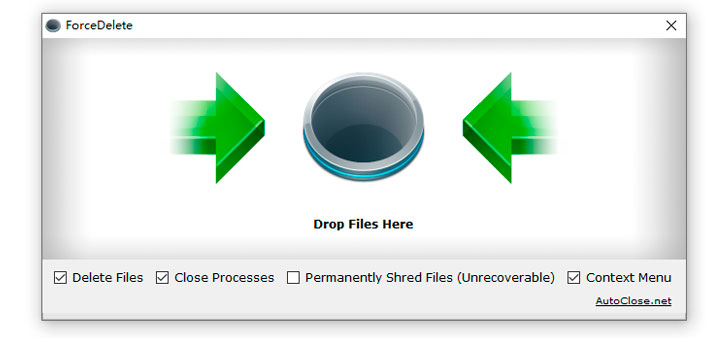
Introducing Force Delete
Sometimes you may get the error message “cannot delete file: access is denied” or “the file is used by another program” while you are failing to delete files and folders on Windows. That means those files and folders were locked in Windows and cannot be deleted in a regular way.
You can use ForceDelete to fix these issues and delete files and folders forcibly. ForceDelete is a handy and free Windows utility that unlocks and deletes files or folders which are used by other processes and cannot be deleted. The best part of this small tool is, ForceDelete has an option allows users to delete locked files and folders without terminating the processes.
Explore Force Delete on your own.
Force Delete Features
- Drag & Drop Mode
- Forcibly Delete Files & Folders
- Unlock Files are in Use by Other Processes
- Delete Files without Closing Other Programs
- Context Menu Shortcuts
- Shred Files, Unrecoverable
- Batch / Command Line Mode
- Portable Version Available
- Tiny: File Size is 180 KB Only
- 100% Free and Clean
Discover more from Another Think Coming
Subscribe to get the latest posts sent to your email.
 Another Think Coming