What a delightful bit of news to see that Wakelet has made Columns available as one of its collection layout options. For fun, I thought I’d re-organize one of my bigger Wakelet collections, the collaborative Copyright-Free Media & Tools. I share it with folks all over and try to keep it up to date. What’s more, others occasionally add content, too.
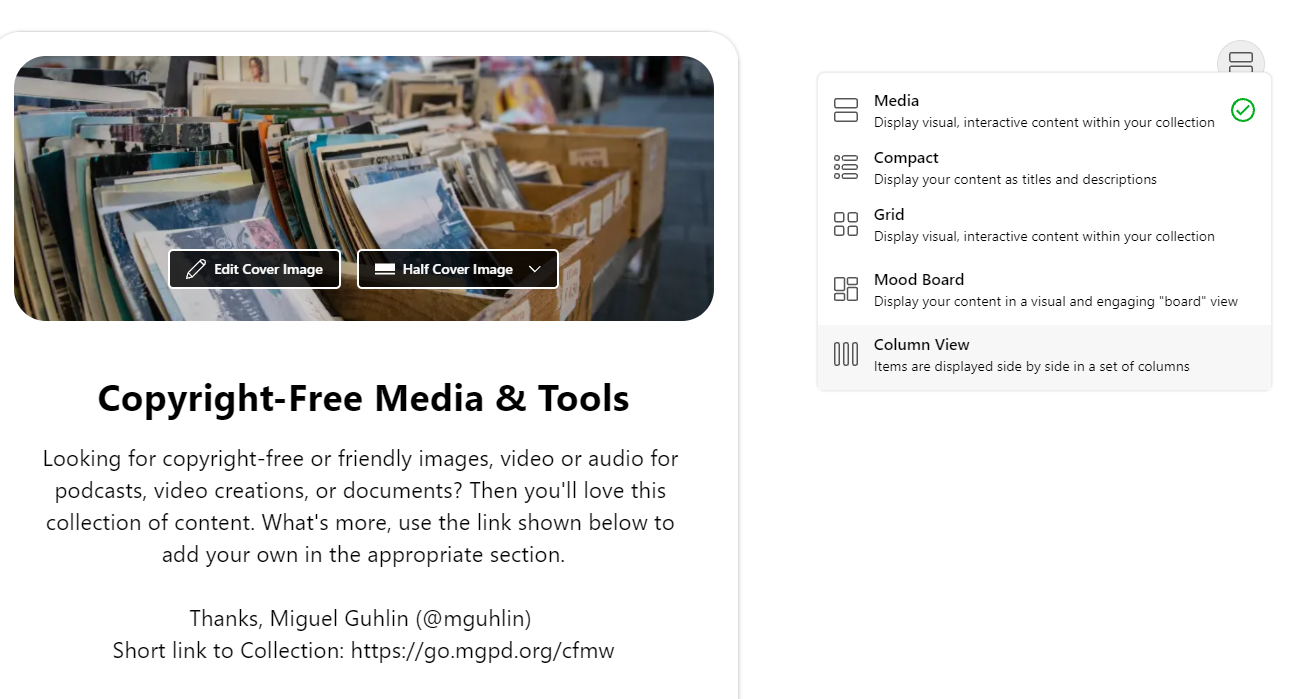
One of the challenges Wakelet collections face? Dealing with LOTS of content in a long, scrolling page. While sometimes you can split up sub collections, you have to know you are going to do it ahead of time.
Feature Request: Select multiple items, then move them to their own new collection. Wouldn’t that be cool?
Re-Organizing
My Copyright-Free Media & Tools Wakelet collection has several areas, including:
- Image and Picture Resources
- Free Web-based Tools and Editors
- TCEA Blog Entries
- Audio Resources
- Video Resources
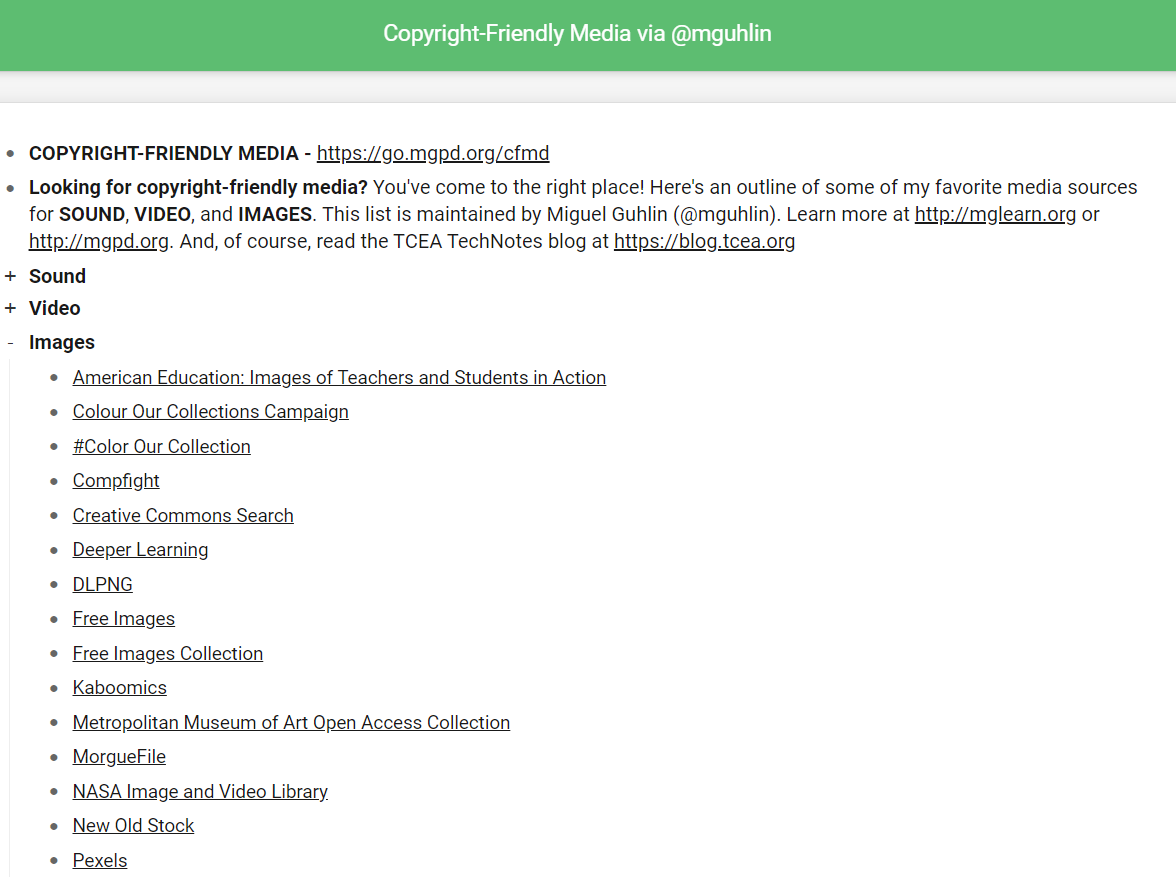
As you might imagine, that’s a pretty long scroll to get access to all the resources. I’ve been tempted to drop the entire list into a Diigo outline (er, looks like I already did that) since that is easier and quicker to get to sometimes.
Here’s what that looks like…
 |
| https://go.mgpd.org/cfmd |
Of course, it doesn’t look as nice. The hope is that it would be easier to organize Wakelet collection into columns. Let’s see how that works…
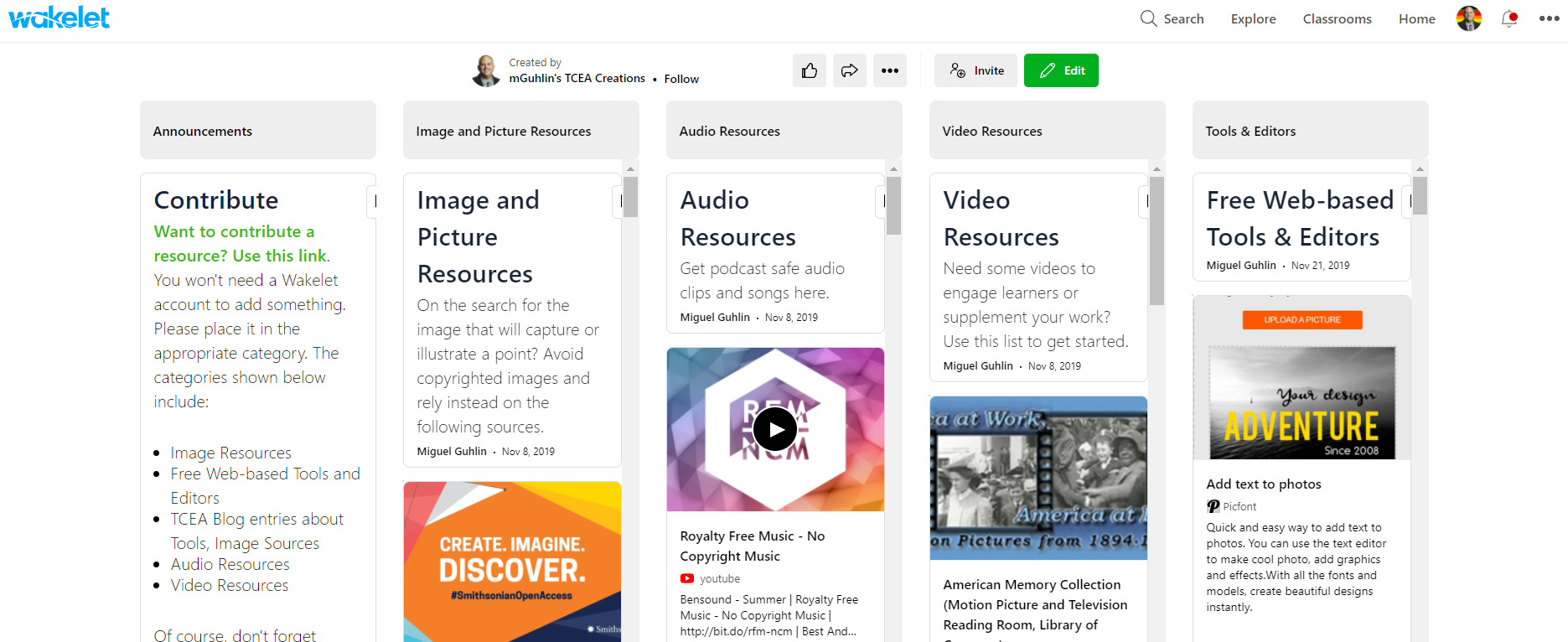
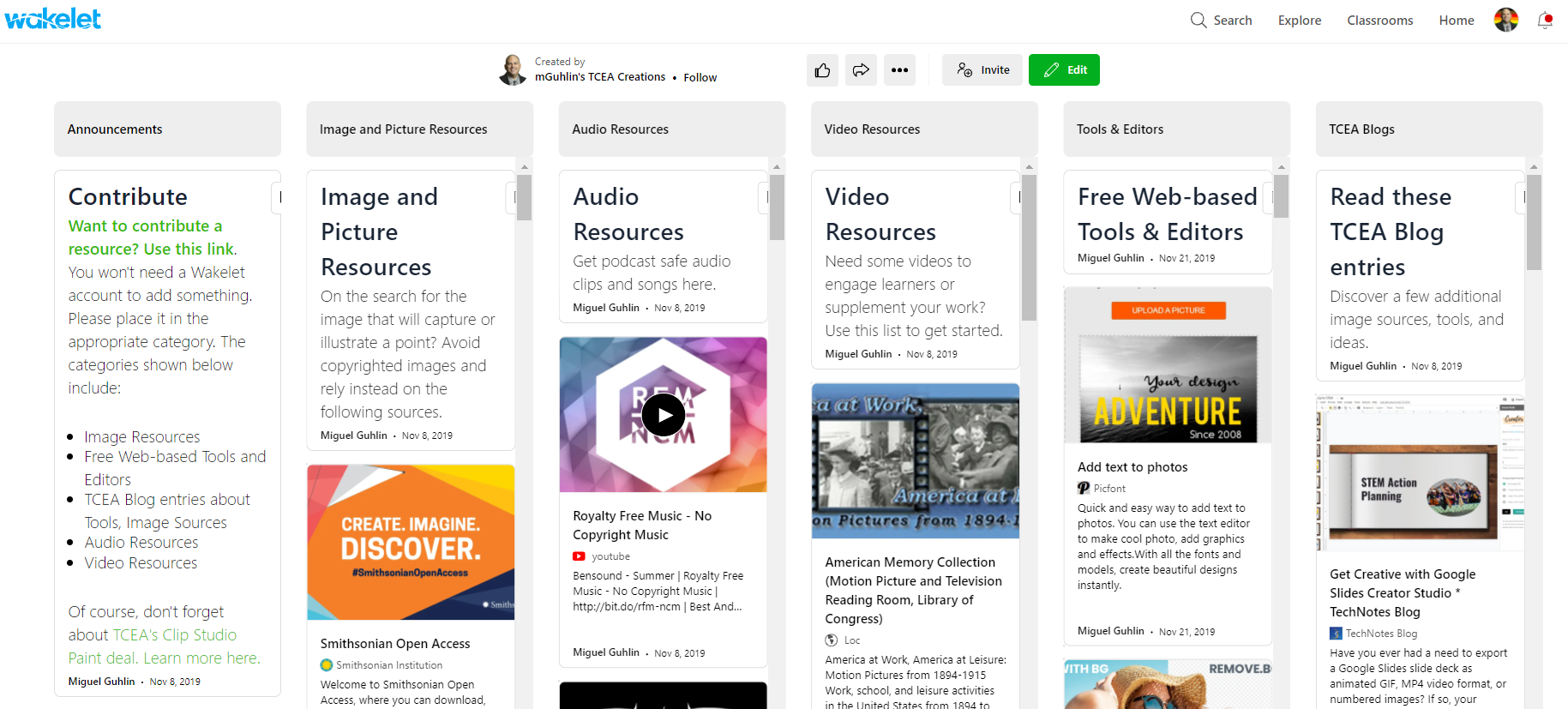
I like the new look. Of course, I’m sure the Wakelet development team is working on adding Headings to the column labels, etc., but this is amazing new way to interact with a Wakelet, especially if you have a WIDE screen. For example, in the screenshot above, you can see five columns. But this Wakelet collection has SIX columns, which you can see when you “shrink” the screen a little:
 |
| https://go.mgpd.org/cfmw |
Overall, nice job, Wakelet! Thank you so much for giving us a long-desired/hoped for way to view collections.
Oops, Possible Fixes Pending
As I discovered, it took a few screen refreshes/reloads for my new layout to pop up on MS Edge. It didn’t look good at all on the Vivaldi browser. In fact, while looking at a Project Management collection I reorganized quickly, it just didn’t work and generated an error.
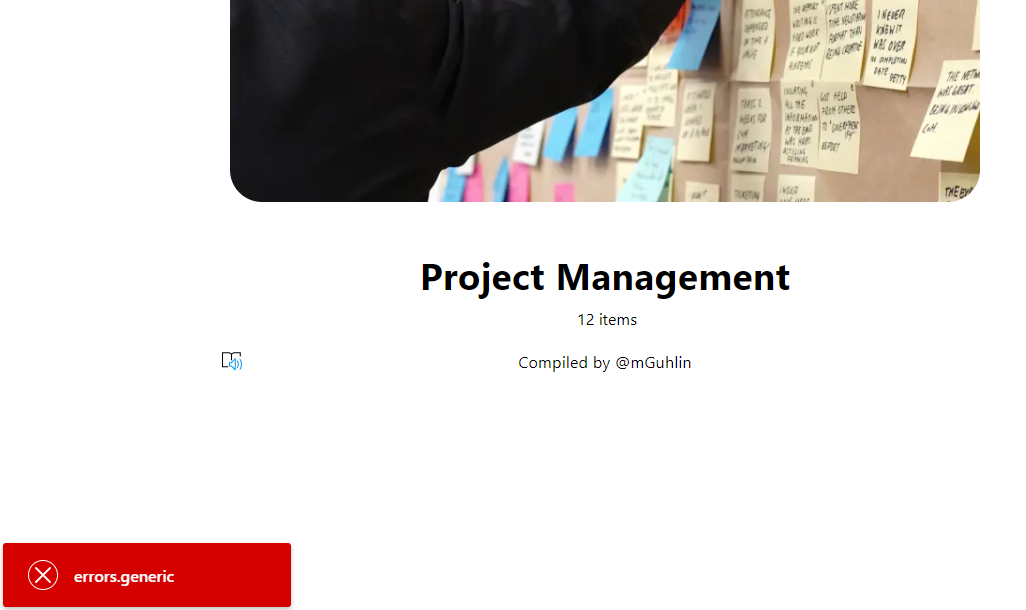
I am sure this will be resolved, and if the worst that happens is it appears as it once did (e.g. compact or media view), then that won’t be THAT big a deal. You can see that look below with the Copyright-Free Media & Tools collection I worked on. It just doesn’t show up well in Vivaldi browser on Windows 10:
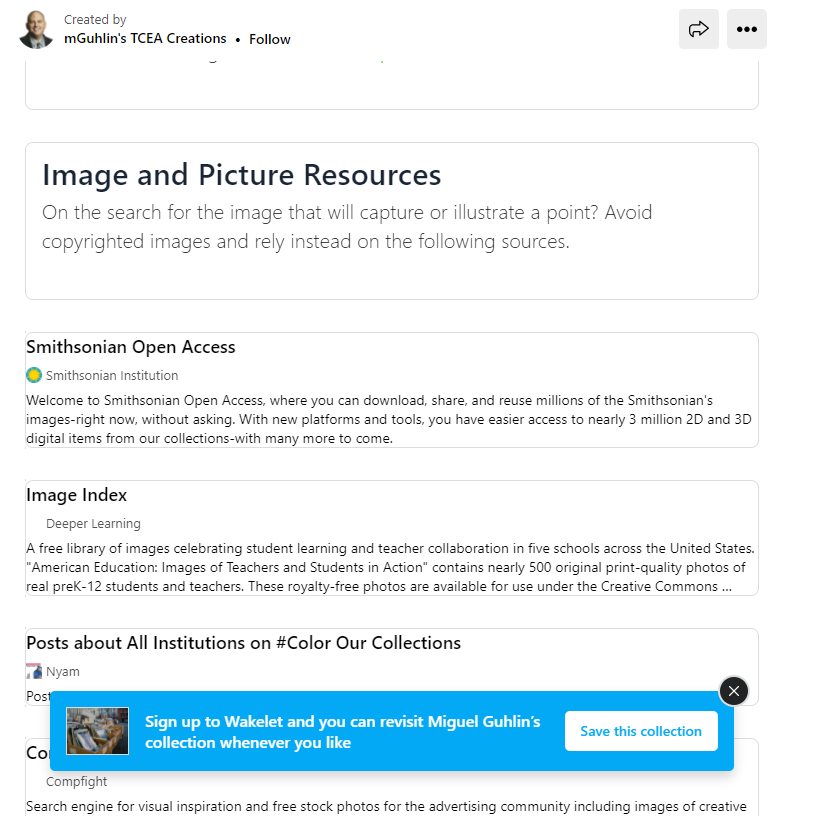
The EDIT view looks OK, shows up in columns. But the public view shows up like what you see above.
UPDATE:
It appears the Wakelet team is already hard at work! The issue has been resolved.
Everything posted on Miguel Guhlin’s blogs/wikis are his personal opinion and do not necessarily represent the views of his employer(s) or its clients. Read Full Disclosure
Discover more from Another Think Coming
Subscribe to get the latest posts sent to your email.
 Another Think Coming