Creating quotes is so easy on a computer, especially with access to this cool drawing tool I’m sharing with you. Even more fun? Editing Bitmoji images. I had written about this previously in my TCEA blog entry, Fix Your Grumpy Self: How to Change Your Bitmoji Expressions. But I have to confess that a conversation via Twitter introduced me to a new tool that I can’t get enough of.
 |
| Image source: My aforementioned TCEA blog entry linked above. I did the editing for this using Kleki, Remove.bg. I’d probably add another tool to the mix today, it’s so much fun and easy. |
I actually wrote a blog entry detailing the new tool someone told me about over at the
TCEA TechNotes blog, but it’s in the queue awaiting publication. And, I can’t wait. I have to tell someone about it. I am amazed at all the stuff I can do with it, and hey, let’s be honest, I’m no artsy dude. But you, you could do amazing stuff with it.
Some Fun Stuff
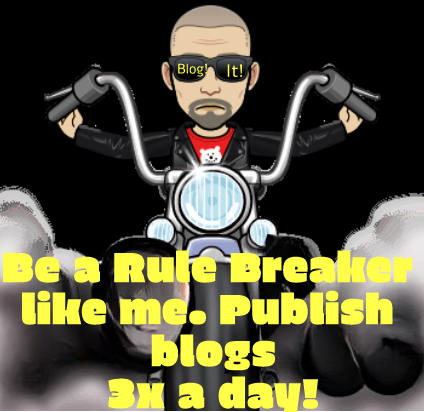
Before I tell you what it is, here are some of my recent, fun creations with this incredible tool:
As you can see, it only took a few minutes to produce these. They were fun.
Easy Bitmoji Edits
Now, you may recall that the original Bitmoji looks like the one below…so how did I change it? I know if you’re a Photoshop (sign up for this online, self-paced course) or one of the other free tools online like Photoshop, you know how to do this. But I removed the offensive language “Bad A$$” using a new free tool.
Two Must Have Tools
Two of my favorite tools for quick, easy editing include:
- Remove.bg – Makes it easy to remove backgrounds from pictures
- Erase.bg – Same as Remove.bg but let’s you save hi-res version
- Cleanup.pictures – In a snap, you can remove unwanted pixels from an image.
These tools works surprisingly well, but not perfectly. Of course, I am not striving for perfection on these edits. Instead, I’m aiming for “fun enough.”
A Newcomer for Me
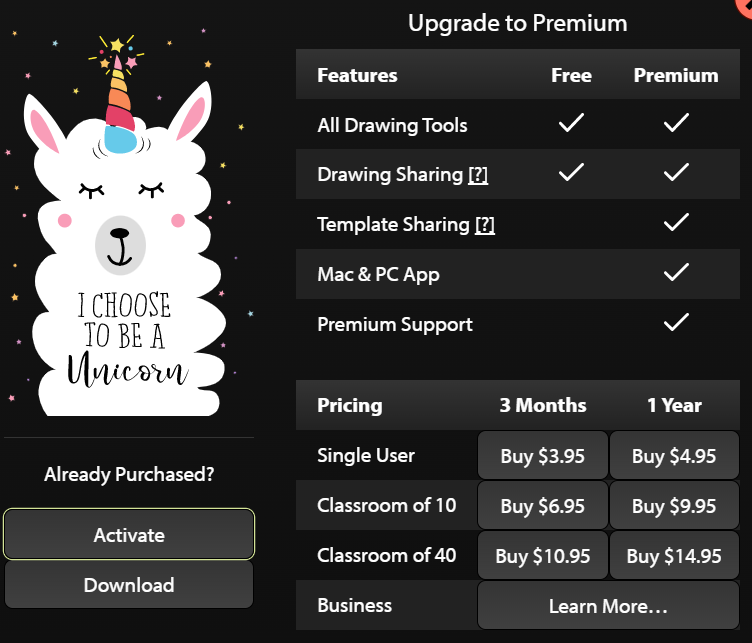
Now, I forget who told me about this new tool in my arsenal, but I spent my own $4.99 on it the Windows version, but you don’t have to spend a single dime to use it online. The $4.99 makes it easy to save the file in a format you can open again later. According to the chart below, it appears it works on Mac as well.
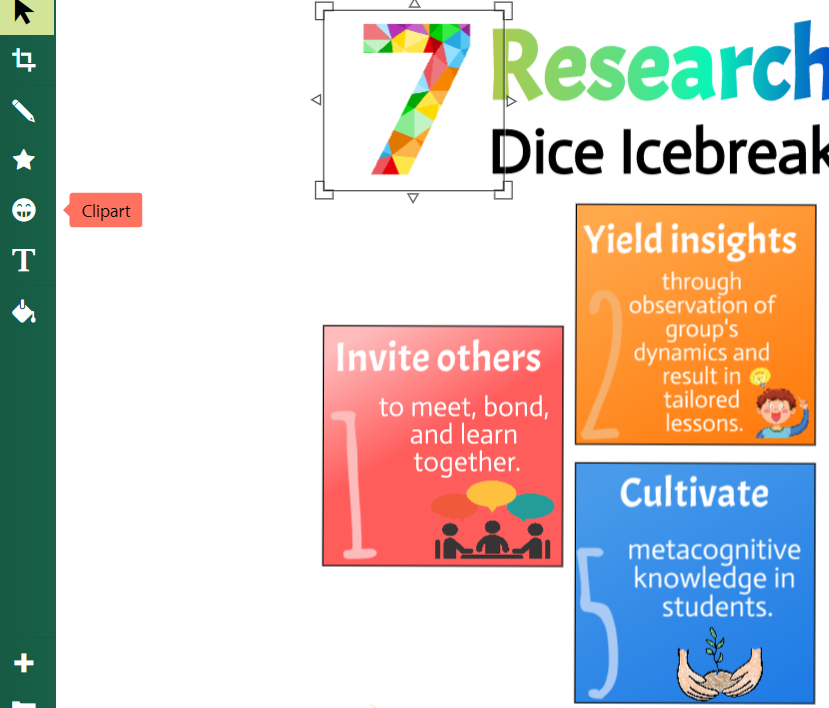
I love the web version, though. This makes it so easy to use this tool on a Chromebook or whatever. The tool works great for infographics, too. I recently created an infographic to see how hard it would be. What a cinch!
Here’s a partial of one of the infographics I created…look for the complete blog entry on December 16th at
TCEA’s TechNotes blog:
The interface is so easy to work with, images creations easy to export, and the font color blending (wow!)…those features and more make Sketchpad a fantastic tool to have in your arsenal.
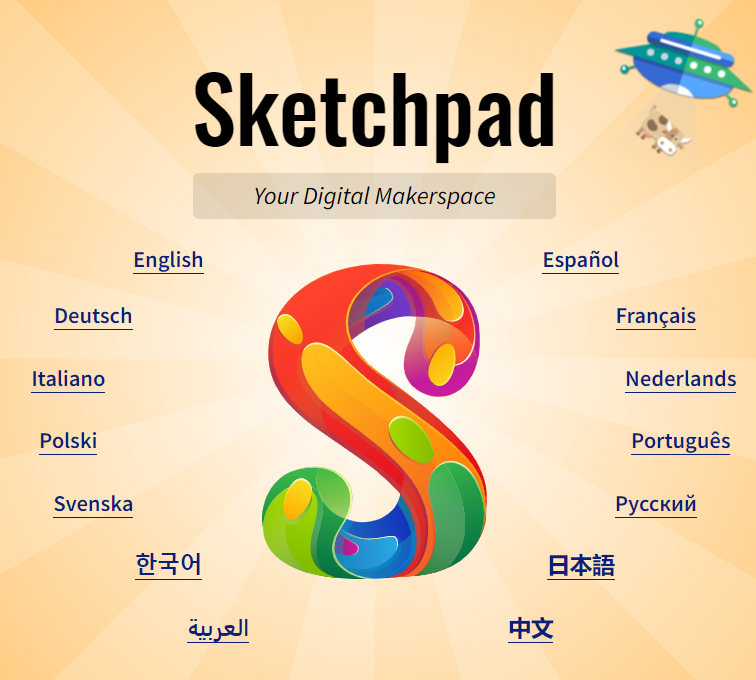
Introducing Sketch.io’s Sketchpad
Like I said earlier, I wrote a longer blog entry about Sketchpad for TCEA’s TechNotes blog. But I can’t keep such an amazing tool a secret. Give it a spin!
Bonus: It’s available in multiple languages. Wow.
Everything posted on Miguel Guhlin’s blogs/wikis are his personal opinion and do not necessarily represent the views of his employer(s) or its clients.
Read Full Disclosure
Discover more from Another Think Coming
Subscribe to get the latest posts sent to your email.




 Another Think Coming