Have you played around with Mistral.ai? I have and it’s one of my favorite AI chatbots. I like to think of it as a stripped down Perplexity, or a wannabe ChatGPT. At least, I did until recently. Yesterday, I was sorely tempted to put down $15 a month to pay for Mistral.ai Pro.
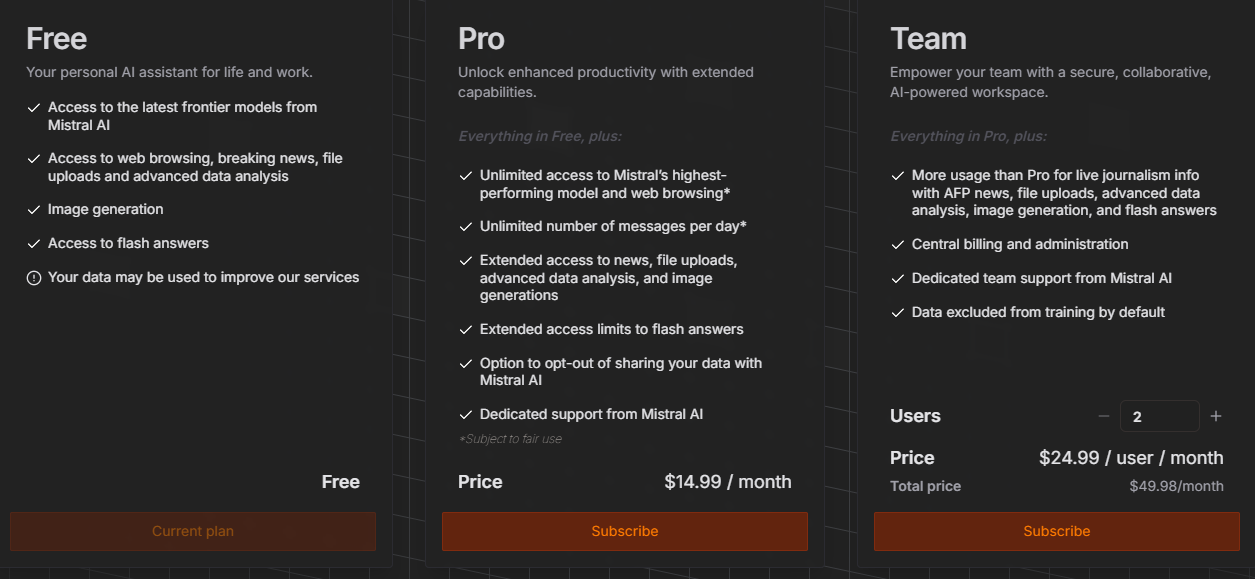
You can try out Mistral’s Le Chat online. I have a free account and use it for quick rewrites/revisions for public content or to experiment and see how the result differs from ChatGPT. Many times, I prefer it. What it doesn’t have that makes me stick with ChatGPT are Custom GPTs.
Duck AI
Thanks to Greg Kulowiec’s webinar, which I share more details on in a later blog entry, I was forced to take a closer look at Duck.ai. It offers a variety of models you can choose or decide to use:
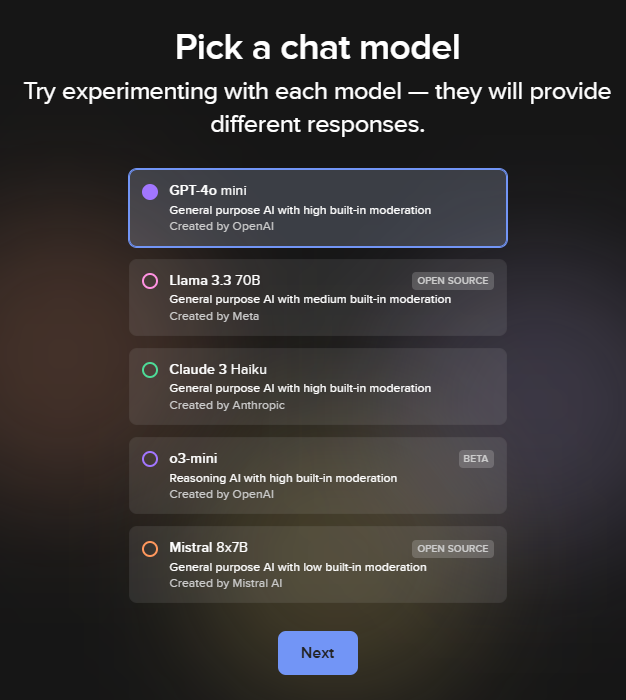
It’s cool that those are available for free. The Llama and Mistral models are available to run local through tools like Sanctum and LM Studio. I do like Duck.ai’s privacy policy, which contains:
We do not save or store your Prompts or Outputs on DuckDuckGo servers. Instead, recent chats are optionally saved locally on your device, to protect your privacy.
Your recent chats are automatically saved locally on your device (instead of on DuckDuckGo servers or other remote servers) unless you opt out. You can delete a recent chat by clicking the delete icon next to it. You can delete all recent chats at once by either using the Fire Button within Duck.ai or clearing your browser data. Recent chats are also automatically deleted after 30 conversations. Additionally, you should know some browsers automatically delete recent chats if you have not accessed Duck.ai within so many days, while others retain data for extended periods or indefinitely, unless you explicitly clear it.
All metadata that contains personal information (for example, your IP address) is removed before sending Prompts to underlying model providers (for example, OpenAI, Anthropic). If you submit personal information in your Prompts, it may be reproduced in the Outputs, but no one can tell (including us and the underlying model providers) whether it was you personally submitting the Prompts or someone else.
Not bad, eh?
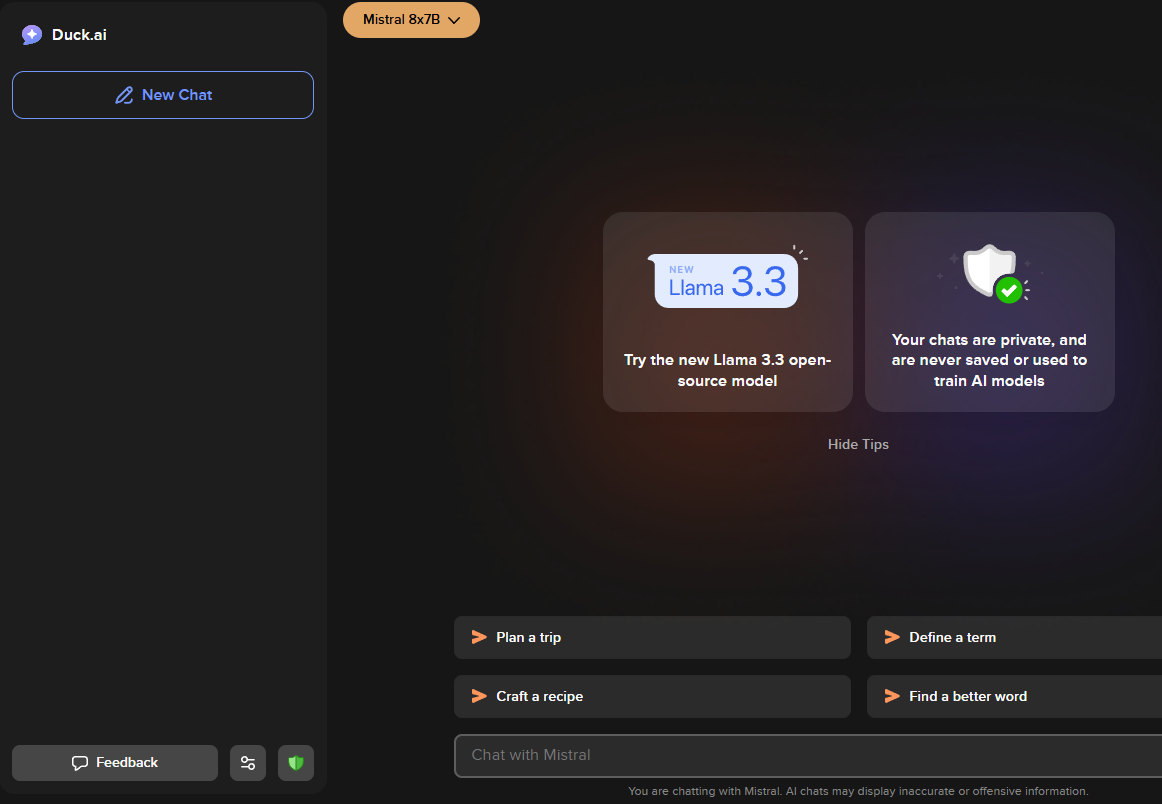
I asked it to summarize an article and it gave me this one paragraph:
Sanctum is a local AI application that ensures user data remains private and secure, as queries and generated answers never leave the app. It is available for MacOS and Windows, with a Linux version coming soon. The installation process is straightforward, involving downloading the installer from the Sanctum website and following the prompts to complete the installation.
Once installed, users can set up Sanctum by saving their recovery phrase, creating a strong and unique password, downloading an AI model, and selecting their preferred privacy level. Sanctum offers thousands of GGUF models on Hugging Face, PDF summaries, and real-time information on system resources in use, making it an excellent tool for research and private data analysis.
This is about the result I’d get running local, so it’s a nice alternative. What I wish I had? A rubric for comparing these.
Discover more from Another Think Coming
Subscribe to get the latest posts sent to your email.
 Another Think Coming