Realizing I must have missed something about Ollama (a whole bunch, actually), I decided to take another look at it. The results I have been getting from Msty and Hugging Face models have been generally disappointing overall (hey, I don’t know what I’m doing, so no surprise…it’s on me, not them). Was this the best AI I could run on my one GPU computer? Or, would Ollama’s minimalist approach be better?
Getting Ready
To prepare, I read Stephen Turner’s blog, GUIs for Local LLMs with RAG. I decided to give his instructions a go. Here are the steps I followed from his blog and Simon Willison’s install of Open WebUI (a GUI for Ollama):
- Installed ollama.ai then after install, pull Google’s OpenSource Gemma 3 (
ollama run gemma3) - Installed Python
- UV Installation (one of these steps might be redundant)
- Install UV (powershell -ExecutionPolicy ByPass -c “irm https://astral.sh/uv/install.ps1 | iex”) via the Terminal in Windows
- Install UV via pip (pip install uv)
- Updated pip (python.exe -m pip install –upgrade pip)
- Installed Open WebUI (uvx –python 3.11 open-webui serve)
At this point, after making sure Ollama was running in the background (see screenshot below)…

…I was able to access Ollama via the Open Web UI:
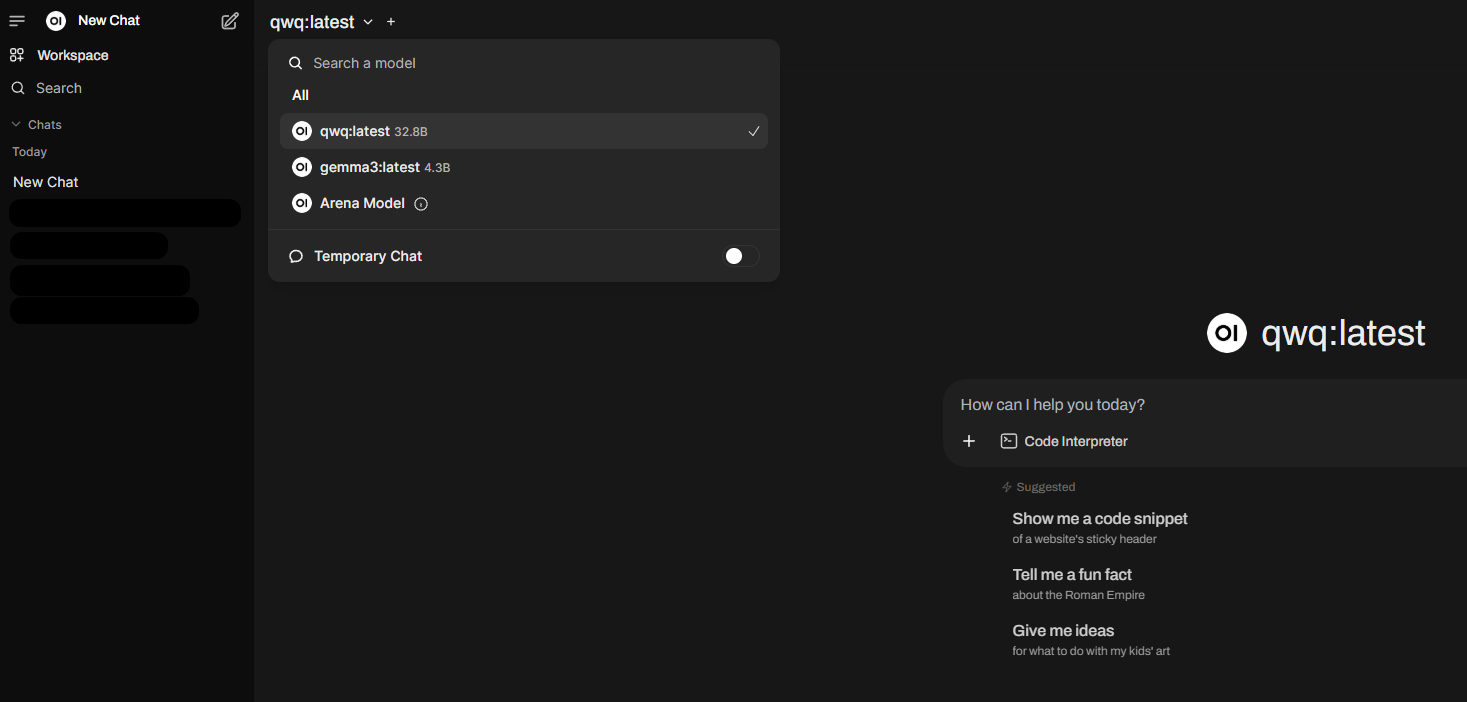
I loaded two models I was curious about, Gemma3:latest (read Simon’s take on it) and QwQ:latest. Both are supposed to run well on my machine, even though QwQ is a bit slow, but I gave it a pretty big task (analyze a handful of files and do something):
QwQ, which is capable of thinking and reasoning, can achieve significantly enhanced performance in downstream tasks, especially hard problems. QwQ-32B is the medium-sized reasoning model, which is capable of achieving competitive performance against state-of-the-art reasoning models, e.g., DeepSeek-R1, o1-mini.
Gemma is a lightweight, family of models from Google built on Gemini technology. The Gemma 3 models are multimodal—processing text and images—and feature a 128K context window with support for over 140 languages. Available in 1B, 4B, 12B, and 27B parameter sizes, they excel in tasks like question answering, summarization, and reasoning, while their compact design allows deployment on resource-limited devices.
Gemma 3 didn’t have any issues on my machine and ran great. If I tried to run both models simultaneously through browser window, only the first one would run at speed…the second would stall. Sigh.
Takeaways
In running Ollama with Open WebUI, I can definitely see why folks prefer this. The task I gave QwQ involved reading a few blog entries I’d written, then writing something new and engaging using those as the source. The reasoning the model went through took 8 minutes (hey, I went to watch a television show) and the result was surprisingly good. See the reasoning below:
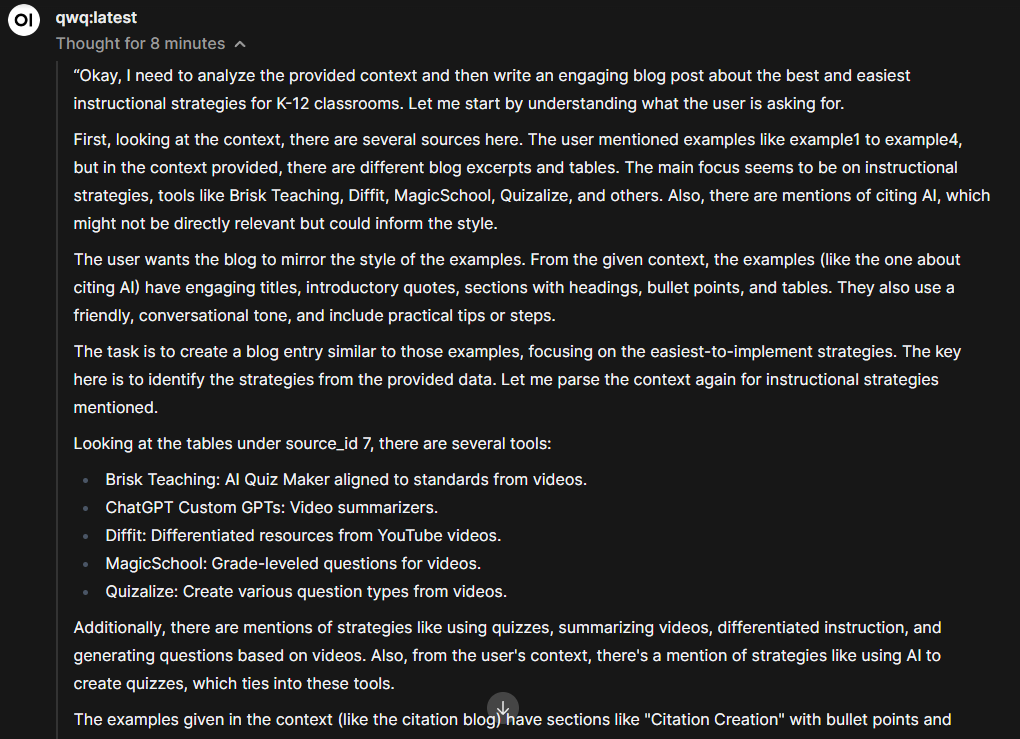
You can read the result online via this Google Doc. I don’t think the resulting blog entry it generated from my example blog entries is bad or horrible. It probably wouldn’t fly in some blogs, but would in others. Anyways, it’s not a bad effort with a two-second prompt and a few file uploads. The fact that it worked entirely on my machine with one GPU, well, that’s something.
Gemma Example Output
I gave Gemma3 a simple prompt with no files to analyze:
Create a timeline of the Fall of the Roman Empire and compare it to America current events
The result wasn’t too bad:
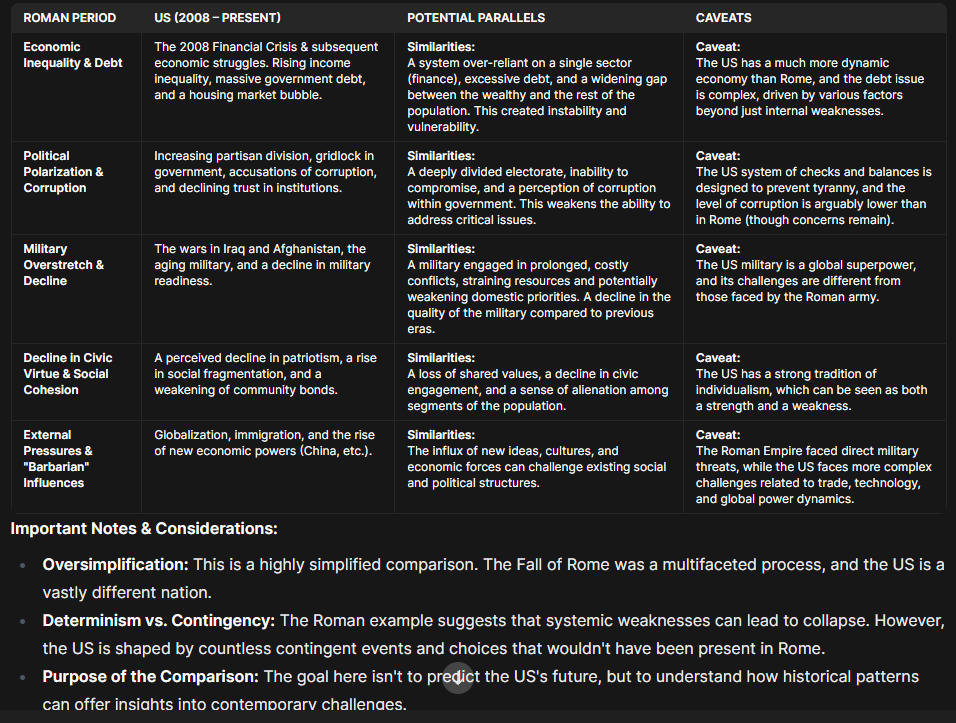
You have to remember that the data in the Gemma3 model is from 2021. Given that, I decided to go in another direction and have it make a “plot.ly” out of the timeline. The model prompted me to install:
pip install plotly pandas
I thought this was kinda amazing. I then followed the instructions, dropping the python code generated into Python window (hey, I know nothing about Python):
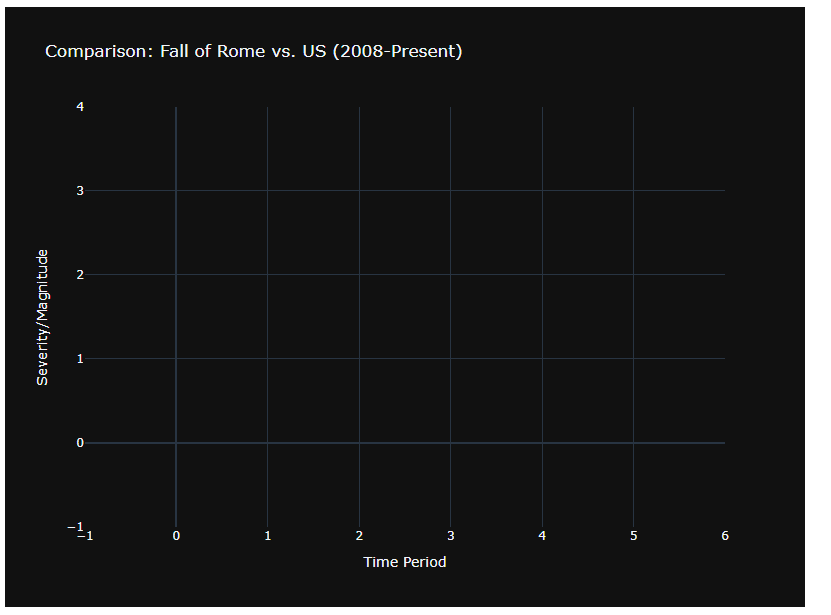
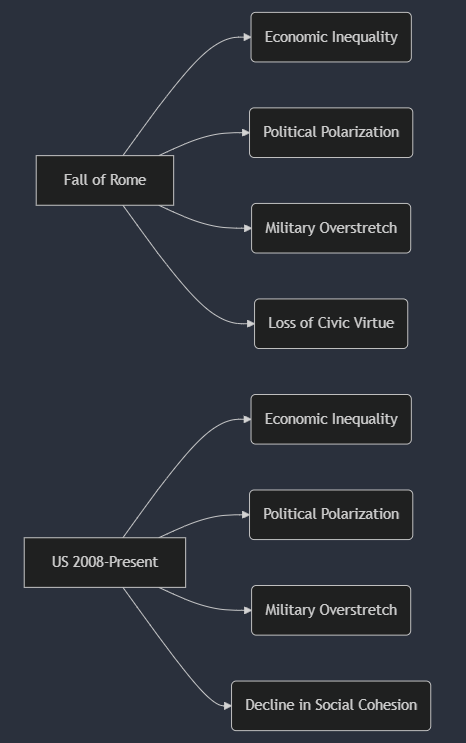
Although this is a #FAIL, it still is fun to see it make the effort. It was able to generate Mermaid syntax that worked and rendered in Mermaid.live:
Learning More
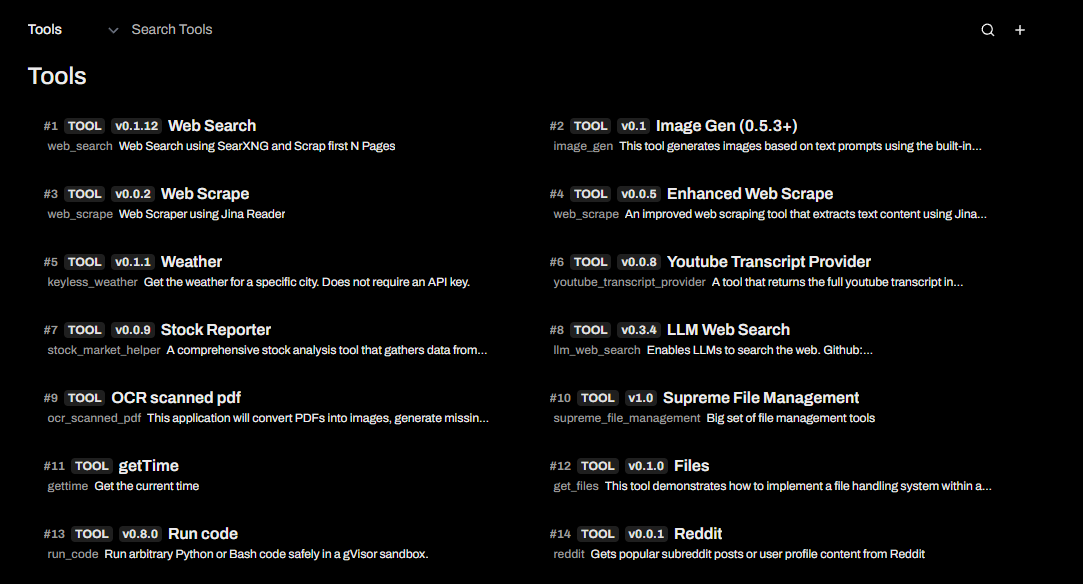
I need to understand Ollama and Open WebUI. There’s a lot over my head and models/tools I can add to Open WebUI. Time to read the manual. I have no idea how to load these tools and my time is up for doing that today:
I can’t wait to explore some more. In the meantime, I may pull out a stopwatch and measure prompt response time. 😉
Discover more from Another Think Coming
Subscribe to get the latest posts sent to your email.
 Another Think Coming