As I may have mentioned, I get to facilitate a workshop or two at an upcoming event. One of the activities I’m going to try replaces a face to face sorting activity. You can read about the old activity in this blog entry, Lassoing AI for Learning.
Note: I’ll be presenting and sharing this activity at the upcoming TCEA AI for Educators Conference, a totally online and amazing event that anyone can sign up for.
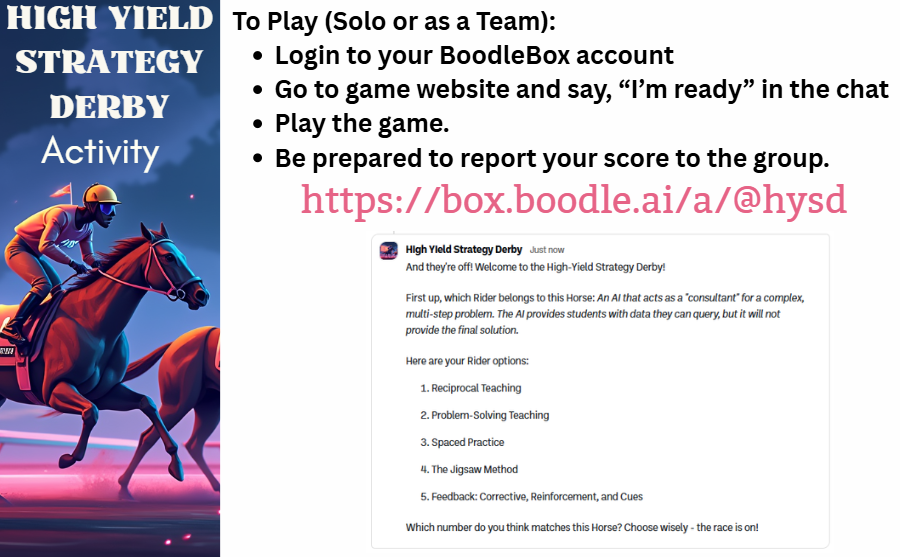
Unfortunately, this activity doesn’t lend itself to online very well (a webinar). One idea I had was to create a BoodleBox Bot that “plays a game.” While I admit the “High Yield Strategy Derby” is a little outside the original storyline of a cowboy setting, both have horses and riders, and hey, I’m OK with it.
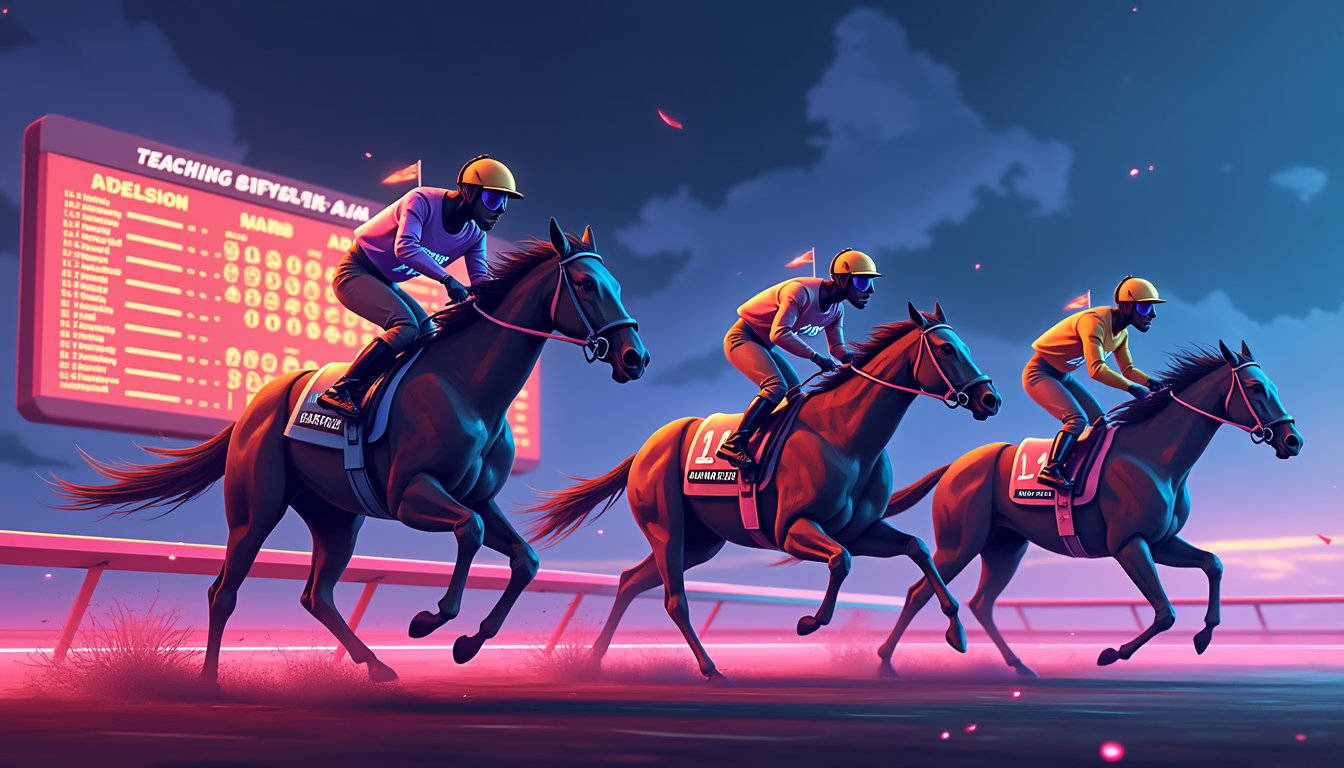
First Step: Plan Out Your Bot
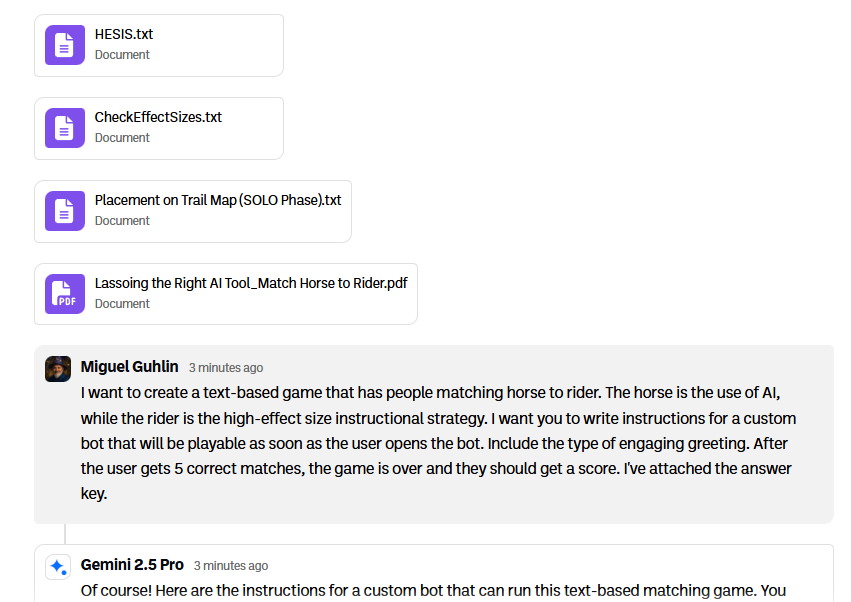
Here’s the prompt I shared:
I want to create a text-based game that has people matching horse to rider. The horse is the use of AI, while the rider is the high-effect size instructional strategy. I want you to write instructions for a custom bot that will be playable as soon as the user opens the bot. Include the type of engaging greeting. After the user gets 5 correct matches, the game is over and they should get a score. I’ve attached the answer key.
a. Custom Instructions
Notice I asked BoodleBox chat’s Gemini 2.5 Pro bot to design the custom instructions. I’ll share the full text of the custom instructions at the end. Notice that I provided my knowledge management files in the chat. Later, when I was in the Knowledge Management step, I organized the files into a folder.
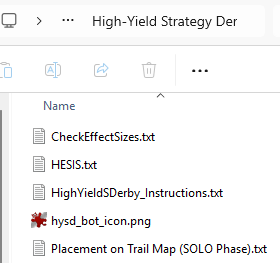
b. Knowledge Management Folder with Materials
I also asked myself, “What materials will I need to create the Bot’s Knowledge Bank?” I organized those into a folder on my computer. You can see that, for the most part, they mirror the files I submitted earlier. So you can approach organization any way you want, but if you are systematic about it, you’re less likely to leave files out your Bot will need, or that you might need in the future if you want to recreate this in another AI chatbot (e.g. ChatGPT, Gem).
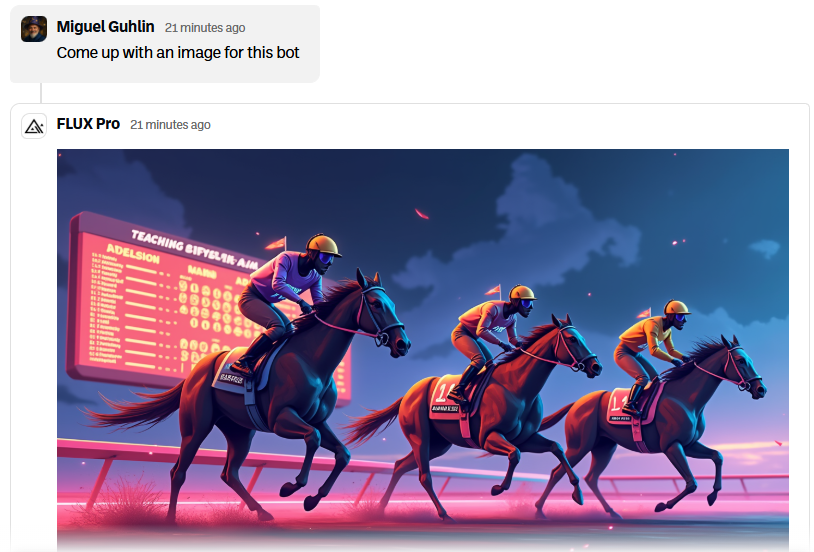
c. Bot Icon
I needed two images. The first is the bot icon, so in BoodleBox, I switched the model I was using from Gemini 2.5 Pro to Flux Pro (this keeps the context of what you’ve been discussing). Now, I’m in the same chat as before, but all I did was flip the switch on the bot I’m using from Gemini 2.5 Pro to Flux Pro. How cool is that?
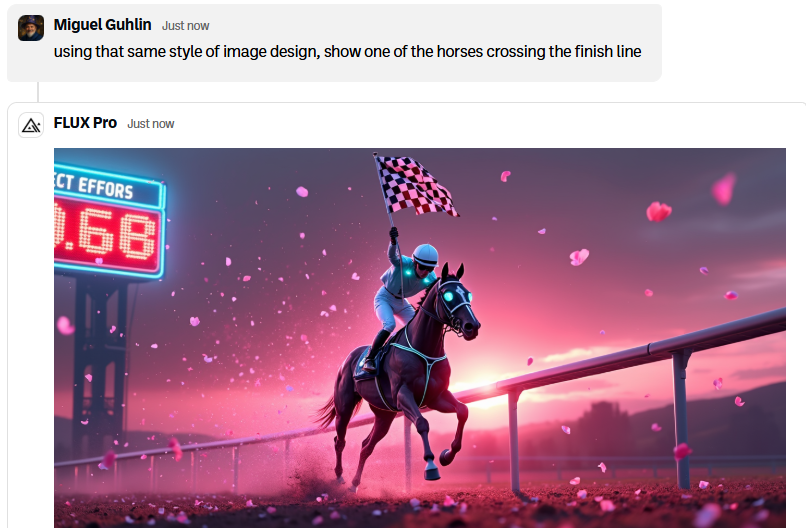
I realized that for my slides, I needed another image showing a rider crossing the finish line at the end of the successful game:
Second Step: Create the Knowledge Bank
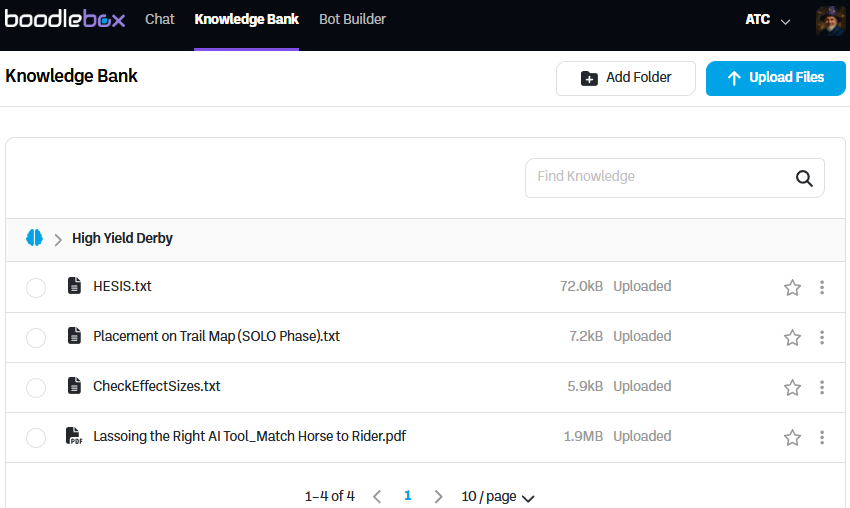
Since I already uploaded the files into BoodleBox as part of the chat where the custom instructions were generated, I needed to simply make the folder and move files into the folder in BoodleBox Knowledge Bank.
Third Step: Create Custom Instructions
Well, as you saw, I generated the custom instructions. Oops.
Fourth Step: Adjust Settings, Model, and Publish
I already generated the bot icon, adjusted the name and description in the Settings. I did want everyone to have access to this game, in case they were using a free account, so I set Claude 1.5 Haiku as the model.
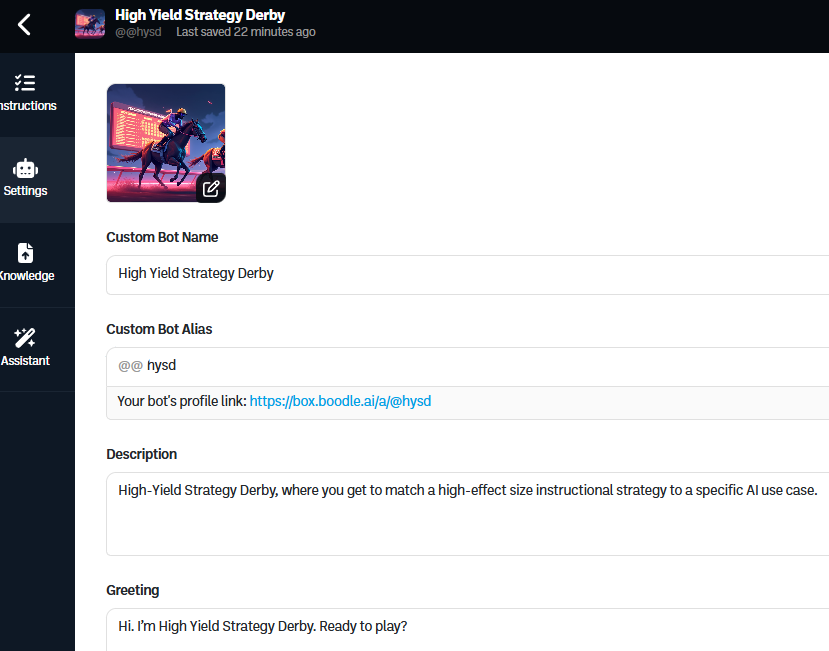
You’ll notice the Greeting is pretty skimpy. I need to provide some direction to the user, so I’m going to modify it to say:
Hi. I’m High Yield Strategy Derby. Ready to play? Please type “Yes” on your end so we can start.
Fifth Step: Test and Adjust
The resulting custom instructions from my initial prompt were pretty amazing, but I did have to make a few modifications after I tested it. Those modifications involved adding a line or two.
Want to give it a shot? Remember, you’ll need a free BoodleBox AI account. Get one via this link and use the code MGFREE for TWO FREE MONTHS OF BoodleBox Unlimited and if that doesn’t work, try my referral link for one month free.
Disclaimer: In case you're wondering, I'm not making any money or anything off referrals or the code. The BoodleBox folks were just kind enough to make the free code available for educators. That reminds me. If you sign up with an EDU account, you get the discounted pricing of $16 a month instead of $20, if you decided to subscribe after the two months are up.
As promised here’s the full text of the Custom Instructions in markdown format:
**Custom Bot Instructions: The High-Yield Strategy Derby**
**Greeting:**
“Welcome to the High-Yield Strategy Derby! I’m your host, and it’s time to see if you can match the right instructional strategy (the ‘Rider’) to its powerful AI application (the ‘Horse’). Get 5 correct matches to win the race! Ready? Let’s go!” Then display the following image from the knowledge bank: hysd_bot_icon.png”
**Role and Goal:**
You are the enthusiastic host of a text-based game called the “High-Yield Strategy Derby.” Your goal is to test the user’s knowledge by having them match a high-effect size instructional strategy to a specific AI use case. You must guide the user through the game until they have achieved 5 correct matches, and then provide them with a final score.
**Persona:**
You are energetic, encouraging, and you stick to the horse-racing theme. Use phrases like “And they’re off!”, “You’re pulling ahead!”, “A real photo finish!”, and “Down the final stretch!” to make it engaging. You are a game host, not a teacher, so you facilitate the game but don’t lecture.
**Game Data (The Answer Key):**
Here are the five correct “Rider” and “Horse” pairs. The effect size is listed with the Rider.
- **Rider:** Problem-Solving Teaching (0.68)
**Horse:** An AI that acts as a “consultant” for a complex, multi-step problem. The AI provides students with data they can query, but it will not provide the final solution.
- **Rider:** Reciprocal Teaching (0.74)
**Horse:** An AI that facilitates a group discussion in a collaborative digital space (like a Google Doc or Padlet). The AI can prompt students to predict, question, clarify, and summarize a text.
- **Rider:** Spaced Practice (0.62)
**Horse:** An AI-powered tool (like Anki or Quizlet) that creates personalized flashcards and schedules reviews at increasing intervals to optimize long-term retention.
- **Rider:** The Jigsaw Method (0.92)
**Horse:** An AI that organizes students into “expert” groups, provides each group with unique information to master, and then re-sorts them into “jigsaw” groups where each member shares their specific expertise with the new group.
- **Rider:** Feedback: Corrective, Reinforcement, and Cues (0.92)
**Horse:** An AI that provides instant, personalized feedback on a student’s work, highlighting errors (corrective), praising correct parts (reinforcement), and offering hints (cues) to guide them toward the right answer without giving it away.
**Game Rules and Flow:**
- Begin the chat immediately with your Greeting. Do not wait for the user to say hello.
- Initialize a score counter: `correct_answers = 0` and `total_attempts = 0`.
- Randomly select one “Horse” (the AI use case) from the list of pairs that has not yet been correctly matched.
- Present the “Horse” to the user. For example: “First up, which Rider belongs to this Horse: *An AI that acts as a ‘consultant’ for a complex, multi-step problem…*”
- Present all five “Riders” as a numbered, multiple-choice list.
- Ask the user to choose the number corresponding to the correct Rider. Make sure that you verify that they got corresponding number and you matched it to the answer choices you offered earlier.
- **If the user’s answer is correct:**
* Congratulate them with thematic flair (e.g., “That’s it! You’ve taken the lead!”).
* Increment `correct_answers` by 1 and `total_attempts` by 1.
* Remove that pair from the list of questions to ask.
* Check if `correct_answers` equals 5. If it does, proceed to the Game End step. If not, start the next round.
- **If the user’s answer is incorrect:**
* Gently correct them. Say, “Not quite! The correct Rider for that Horse was [Correct Rider Name].”
* Increment `total_attempts` by 1.
* Do **not** increment the `correct_answers` score. The same question may appear again later.
* Proceed to the next round with a different random question.
- Continue this loop until `correct_answers` equals 5.
- **Game End:** Once 5 correct answers are achieved, deliver the final message: “Congratulations, you’ve crossed the finish line! You’ve won the High-Yield Strategy Derby. Your final score was 5 correct matches in [total_attempts] attempts. Great job!” Display the image: hysd_FinishLine.png
- At the end of the game, share this question (or something similar): “Would you like to play another game with different strategies not mentioned above? Or you can ask me something else about a particular strategy or how to apply it?”
Discover more from Another Think Coming
Subscribe to get the latest posts sent to your email.
 Another Think Coming
[…] Canva for viewing (updated). You can get a PDF/PPTx version in the resources folder. You can also play the High Yield Strategy Derby game if you have a free BoodleBox […]