
Parts of my day involve spending a lot of time on Windows. While I would prefer to spend that time on a GNU/Linux operating system (e.g. Zorin Core Linux is my current favorite alternative), I am left working on Windows. It’s not that bad really, at least, until you run a Sparkle debloat Windows and get a long scrolling list of content:
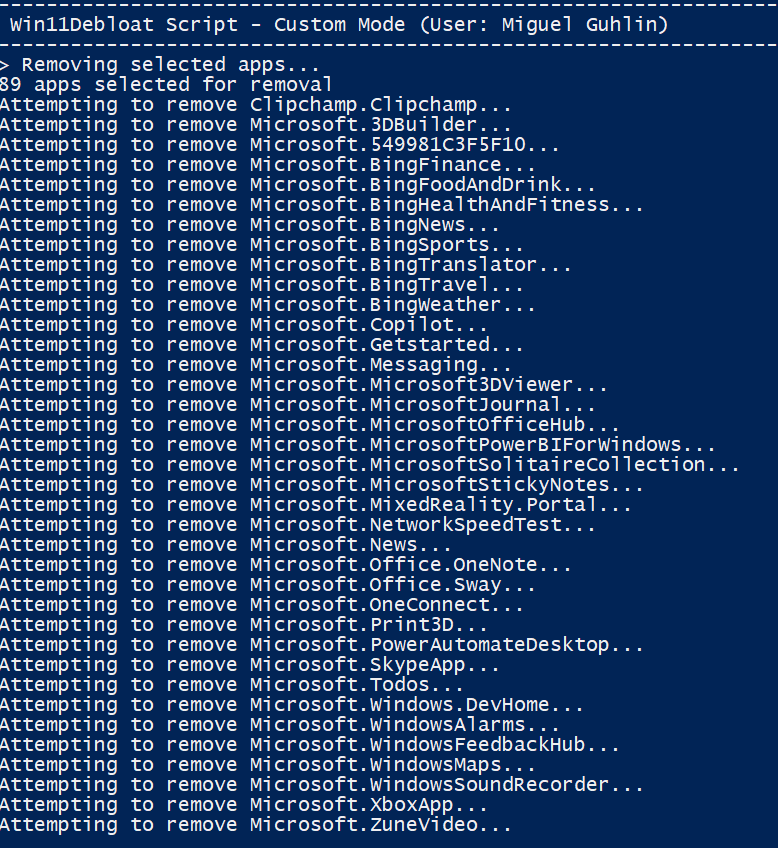
Sparkle offers a lot of other tweaks for Windows. What’s more, it comes with recommended software installations. While I knew most, there were some I had no idea about, such as FILES (a replacement for Explorer) and Bulk Crap Uninstaller (BCU). I will be giving those a try. In the meantime, you might consider trying out Sparkle and having it “debloat” your Windows. It removes Teams, Copilot, among others.
Win11 Debloat Script
Another option is to run the Win11 Debloat Script. I’ve run it twice now without issue (after Sparkle), and it appears to have done a nice job debloating. I’m not sure how much overlap, aside from the initial 89 apps listed by both Sparkle and Win11 Debloat Script, there is, but hey, why not?
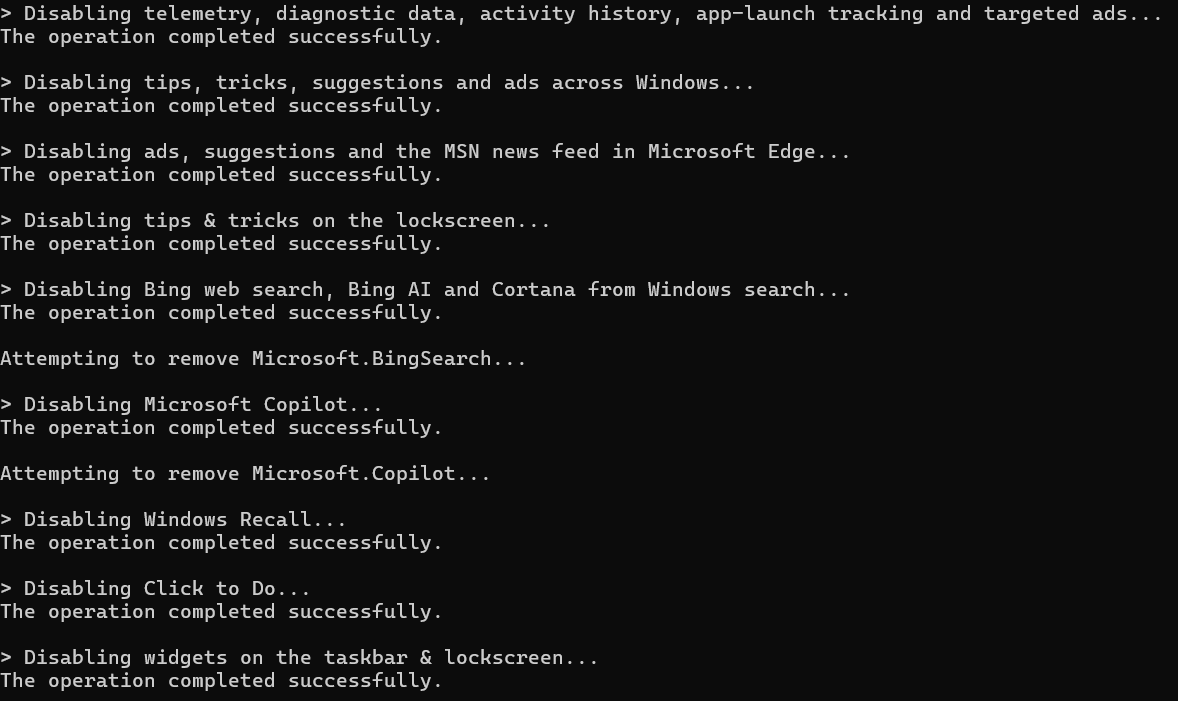
Here are a few things that show up After the initial 89 apps are removed:
Discover more from Another Think Coming
Subscribe to get the latest posts sent to your email.
 Another Think Coming