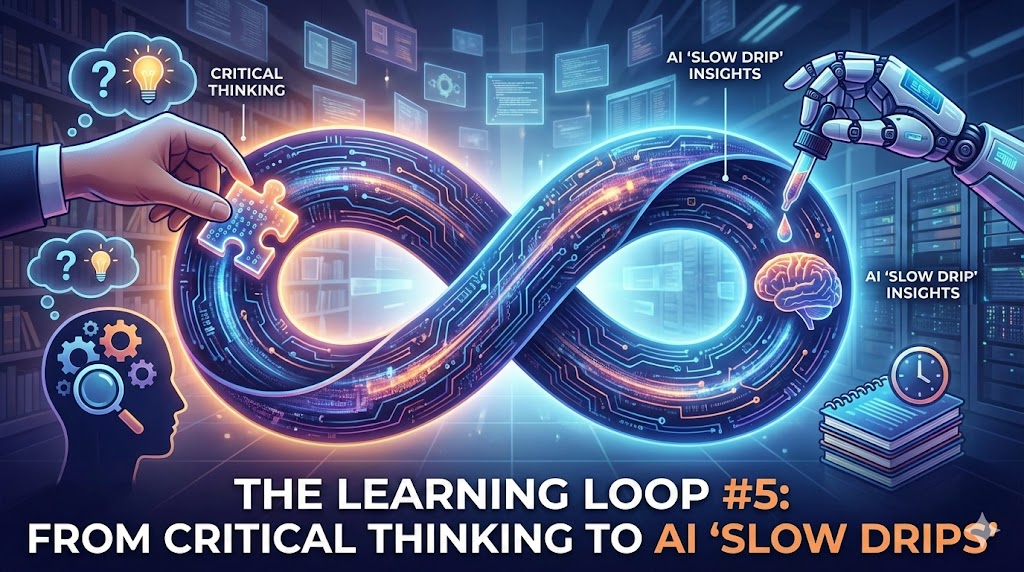
In This Issue: As AI tools become ubiquitous, the “human” competitive advantage shifts to metacognition and critical inquiry. In this issue, we dive into why “thinking about our thinking” is the ultimate learning power-up and test whether AI can actually handle high-stakes academic writing. You will find frameworks for a “slow drip” of personal insights, a five-minute strategy for mastering new tools, and a refresher on the SIFT method to keep your digital literacy sharp.
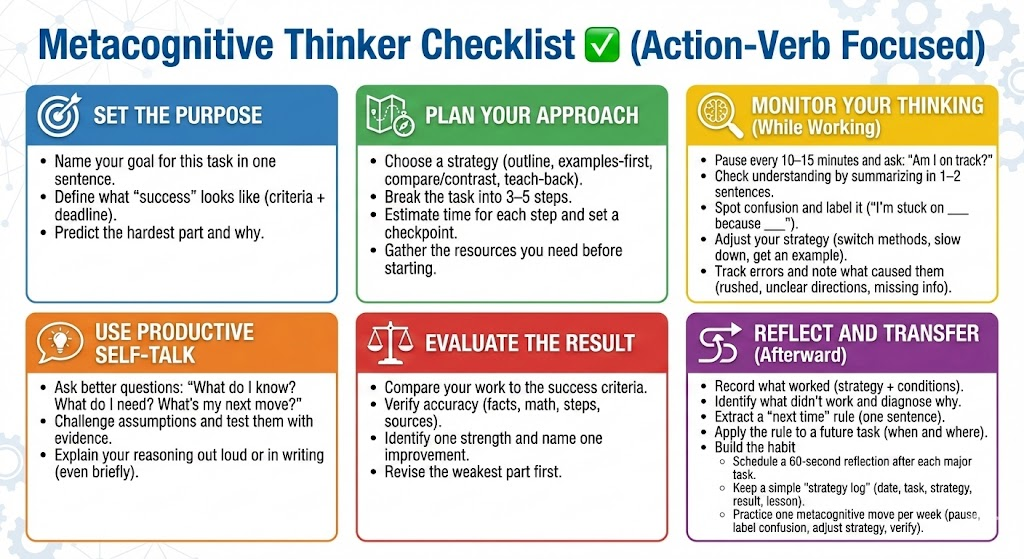
📗 The Power of Metacognition: Learning How to Learn
🔥 The Big Idea:
Metacognition—the act of monitoring and regulating your own thinking—is the engine of deep learning. It moves students from passive “studying” to active mastery by involving three distinct phases: planning, monitoring, and evaluating. In an AI world, knowing how you learn is more important than simply what you know, as it allows you to direct technology rather than being driven by it.
✅ Putting It into Practice:
- Build Reflection Loops: Before a task, ask students to predict which part will be hardest. Afterward, have them compare their prediction to the actual experience.
- Use Think-Alouds: Explicitly narrate your own cognitive process when solving a problem or navigating a new AI tool to show how an expert “monitors” their logic.
- Strategic Evaluation: Instead of just checking if an answer is right, ask students: “What specific strategy helped you reach this conclusion, and would you use it again?”
Source: mguhlin.org
Author: Miguel Guhlin
🧭 Can GenAI Handle High-Stakes Writing? A Lunchtime Challenge
🔥 The Big Idea:
Can Generative AI survive the rigors of high-level academic writing? A direct challenge reveals that while AI is excellent at “sounding” authoritative, it often lacks the structural integrity and citation accuracy required for high-stakes work. The gap between “plausible prose” and “rigorous research” is where human expertise must intervene to prevent sophisticated-sounding errors.
✅ Putting It into Practice:
- The “Audit” Assignment: Have students generate an AI draft on a complex topic and then “red-pen” the output for nuance, missing perspectives, and citation validity.
- Focus on the Gap: Use AI to generate a basic outline, then challenge students to write the “high-stakes” sections that require personal insight or local context that the AI lacks.
- Verification Drills: For every claim an AI makes in a draft, require students to provide a primary source link that they have personally verified.
Source: mguhlin.org
Author: Miguel Guhlin
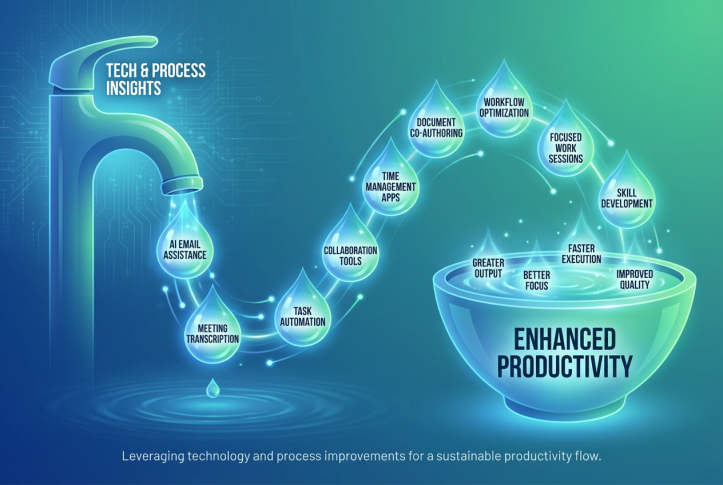
🧠 MyNotes.ai: A Slow Drip of Insights and Three Things
🔥 The Big Idea:
Note-taking often becomes a “digital graveyard” where ideas go to die. The “Slow Drip” philosophy suggests that true insight comes from revisiting and connecting ideas over time rather than hoarding them. By using AI to resurface past thoughts or summarize daily captures, we can turn a static notebook into a dynamic conversation with our own past selves.
✅ Putting It into Practice:
- The Weekly Resurface: Dedicate 10 minutes on Fridays to review three notes from a month ago. Ask: “How does this apply to what I am working on today?”
- AI-Led Synthesis: Use tools to summarize your weekly notes into “Three Big Things” to identify recurring themes you might have missed in the moment.
- Prompted Reflection: Set up a routine where you (or your students) write one “future-facing” question based on today’s notes to be answered during the next review.
Source: mguhlin.org
Author: Miguel Guhlin
📊 AI in Five: Learn an AI Tool
🔥 The Big Idea:
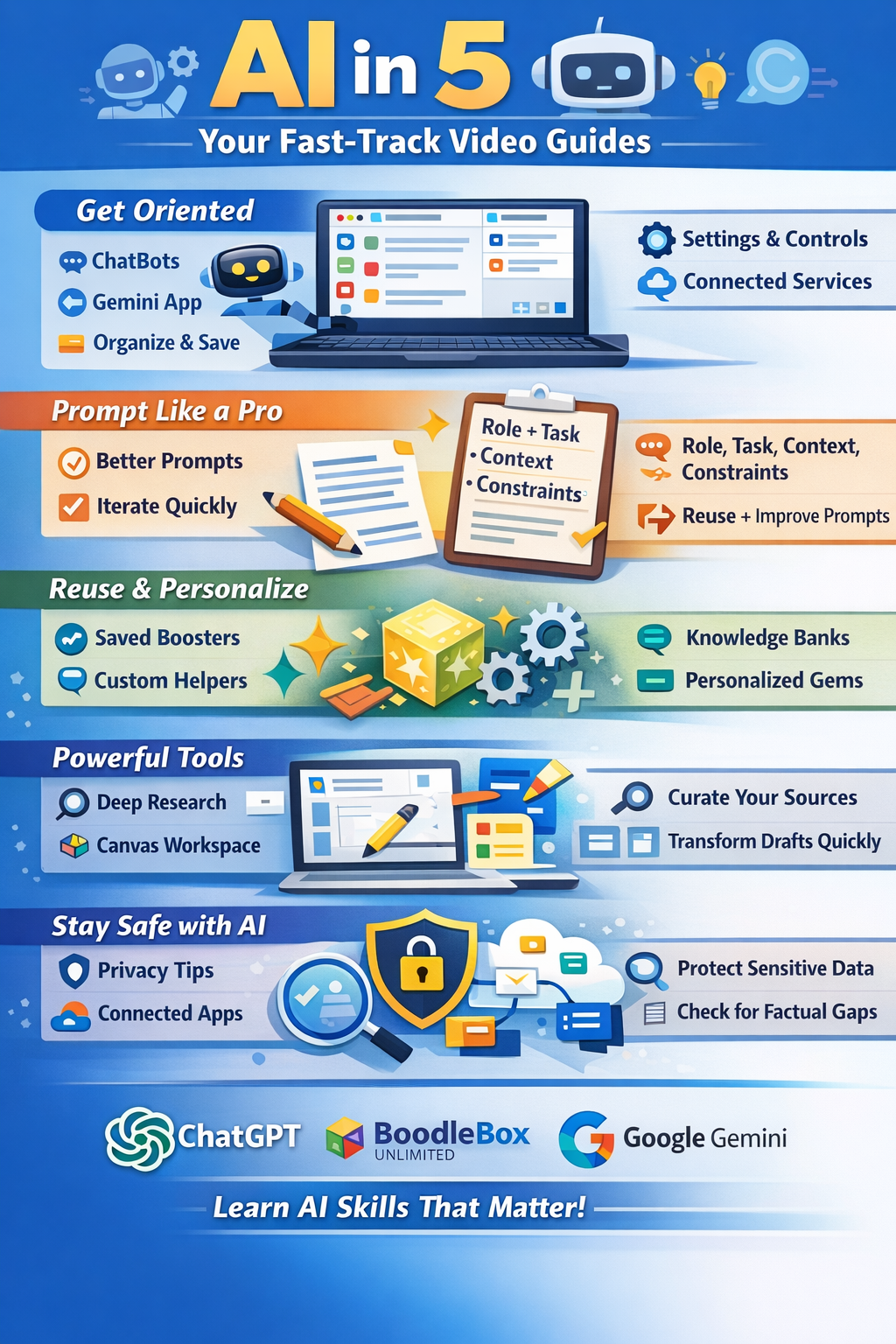
Technological “bloat” can be paralyzing. The “AI in Five” approach focuses on micro-learning: mastering one specific tool or feature in five minutes. This lowers the barrier to entry for educators and encourages a culture of “low-stakes experimentation” where growth happens in small, manageable increments rather than overwhelming day-long trainings.
✅ Putting It into Practice:
- Micro-Demos: Start team meetings with a “5-minute feature” demo. Focus on one high-impact action, like “How to use AI to draft a parent newsletter.”
- Skill-Stacking: Encourage staff to pick one “AI in Five” tool per week. By the end of the month, they have a stack of four new practical efficiencies.
- The “So What?” Check: After learning a tool in five minutes, immediately identify one specific lesson or task where it will be used the next day.
Source: mguhlin.org
Author: Miguel Guhlin
📚 Get Your Critical Thinking On: The SIFT Method
🔥 The Big Idea:
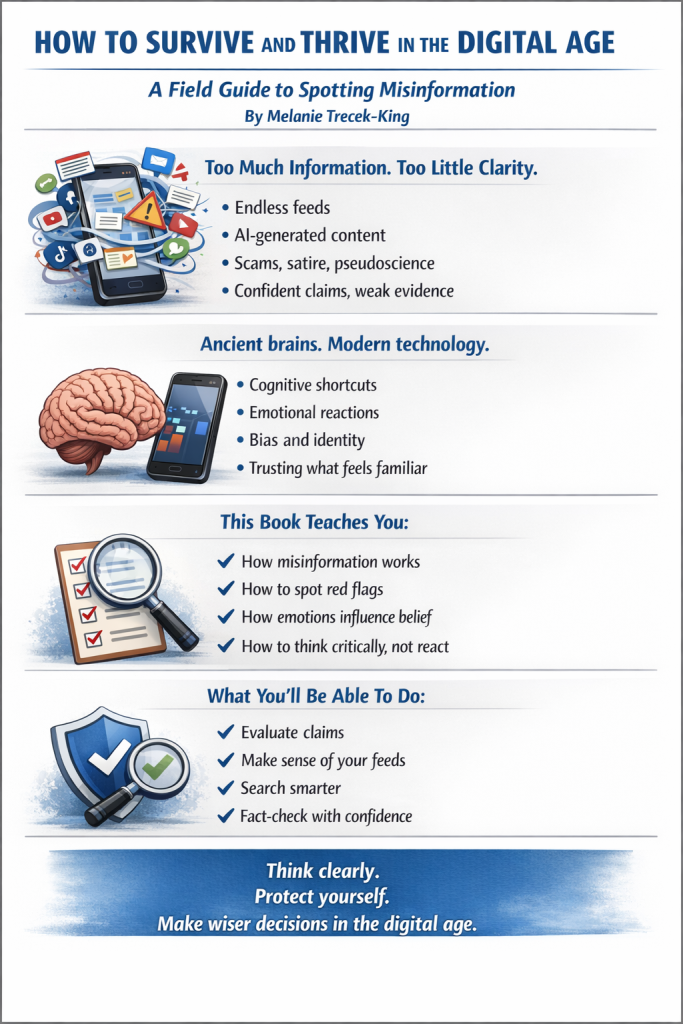
Critical thinking isn’t a nebulous concept; it’s a repeatable habit. The SIFT method—Stop, Investigate the source, Find better coverage, and Trace claims back to the original context—is the gold standard for navigating a media world thick with AI-generated content. It teaches students to be “fact-checkers first, consumers second.”
✅ Putting It into Practice:
- Lateral Reading Drills: When encountering a suspicious claim, require students to open three new tabs to see what other reputable sources say about that specific site or author.
- The “Original Context” Hunt: If an AI or social media post provides a quote, students must find the full video or transcript to ensure the meaning hasn’t been “sifted” out.
- Stop and Breathe: Teach the “Stop” part of SIFT as an emotional regulation tool. If a headline makes you angry or excited, that is the exact moment you must SIFT.
Source: mguhlin.org
Author: Miguel Guhlin
🔍 Tech Alert
Local AI is the new Privacy Frontier. While web-based AI captures data for training, tools like Whisper Desktop allow you to process sensitive audio and text locally on your machine. For educators handling student data or confidential meetings, moving toward “local-first” AI tools provides the benefits of automation without the data privacy risks of the cloud.
🎧 Podcasts To Listen To
Deepen your understanding through these expert-led conversations on AI, tech, and education.
- The Green Room Conversations — Real-world discussions on the intersection of AI and the classroom.
- Bytes EU – Tech Insights — Exploring the latest technology trends and their global impact.
- AI in Education Community Events — Stay updated on upcoming live sessions and collaborative meetups.
🛠️ Notable Gen AI Tools
- 🌀 BoodleBox — A central hub to access multiple LLMs and build specialized “Knowledge Boxes” for your data.
- 🎨 Canva for Educators — Use the “Magic Studio” to turn lesson ideas into visual presentations and worksheets instantly.
- 🎙️ Whisper Desktop — Open-source, high-accuracy transcription that runs locally for maximum privacy.
- ⏱️ AI in Five — Your go-to resource for bite-sized tutorials on mastering new tech.
Another Think Coming by MGuhlin.org
Discover more from Another Think Coming
Subscribe to get the latest posts sent to your email.
 Another Think Coming