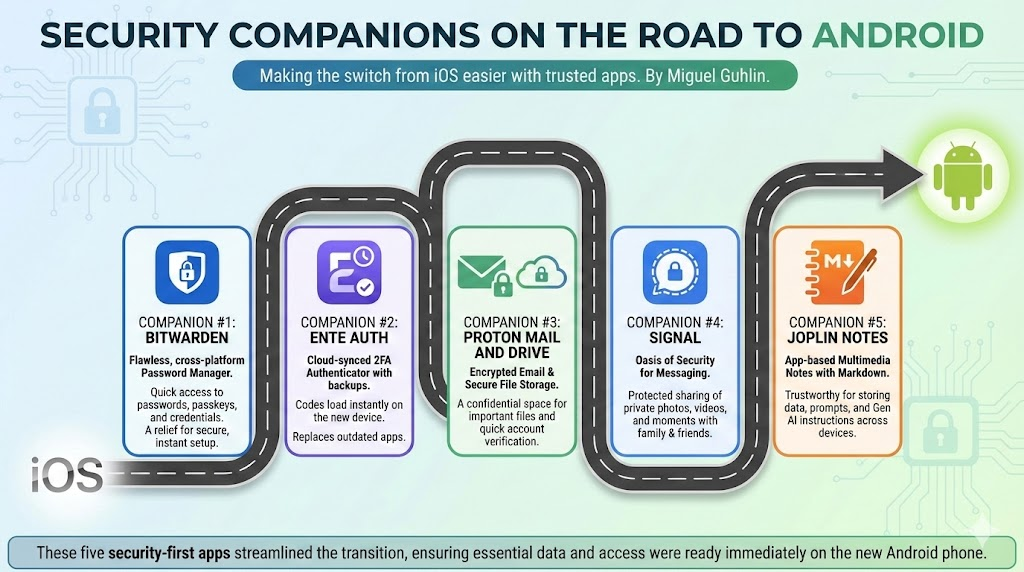
To ensure I didn’t spend endless hours getting back up to speed on Android, I made lists of my favorite iOS apps and then found Android alternatives. Three apps that made that journey easier? My password and security collection of apps. Let’s take a quick look at companion apps that transferred well from iPhone to Android, and would work vice versa. Read others in the Android series.
Companion #1 App: Bitwarden
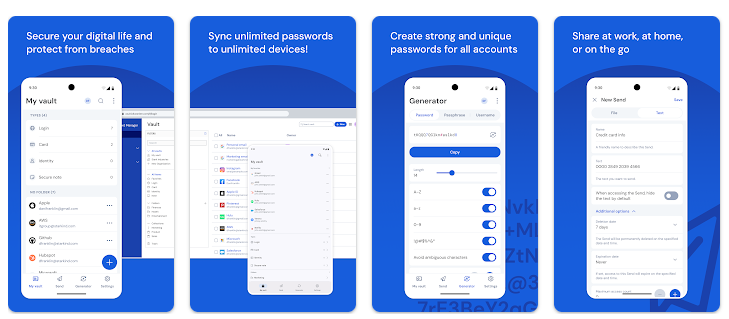
I have never regretted switching from Keepass to Bitwarden as my password manager. It is flawless in execution (for me, but I know there are other folks who have some quibbles with certain aspects). Once I loaded Bitwarden, I breathed a sign of relief. I was VERY close. Bitwarden is free, and I kick in $10-$12 a year to ensure it sticks around. What a relief to be able to quickly get to your passwords, passkeys, etc. on your smartphone.
Companion #2 App: Ente Auth
This idea of multi-factor authentication is under-rated among many I know. It’s too much work, and even text messages with six number codes is an inconvenience. A part of their reluctance may be because they are still relying on old Authenticator apps. Those old apps (e.g. Microsoft, Google) are dying or dead. The first app I loaded on my smartphone? Ente Auth for Android.
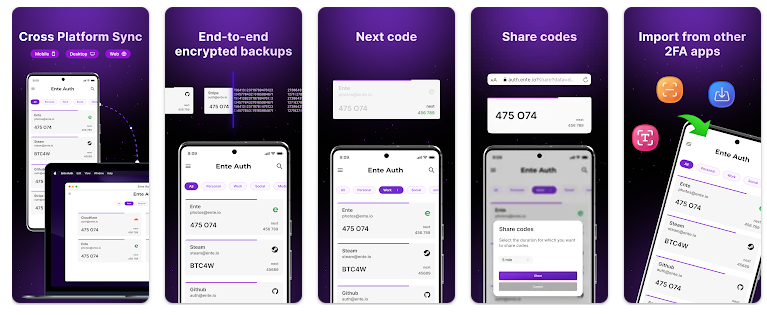
Did I select this 2FA app because I’m super smart? Not really. At the end of Microsoft Authenticator, and Google, too, I switched to another authenticator. But it bugged me I couldn’t back it up. So, I visited Reddit <shudder> and someone recommended Ente Auth. When I logged into Ente Auth account on my new phone, all my codes loaded right up.
Companion #3 App: Proton Mail and Drive
Ok, that’s two apps, but I backed up a lot of my files onto Proton Drive. And, with Proton Mail, I was able to quickly verify my new accounts, etc. on the Android phone. I don’t rely on Gmail for anything important or confidential. I also have a backup account just in case.
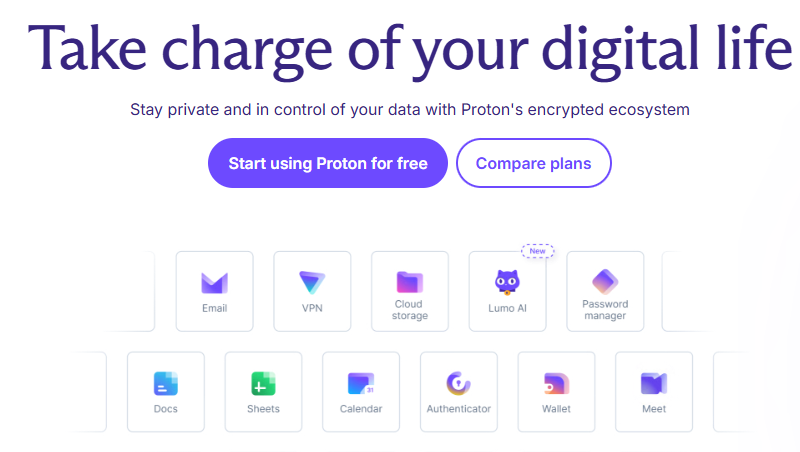
Proton Mail and Drive work great for my needs to serve as a secure space where email and files are encrypted.
Companion #4 App: Signal
This really doesn’t need to be said, but Signal is an oasis of security when it comes to messaging family, friends, and Departments of War (joke). Seriously, I rely on Signal for secure communications with family and friends who don’t want to share photos, videos of moments that shouldn’t appear on social media. You know, cat videos, plates of food, etc. <eye roll>
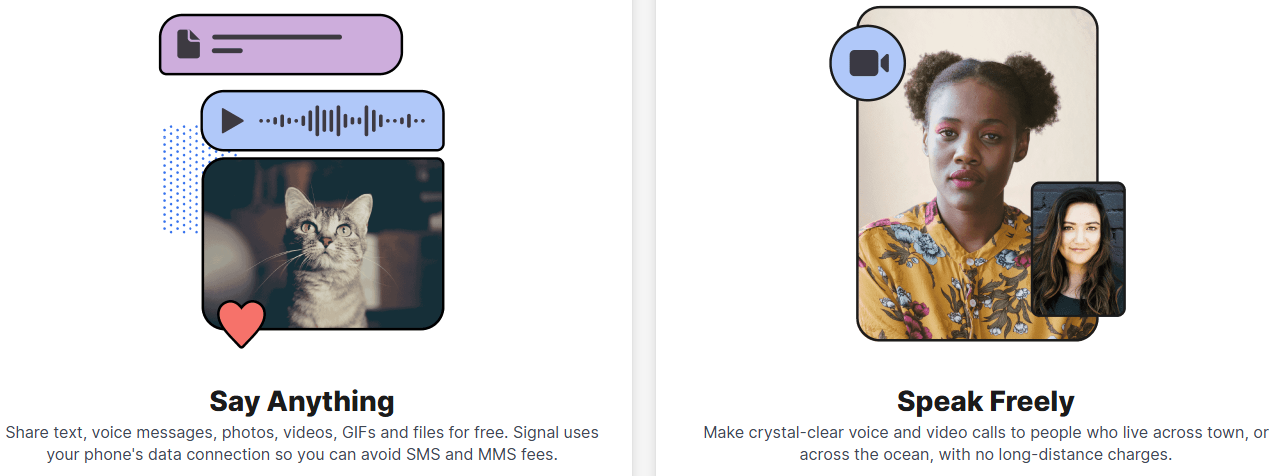
Signal makes protected sharing possible. Thank you Signal develpers!
Companion #5 App: Joplin Notes
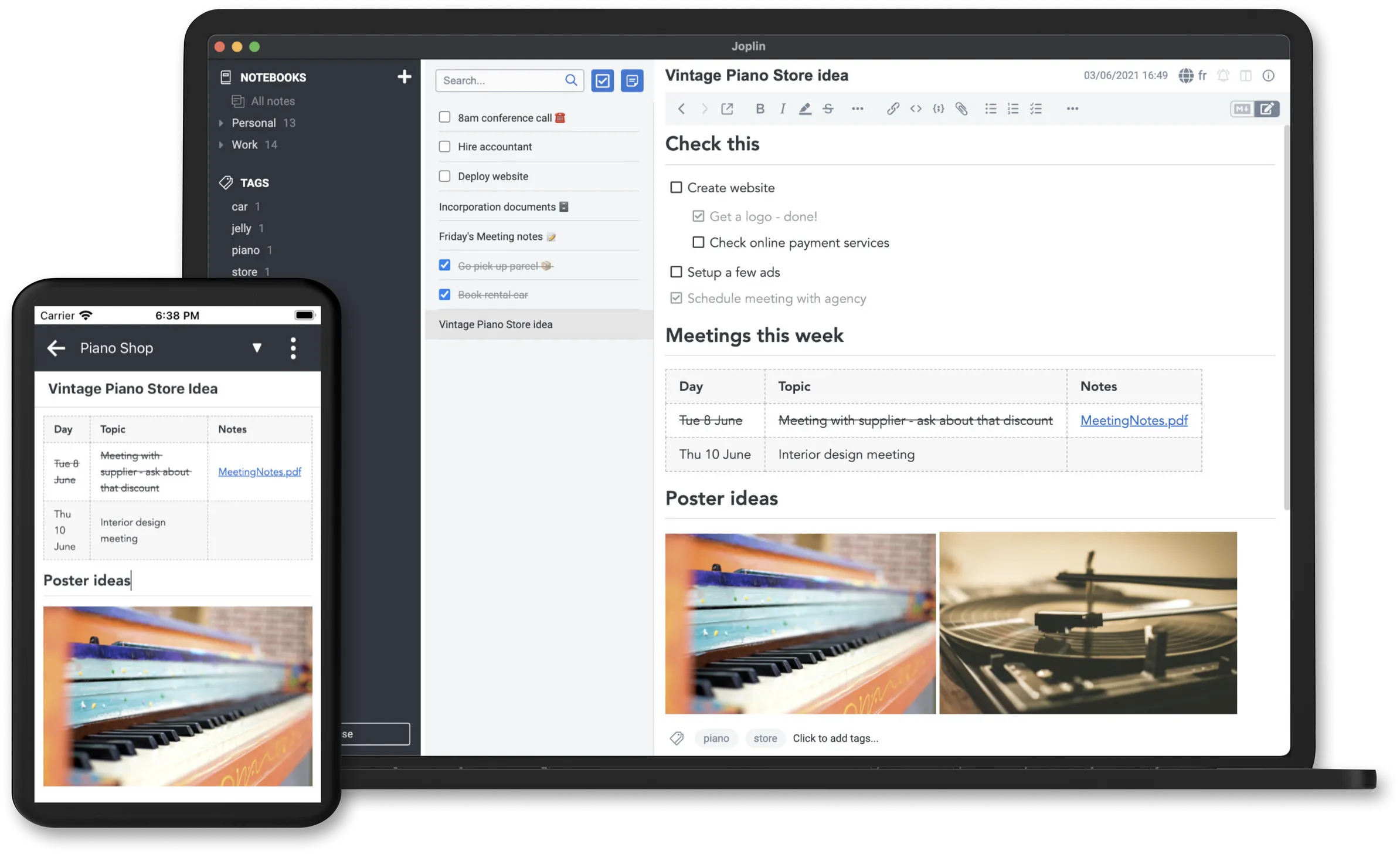
I use Joplin to keep track of my notes and they include all sorts of media:
Images, videos, PDFs and audio files are supported. Create math expressions and diagrams directly from the app. Take photos with the mobile app and save them to a note.
I love that it has markdown support, and I keep track of all my Gen AI system/custom instructions in Joplin, as well as prompts. I have a wealth of data in Joplin and it’s wonderful to have something trustworthy to rely on that I can access from all my devices. And, unlike wonderful encrypted notes tools like StandardNotes ($90 US a year) which are web-based and expensive, Joplin is less expensive ($47 US) and works great. Unlike StandardNotes, it is not web-based but app-based on your device.
With these five apps getting loaded onto my phone first, I was able to cut down next steps since everything I needed was wrapped up in those.
Discover more from Another Think Coming
Subscribe to get the latest posts sent to your email.
 Another Think Coming