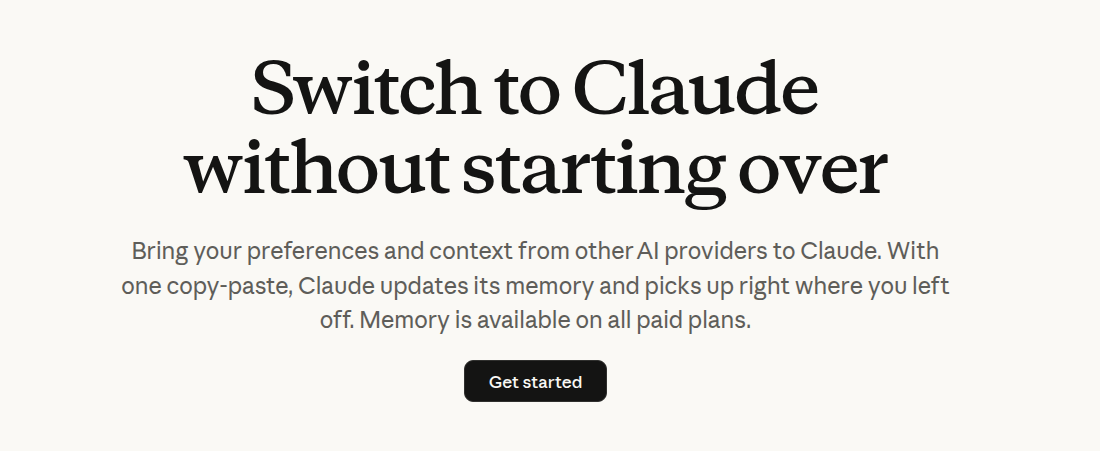
If you’re thinking about switching, you can use Claude’s Import Tool (for lack of a better term to describe the process) to “Bring your preferences and context from other AI providers to Claude. With one copy-paste, Claude updates its memory and picks up right where you left off. Memory is available on all paid plans.” This is something I’ve tried on both OpenAI’s ChatGPT and Google Gemini (because, why not?).
I’m moving to another service and need to export my data. List every memory you have stored about me, as well as any context you’ve learned about me from past conversations. Output everything in a single code block so I can easily copy it.
Format each entry as: [date saved, if available] – memory content.
Make sure to cover all of the following — preserve my words verbatim where possible:
- Instructions I’ve given you about how to respond (tone, format, style, ‘always do X’, ‘never do Y’).
- Personal details: name, location, job, family, interests.
- Projects, goals, and recurring topics.
- Tools, languages, and frameworks I use.
- Preferences and corrections I’ve made to your behavior.
- Any other stored context not covered above. Do not summarize, group, or omit any entries.
After the code block, confirm whether that is the complete set or if any remain.
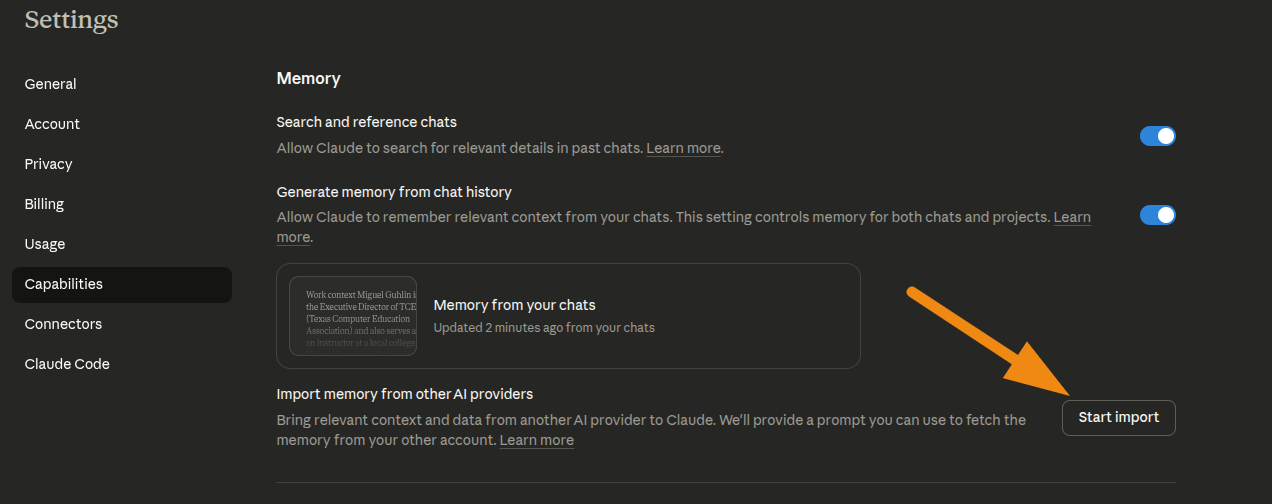
You can use this handy link to start the progress (if you are logged into Claude), or go to your Settings now and click on Start Import button under Capabilities:
I’m not really sure how well this works, or if it’s even desirable, but it was an interesting exploration. Time will tell.
Discover more from Another Think Coming
Subscribe to get the latest posts sent to your email.
 Another Think Coming