What if you could save $30 for video conversion or video to audio conversion? That’s how much one tool, HowToConvert, is charging. I can’t tell you how much I spent on video/audio/text conversion. Even when I knew the free open source tool existed, I found it difficult to find the right combination of options to enter to get it do what I wanted.
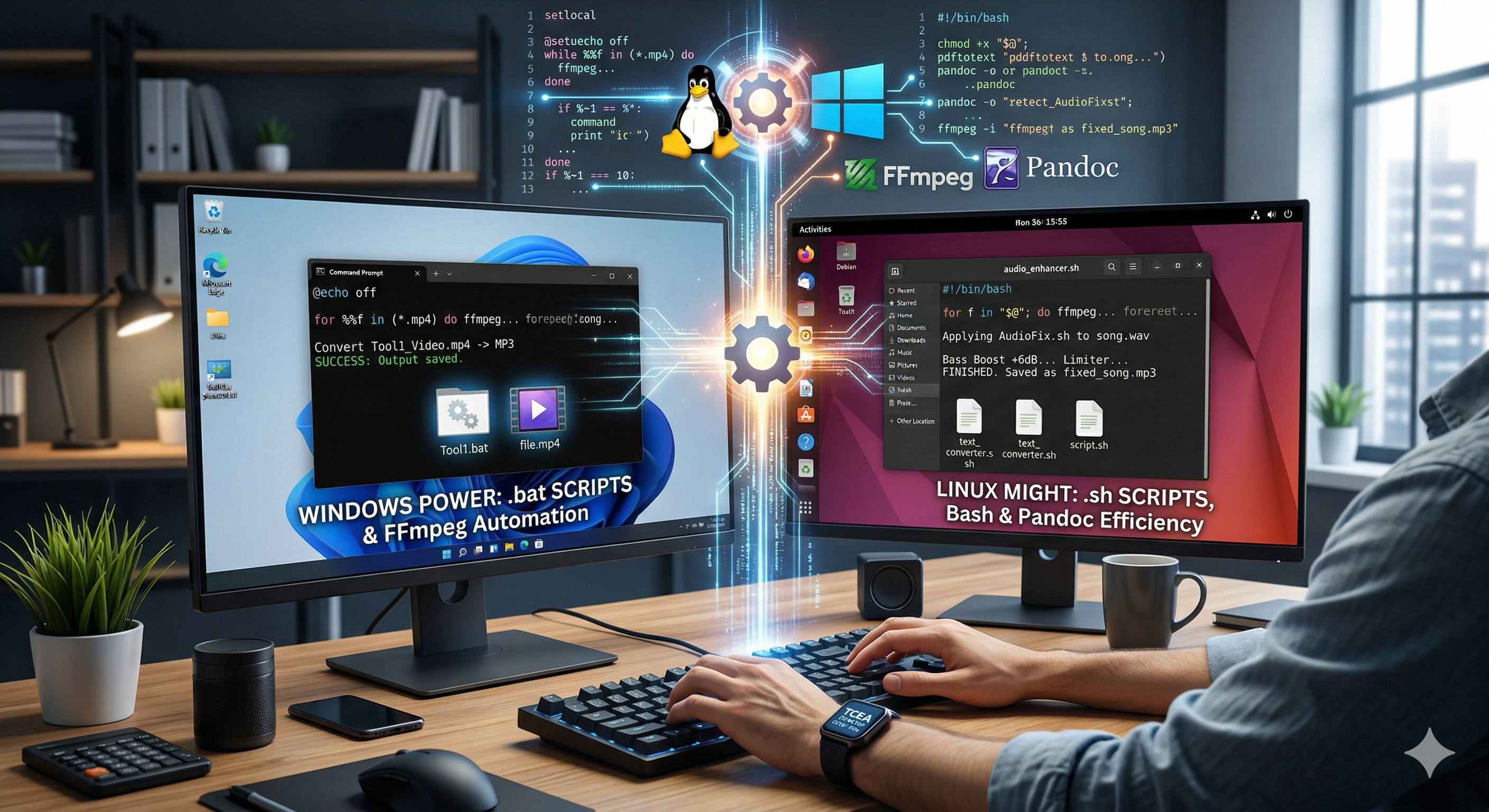
The use cases include:
- Audio conversion and fixes
- Video conversion
- Image shrinking (big pictures that take forever to load onto a web page)
- All sorts of text in various formats (e.g. PDF, Docx, etc.) to MarkDown
This last one, PDF to Markdown, is the most important and what got me going down the trail myself. I have tons of PDFs that I want to convert to Markdown, then upload into Gen AI. The AI processes the text files faster and they take up less space. But while you can find some shareware to do the conversion, you often have to pay. That made me ask a question.
The question going around in my mind is, “How can I avoid spending money on stuff, and whether Gen AI can help me get the job done?” And, would such solutions work on Windows and GNU/Linux? (I don’t have a Mac, so I didn’t put anything together for you…sorry).
But Wait, Let’s Back Up a Bit
I blame Stephen Downes. He’s the one who got me thinking about modifying a bat file I had asked Gen AI (ChatGPT at the time) to write for me (I flunked art and coding in kinder, and I haven’t gotten over it). So, I wondered, what if I could use Gen AI to handle a lot of what I currently use for video/audio/text conversion? The answer is a definitive YES! Stephen’s complaint was just pouring gas on a fire that had been sputtering.
Over at Stephen Downes’ OLDaily (I am still shocked he’s retiring), he shared:
Alan Levine links to this application and web service that converts (almost) any document format to (almost) any other. For me, the biggest missing feature is the ability to convert PDF to anything. This is about 90% of my own use cases for document conversion, but your needs may vary. (Source links: [Direct link] [Share])
I am sorry this ran so long. I attribute it to Stephen’s retirement announcement.
Convert Anything?!?
First, here are the links for Windows and GNU/Linux command line users:
- Get Windows BAT files
- Get the BASH files for GNU/Linux
- Note: For each of the bash scripts for GNU/Linux, make sure to run
chmod +x *.shafter creating the files to make them executable. Then, run a script and pass files as arguments:
./audio_convert.sh song.wav video.mp4 - The processed files will be saved in the same directory as the originals. All scripts will notify you upon successful completion.
- Note: For each of the bash scripts for GNU/Linux, make sure to run
For both of these sets of bat/bash files, you will need to install some FREE software that may be well-known to some. Information on how to install that appears in the ReadMe files for each of the repositories above. You may also need, on Windows, to set the Environment Variable. It’s pretty easy, but drop a comment if you need a video added to this blog entry.
Conclusion
So, I hope, Stephen, that these work (especially the text converter) for you. I don’t know if you tried to do this yourself already since I first started writing this blog entry, but I thought I’d share it anyways. There may be other folks trying to do this.
Discover more from Another Think Coming
Subscribe to get the latest posts sent to your email.
 Another Think Coming