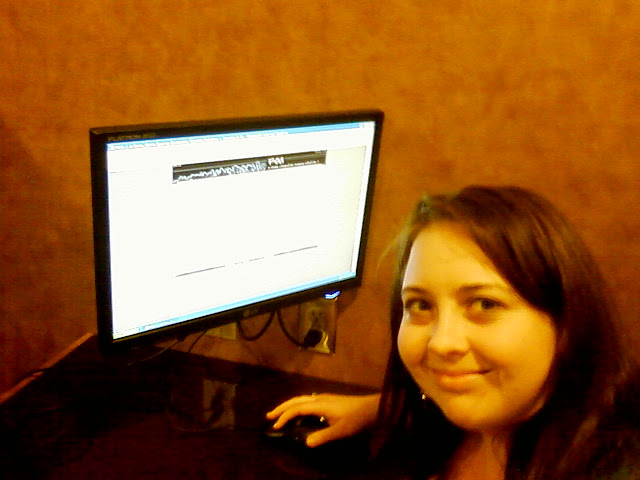
Leslie Sessions, Technology Coordinator for a small Texas school district, was kind enough to teach me about FOG. Like anyone else, I have a lab full or two of computers. These Windows XP computers have to be reimaged frequently, and doing so can get to be a pain…I’d considered using Clonezilla but to be honest, I just wasn’t understanding it.
Leslie shared that she’s an avid open source seeker, and was quick to point out that she’s using FOG, a Free Computer Cloning Solution. She gave me a quick demonstration on her server, so I’m going to be trying this out when I get a free moment.
Fog is a Linux-based, free and open source computer imaging solution for Windows XP and Vista that ties together a few open-source tools with a php-based web interface. Fog doesn’t use any boot disks, or CDs; everything is done via TFTP and PXE. Also with fog many drivers are built into the kernel, so you don’t really need to worry about drivers (unless there isn’t a linux kernel module for it). Fog also supports putting an image that came from a computer with a 80GB partition onto a machine with a 40GB hard drive as long as the data is less than 40GB.
Fog also includes a graphical Windows service that is used to change the hostname of the PC, restart the computer if a task is created for it, and auto import hosts into the FOG database. The service also installs printers, and does simple snap-ins.

I suppose the only obstacle some folks will encounter is that you have to run off a GNU/Linux server. I don’t think that will be too tough on my end, but time will tell. I’ll report back and let you know how this solution works out!
Thanks, Leslie!!

 Subscribe to Around the Corner-MGuhlin.org
Be sure to visit the ShareMore! Wiki.
Everything posted on Miguel Guhlin’s blogs/wikis are his personal opinion and do not necessarily represent the views of his employer(s) or its clients. Read Full Disclosure
Discover more from Another Think Coming
Subscribe to get the latest posts sent to your email.
 Another Think Coming
Did it work?
Did it work?
Still setting up the server…doing it in my spare time.
It works great, it could be downloaded as a vmware image too..so no need to setup a server just for testing =)
It works great, it could be downloaded as a vmware image too..so no need to setup a server just for testing =)
I'd like to know how it is working:) I am thinking of doing it.
I'd like to know how it is working:) I am thinking of doing it.