Earlier today I saw something quite frightening–a messy desktop on a Mac. The thought of clicking and dragging a few hundred documents and folders to their appropriate location gave me chills. But what to do? I immediately looked to my gold standard solution–some kind of File Commander for Mac.
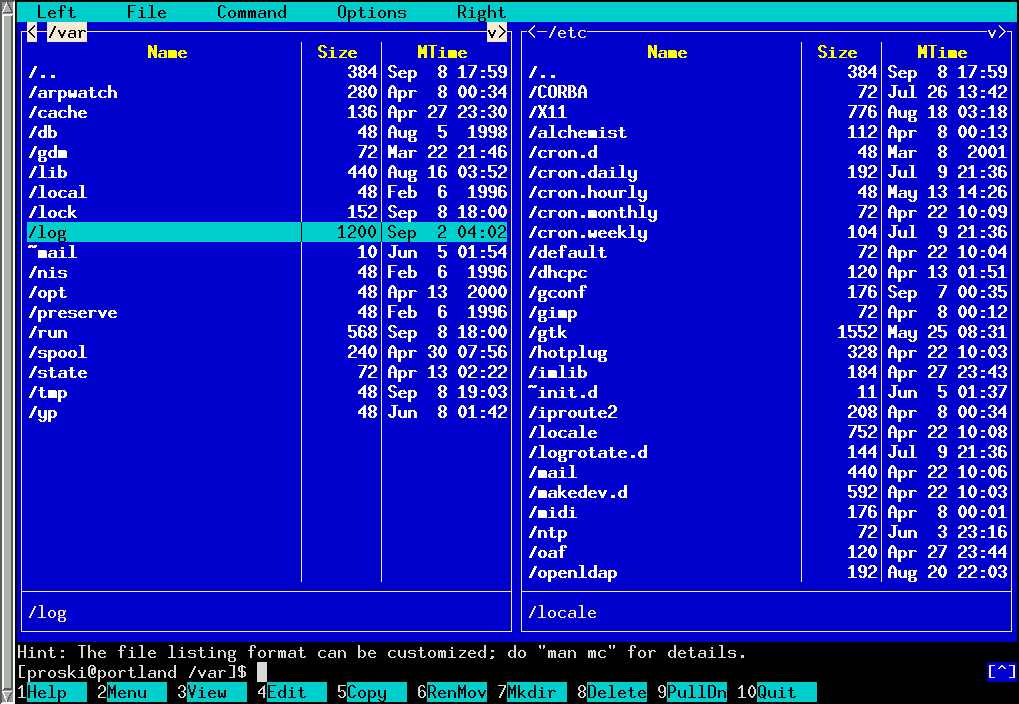 |
| Midnight Commander |
I’ve grown accustomed to using Midnight Commander on GNU/Linux machines when handling more than 10 files/folders, that I can’t imagine having to click-n-drag. Unfortunately, I needed something a bit more GUI for my end user’s machine.
While I looked for various solutions, including revisiting an old favorite–muCommander, which works on Windows and Linux but not Mac OS 10 Yosemite anymore apparently–I ended up investing in Fast Commander, which cost less than $6 (I’ll forego a donut and coffee later this week).
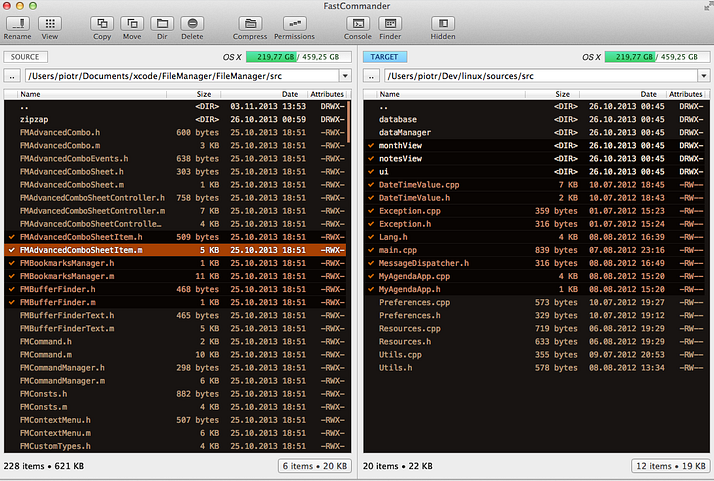
Works like a charm!
Make Donations via PayPal below:

var _gaq = _gaq || []; _gaq.push([‘_setAccount’, ‘UA-3445626-5’]); _gaq.push([‘_setDomainName’, ‘mguhlin.org’]); _gaq.push([‘_trackPageview’]); (function() { var ga = document.createElement(‘script’); ga.type = ‘text/javascript’; ga.async = true; ga.src = (‘https:’ == document.location.protocol ? ‘https://ssl’ : ‘http://www’) + ‘.google-analytics.com/ga.js’; var s = document.getElementsByTagName(‘script’)[0]; s.parentNode.insertBefore(ga, s); })();
Discover more from Another Think Coming
Subscribe to get the latest posts sent to your email.
 Another Think Coming
Double commander is pretty good and it's free…
Double commander is pretty good and it's free…