

The short version
Concept Map Studio is a DrawSplat tool for creating, editing, embedding, and exporting concept maps and classroom graphic organizers.
There’s a lot to like about DrawSplat, a free interactive whiteboard, as you can see from this concept map below. While you can access DrawSplat’s concept map tool inside the whiteboard, a more robust version is available as a web-based tool.
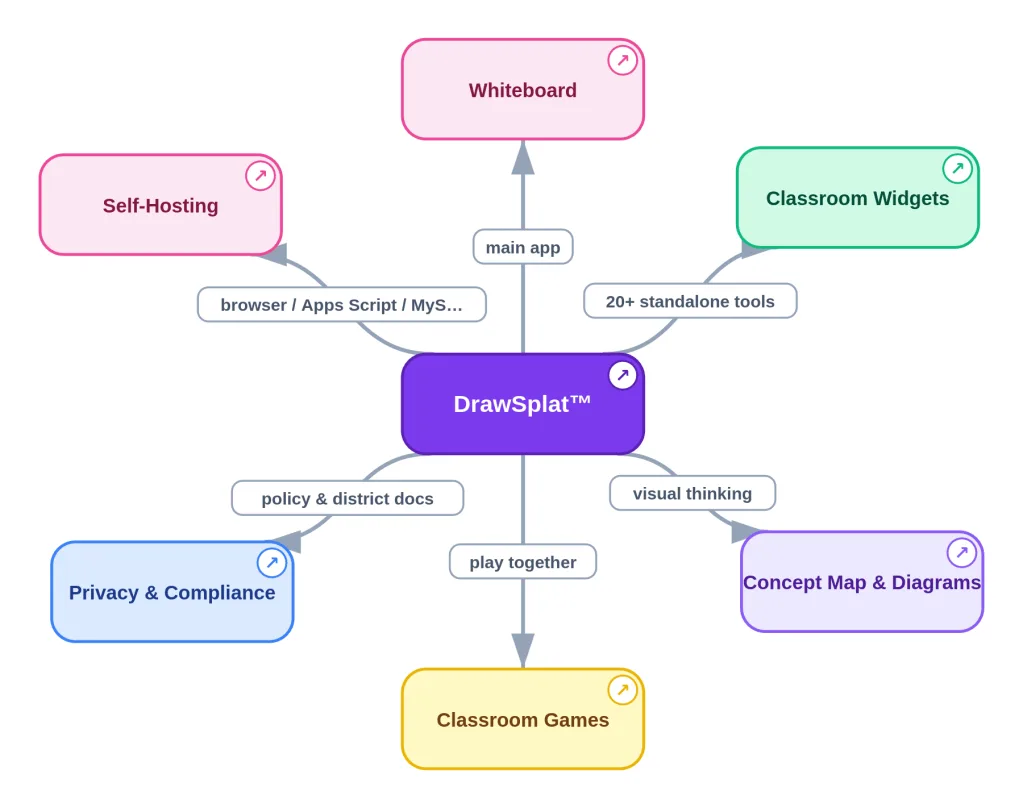
In fact, one of my favorite additions (and it’s tied with another) is the Concept Map Studio.
Update 5/30/26: I’ve directed an update that enables Concept Map Studio to now 1) provide a format code you can import into any Gen AI chatbot. Then, 2) your favorite AI tool can take your information (whatever you are reading or doing) and 3) generate a JSON file that you can load into the Concept Map Studio. And, I had 4) word wrap and 5) multilingual capabilities included. You can also 6) “grab” the canvas and move it around. And, 7) generate a markdown code outline of the concept map, and 8) copy it into Markdown Studio for editing and conversion to HTML, etc.
Concept Map Studio
I honestly can’t imagine having had this back when I was working as a classroom teacher, or that such a tool would be available. The fact I can edit this on screen, make my own concept map maker (eat your heart out Bubbl.us, CMAP tools, Inspiration/Kidspiration) and it’s FREE is heady stuff. More importantly, it comes preloaded with templates for popular graphic organizers, can save to JSON and several other formats.
Here’s all the features…but that’s hard to read. However, you can select any individual cluster of nodes and copy/save ONLY that:
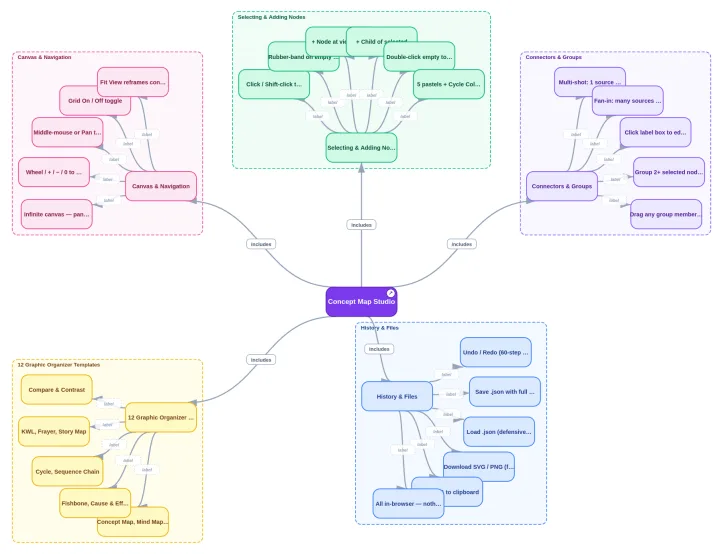
Overlapping boxes has been fixed in the latest version
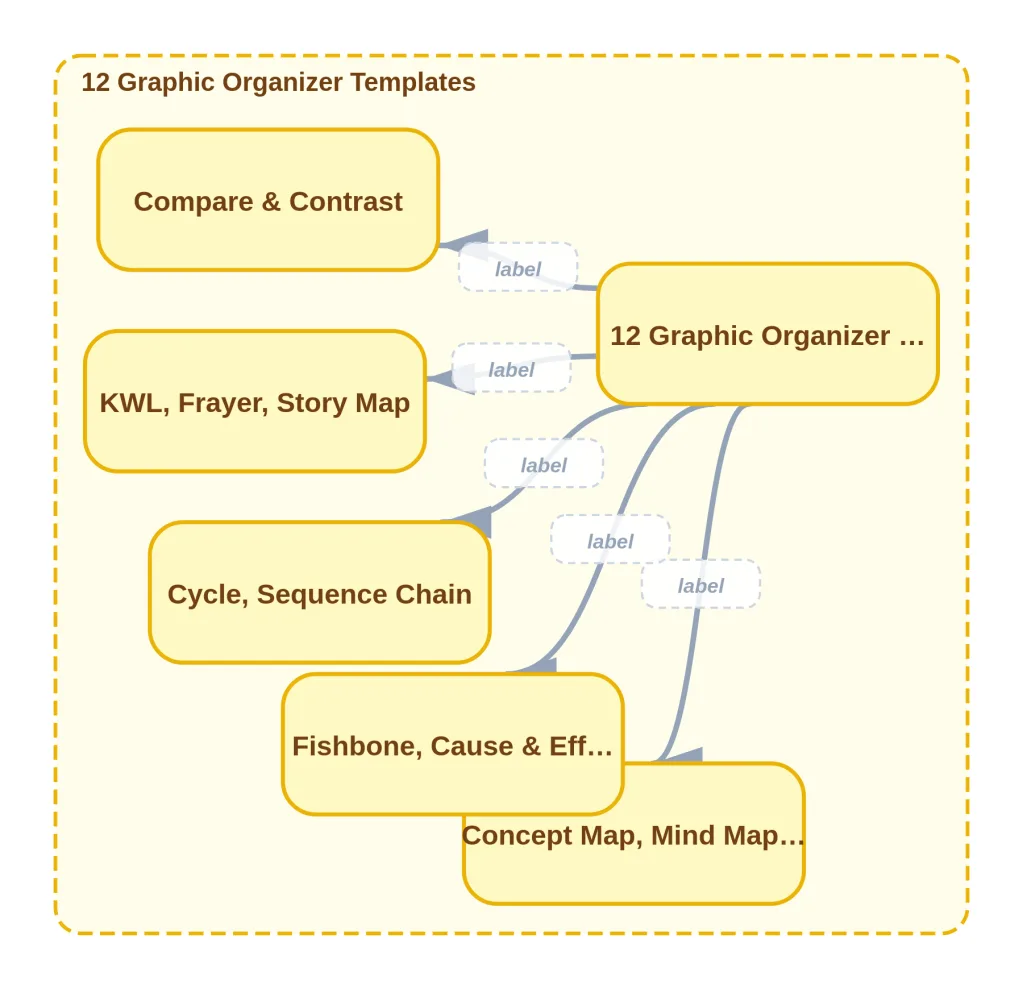
The Concept Studio Map comes with 12 Graphic Organizer Templates:
The interface isn’t perfect, but it’s good enough for quick concept maps that you could use at work or in a classroom:
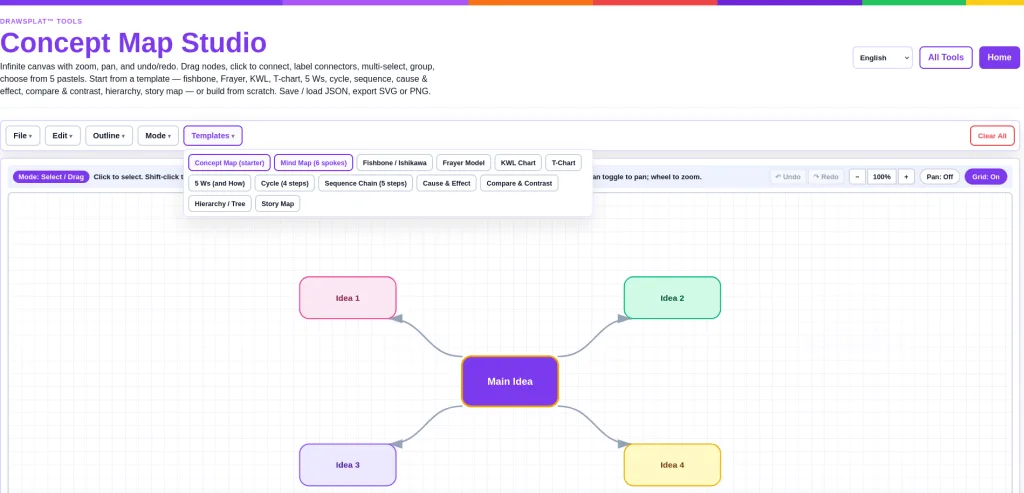
You can quickly make stuff:

Embed Code Now Available
You can also embed your concept map in a website, like Google Sites or WordPress, as custom HTML/embed code:
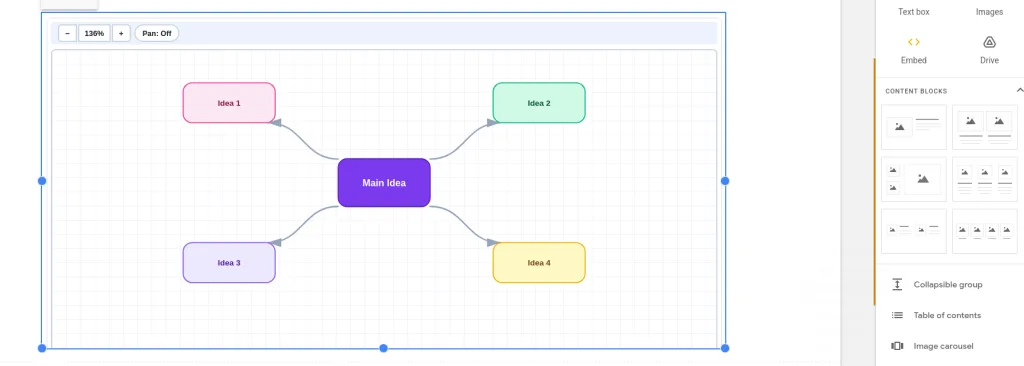
That’s all there is to it. Pretty simple. Not intended to do everything, but just enough.