

A while back, I started working on a vibe-coded solution, DrawSplat. I started the project on a lark to see how far a non-programmer could go. I started in Claude back when I was paying $20 a month, since I wanted to get my $20 a month money’s worth, then jumped to ChatGPT in the browser, then found out about the command line versions of Code and Codex.
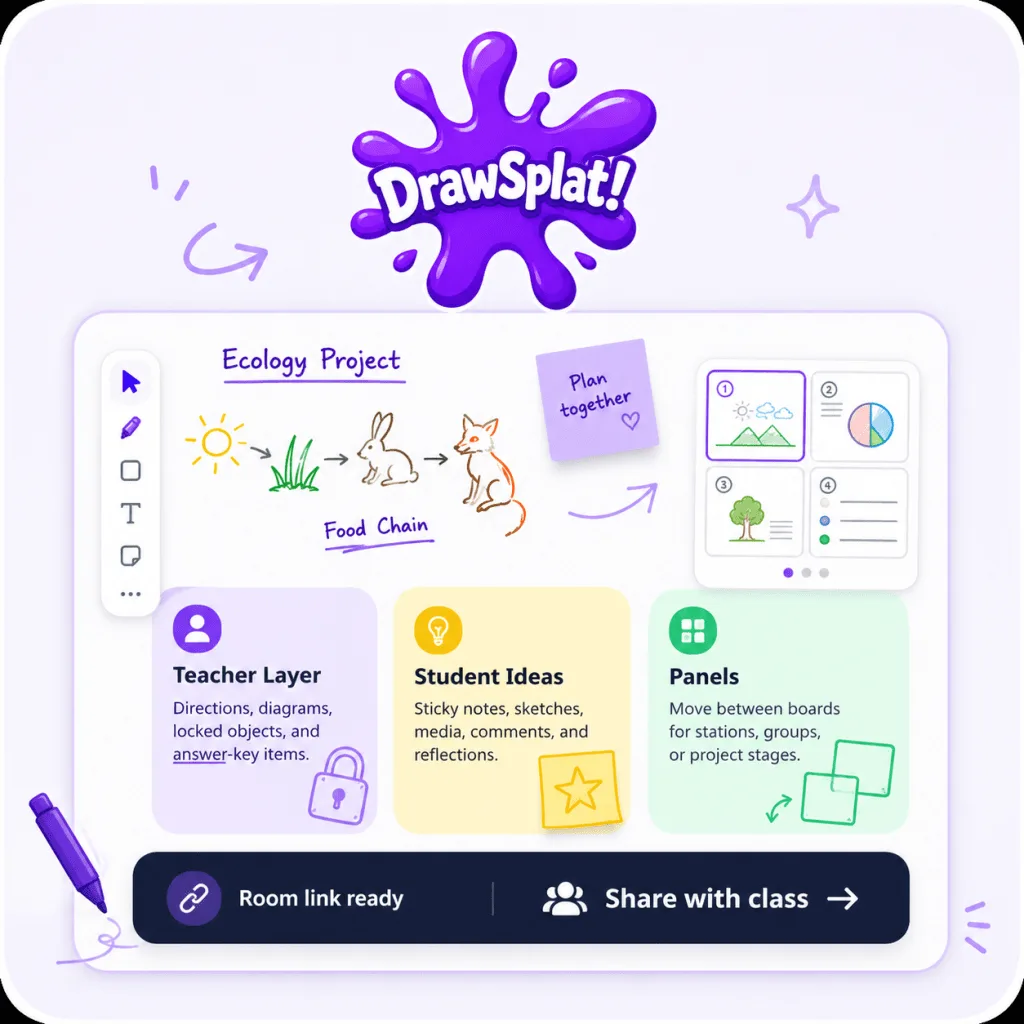
Access DrawSplat
Since then, I’ve spent at least a week of evenings and weekends developing a cool solution informed from my past experience of digital tools. My tool additions have relied on asking myself, “What was my favorite feature from XYZ tool from yesteryear that I wish I had in ONE, browser-based tool right now?” Or, finding features that match how I work, that get tasks done that I need.
You’d be surprised how far that gets you.
A Trip Down Memory Lane
For example, the list of inspirations, although the tool built-into my vibe-coded creation often falls short of the full functionality of the inspirations…but it does enough:
- Animated GIF Maker - Take a few inserted images and turn them into an animated GIF
- Concept Mapping tool - FreeMind and CMAP Tools inspired me
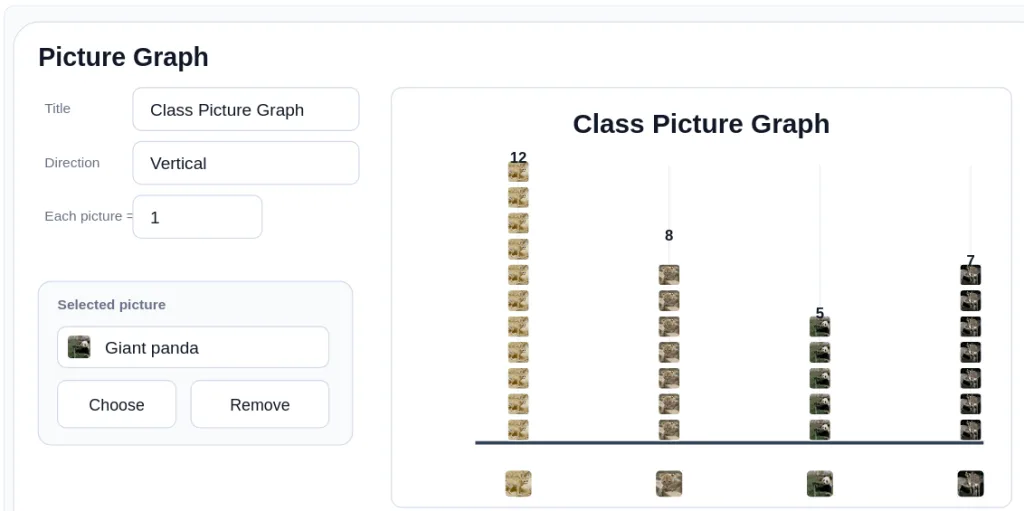
- PictureGraph - Tom Snyder’s The Graph Club inspired me when I used it with my third graders. But making picture graphs isn’t rocket science, and I love how Codex took my requests to transform the GraphMaker tool (which came first) into a Picture Graph maker with icons and inserted images you load in.
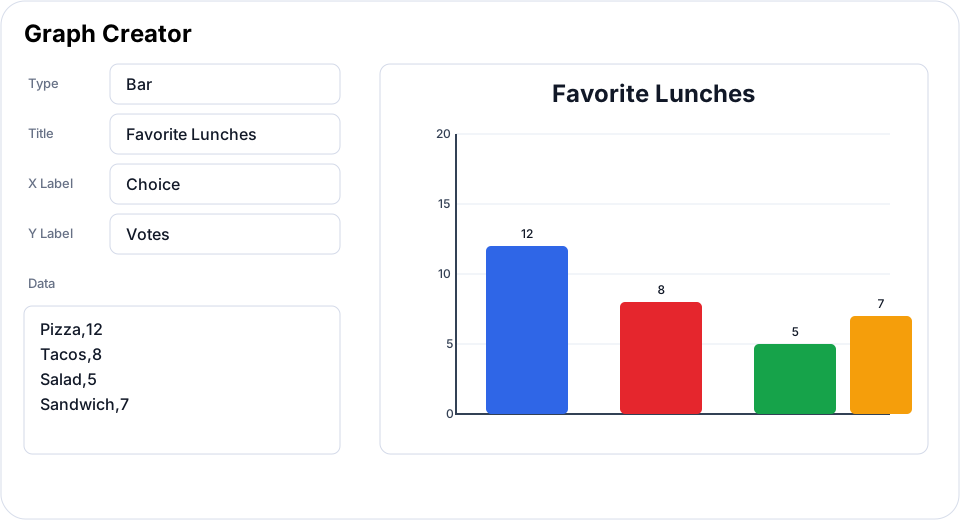
- Graph Maker - NCES Kids’ Zone Graph Maker tools come to mind, and this graph maker does a nice job of simplifying what’s possible.
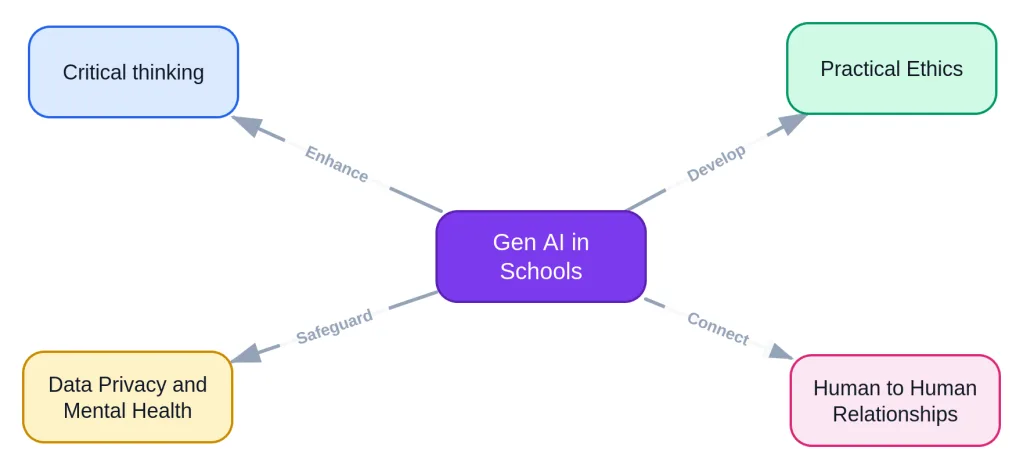
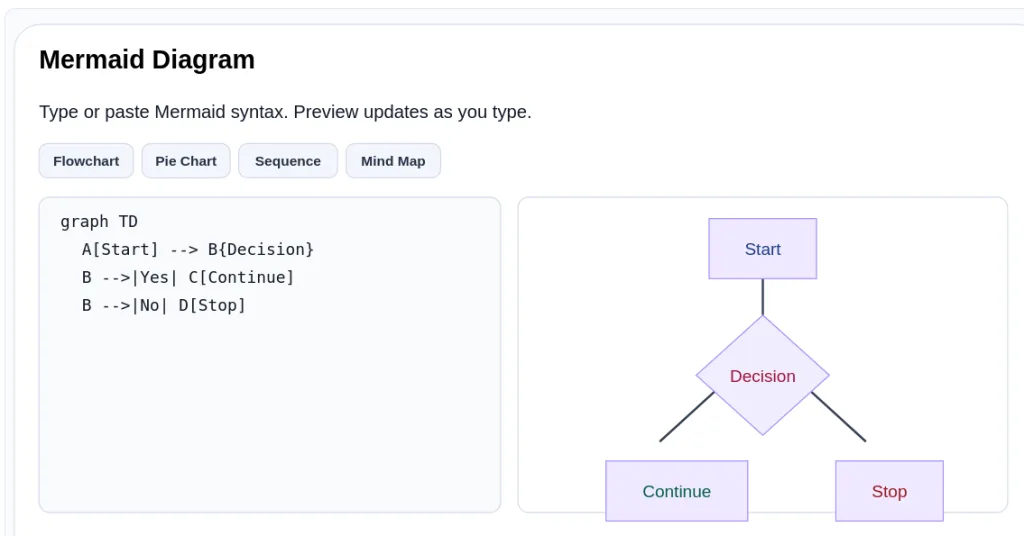
- Mermaid Diagrams - Mermaid Syntax (code and rendering as images) with templates. I picked templates for Mermaid diagrams that I make periodically, including pie charts, mind maps, sequence, flowchart, etc. These are a great way to introduce sequenced thinking via text, and I wish I’d learned about it sooner. What even more exciting is that you don’t need to go to another website to get the rendered version as an image you can copy then paste anywhere.
- Collage/Mosaic Image - Multiple Collage/Mosaic Image maker apps on my iPhone and Android over the years
- Coloring book - This features artwork is original procedural SVG line art, not copied from third-party images. The README marks it as CC0/public-domain dedicated for unrestricted use. How cool is that?
- 20 plants
- 20 insects
- 20 dinosaurs
- 20 animals
- Emoji Mixer - Emoji Kitchen for emoji blending
- Image Insertion - Load images from a variety of places or reference a built in image library of open access content (e.g. animal pics), cool emojis, available for PictureGraph maker, too
- Sticker Library - Doodlebuddy app suggested this idea to me
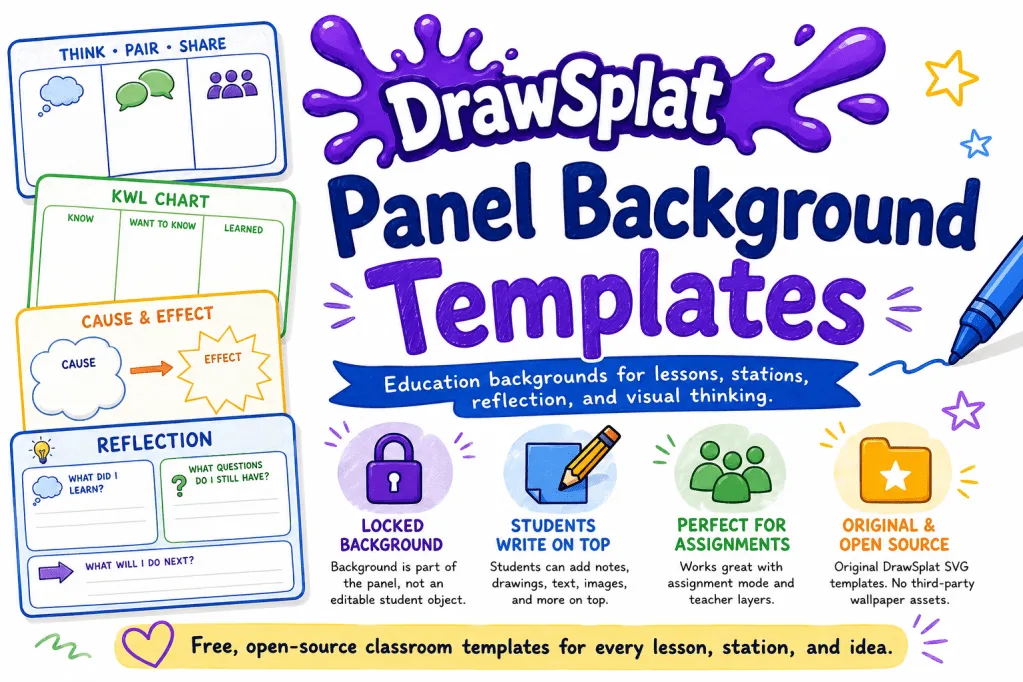
- Panels with their own wallpapers - Google’s Jamboard had a similar feature
- PNG/PDF/JSON Export - You can export PNG images, PDFs, or as JSON for local saving. For me, in addition to the tools above, the JSON saving to local machine is essential for the free version.
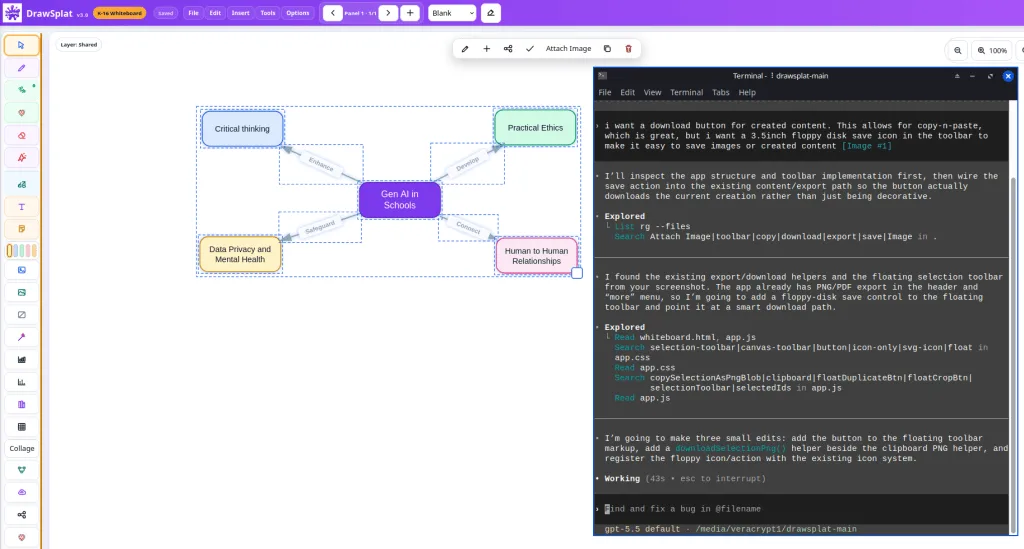
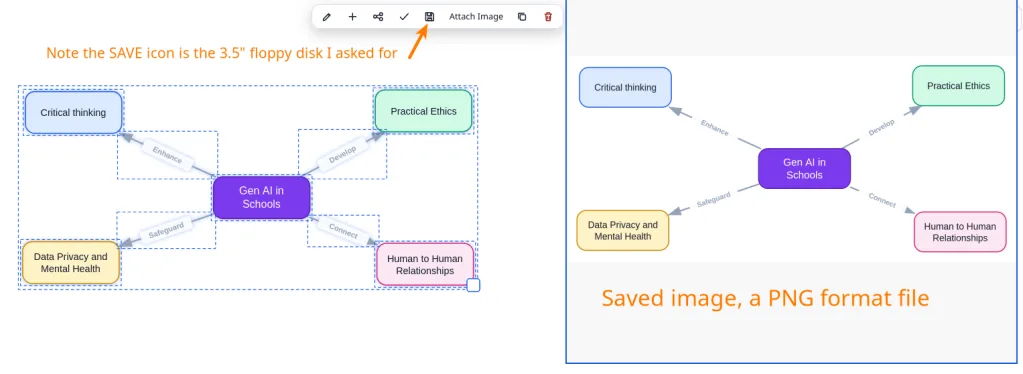
Other items, like Dot Pictures, were things that the Gen AI chatbot suggested. The functionality for both the desktop and mobile versions, Google and/or MySQL backend integration really go back to that question, and asking, “Could you add XYZ feature?” and then I do my best to describe what I would like. You can see that in the example below, where I asked for a 3.5 inch floppy SAVE icon for items I create (such as the concept map):
Here’s what it produced…you can see it added the SAVE icon of a floppy disk, and this allowed me to save the image (left) as a PNG graphic on my computer (right)
Of course, I don’t have access to the code for anything, and not a clue how to code it from scratch. But the AI Chatbots know how to give me a simulacrum of these tools for inclusion in a browser-based tool.
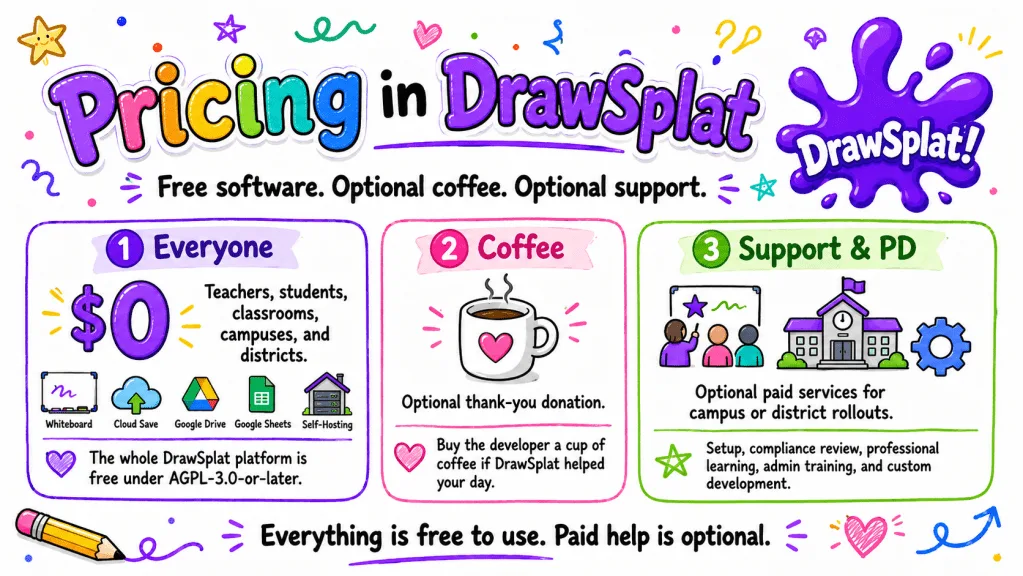
For fun, I even asked the chatbots to come up with a pricing model…although my intent was to launch it for free at an upcoming presentation showing how anyone can vibe-code a solution that meets their needs:
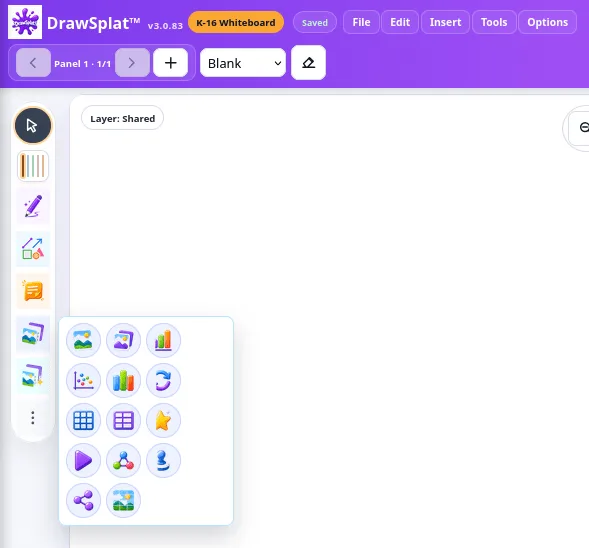
This has been a fun project do in the evenings. Through it all, I’ve asked myself, “Which is doing the job better, ChatGPT Codex or Claude Code?” The hard part was getting custom icons working…eventually, I figured out that asking for SVG images individually rather than a “composite” image of icons worked better:
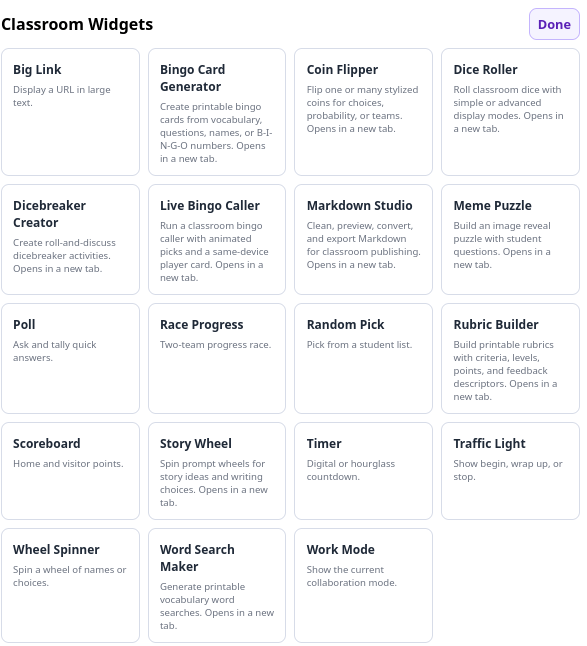
I even explored Classroom Widgets, some of them lying outside the functionality of the whiteboard:
So much fun cooking up coins for the coin flipper:
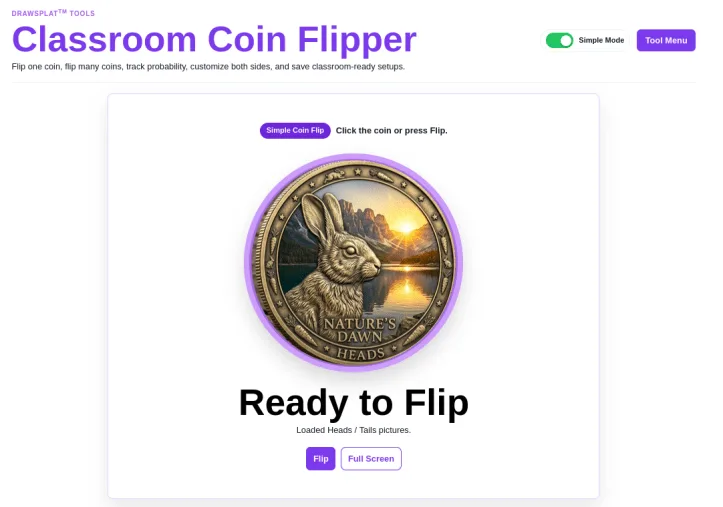
Try the Coin Flipper (thanks Peggy for initial version) or any of the other available external Quick Classroom Tools
The real question is, “Is this something usable in K-16 schools?” The answer is, “Yes, absolutely!” Another question is, “What else could I include that will work in the browser and be useful?”
A Subjective Evaluation of Codex vs Code
As much as I like Claude Code, and I have spent hours and hours working on it for work projects, I find ChatGPT Codex to be the better partner…but if you blink, you’ll miss it. I suspect that these tools are on par, and it’s my own bias getting in the way.
While Claude provides a comprehensive result, ChatGPT Codex gets equivalent work done in half the time. Speed, then, at lower price point is the big differentiator. I’ve run the exact same tasks and gotten the work done in ChatGPT faster.
Most of the work in both of these has been done on an MX Linux system. When I’ve run the exact same code (over 72 files) through Claude Code and ChatGPT Codex, Codex wins on speed alone. Google Gemini, BoodleBox don’t even come close on handling the content. I can now point Codex (and Code) at a folder, and ask it to get to work. I’ve tried this on multiple devices, working off a USB flash drive (upstairs/downstairs), and it’s all worked flawlessly.
The Codex difference? It produces results faster and makes suggestions for improvement. I can set it on autonomous mode (in the prompt), and it will work through the task until it is done. This is different than Claude, which is often stopping and asking for permission. As a non-coder, I just want it to “give it a go” and get the result.
My big takeaway? You can’t go wrong with either solution. You may as well ask yourself, “What solution could I vibe-code that would meet the needs of people around me?”