

Wish you had a FREE, multilingual, amazing Animated GIF Maker tool? I know I wish I had a great Animated GIF creator tool. There have been several throughout the years, but they always end up disappearing. Now, there is one that works in your browser and it is amazing.
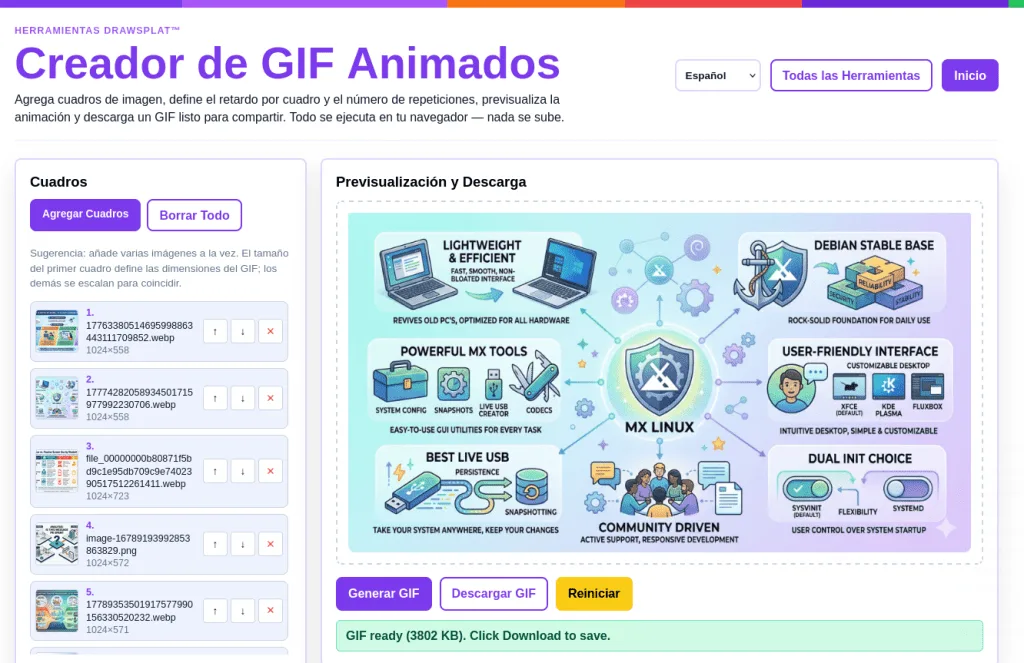
Add image frames, set per-frame delay and loop count, preview the animation, and download a ready-to-share GIF. Everything runs in your browser — nothing is uploaded. Also include MP4/WebM video export, and image compression.
Save your pictures that you want to make into an animated GIF:
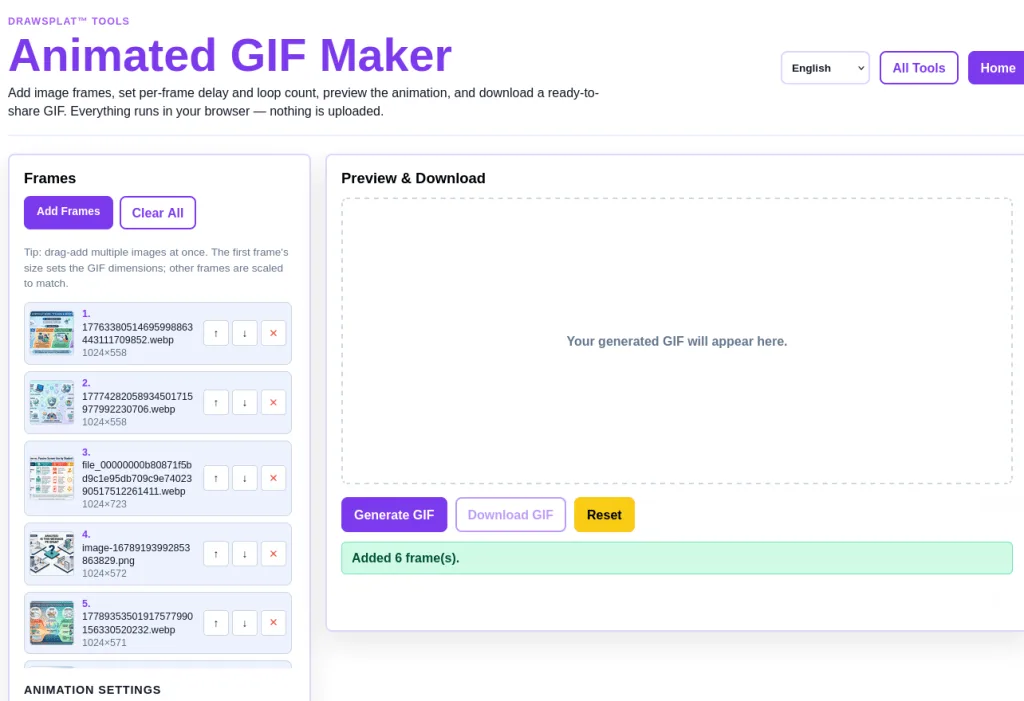
Then, adjust the settings:
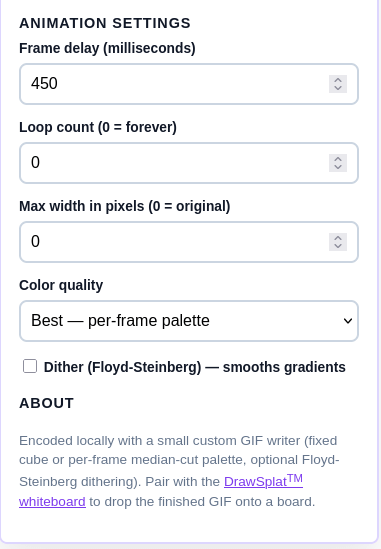
I like to set frame delay to 2000, and turn on Dither (Floyd-Steinberg) - smooth gradients. This gives me a result like this:
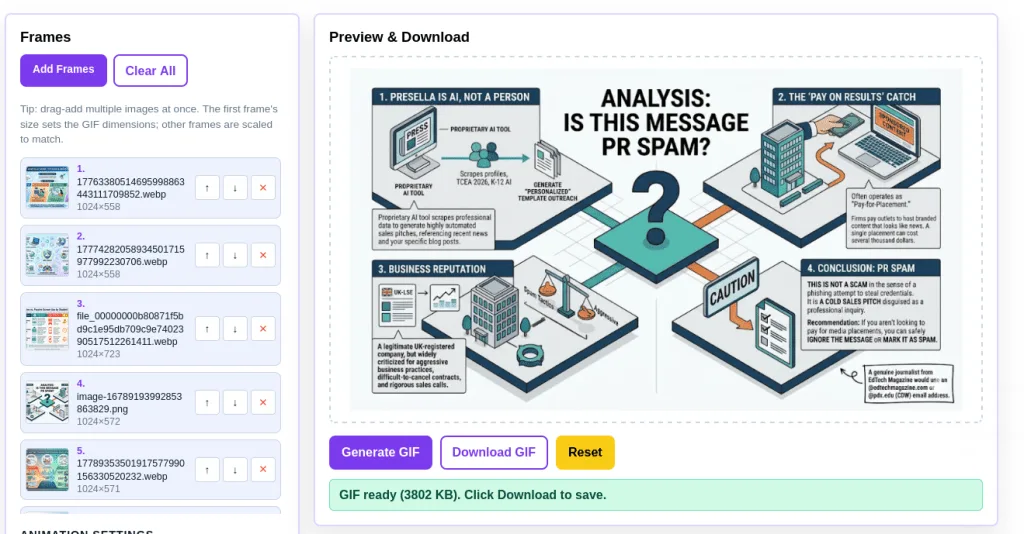
Of course, that’s a pretty big image. That resulted in image compression being added.
Still, pretty easy to use.
But Wait, There’s More!
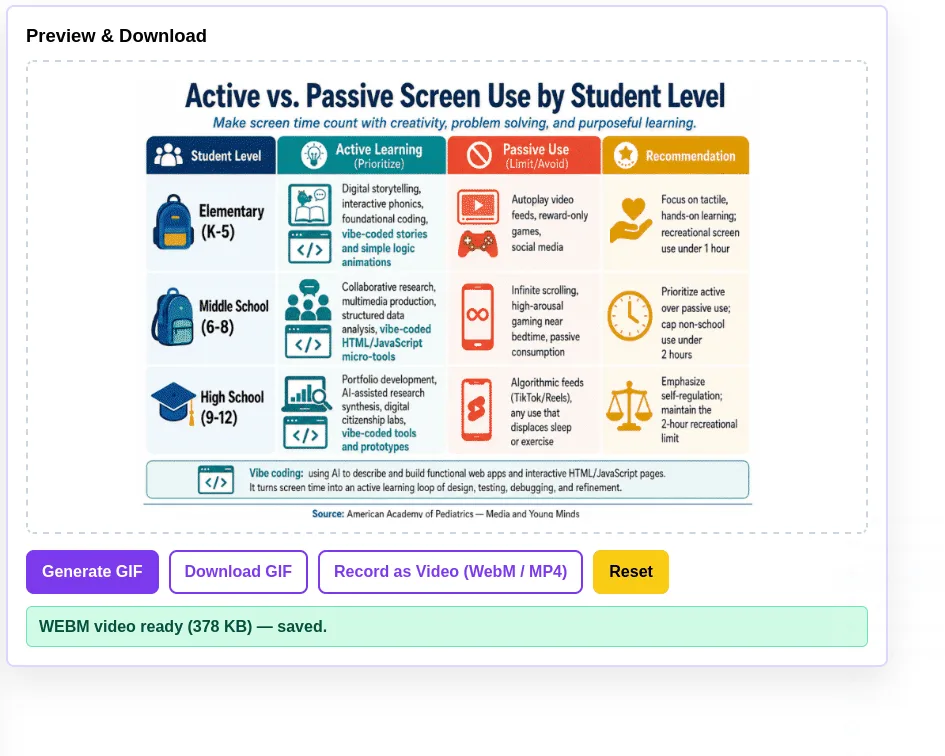
By the way, it exports to MP4 and/or webm video formats, too (not shown in the screenshots since I added it afterwards). It’s not quite perfect due to the fickle nature of videos in a browser, but it’s prob as good as it gets without adding heavy duty ffmpeg to the mix.
In this screenshot, you can see the “Record as Video (WebM/MP4)” button. This saves the animation to video via your browser, then saves it to your device. It failed* the first time I did it, rendering a webM video that didn’t quite play. Safari users will get an MP4 video instead of WebM.
Note: I hope this will be fixed by the time you read this.
Limitations
Some limitations:
- Video recording is real-time (a 10-frame × 500ms GIF takes 5 seconds to record)
- Very old Safari (< 14.5) won’t see the button.
I hope you’ll let me know in the comments how it works for you.