
The short version
Take advantage of two open-source solutions to solve your note-management solution across devices
In my never-ending quest to rid myself of ongoing subscriptions, I took a hard look at my Joplin Notes subscription and asked myself, “Do I really need Joplin Cloud and Joplin Notes?” In the past, I’ve raved about having Joplin Notes, and it’s an amazing solution. I highly recommend it. But since I’m cutting subscriptions, I decided to take a closer look at an app I’d picked up while browsing through F-Droid. I realized that if I combined it with another solution, it would do exactly what I needed.
Blending Solutions
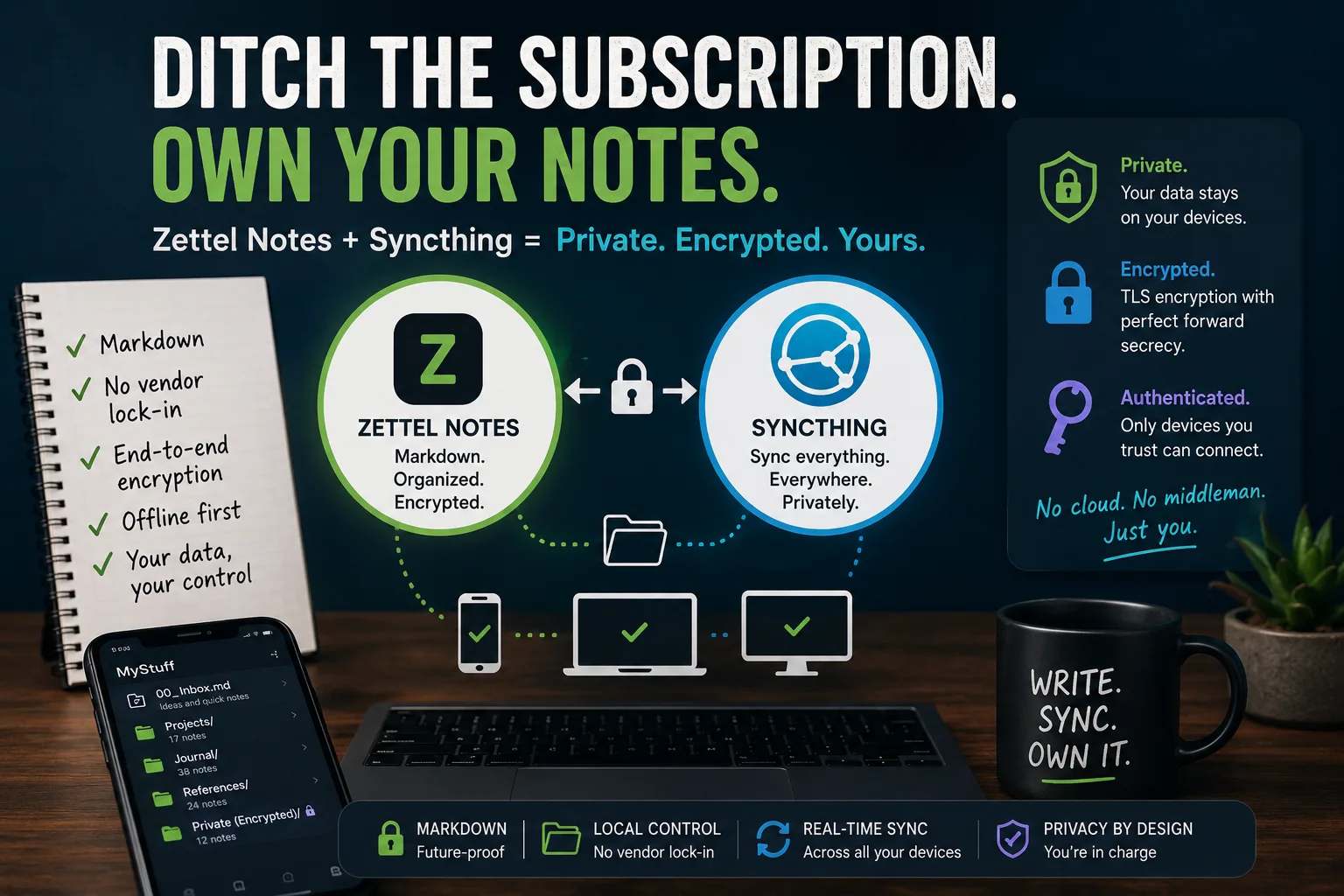
The two solutions? The first app is Zettel Notes. You might want to donate to Dr. Rohit. The second is SyncThing; make a donation. Zettel Notes allows me to organize my notes in markdown, including end to end encryption (other encryption methods are available), for notes that need to be secured. Syncthing ensures that my notes flow from my phone to the computers I work on seamlessly.
No more worrying about whether I have the right version on my USB flash drive, or having to depend on cloud storage. All the storage is within my control. Let’s take a quick look at each of the solutions.
Why Choose Zettel Notes ? 🚀
This part is straight from the Zettel Notes website. It has lots of features, obviously, but these are some of the key ideas:
- Store your notes as separate markdown files, ensuring no vendor lock-in like other apps
- Easily import your existing notes by adding the repository/folder through the Repositories option in the menu
- Free of cost, without ads, and no hidden permissions
- No collection of user data
- Offline, synchronization is optional.
Notes are stored as separate text files. Application starts with an introductary note. After installing, add folder / repository containing your existing notes from the repositories option in menu.
The only question I still have?
Can Zettel Notes encrypt image files that fall into a repository or are attached to a note?
That’s a question going around in my head. In the meantime, I’ll probably encrypt images (pictures of medical cards, ID cards, receipts, prescriptions) using Secure Space Encryptor (SSE).
Why Choose Syncthing?
Syncthing is a continuous file synchronization program. It synchronizes files between two or more computers in real time, safely protected from prying eyes. Your data is your data alone and you deserve to choose where it is stored, whether it is shared with some third party, and how it’s transmitted over the internet.
From their website, a description of Syncthing’s features:
- Private. None of your data is ever stored anywhere else other than on your computers. There is no central server that might be compromised, legally or illegally.
- Encrypted. All communication is secured using TLS. The encryption used includes perfect forward secrecy to prevent any eavesdropper from ever gaining access to your data.
- Authenticated. Every device is identified by a strong cryptographic certificate. Only devices you have explicitly allowed can connect to your other devices.
Be sure to read the Getting Started Guide. I didn’t read it, of course. So it took me a bit to see how everything worked. But it works flawlessly, so give it a go.
How I Set It Up
On my mobile phone, I set up a single folder to house all my stuff. Then, I exported all my Joplin Notes in markdown format on my computer. I set up Syncthing on my phone, and set up synchronization so that the mobile phone MyStuff folder would get reflected on my computer. I copied the export of my markdown notes, after I arranged them into folders, into the MyStuff folder on my computer. It was automatically shared with my phone.
Then, I set up repositories using Zettel Notes to point to the folders. I had some notes folders that were just information I was tracking or keeping copies of. One folder, however, had confidential data. For that folder, which I also set up as its own repository, I turned on encryption. Now, that information is encrypted. Since I mostly access it on my phone, the copy that is placed on my computer is a backup that I don’t need to open.
Once set up, it’s pretty straightforward. I even have my github folders synchronizing, and that has made it so easy to stay up to date across various machines (e.g. home and work).