
The short version
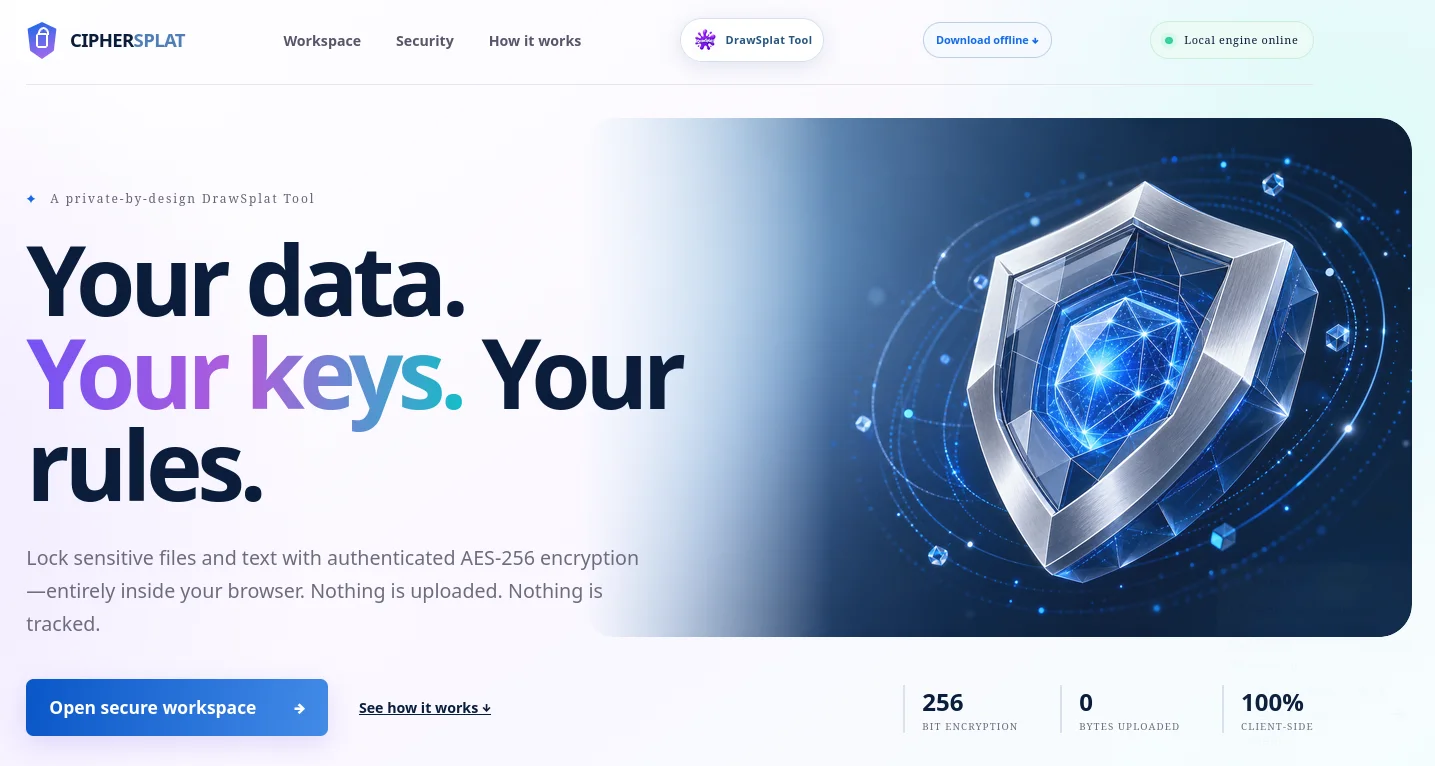
CipherSplat brings modern, private browser encryption to files, folders, and text. And, it's FREE.
One of my favorite online encryption tools? Filelock.org. However, FileLock hadn’t been updated since 2018. It got me wondering, “What would a vibe-coded browser-based encryption tool look like today?” Enter CipherSplat.
CipherSplat Measures Up Alongside Other Encryption Tools
In my work, I rely on several encryption tools, such as 7z, zip, and ParanoiaWorks. Of these, ParanoiaWorks Secure Space Encryptor is my favorite. Yet, I often need to recommend a browser-based, easy to use tool to colleagues who need something to use on the go for one-time use. In the past, that recommendation included FileLock. As of today, I’m switching to CipherSplat due to this assessment.
| Tool | Practical rating* | Main strengths | Main weakness |
|---|---|---|---|
| ParanoiaWorks PFE/SSE | 8.5/10 | AES-256-CTR, Argon2id, BLAKE3 authentication, open specifications, and compatibility with browser, desktop, Android, and iOS tools | Uses a more complex custom encrypt-then-authenticate format; browser version recommends keeping files below roughly 800 MB (Paranoia Works) |
| CipherSplat | 8/10 | AES-256-GCM, Argon2id with 64 MiB and three passes, authenticated package headers, local processing, and no persistent password storage | Newer and less widely tested; no independent security audit (DrawSplat) |
| 7z AES-256 | 7.5/10 | Mature, open source, strong AES-256 encryption, encrypted archive headers, excellent compression, and broad desktop support | Uses an older iterative SHA-256 password-derivation design rather than a memory-hard KDF such as Argon2id (7-Zip) |
| ZIP AES-256 | 5.5/10 | Broad compatibility, AES-256 encryption, and per-file authentication | Uses PBKDF2-HMAC-SHA1 with only 1,000 iterations; filenames, dates, sizes, and other archive metadata remain visible (WinZip) |
| FileLock.org | 4.5/10 | Simple browser workflow, AES-256, and local file processing with no file uploads | Does not document its AES mode, password KDF, salt, authentication method, nonce handling, or package format; its CryptoJS-based implementation and public documentation date from 2018 (File Lock) |
Comparing FileLock and CipherSplat
I thought it would be worthwhile to get a comparison between FileLock and CipherSplat. While the results are a detailed table (see the end), here’s the point:
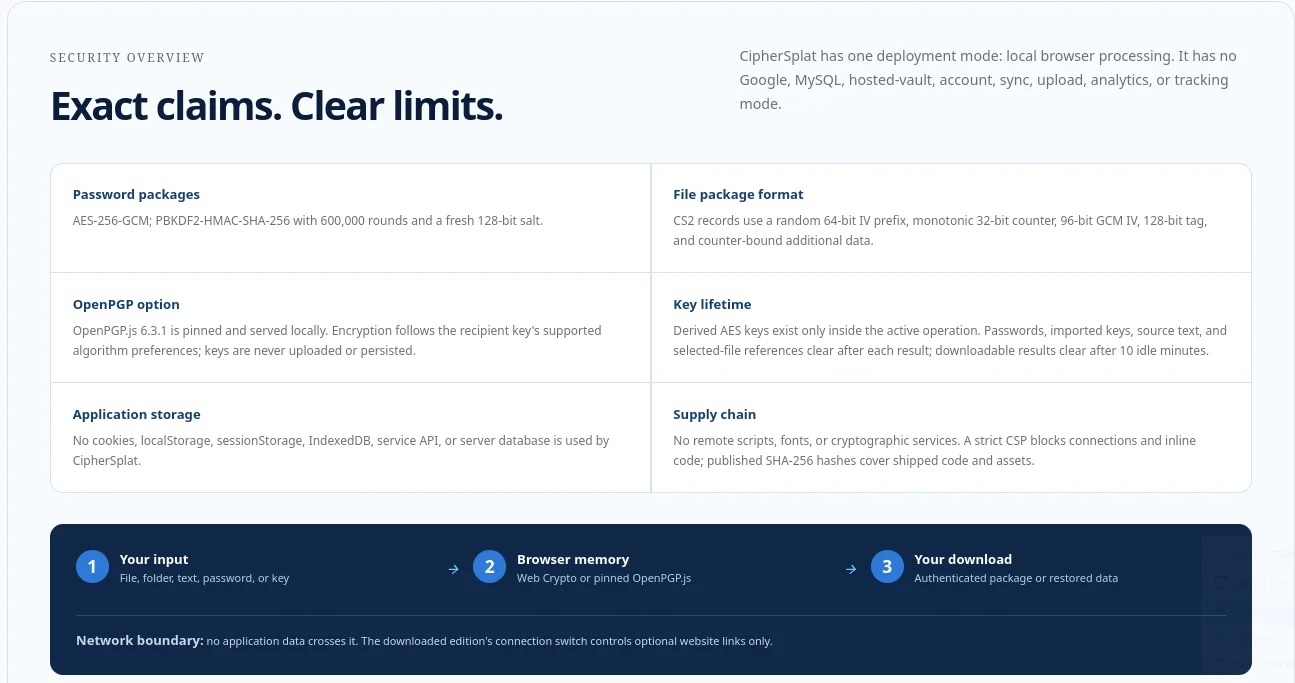
CipherSplat is the stronger option based on the currently published technical information. It documents authenticated AES-256-GCM encryption, memory-hard Argon2id password derivation, nonce construction, authentication-tag length, package structure, backward compatibility, dependency versions, and known security limitations. FileLock.org provides a simpler workflow and states that encryption occurs locally in the browser. However, its public documentation does not disclose its AES mode, password-derivation process, authentication method, nonce handling, package structure, or tamper-detection behavior. Its published materials also date from 2018. Neither tool presents evidence of an independent cryptographic security audit. CipherSplat is more transparent about that limitation and provides substantially more information for evaluating its design.
How Does It Stack Up?
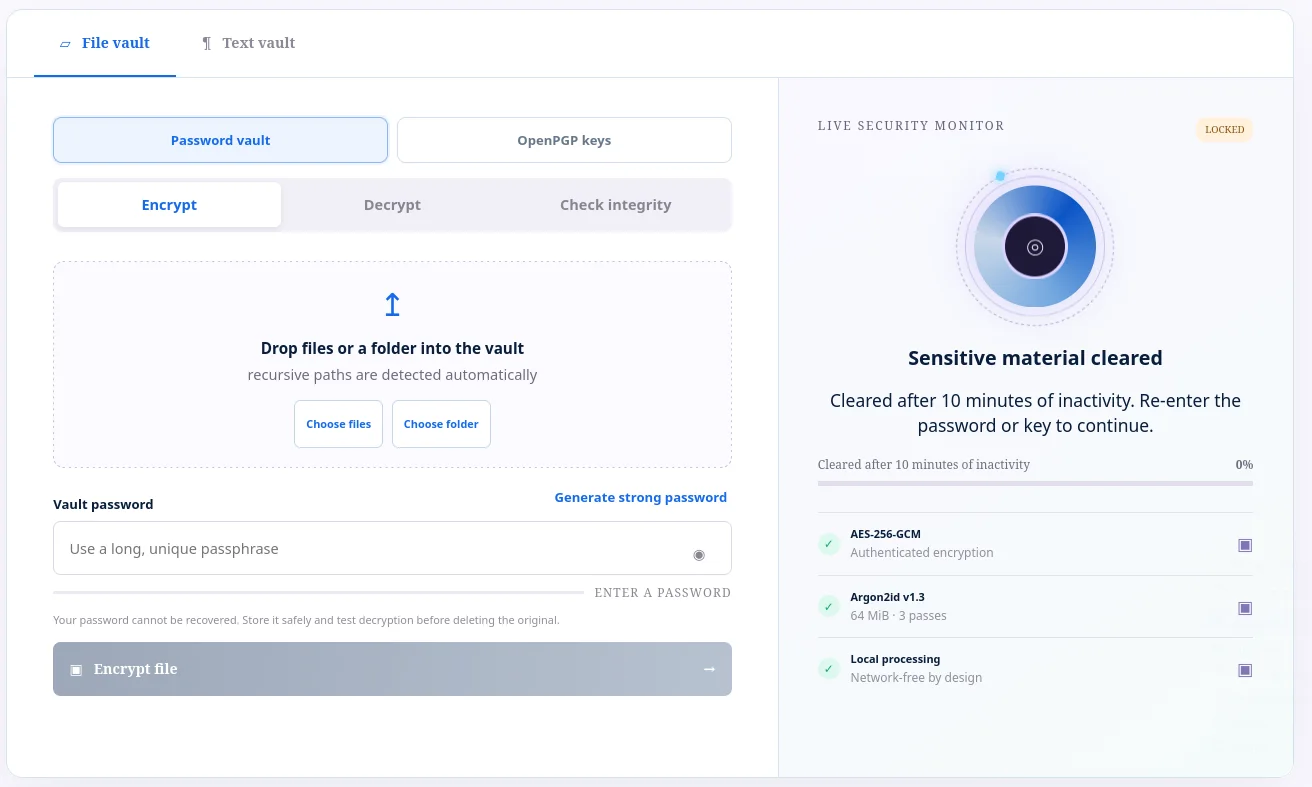
CipherSplat rates about 8 out of 10 among browser-based file-encryption tools. Its AES-256-GCM encryption, Argon2id password hardening, tamper detection, offline edition, strict Content Security Policy, and published source hashes place it above older or less-documented services such as FileLock.org and broadly alongside modern tools such as Hat.sh; the main reason it does not rate higher is the lack of an independent security audit. It appears reasonably safe for everyday sensitive files when used on a trusted device and browser, but I would not rely on any unaudited browser tool alone for exceptionally high-risk data. CipherSplat does not keep a copy of your password: it says passwords remain only in the active tab’s memory, are cleared after the operation, are never uploaded, and are not saved in cookies, localStorage, sessionStorage, IndexedDB, or a server database.
CipherSplat vs Traditional Tools
Another question I had was, “How does CipherSplat stand up again ParanoiaWorks Secure Space encryptor and 7z/zip AES-256 encryption?”
CipherSplat stands up well. It is roughly comparable to ParanoiaWorks’ current encryption format, stronger than conventional ZIP AES-256, and more modern in password protection than 7z encryption.
My Perspective
My perspective? This is much better than FileLock, and good enough for most encryption needs. I wish I could afford the independent testing, SOC2 process, etc., but that’s not going to happen. In the meantime, I will probably use it in lieu of FileLock and recommend it to my friends and colleagues. As a vibe-coded solution, CipherSplat has probably gone as far as it can go without additional funding and a community to support it.
CipherSplat vs. FileLock.org
Assessment last checked August 1, 2026.
| Area | CipherSplat v1.0.1 | FileLock.org |
|---|---|---|
| Documented version | Version 1.0.1, using the CS4 memory-hard package format | Version 1.4, dated June 14, 2018 |
| Primary purpose | Encrypts files, folders, and text using passwords or OpenPGP public keys. It can also verify encrypted packages without extracting them | Encrypts one or more selected files using a password |
| Content encryption | AES-256-GCM authenticated encryption | States that it uses AES-256, but does not identify the AES operating mode |
| Authentication tag | 128-bit GCM authentication tag | Not documented |
| Tamper detection | Rejects altered ciphertext or incorrect passwords before releasing plaintext | No authenticated-encryption mode, message-authentication code, or verification process is publicly documented |
| Password key derivation | Argon2id v1.3 with 64 MiB memory, three passes, one lane, and a fresh 128-bit salt | Key-derivation algorithm, salt, memory requirements, and work factor are not disclosed |
| Password-guessing resistance | Argon2id is memory-hard, making large-scale offline password guessing more expensive | Published information is insufficient to assess resistance to password-guessing hardware |
| Package format | New password packages use the CS4 format. The header and record counter are authenticated as additional data | Encrypted-file structure is not publicly documented |
| Nonce or IV construction | Random 64-bit prefix plus a monotonic 32-bit counter, producing a 96-bit GCM IV | Not documented |
| Backward compatibility | Can decrypt older CS2 and CS3 packages, including earlier PBKDF2-based packages | No package-version or migration policy is documented |
| Folder support | Supports recursive folder selection and preserves relative paths | Supports multiple selected files, but folder encryption is not documented |
| Text encryption | Includes a dedicated text vault | Not documented |
| Public-key encryption | Supports OpenPGP recipient public keys through a locally served copy of OpenPGP.js | Not documented |
| Integrity verification | Includes a separate verification function that checks a package without restoring its contents | No separate verification feature is documented |
| Processing location | Files, passwords, text, and keys remain in browser memory. The application states that it contains no upload code | States that file names, sizes, and contents remain local and that encryption occurs in the browser |
| Application storage | States that it uses no cookies, localStorage, sessionStorage, IndexedDB, accounts, or server database | Its privacy policy says analytics and AddThis were removed, but it still discusses Cloudflare’s discontinued __cfduid cookie |
| Cryptographic implementation | Uses the browser Web Crypto API for AES-GCM, Argon2id for password derivation, and a pinned local copy of OpenPGP.js for public-key operations | Lists CryptoJS, FileSaver.js, Blob.js, and older browser-support components |
| Dependency maintenance | Publishes dependency versions and SHA-256 hashes for application files | Uses CryptoJS, whose maintainers have discontinued active development and recommend native browser cryptography for modern applications |
| Remote resources | States that it uses no remote scripts, fonts, or cryptographic services and applies a strict Content Security Policy | No equivalent supply-chain or Content Security Policy documentation was identified |
| Offline use | Offers a downloadable offline edition | No downloadable offline edition was identified |
| Password generator | Includes an on-device password and passphrase generator using cryptographically secure randomness | No password generator is documented |
| Security limitations | Identifies compromised browsers, malicious extensions, keyloggers, screen capture, operating-system malware, and unlocked-device access as outside its protection boundary | No comparable threat model was identified |
| Independent assurance | States that it has not received an independent security audit, SOC 2 attestation, formal certification, or paid bug bounty | No independent audit or certification was identified |
| Documentation quality | Publishes algorithms, parameters, package structure, compatibility details, storage behavior, dependency hashes, and known limitations | Provides basic instructions and local-processing claims but little cryptographic implementation detail |
| Documentation currency | Reflects the current v1.0.1 implementation and CS4 format | Public documentation dates from 2018 and includes references to Flash, TrueCrypt, and discontinued operating-system features |
| Ease of use | Offers more features and security information but presents users with more choices | Provides a simpler select-files, enter-password, and encrypt workflow |
Sources
- CipherSplat
- CipherSplat integrity manifest
- FileLock.org
- FileLock encryption instructions
- FileLock privacy policy
- FileLock software licenses
- RFC 9106: Argon2 Memory-Hard Function