The short version
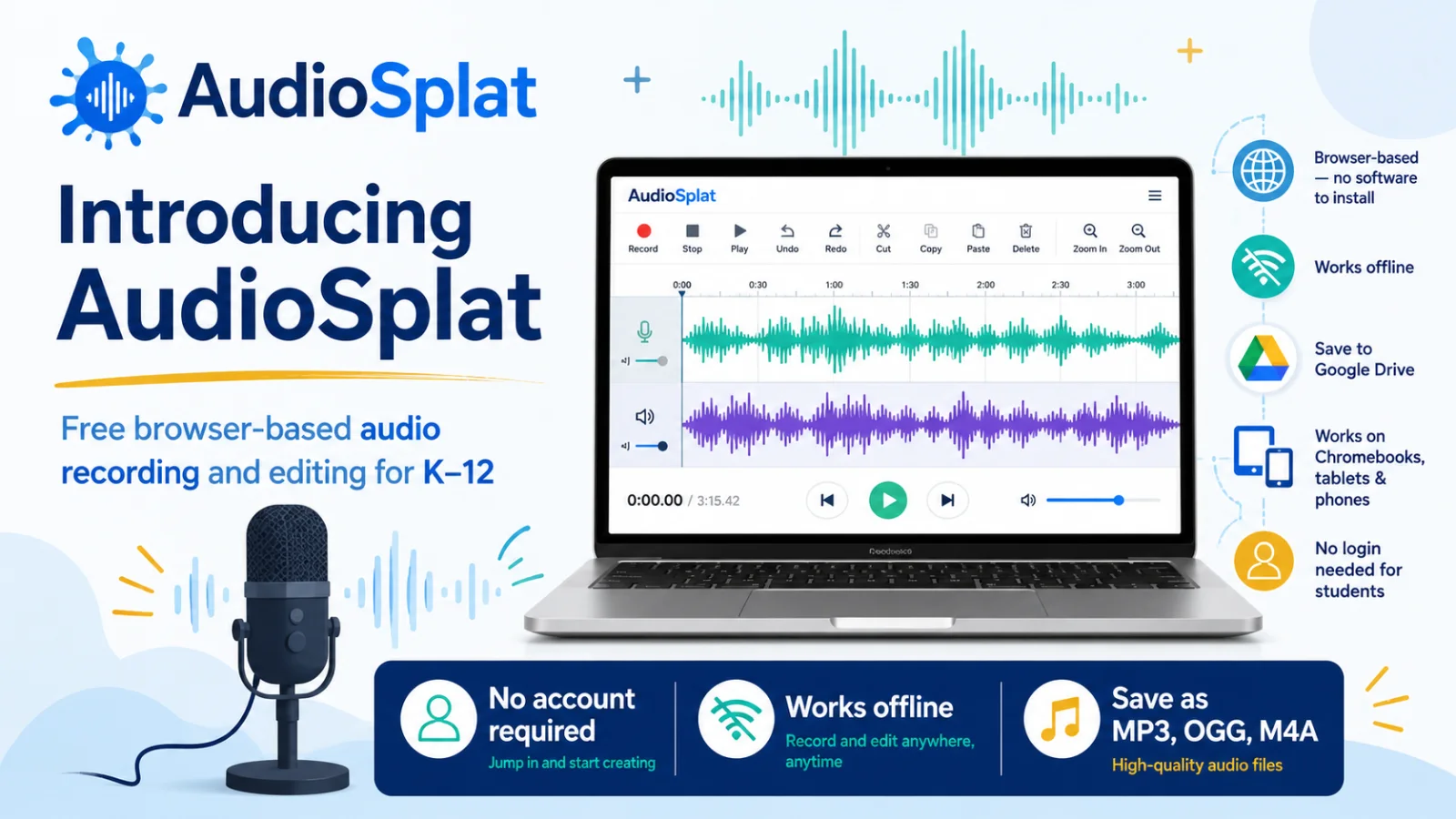
DrawSplat.org launches an easy to use, browser-based, Chromebook-friendly audio voice recorder and editor. Meet AudioSplat.
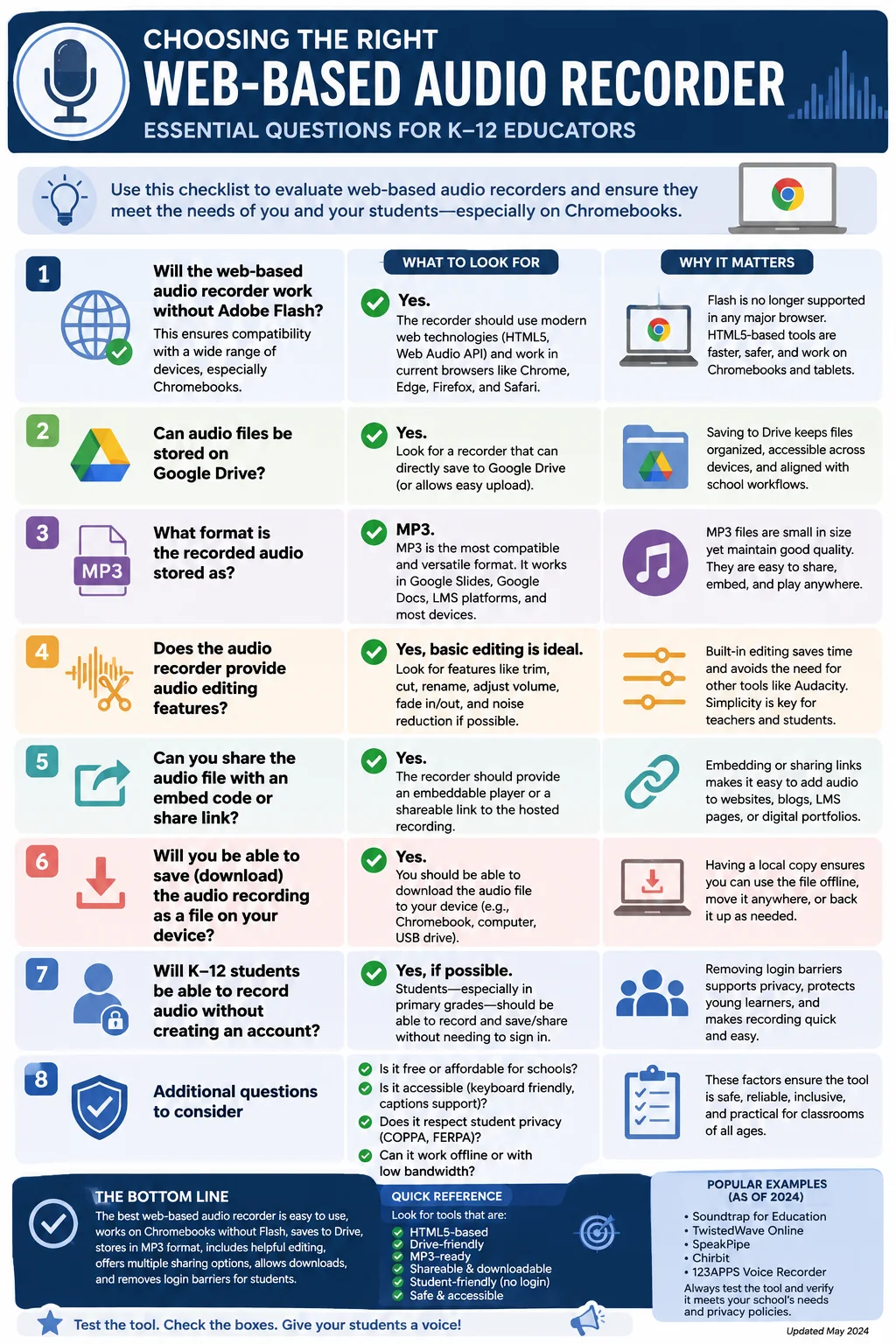
If you’re looking for a full-featured audio tool that answers all those questions, is FREE, runs offline in your browser with no user account creation required, then DrawSplat.org’s AudioSplat (2026 launch) can do it all! When considering audio recorders and editors, here are a few questions I like to ask. I’ve thrown them into an infographic to make them look nicer:
Introducing AudioSplat
AudioSplat is an audio recorder/editor that allows audio editing via your browser. What I like about it is that it has all the features I like, and no advertisements or anything like that. What’s more, K-12 students don’t need to create an account, but if they are logged into their Google Workspace for Education account, they can save audio projects in various sound formats (e.g. MP3, OGG, m4a). This makes it a great tool to use from my own perspective when I need just-in-time audio editing.
What’s more, you can save AudioSplat as a zipped file to your computer, then run it in your browser as an offline audio editor. That makes it super portable and usable. It’s also been tailored to work on tablets and smartphones, Android or iOS, and optimized for Windows/Mac/Linux/Chromebook desktop devices.
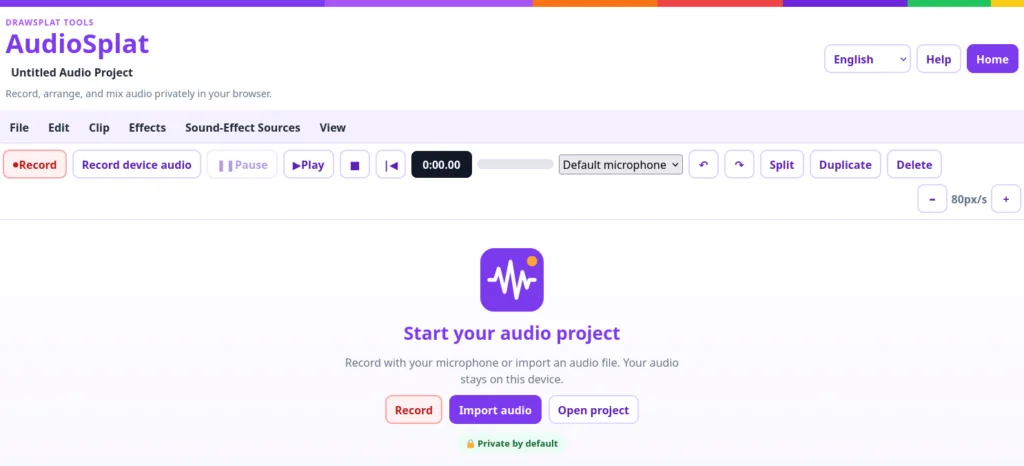
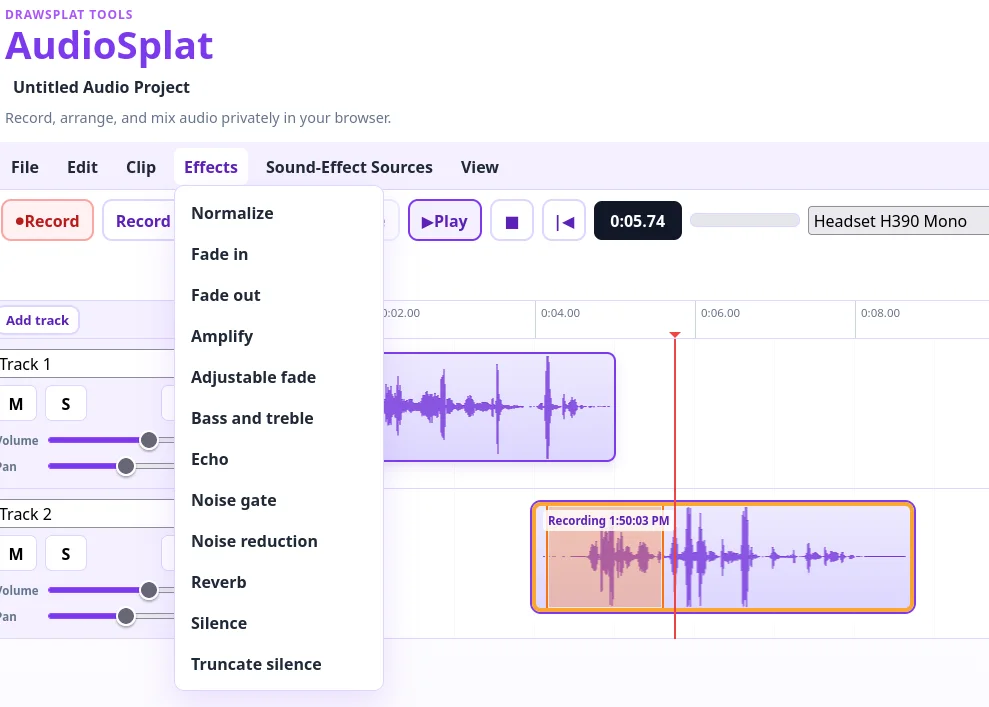
It’s super easy to edit audio, and all of it stays in your browser. You can save various audio formats (e.g. MP3, OGG, M4A) to your Chromebook or device. What’s more, DrawSplat.org has a robust Texas Data Privacy Protection privacy policy and terms of service that gets a perfect score on TCEA PROTECT v2.0 rubric. Here’s what it looks like in action:
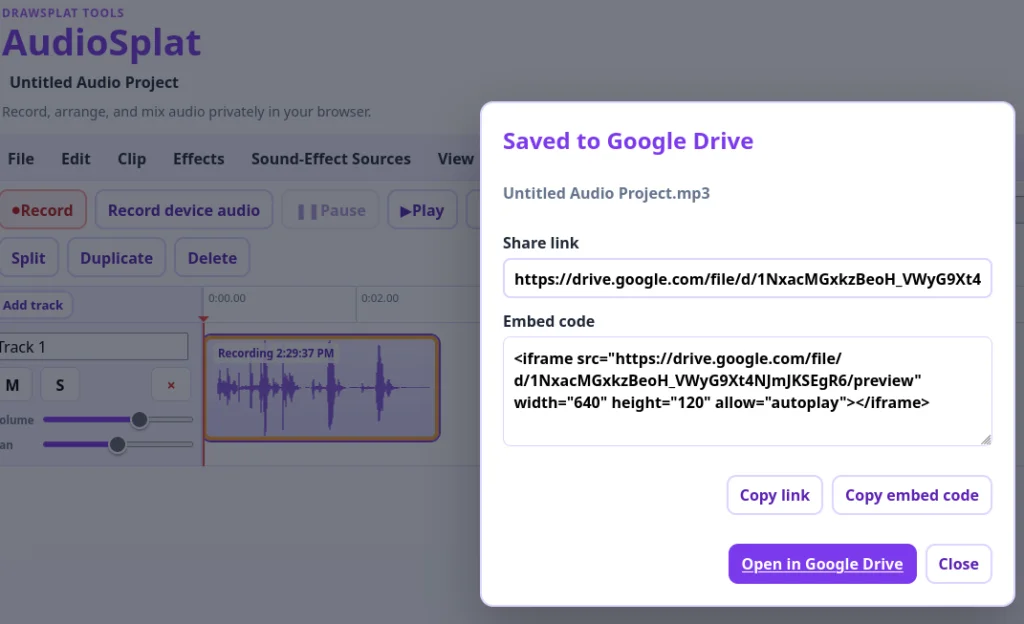
Save AudioSplat Audio to Google Drive
What’s more, you can also save your Audio Project to your Google Drive: