
Welcome to Part Two of this blog series. Read Part One.
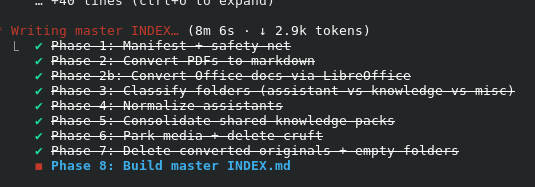
Did We Make Progress?
Did this process REALLY wikify my knowledge stack? Probably not in the traditional sense of what people mean when they refer to a “wiki.” However, it did ORGANIZE content. Claude Code reports:
recap: Reorganized your wiki from 80+ flat folders (4.7GB, 2,583 files) into a clean assistants/knowledge/media layout with a master INDEX.md (1.9GB, 1,537 files). Next: open INDEX.md and spot-check a few
assistants to confirm the shape works for generating Project Instructions. (disable recaps in /config)
I shared a screenshot of a huge folder of content (sub folders, multiple files and filetypes). It streamlined them into something like this:
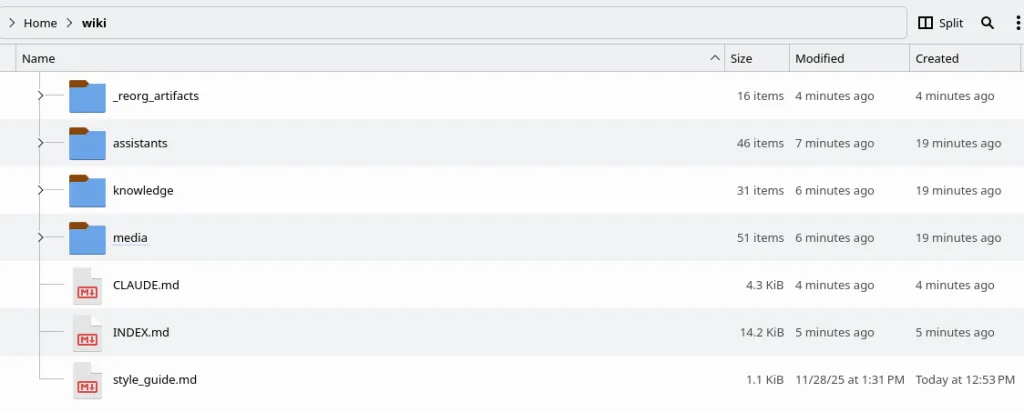
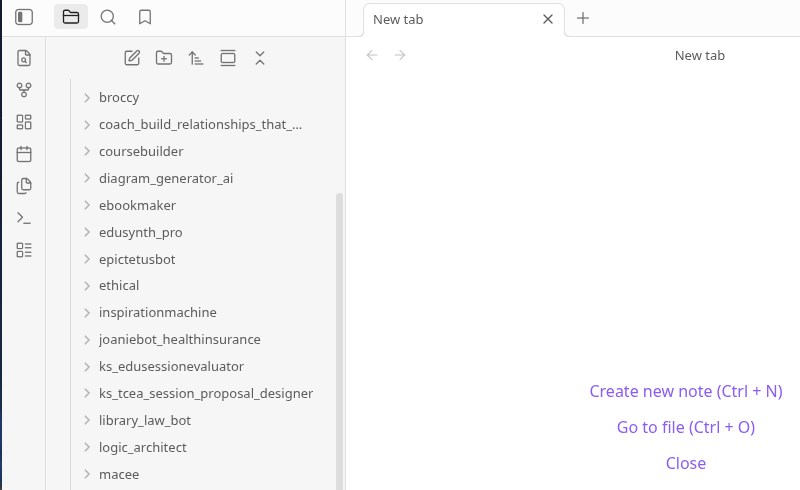
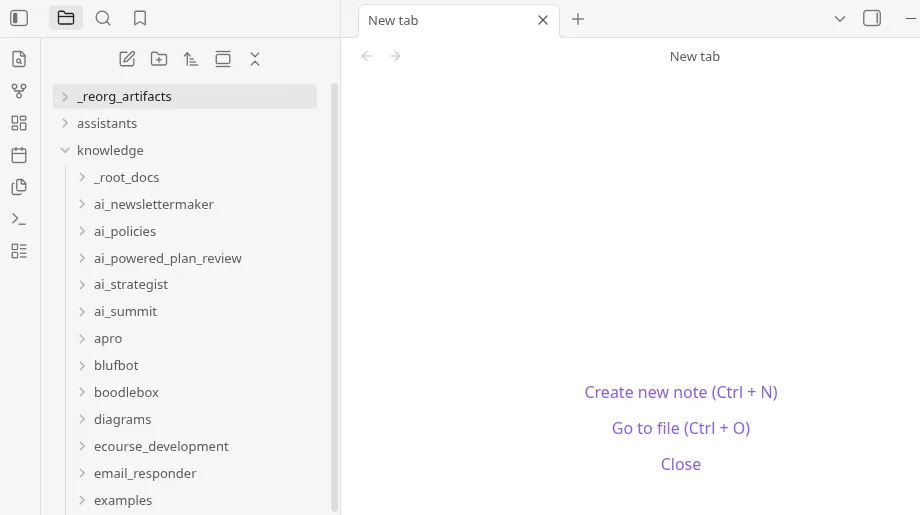
When I opened this in Obsidian, I was able to see the contents easily (of course, I could just open them via the file manager)…here are two screenshots of the assistants folder and knowledge folder:
The Index File
The index file looks like this in Obsidian:
Miguel’s Wiki — Master Index
Educator AI content hub. Every custom assistant and knowledge pack lives under assistants/ or knowledge/; binary media is parked in media/.
Layout
assistants/<slug>/prompt.md— system prompt for a custom GPT / Claude Project.assistants/<slug>/knowledge/— knowledge attachments for that assistant.assistants/<slug>/README.md— intelligence file (origin, file list, stats).knowledge/<slug>/— shared / standalone knowledge packs.media/— all binary assets (PNG/JPG/MP4/WAV/WEBP), path-mirrored from the pre-reorg layout.style_guide.md— editorial rules for anything published.CLAUDE.md— guidance for future Claude Code sessions.
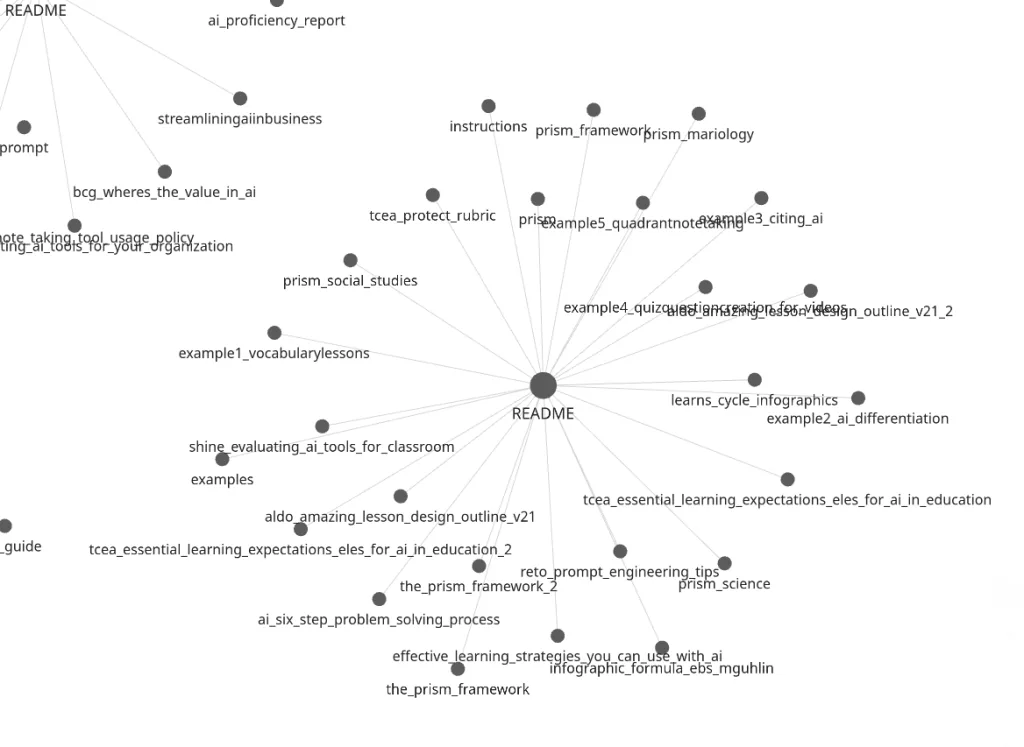
If you play around with Graph View in Obsidian, you can get an incredibly convoluted web that looks like this…I’m not sure how useful this is, but…it’s there:
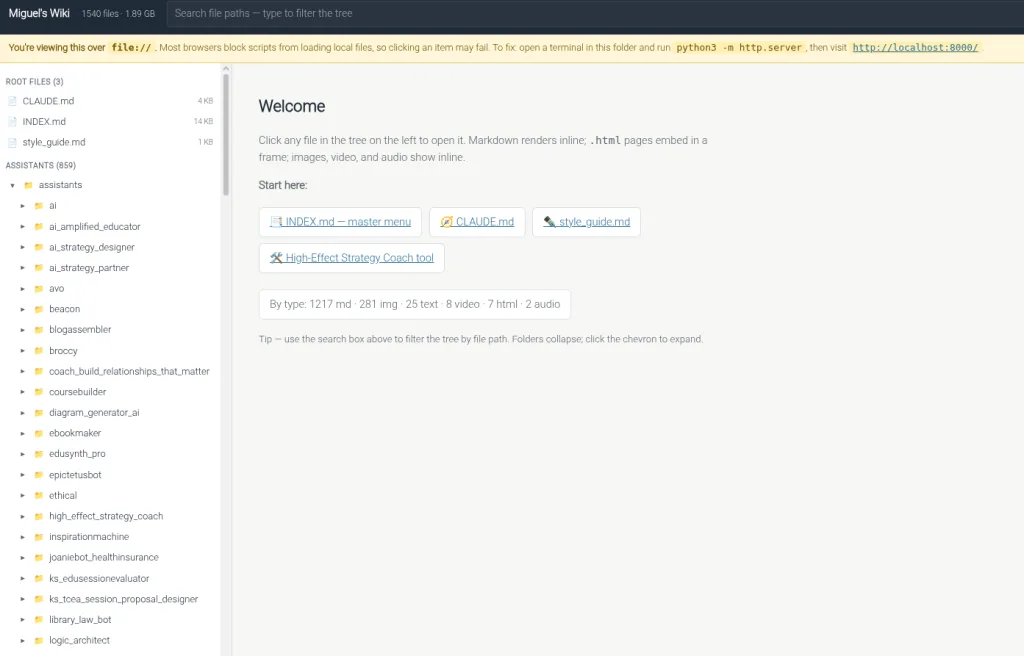
An Index.html page
I thought it might also be fun to have a webpage as an index…
Ok, so now that I have all this firepower in one place, what could I use it for? Let’s see…
Tasks to Set
One task I wanted right off the bat? Something like this:
Create Project Instructions for a new assistant that combines PRISM, Critical Thinking (with FLOATER, Orwell, CRITIC) into a new high effect size instructional strategies project. Create the new project
instructions, add support files for the project, and organize them in a single folder, and update the master index.
Doing this is pretty trivial, but finding and organizing the knowledge stack can be a pain. I want Claude Code to do this work upon request:
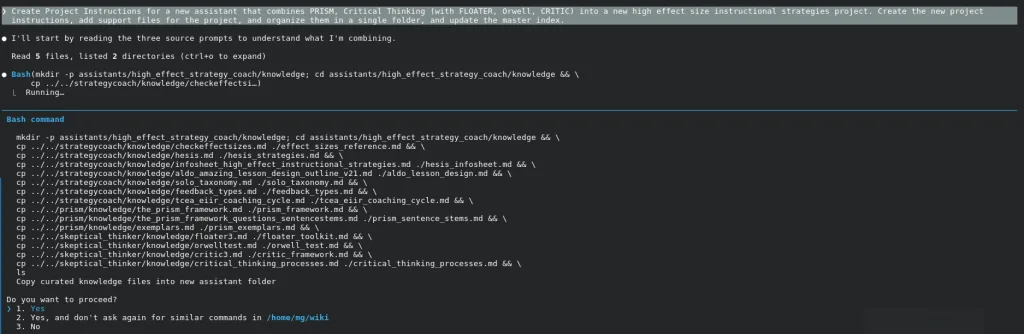
Since you’re probably not familiar with my files, it’s doing EXACTLY what I asked it to do…something that is a bit of a pain when I’m creating a new Project for a specific purpose.
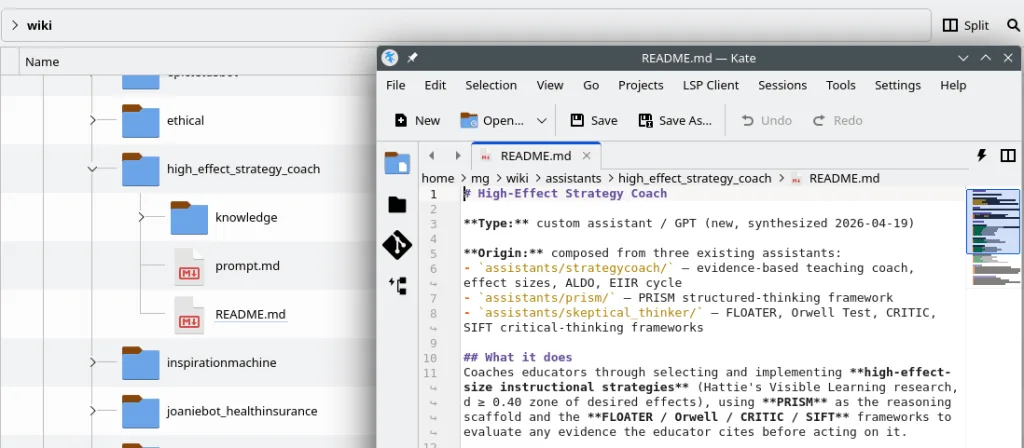
The result is this:
● New assistant created at assistants/high_effect_strategy_coach/ with 14 curated knowledge files (420K total).
What it contains
- prompt.md — synthesized system prompt that uses PRISM as the reasoning scaffold, effect sizes from effect_sizes_reference.md only (never from memory or web) for every recommendation, and FLOATER / Orwell /
CRITIC / SIFT applied whenever the educator cites evidence. Inherits the StrategyCoach “no Jamboard/Flip” rule and the Skeptical Thinker’s markdown-table evaluation format.
- README.md — intelligence file: origin, how to generate Project Instructions, file list, interaction flow, do-not list.
- knowledge/ — 14 files curated from strategycoach/, prism/, and skeptical_thinker/:
- Effect-size canon: effect_sizes_reference.md, hesis_strategies.md, hesis_infosheet.md, solo_taxonomy.md, feedback_types.md
- Lesson/coaching: aldo_lesson_design.md, tcea_eiir_coaching_cycle.md
- PRISM: prism_framework.md, prism_sentence_stems.md, prism_exemplars.md
- Critical thinking: floater_toolkit.md, orwell_test.md, critic_framework.md, critical_thinking_processes.md
INDEX.md has been regenerated — assistant count is now 47.
To instantiate as a Claude Project or custom GPT, upload the contents of knowledge/ as project files and paste prompt.md into the system prompt.
✻ Cooked for 2m 57s
Claude Project is Nice, but…What about a Webpage?
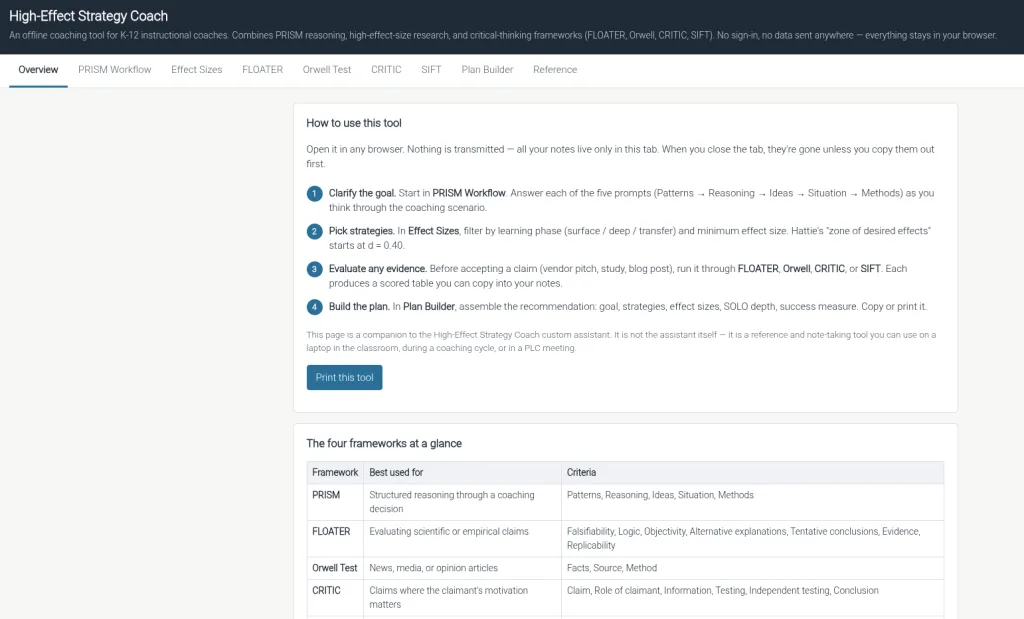
Of course, my desired end result is to turn this into a self-contained website that K-12 instructional coaches can use. I would love to do this work on my machine rather than work through a browser window. I want to skip having to create a Claude Project, and just go straight to the webpage I can share with folks via GitHub or wherever.
Give it a spin…all this was generated at the command line using Claude Code. I don’t know about you, but this is pretty amazing and will definitely be useful.