I’m not sure if it’s become an obsession, but I’ve been vibe-coding on this for several days, working every day to add new features. I suppose one of the drawbacks of Gen AI doing all the work (Claude Code) is that this has turned into a long conversation.
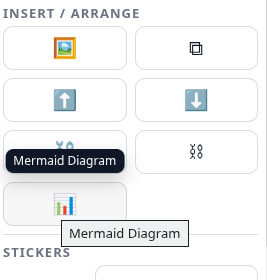
Every day, I suggest one or two adjustments to DrawSplat, and Claude Code obediently makes them. Some times, like when I wanted to add MX Studio Graph XML support (in lieu of using Draw.io/Diagrams.net), Claude Code told me it would not work all that well.
Mermaid Diagrams
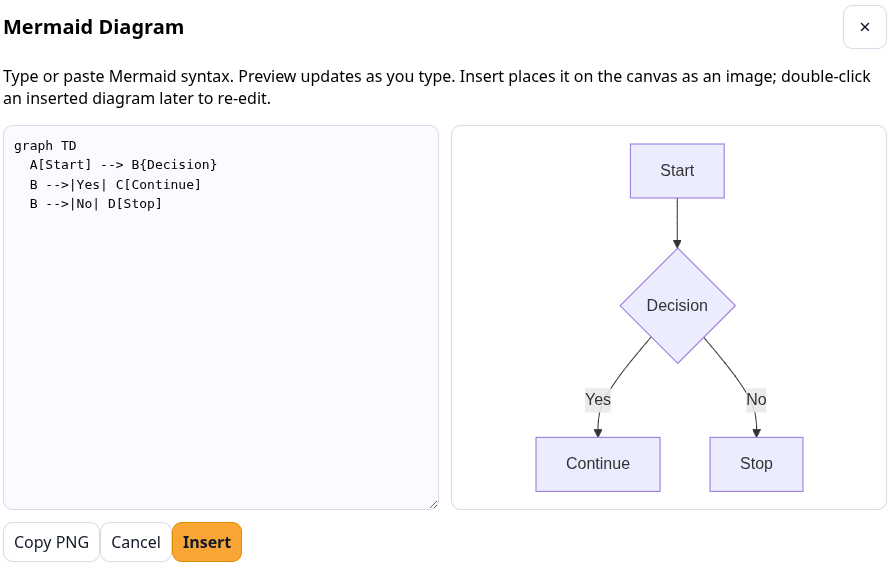
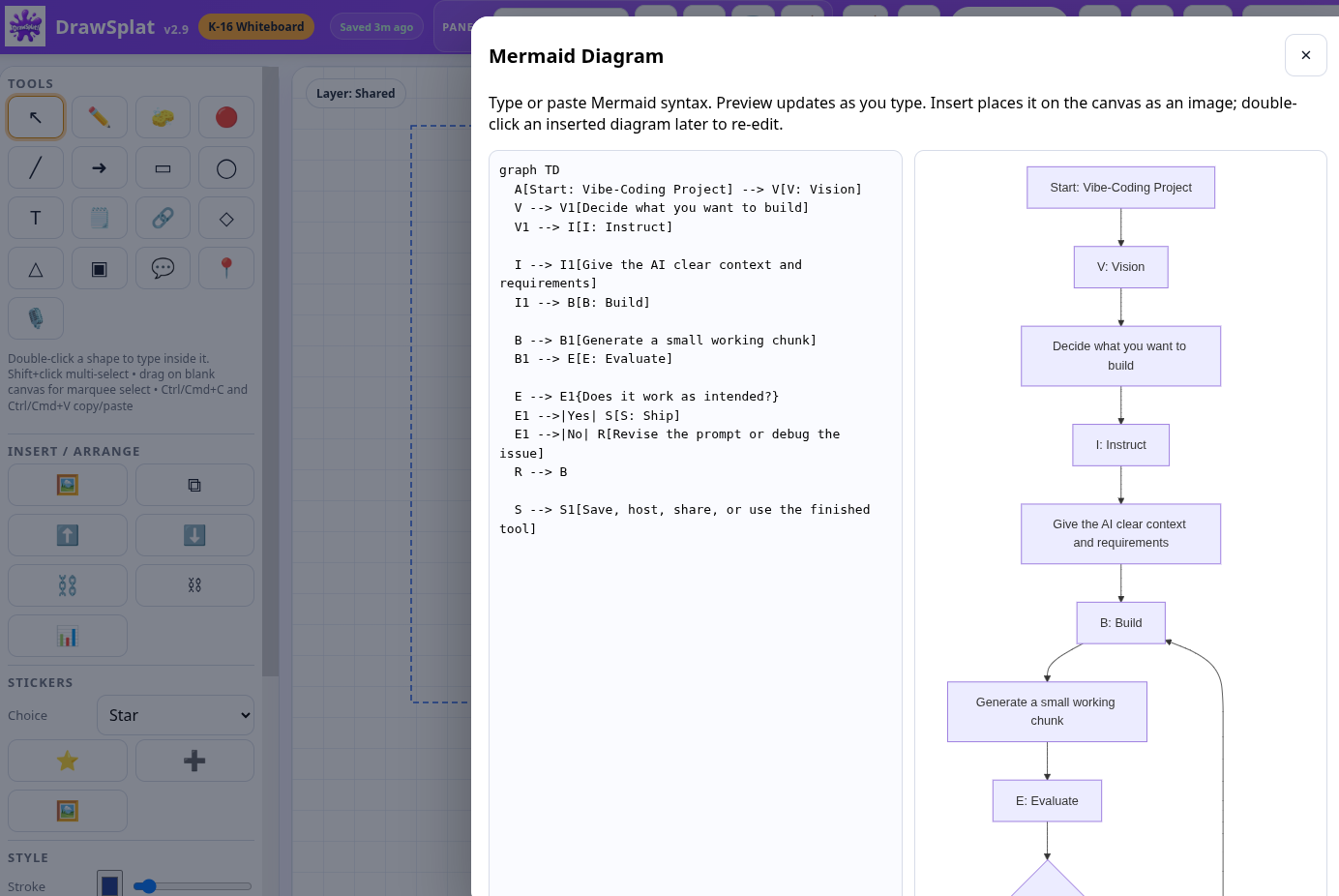
Getting Mermaid syntax code into DrawSplat was surprisingly easy, and I love the split screen, saving me a trip to a text editor
Original Interface:
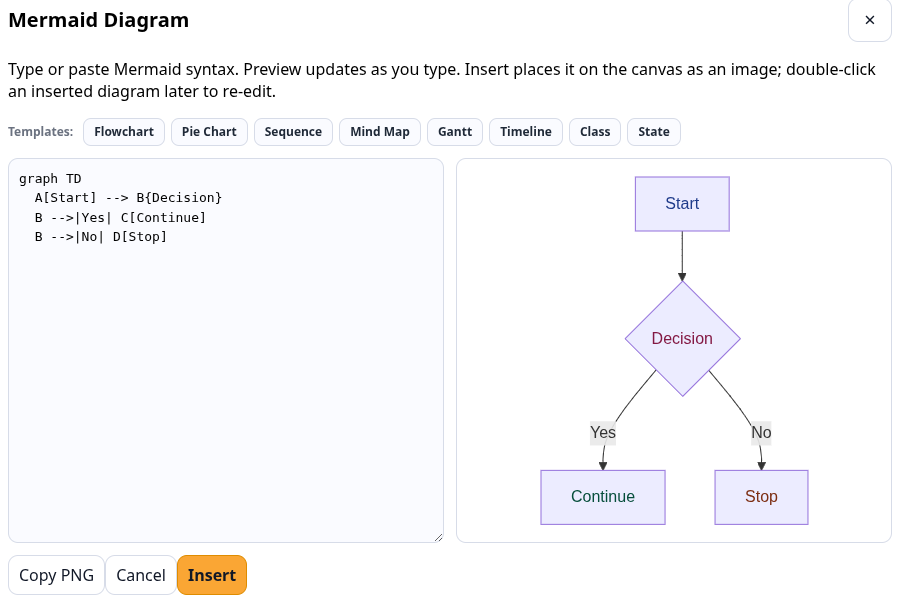
Revised Interface:
This revised interface features Templates for Mermaid syntax, which saves me a lot of time when trying to make these. And, to be honest, I’ve never seen some of these things in ANY interactive whiteboard solution.
But we did agree that Mermaid syntax and diagrams would work fine. Except that I can’t copy-n-paste the Mermaid diagram (you can see how it rendered it and that looks fine). And, even though I double-click an inserted diagram, I can’t re-edit it.
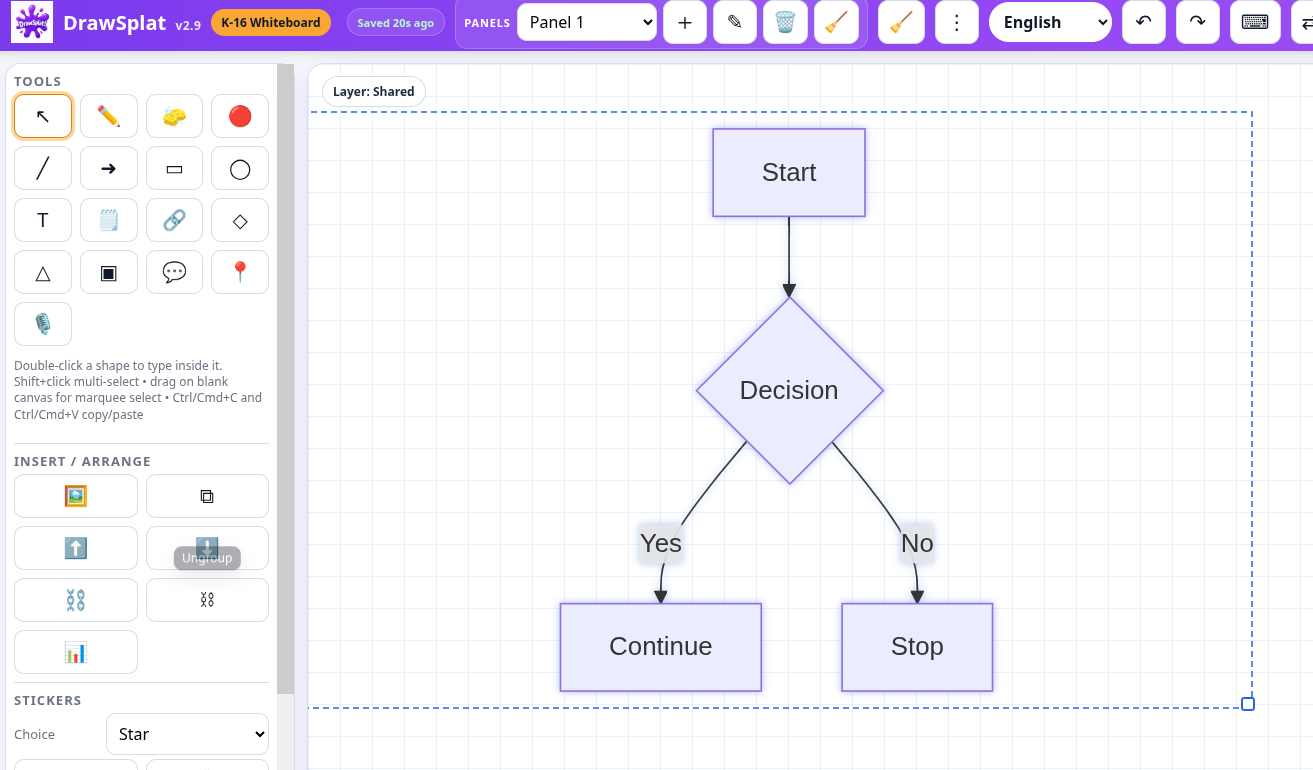
The process to fix this isn’t hard. I simply go back to Claude Code and describe the problem, then it makes the fix. This is what that work looks like:
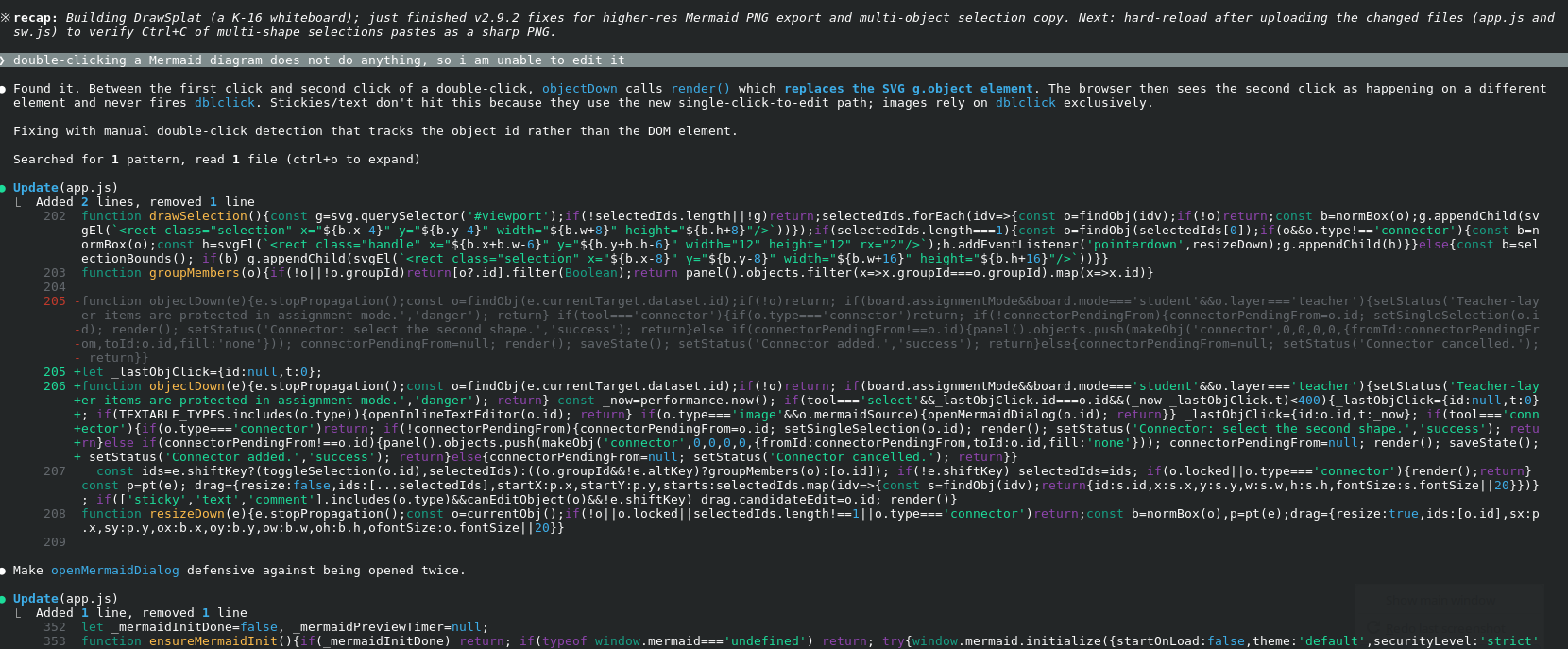
The end result of the work is a message:
Fixed. Root cause: the existing native dblclick listener on g.object was getting blown away between clicks because every pointerdown ends with a render() call that replaces the SVG. The browser sees click 1
and click 2 happening on different elements, so it never fires dblclick. Stickies/text/comments work via the v2.7 click-without-drag pattern in pointerup, which doesn’t depend on dblclick. Images had no
fallback path — only dblclick — so they appeared completely unresponsive.
Fix: added manual double-click detection in objectDown that tracks the object id (not the DOM element) plus a timestamp. If the same object is clicked twice within 400ms in select mode, objectDown
short-circuits and:
– For textable objects → openInlineTextEditor(o.id).
– For images with mermaidSource → openMermaidDialog(o.id).
The native dblclick listener still exists as a backup for edge cases. openMermaidDialog is now defensive (if (!dlg || dlg.open) return) so if both paths fire, the second call is a no-op instead of throwing
InvalidStateError.
So now: insert a Mermaid diagram → click once to select → click again (within 400ms) → editor reopens with your saved source pre-filled → edit → Insert → the existing object is updated in place.
Files changed (2): app.js, sw.js (cache 2.9.2 → 2.9.3). Hard-reload after upload.
Most of that is not understandable to me, but I know that my next act is to upload the new version. Now, when I open the dual image (code+image), I am able to copy PNG and get the image. It’s not exactly what I wanted, but this is pretty easy…and edits are possible.
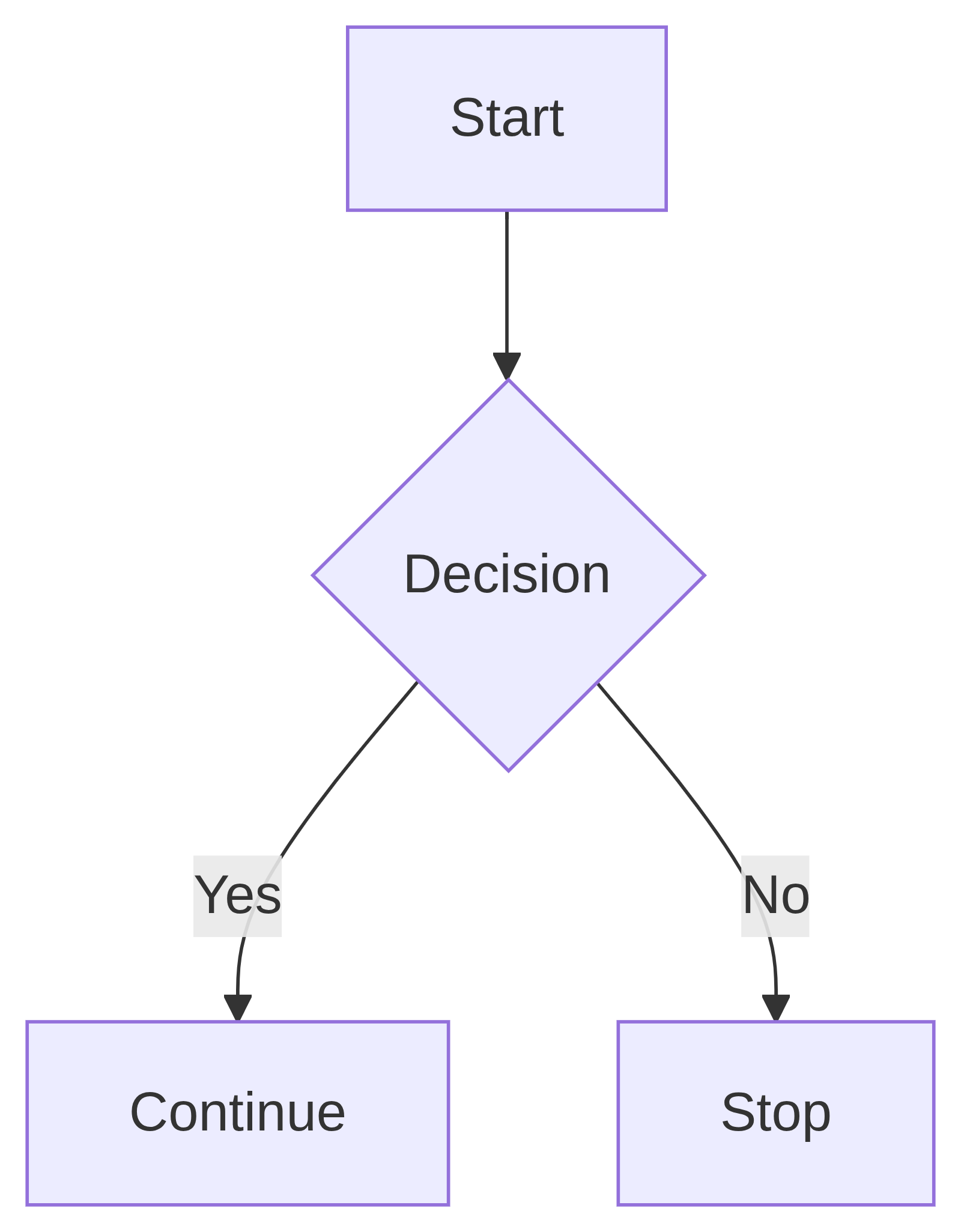
One-Stop Shopping
What I like about being able to make adjustments to Mermaid syntax is that I now have a tool that works as a whiteboard, and can handle images and now, Mermaid syntax.
For me, that’s quite helpful since it’s a standalone webpage (with source files) that I can keep on my flash drive and get to work right away.
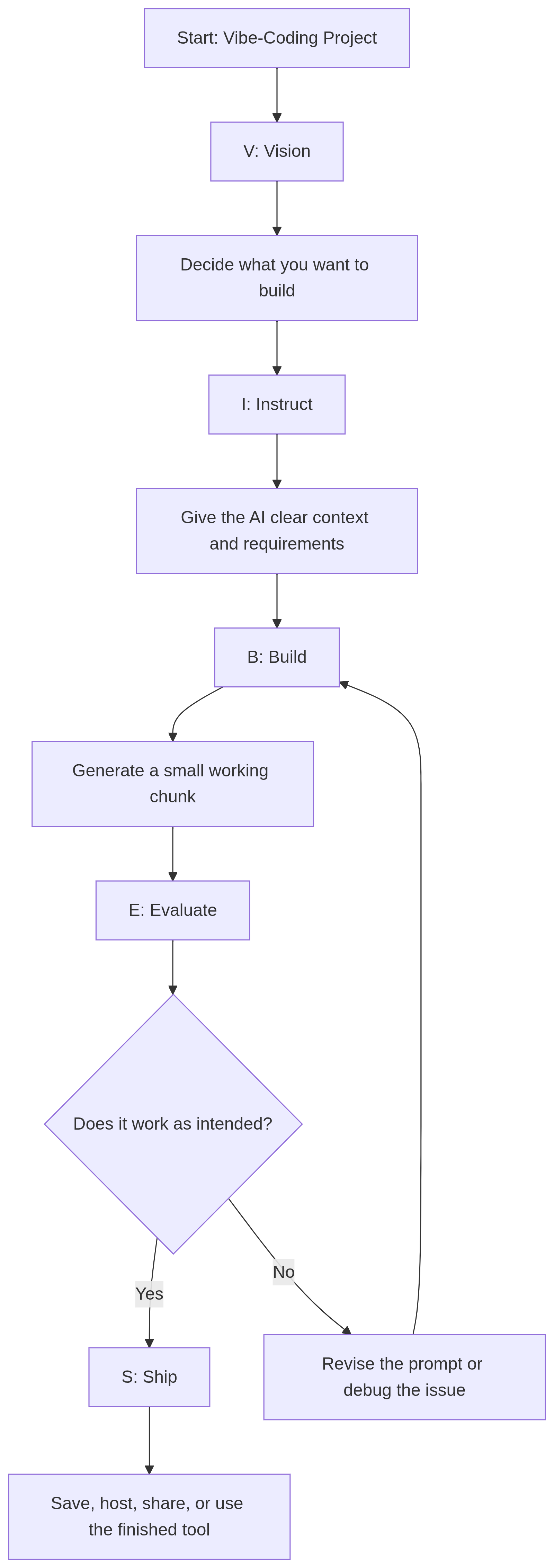
Last Five Changes in DrawSplat
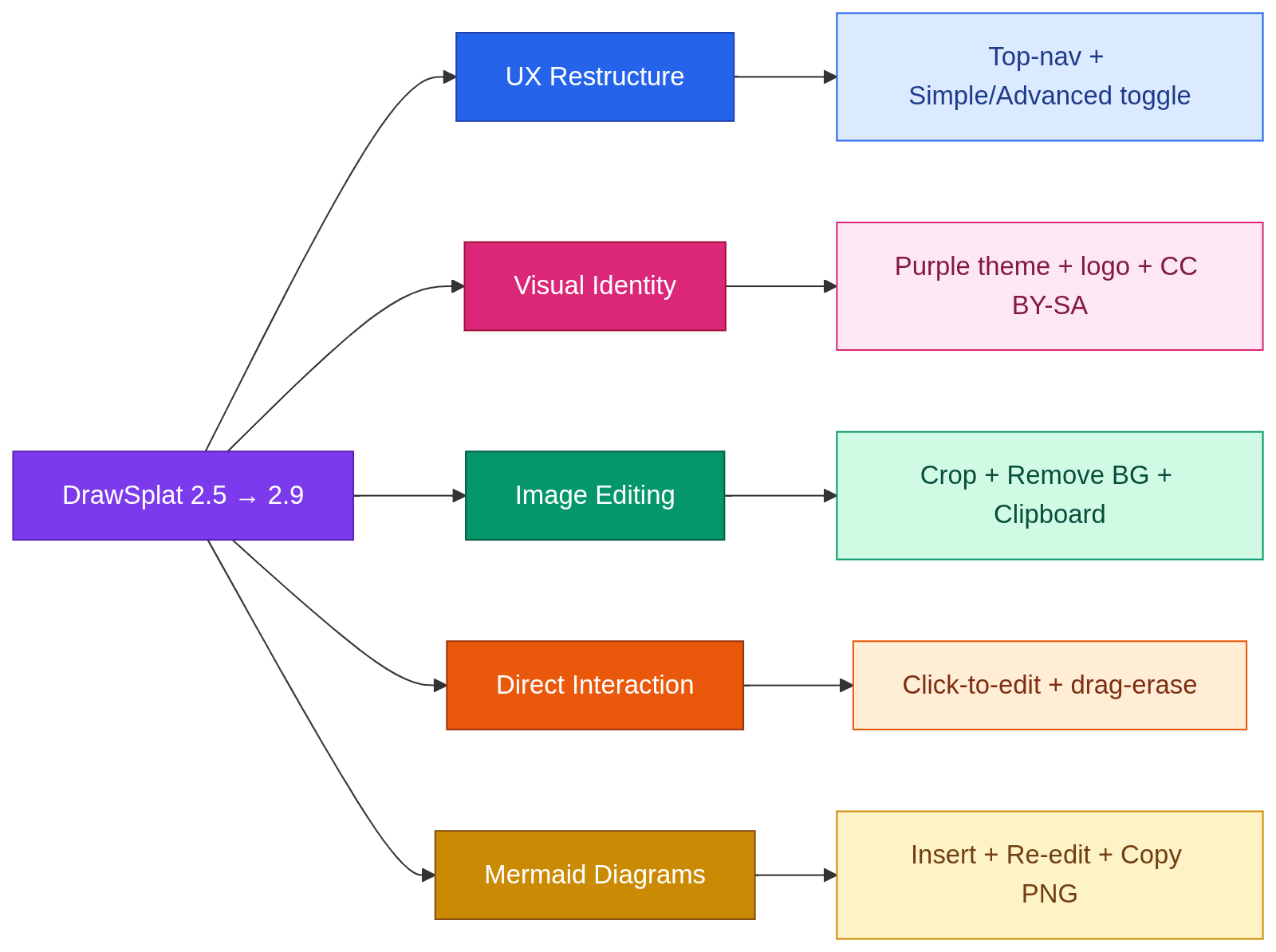
My next big add? Word clouds.
Discover more from Another Think Coming
Subscribe to get the latest posts sent to your email.
 Another Think Coming