
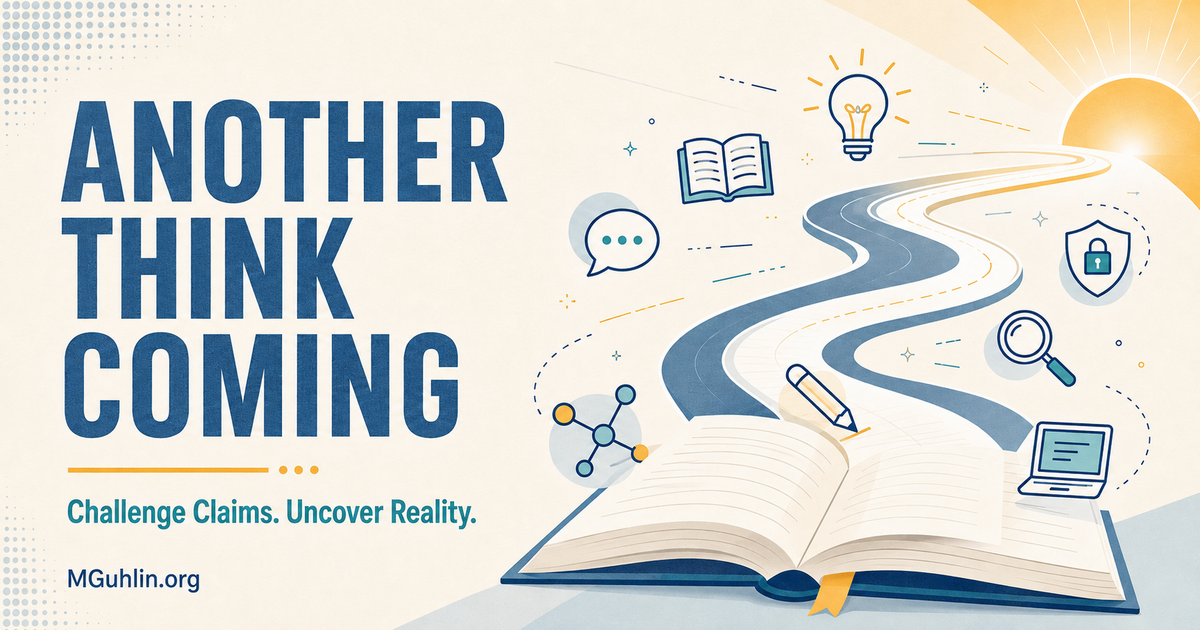
Looking for an easy to use image editor that allows for cropping images, masking images to common shapes, and has layers? Sure, there are tons of them out there that do that. The DrawSplat Tools SplatImage Studio tries to offer key features at no cost and is drop dead easy to use. What’s more, it doesn’t collect any student data and is available to download for self-hosting (or to run in your own web browser if you can’t do that).
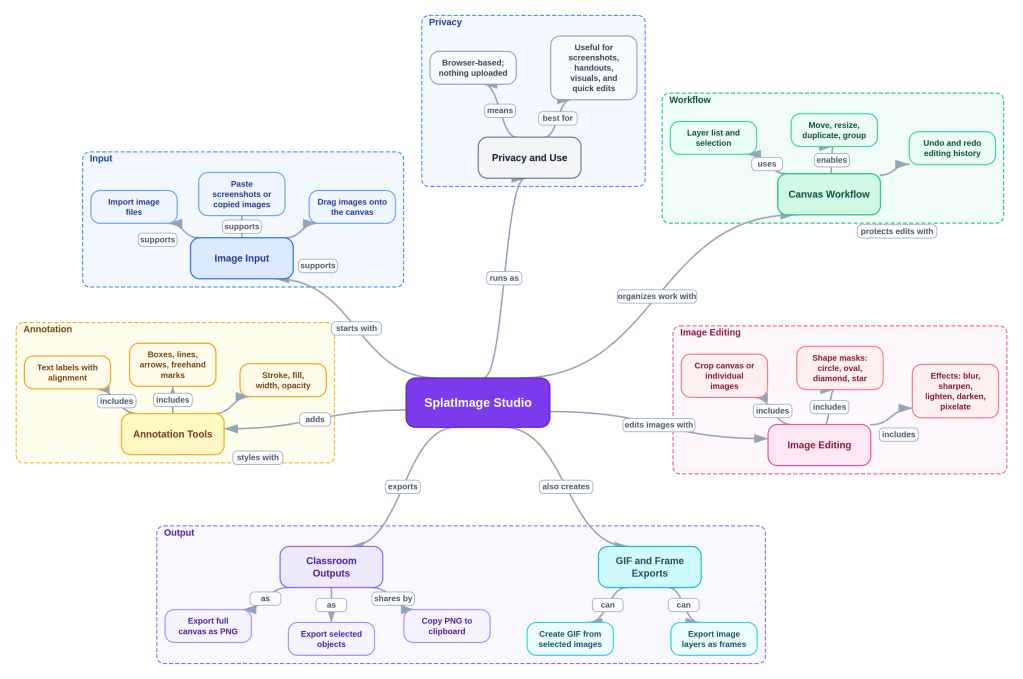
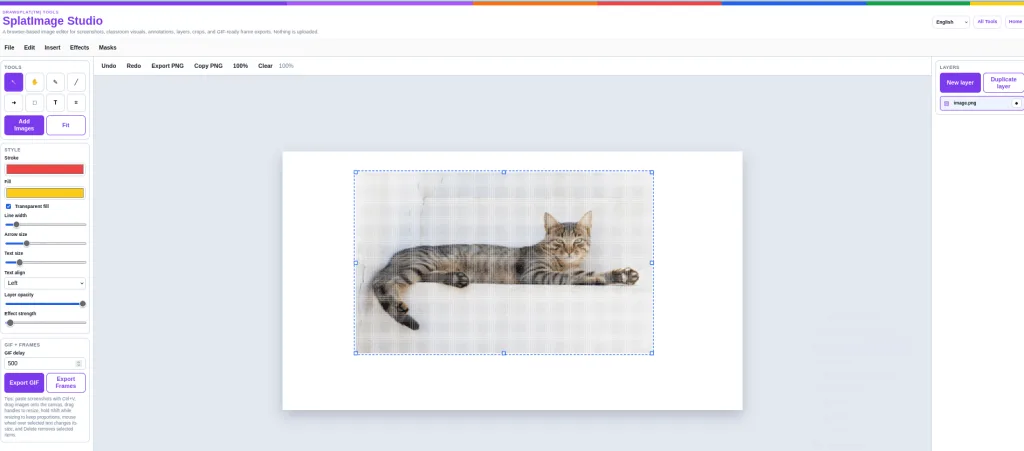
What’s more, it’s interface is multilingual and you can apply effects, like Mosaic:
Also available is a GIF creator, although DrawSplat offers a dedicated tool for that.
Removing the Background
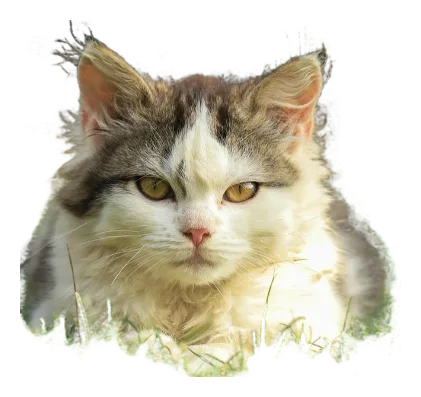
One of my favorite features in various websites and Canva? Being able to remove the background from an image. It’s not as easy, apparently, as these websites make it. However, if you don’t have any other way to do it…
Original image:
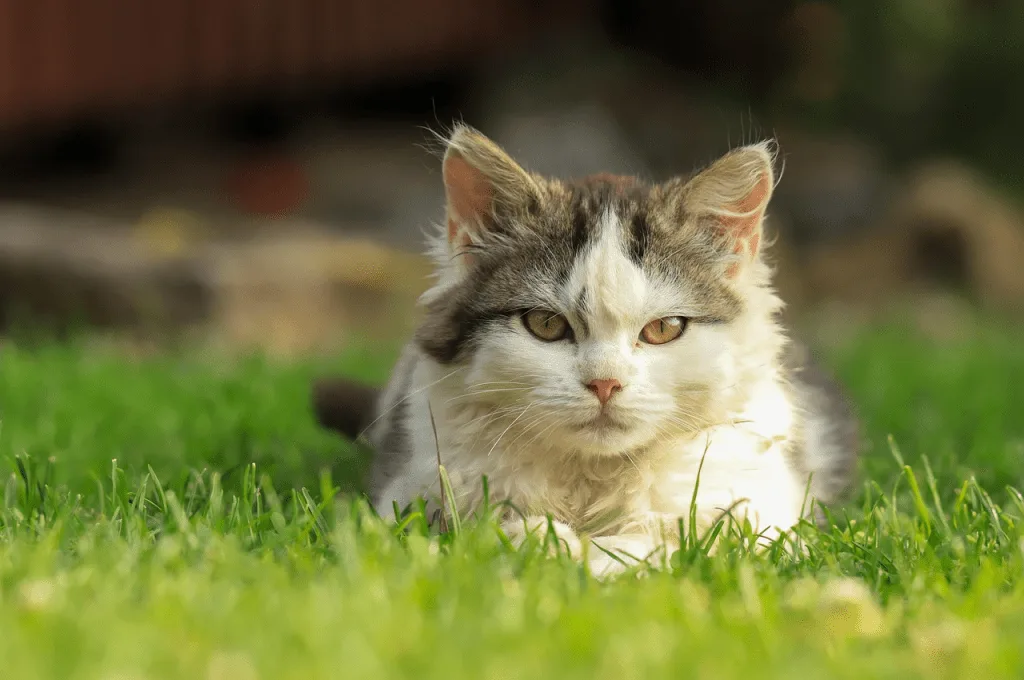
Background removed…well, mostly. Remove.bg is still your best bet.
Lesson Learned?
Vibe-coding this has taught me a valuable lesson. If I don’t ask for it, the Gen AI chatbot (e.g. ChatGPT Codex in this case) won’t necessarily volunteer it. That is, if I want a certain feature, all I need to do is provide a picture or description, and Codex will do its best to get it done. One example? For Text boxes, Codex would give me a pop-up dialog box with a little text box to type in. Other tools I’m familiar with, like Shuttle and Lightshot, actually give you text formatting options in a bigger box to type in.
So, after a little back-and-forth, as well as a photo:
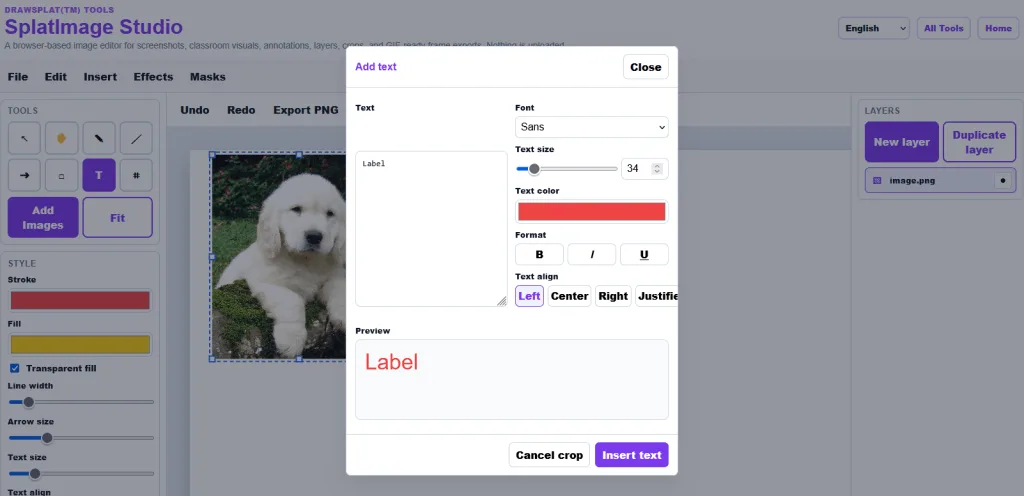
and that turns into:
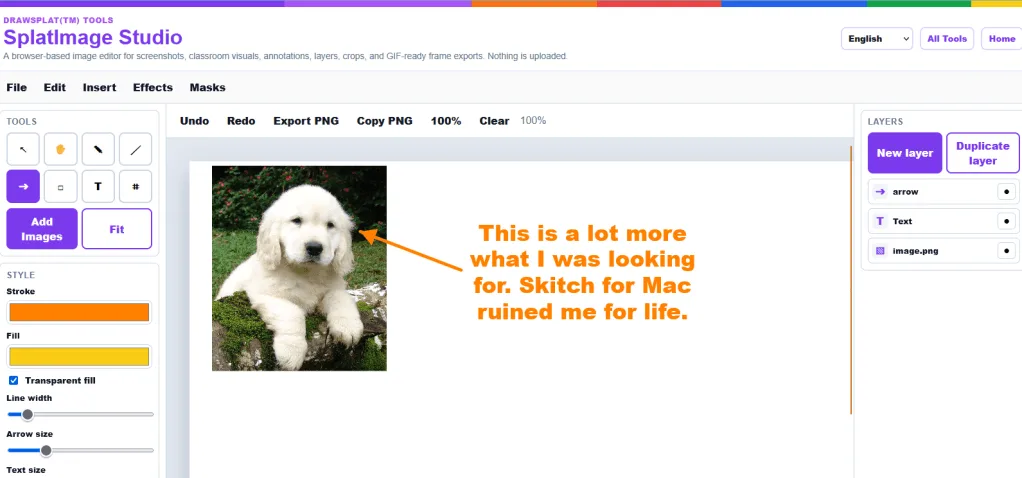
Working this way makes me pay greater attention to the features that work well in other solutions, and hones the desire to get a better, easier to use tool. Any one of these DrawSplat Tools could be a project. I can imagine a district tech director downloading the DrawSplat code (available, you know, as a download) and giving it to a high school Tech Apps class/elective, and letting them go crazy.
No coding required, just some analysis of what makes a tool work well, then how to describe that to a Gen AI chatbot.