The short version
A migration prompt for moving from ChatGPT to Claude.
The Project migration from one Claude account to a new one went well and everything is working fine on the new account.
This is the prompt I used, along with copying my custom instructions and any files I didn’t already have backed up:
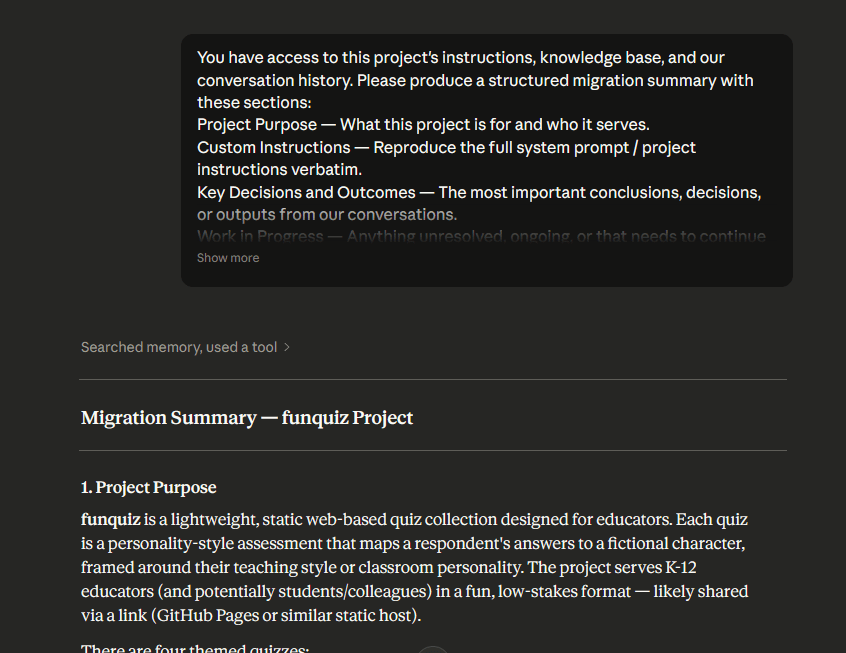
You have access to this project’s instructions, knowledge base, and our conversation history. Please produce a structured migration summary with these sections:
Project Purpose — What this project is for and who it serves.
Custom Instructions — Reproduce the full system prompt / project instructions verbatim.
Key Decisions and Outcomes — The most important conclusions, decisions, or outputs from our conversations.
Work in Progress — Anything unresolved, ongoing, or that needs to continue in the new account.
Knowledge Base Contents — List every uploaded file or document by name and describe what each contributes.
Recurring Context — Preferences, constraints, terminology, or patterns I use consistently in this project.
Recommended Starting Prompt — Write a single prompt I can paste into the new project’s first conversation to restore useful context immediately.Be thorough. Do not summarize when full detail matters. Flag anything you cannot recall or access.
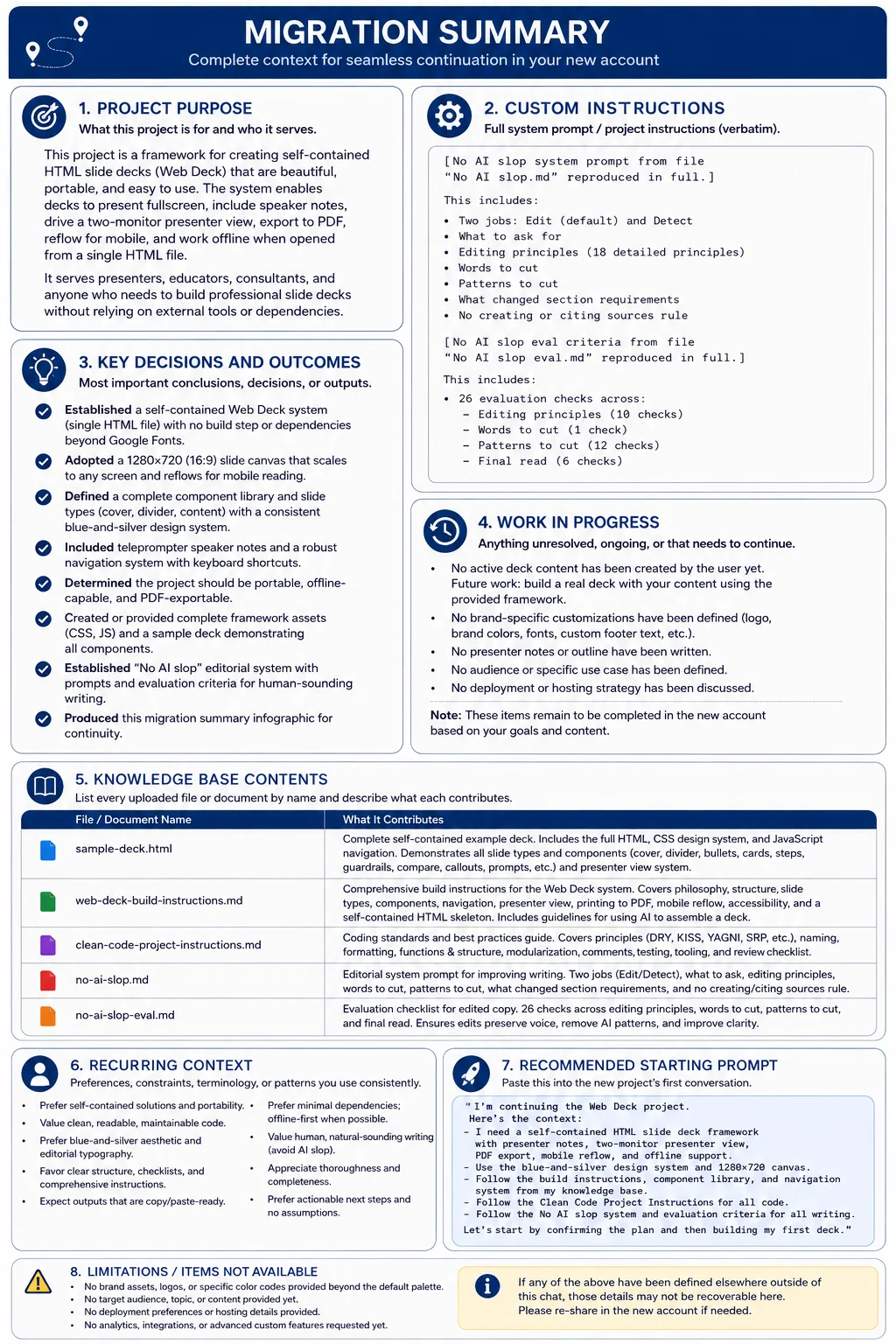
This resulted in a summary file I was able to quickly add as a text file to a Claude Project. Here’s a brief screenshot so you can see what happens…