

Looking for an interactive BINGO Game Maker that you can share links to BINGO cards online with others? Well, i was NOT either until Patrick Hausammann unveiled one for AI Literacy: Terminology in a TCEA 2026 AI Conference session. His BINGO card inspired me to vibe-code one as well. To play his game of BINGO, you had to listen to his presentation and click the vocabulary terms that popped up until you got a BINGO.
Since I only saw the interactive BINGO card, that left me the freedom to imagine, “What would the teacher page look like?”
The Link
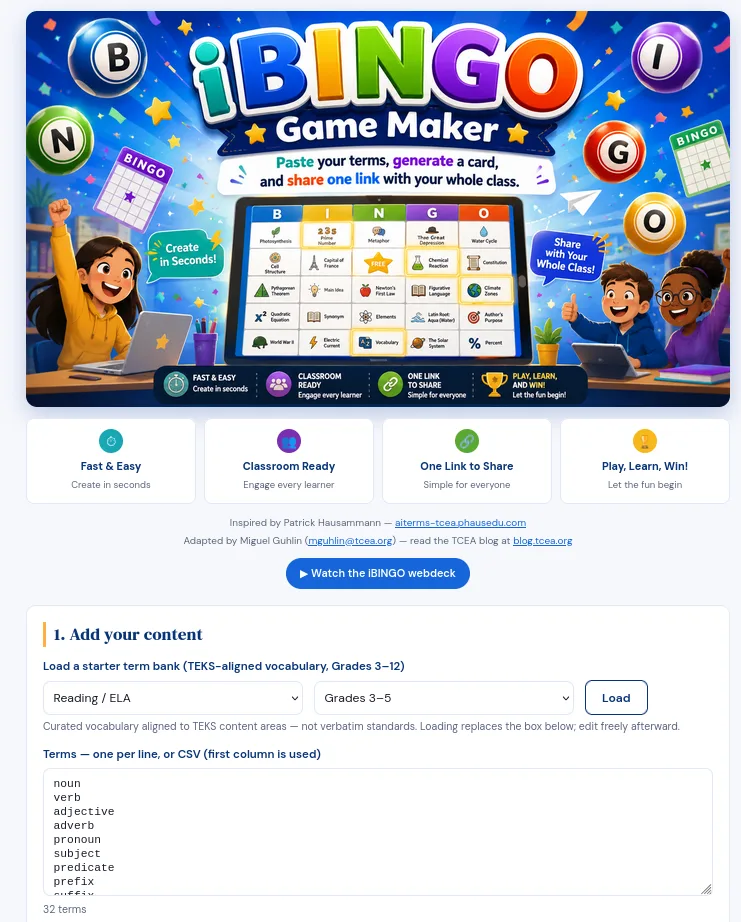
Bingo Game Maker link: This is the page that lets you customize the BINGO game and cards, as well as see a preview card, and get a link you can share. What’s more, per Patrick’s suggestion, it also includes a Google Sites optimized version of the embed code so you can drop it into Google Sites.
I made one for my upcoming session, and two people shared they had “BINGO’d” as we got to the end. Pretty fun interactive!
Screenshots
I thought it might be worth including content area TEKS sample vocabulary for Grades 3-5, 6-8, 9-12. You can always load your own, or paste in a list of vocabulary.You are able to import CSV, TXT, or MD (MarkDown).
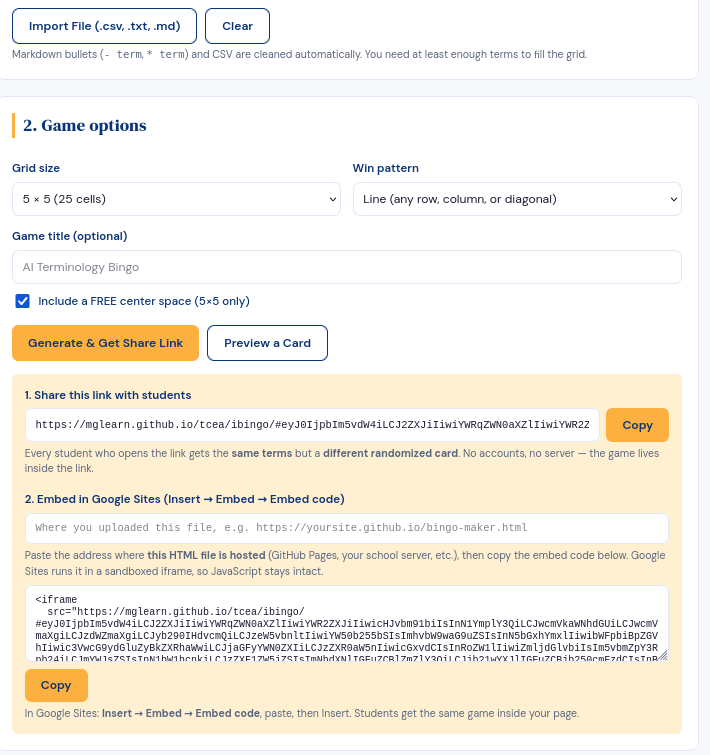
What’s more, you can select the grid size (3x3, 4x4, 5x5) and Win Pattern (Line, Diagonal, Four Corners, CoverAll, etc), then generate a share link for your students or a preview version of a card:
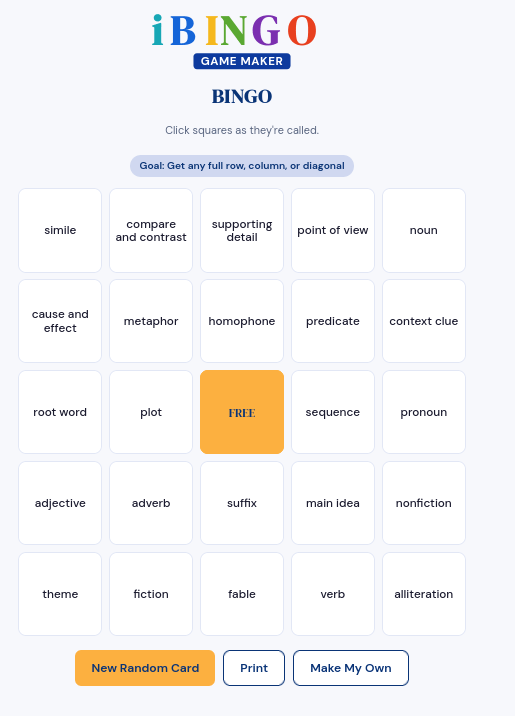
A sample card:
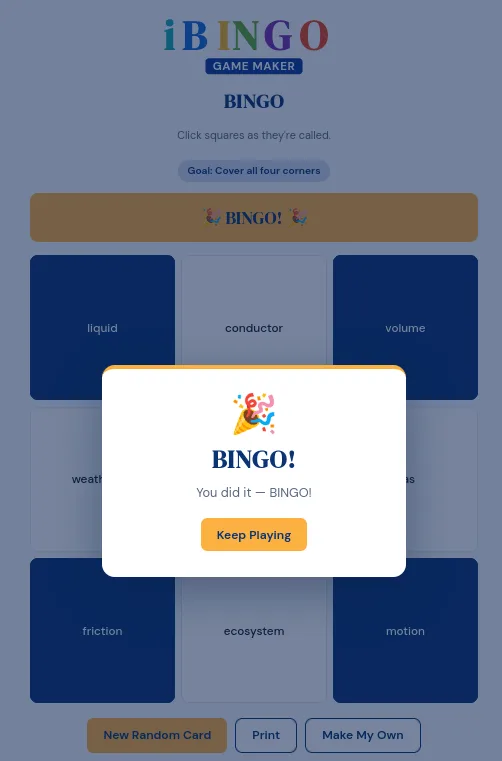
The way it works is that you listen for vocabulary terms during a presentation, yelling BINGO when you win…it actually throws confetti into the air and looks like this:
But wait, there’s more!
WebDeck
I also thought it would be fun to create an interactive webdeck for the iBingo Game Maker using my project instructions. Oh wow, it’s pretty cool. Use the “Open the Interactive Deck” button below to access it.
Special thanks to Patrick for the cool idea to make BINGO cards interactive, and TCEA providing an outlet for Patrick to speak.